
Step-by-step tutorials for everything in Minecraft — how to install the game, mods and shaders, plus gameplay, crafting and the words every player needs. For Java and Bedrock.
 Getting StartedDownload and install Minecraft on any device, create your first world, and learn what every game mode and setting does.22 guides →
 Mods & Add-onsInstall Forge, Fabric, mods, modpacks, shaders, resource packs, maps, skins and Bedrock add-ons — step by step, with the fixes for when they will not load.45 guides →
 GameplayHow to play: mining, farming, enchanting, brewing, redstone, villagers, the Nether and the End, and beating the bosses.235 guides →
 Crafting RecipesHow to make every tool, weapon, block and machine — with the exact recipe and the materials you need.170 guides →
 Terms & DifferencesThe words every Minecraft player meets, and the real difference between the ones that get mixed up: Java vs Bedrock, Forge vs Fabric, mod vs add-on, and more.16 guides →
 Fixes & PerformanceStop the lag, raise your FPS, give Minecraft more RAM, read a crash report and back up your worlds so you never lose them.130 guides →
 Versions & UpdatesChange your version, play old releases or snapshots, and see what each update added.7 guides →
 Basics & ControlsEvery small action in the game — sprint, sneak, swim, use chat and commands, play with friends — explained for new players.171 guides →
 Launchers & ClientsSet up and use every Minecraft launcher and client — TLauncher, PojavLauncher, Prism, Lunar, Badlion and more: install, add mods and shaders, give them RAM, fix crashes and check what is safe.204 guides →
 Popular guides







 Getting StartedMods & Add-ons







 GameplayCrafting Recipes
 Terms & Differences
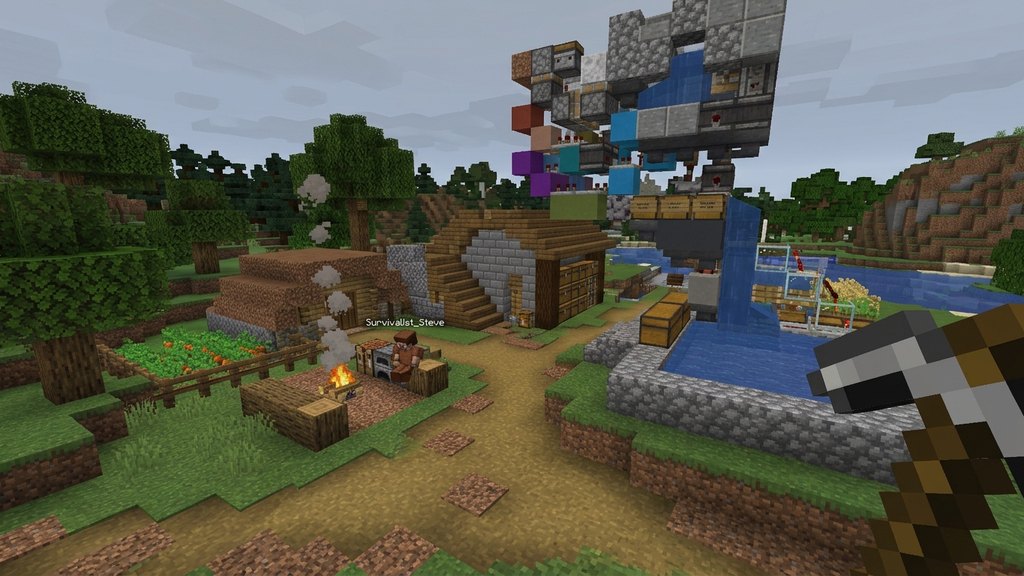 Fixes & Performance







 Versions & Updates
 Basics & ControlsLaunchers & Clients















