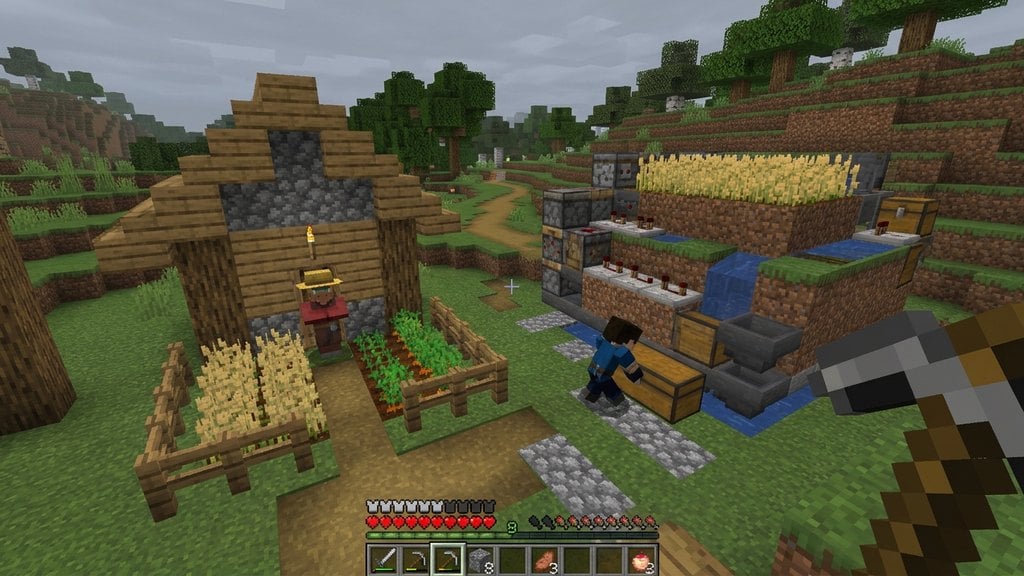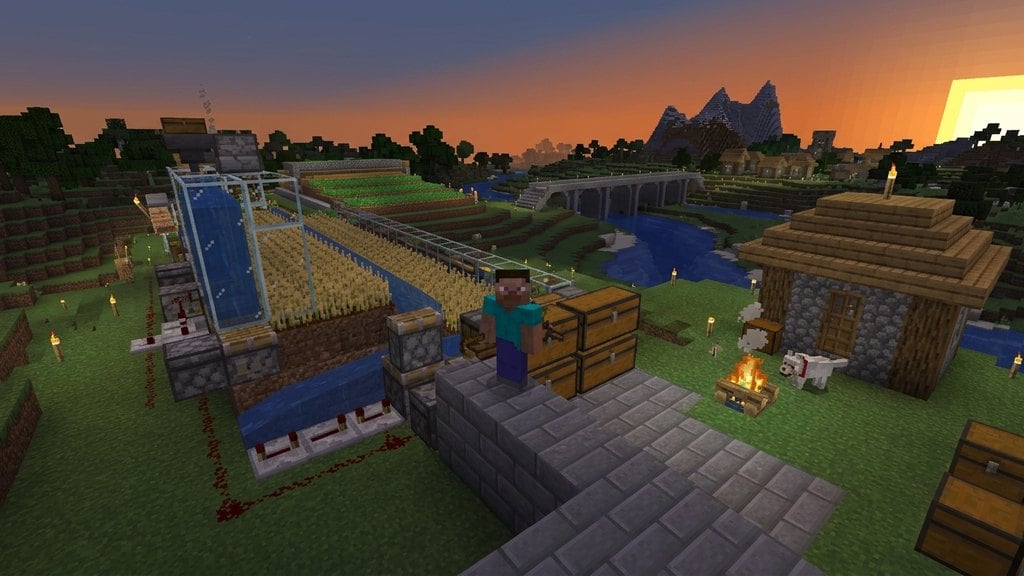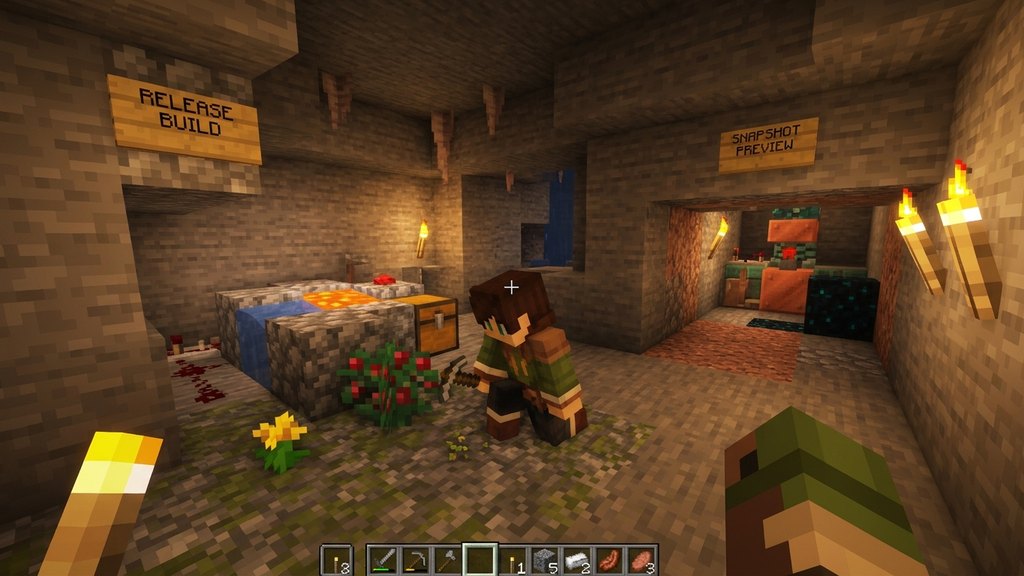
When exploring the world of Minecraft, you will often hear terms like snapshot and release. Knowing the difference between these two types of versions helps you decide whether to test upcoming features early or stick to a stable, reliable gameplay experience.
Never open your main, long-term survival world in a snapshot unless you have created a full backup copy first, as experimental code can permanently corrupt your saved progress.
What Is a Release Version?
A release version is the official, fully tested version of Minecraft that is rolled out to all players. These versions represent complete updates, such as major game overhauls or minor bug-fix patches, and are designed for everyday play.
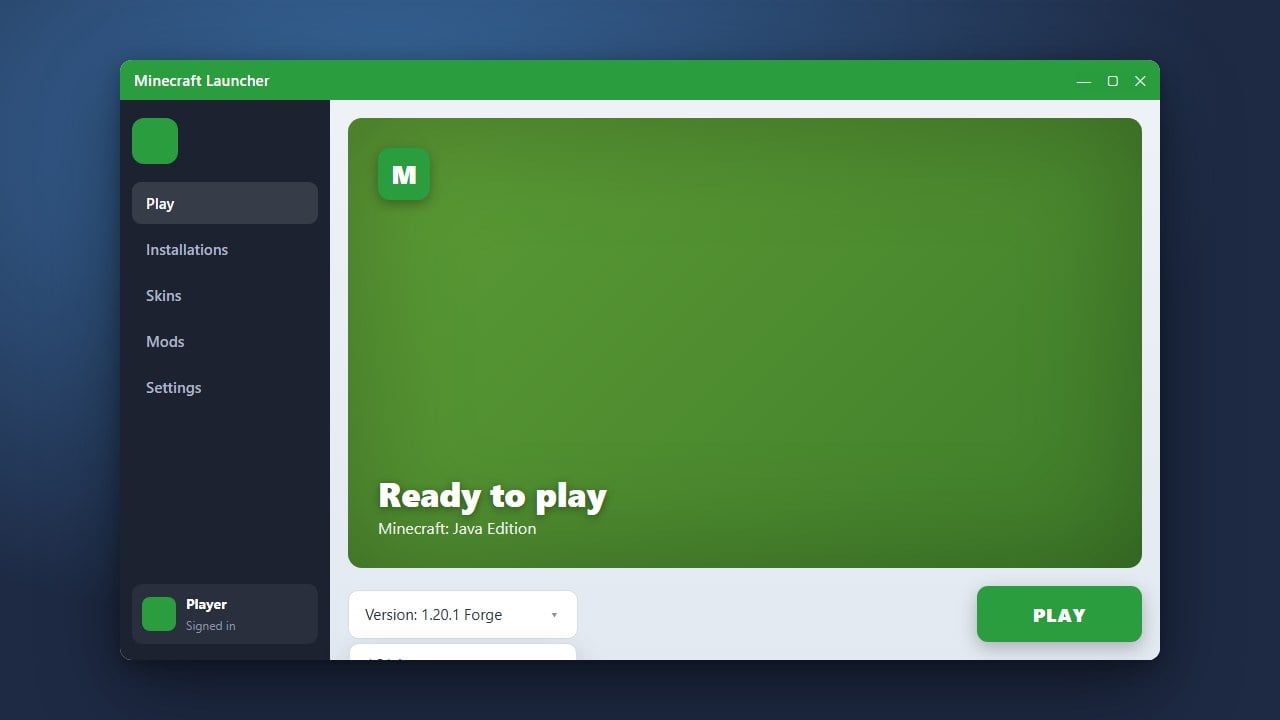
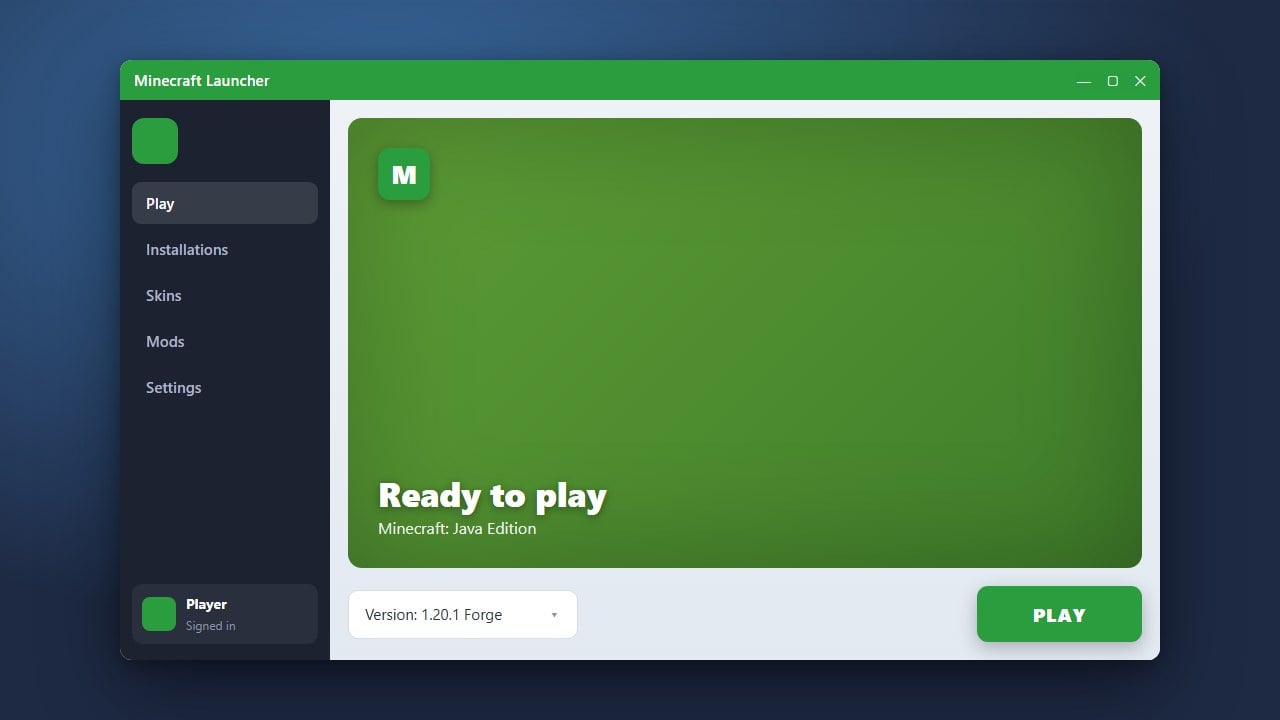
When you play on a standard release, you can expect stable performance, compatibility with most multiplayer servers, and general reliability. If you want to learn how to move between these builds, check out our guide on how to change your Minecraft version.
What Is a Snapshot?
A snapshot is a weekly developmental preview released primarily for Minecraft Java Edition. Mojang uses snapshots to test upcoming features, new blocks, and mechanics in real-world conditions with the community before finalizing a major update.
Because snapshots are works-in-progress, they often contain unexpected bugs, performance issues, or incomplete features. They are meant for testing and feedback rather than long-term survival worlds.
Stability and World Safety
The biggest difference between snapshots and releases comes down to stability. Release versions undergo rigorous quality assurance to ensure your saved worlds do not corrupt or break.
Snapshots, on the other hand, can sometimes corrupt save files or alter world generation in unpredictable ways between weekly builds. Always remember how to back up your world before loading it up in any experimental snapshot version.
Availability Across Editions
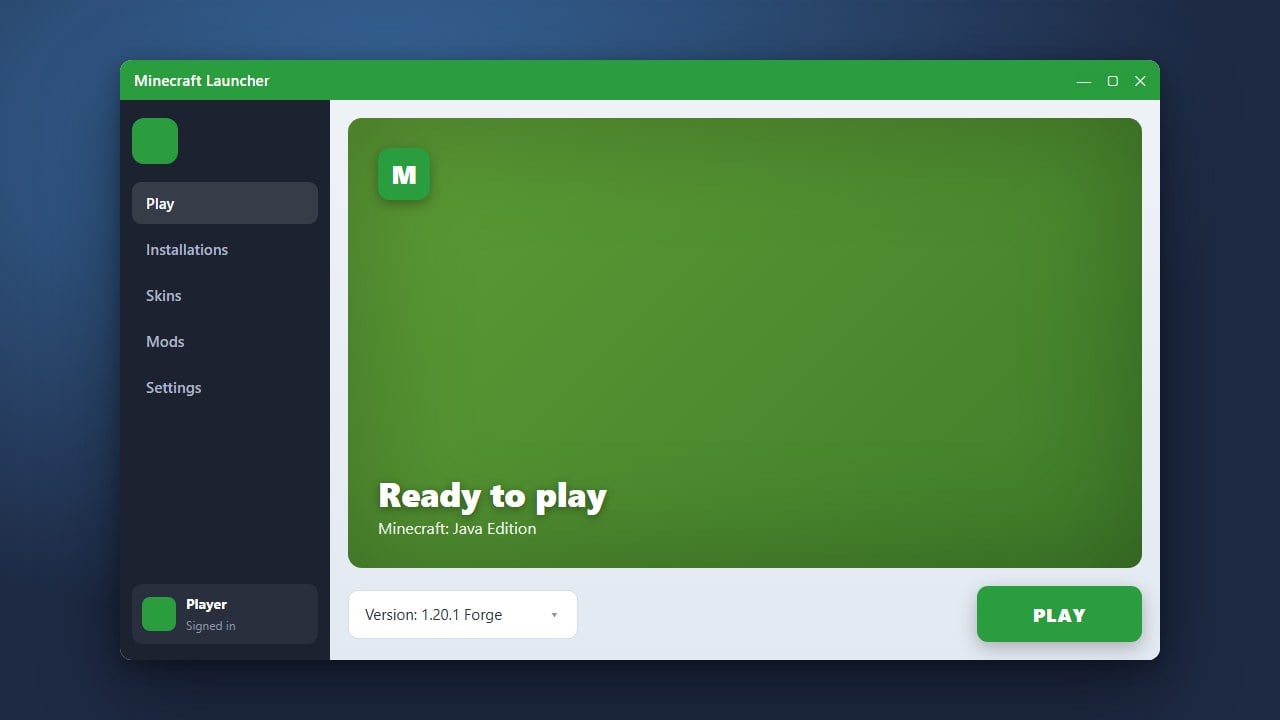
Snapshots are primarily a feature of Java Edition, where players can easily toggle them on through the official launcher profiles. In contrast, Bedrock Edition uses different testing tracks called Betas and Pre-releases depending on the platform you are playing on.
Regardless of which edition you prefer, understanding how versions work is essential. You can read more about foundational concepts in the Minecraft glossary.
Frequently Asked Questions
Can I play on regular multiplayer servers using a snapshot?
Usually no. Most public multiplayer servers run on the latest stable release version. If your game is updated to a snapshot, you will generally not be able to join servers running the standard release.
Are snapshots available on Minecraft Bedrock Edition?
Bedrock Edition does not use the term 'snapshots'; instead, it uses Betas and Pre-releases for testing upcoming features on supported platforms like Windows, Xbox, and Android.