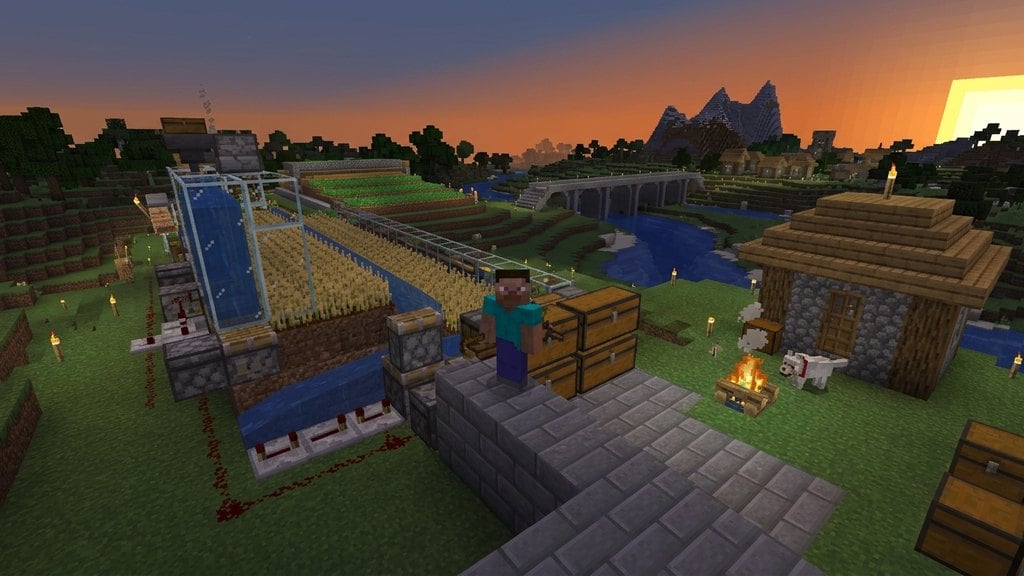
When starting a new world in Minecraft, choosing your game mode is one of the most important decisions you will make. This guide compares Survival and Creative modes so you can pick the right experience for your playstyle.
Core Gameplay and Objective
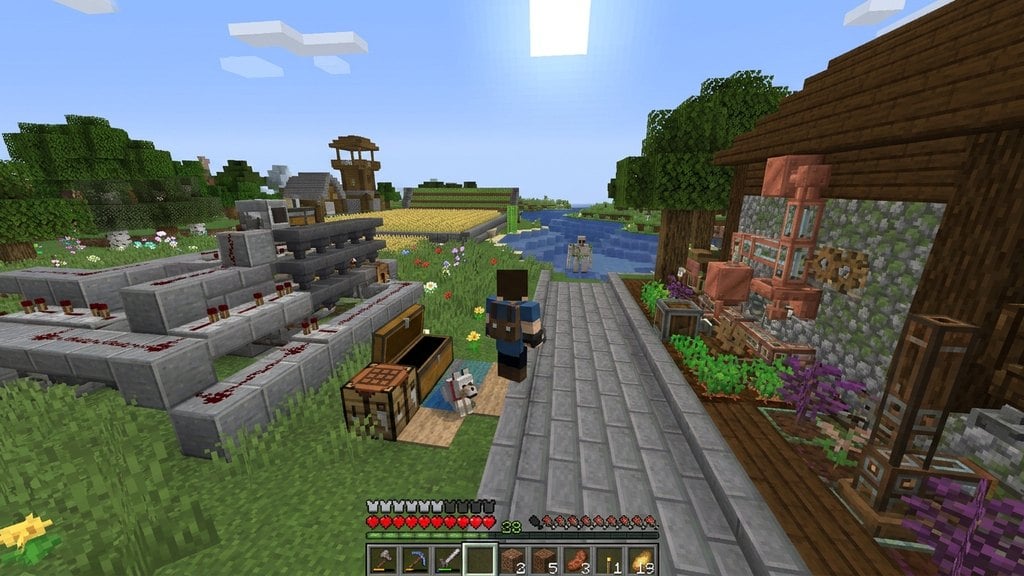
In Survival mode, the focus is on gathering resources, managing hunger, and staying alive against hostile mobs that spawn in the dark. You start with nothing and must punch trees, craft tools, and build shelter to progress through the game.
In contrast, Creative mode removes all survival mechanics. You do not take damage, you cannot die from hunger or falls, and hostile mobs will not attack you unless provoked. This mode is designed purely for building, experimenting, and exploring without restrictions.
Inventory and Resource Access
Resource gathering is a major part of the gameplay loop in Survival mode. If you need blocks or items, you have to mine ores, chop wood, or trade with villagers to get them. If you die, you drop your items on the ground unless you have specific world settings enabled.
In Creative mode, your inventory is replaced with an exhaustive item menu that contains every single block and item in the game, including spawn eggs and barrier blocks. You can instantly pull infinite stacks of any item without needing to craft or gather anything.
Movement and Flight
Getting around in Survival mode relies on walking, running, swimming, riding horses, or using late-game items like the Elytra. You are bound by gravity and must build scaffolding or ladders to reach high places.
Creative mode grants you the ability to fly at any time. By simply double-tapping your jump key, you can lift off the ground, hover in mid-air, and fly across the map at high speeds, making large-scale architecture much easier to construct.
Switching Between Modes
You can change your game mode at any time depending on your world settings and permissions. If you enabled cheats when creating your world, you can easily use commands to switch back and forth. You can learn more about this process in our guide on How to Change Game Mode with a Command.
In Java Edition, you can also press specific keyboard shortcuts (like F3 + F4) if you have operator permissions or cheats enabled, allowing you to fluidly jump between testing builds in Creative and testing gameplay in Survival.
Frequently Asked Questions
Can I turn a Survival world into a Creative world?
Yes. As long as cheats are enabled in your world (or opened to LAN with cheats allowed in Java Edition), you can use the command /gamemode creative to switch at any time.
Do I earn achievements in Creative mode?
No. In both Java and Bedrock editions, turning on Creative mode or enabling cheats disables achievements and trophies for that specific world to keep gameplay fair.