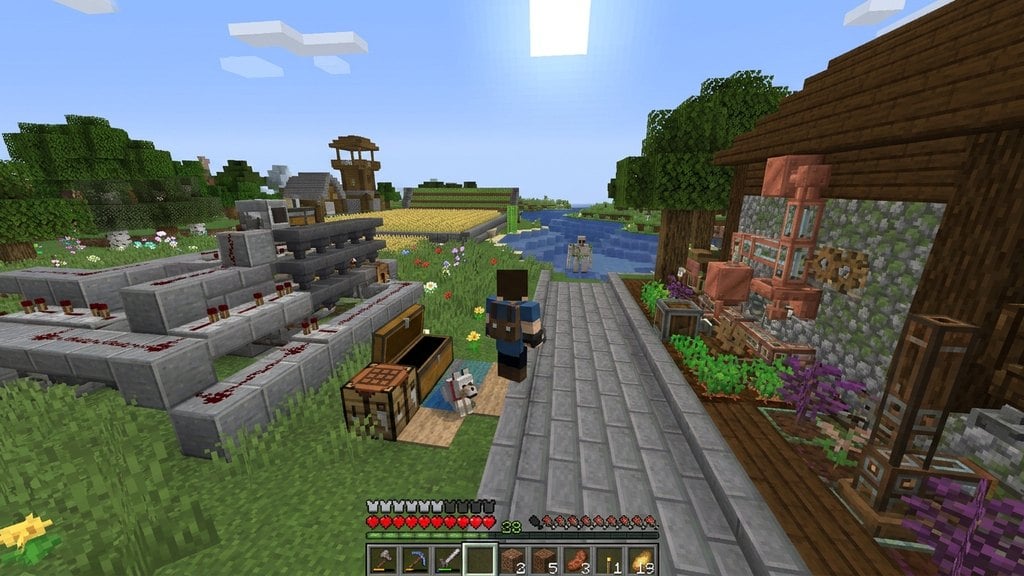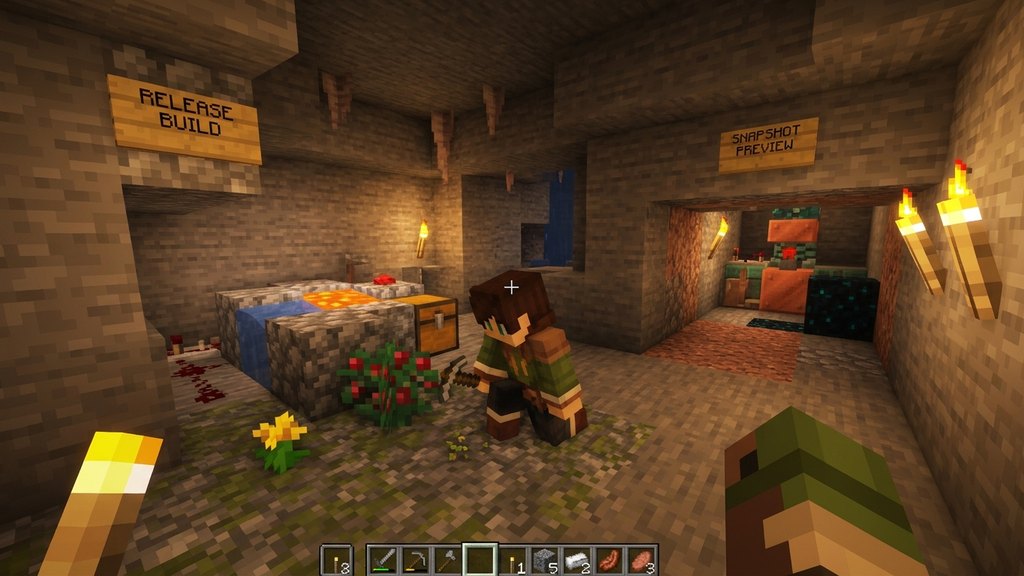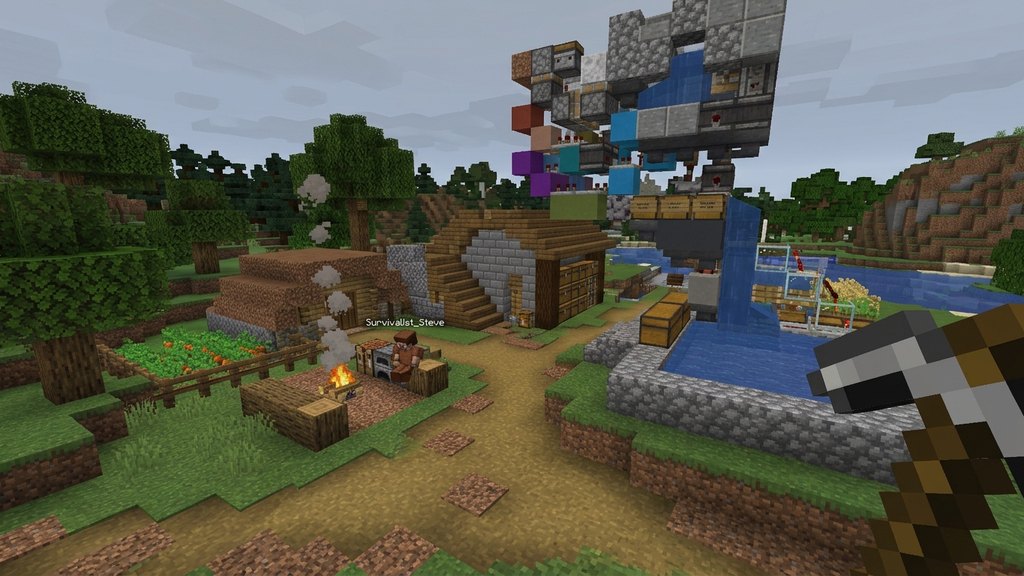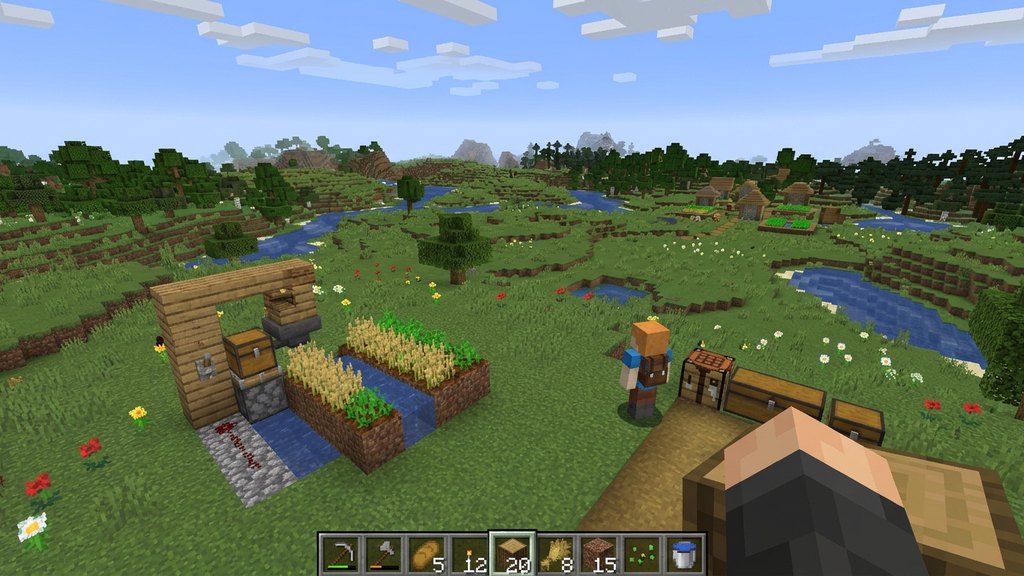
When customizing how Minecraft looks, players often hear about shaders and resource packs. While both dramatically change the visual experience of the game, they work in completely different ways and affect different parts of the game engine.
What Is a Resource Pack?
A resource pack changes the actual texture files, models, sounds, user interface, and language files of Minecraft. Instead of changing how light behaves, a resource pack changes what individual blocks, items, and mobs look like.
For example, a resource pack can make swords look sharper, turn dirt blocks into smooth stone tiles, or change the sound of a villager trading. You can learn more about how they differ from older terminology in our Resource Pack vs Texture Pack guide.
What Is a Shader?
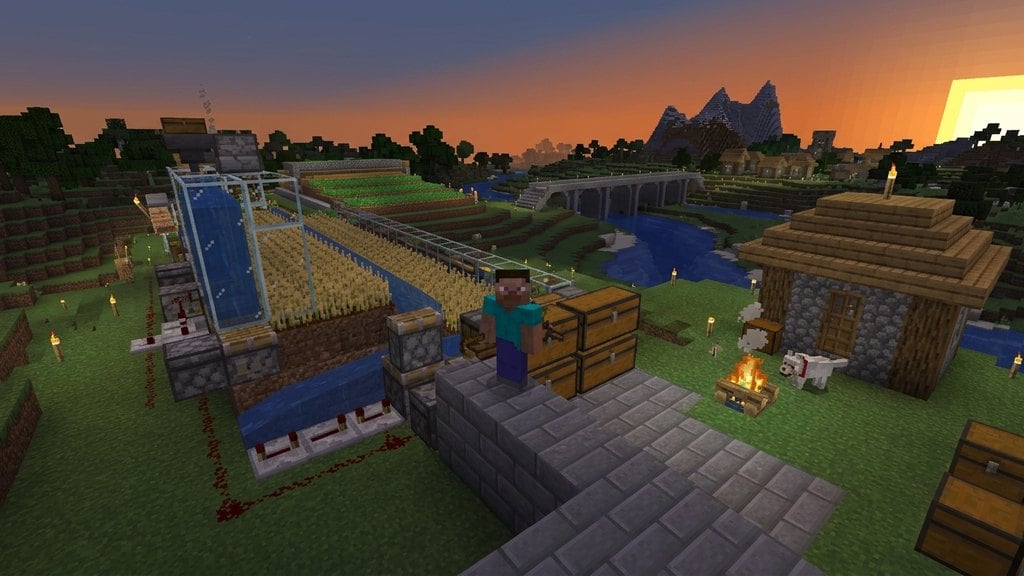
A shader pack alters how lighting, shadows, water reflections, and atmosphere are rendered in real time. Instead of replacing block textures, shaders add advanced graphical effects like waving leaves, dynamic sunlight, glowing torches, and realistic water refractions.
Shaders require extra graphical processing power and typically need third-party mods like Iris or OptiFine to run on Java Edition. To decide which loader fits your setup, check out OptiFine vs Iris.
Key Differences at a Glance
The easiest way to remember the difference is through their core functions: resource packs change what things look like (textures and models), while shaders change how light interacts with them (shadows and lighting effects).
Resource packs are built directly into vanilla Minecraft and require no extra software to install. Shaders, on the other hand, fundamentally alter the rendering pipeline and require dedicated mod support to function properly.
Can You Use Both at the Same Time?
Yes! In fact, most players who use shaders also use custom resource packs. Combining a detailed resource pack with a stunning shader pack creates the ultimate graphical overhaul for Minecraft.
Because resource packs handle the surfaces and shaders handle the lighting, they complement each other perfectly. However, running both at the same time will demand significantly more performance from your graphics card.
Frequently Asked Questions
Do I need a mod to use resource packs?
No! Vanilla Minecraft has native built-in support for resource packs. You can simply drag and drop them into your resource packs folder from the game menu.
Why won't shader packs show up in my game?
On Java Edition, vanilla Minecraft does not support shaders by default. You must install a rendering mod or loader like Iris or OptiFine before shader options appear in your video settings.