When customizing the look and sound of Minecraft, players often hear two terms used interchangeably: texture packs and resource packs. While older players remember one, modern versions use the other. Read on to clear up any confusion and learn how they compare to additions like shaders vs resource packs.
If you find an old download labeled as a 'texture pack' online, it will usually still work in modern Minecraft Java Edition because the game automatically converts older structures into the modern resource pack format.
What Was a Texture Pack?
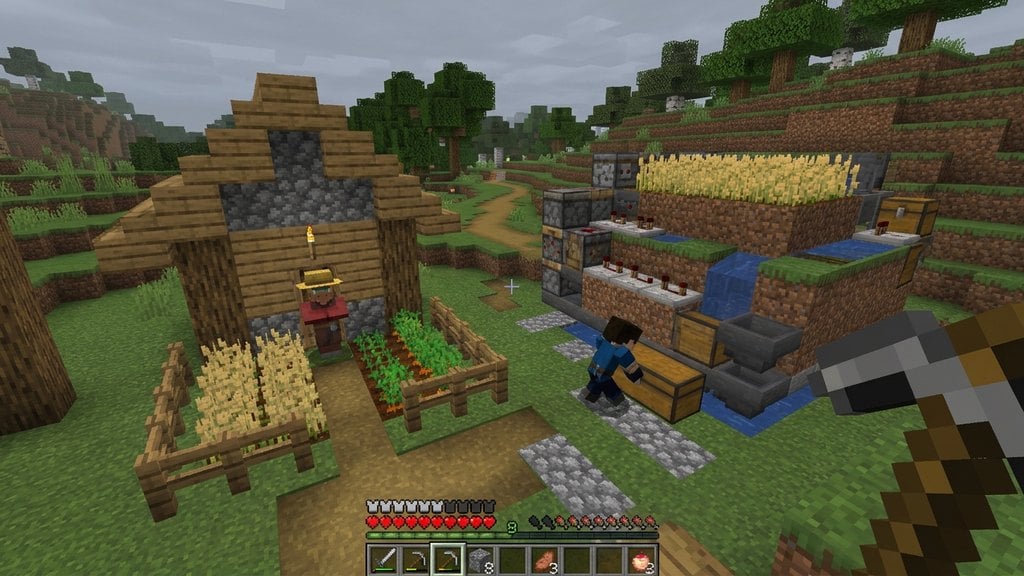
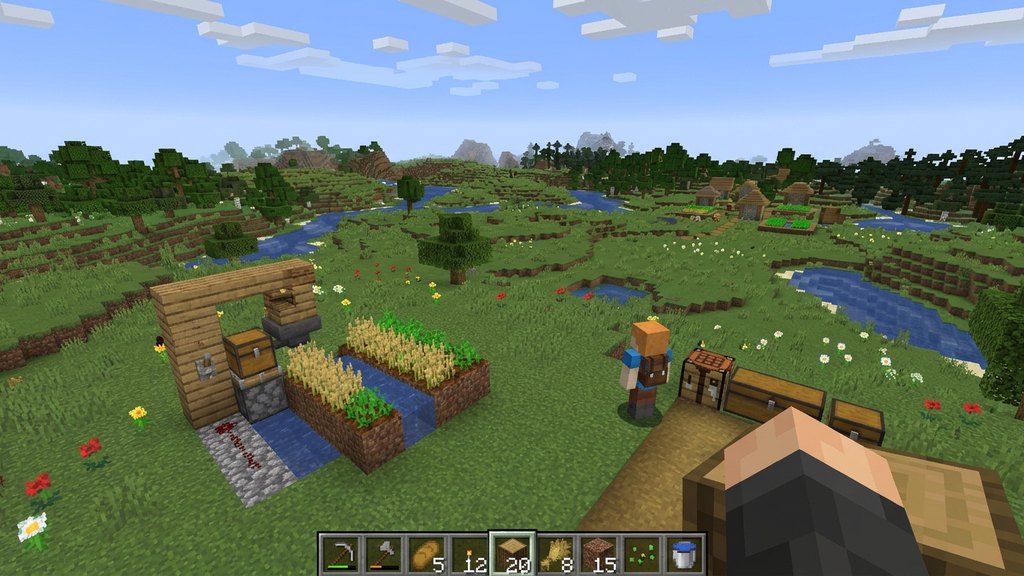
In older versions of Minecraft Java Edition (specifically Release 1.5 and earlier), customization files were strictly known as texture packs. True to their name, these packs only changed the visual graphics—or textures—of blocks, items, and mobs in the game world.
A texture pack could not change sounds, music, fonts, or user interface elements. It was simply a collection of image files that swapped out the default pixel art for a different style, whether that meant higher resolution textures or a cartoonish overhaul.
What Is a Resource Pack?
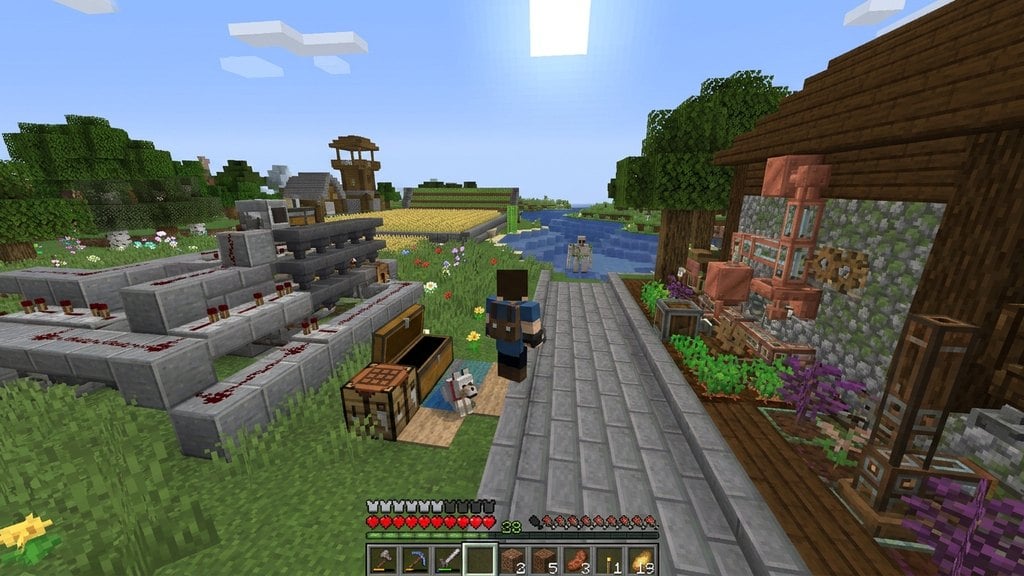
Introduced in Minecraft Java Edition Release 1.6, resource packs completely replaced texture packs by expanding what players could customize. Instead of just changing images, resource packs let you modify sounds, background music, language files, splash texts, fonts, and user interface designs.
In Bedrock Edition, the equivalent term is often a resource pack or part of an add-on package, which controls all the visual and auditory assets of the game. If you want to learn more about overarching terms, check out the Minecraft Glossary for quick definitions.
Key Differences at a Glance
The main difference between the two terms boils down to scope and age. Texture packs only alter visual textures, whereas resource packs handle textures plus audio, text, models, and interface elements.
Even though most people still say texture pack out of habit, modern Minecraft technically only uses resource packs. When you download a pack today, it is almost certainly a resource pack containing much more than just pixel graphics.
Usage in Java vs. Bedrock Editions
In Minecraft Java Edition, you can easily drag and drop zip files into your resource packs folder from the game menu. You can even stack multiple resource packs on top of each other to prioritize certain textures over others.
In Minecraft Bedrock Edition, resource packs are heavily integrated into the Marketplace and world settings. They often pair with behavior packs to alter both looks and gameplay mechanics, similar to concepts explained in Mod vs Add-on vs Plugin: What Is the Difference?.
Frequently Asked Questions
Can I still use old texture packs in modern Minecraft?
Yes. Modern versions of Minecraft will automatically convert older texture packs into resource packs when you load them into your game, though some newly added blocks or items might retain their default textures until the pack is updated.
Why do people still call them texture packs?
The term 'texture pack' has been around since the early days of Minecraft. Because it clearly describes changing the look of blocks and items, many long-time players and creators continue using it out of habit.