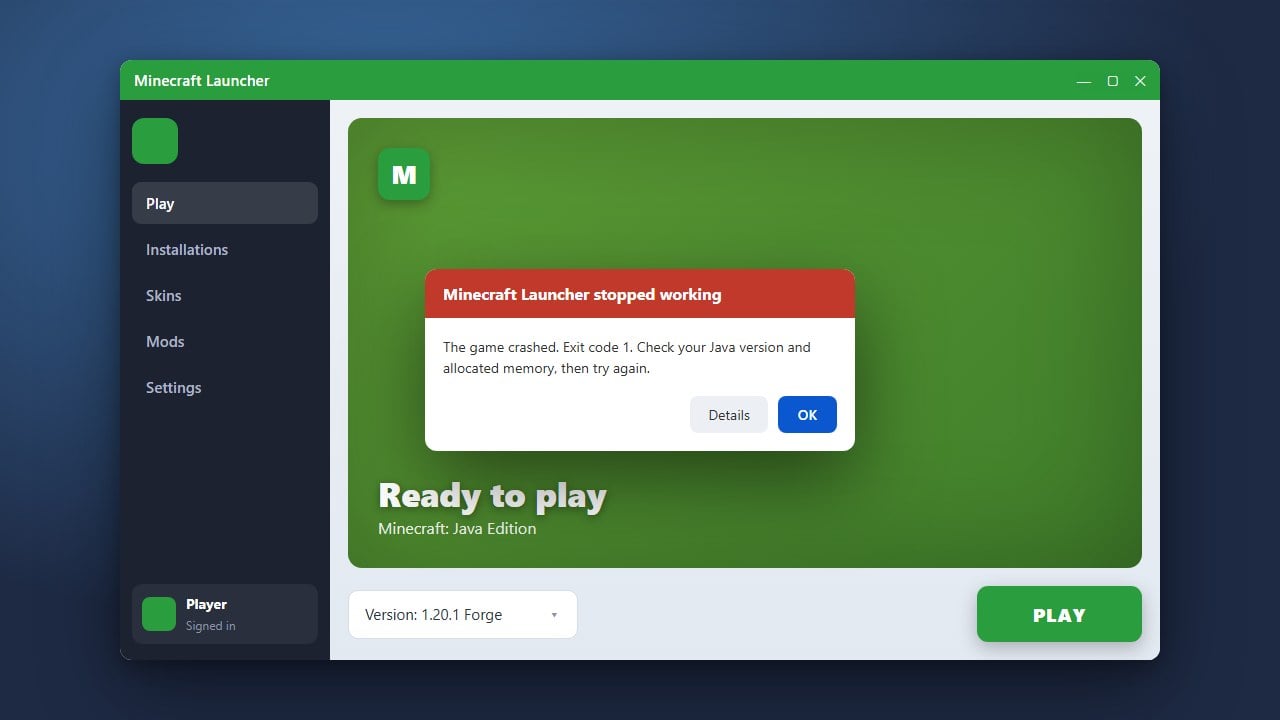
Running out of memory while playing Minecraft Java Edition can abruptly crash your game and ruin your session. This error typically occurs when the Java Virtual Machine runs out of allocated RAM to process heavy worlds, mods, or high render distances. Follow this quick guide to resolve the issue and get back to building safely. If you are experiencing other frustrating crashes alongside this, you may also want to check our guide on How to Fix Minecraft Crashes for broader troubleshooting tips.
1. Close Unnecessary Background Applications
Before tweaking game files, make sure your computer has enough free memory to spare. Open your system task manager (Ctrl+Shift+Esc on Windows or Activity Monitor on macOS) and close heavy applications like web browsers, Discord, or video streaming software.
Freeing up physical RAM ensures that Minecraft and Java have enough breathing room to operate smoothly without competing for system resources.
2. Allocate More RAM to Minecraft
By default, the official Minecraft Launcher only assigns 2 GB of RAM to the game, which is often insufficient for modern versions or heavy modpacks. You can easily fix this by increasing your memory limit through the official launcher settings.
For detailed step-by-step instructions on adjusting these limits safely, check out our guide on How to Allocate More RAM to Minecraft.
3. Lower Your Graphics and Render Distance
High render distances, simulation distances, and heavy graphic settings demand significantly more memory and processing power. Lowering these settings in your video options can dramatically reduce the strain on your system.
Try reducing your render distance to 12 chunks or lower, turning off fancy graphics, and disabling high-resolution resource packs or shaders that consume excessive memory.
4. Remove Outdated or Heavy Mods
If you play with modifications, a memory leak caused by a faulty mod is a very common culprit behind Out of Memory crashes. Review your loaded mods and remove any that are outdated or poorly optimized.
If you suspect specific add-ons are causing performance issues or failing to load properly, refer to How to Fix Mods Not Loading for tips on managing your mod folder effectively.
Frequently Asked Questions
What causes an Out of Memory error in Minecraft?
This error usually happens when Java runs out of the allocated memory pool (RAM) while trying to load chunks, entities, mods, or high-resolution textures.
How much RAM should I allocate to Minecraft?
For vanilla Minecraft, 4 GB (4096 MB) is usually plenty. Heavily modded games or large modpacks may require 6 GB to 8 GB of allocated RAM.