Low frame rates can make Minecraft choppy, unresponsive, and frustrating to play. Whether you are experiencing stuttering during intense builds or general sluggishness, optimizing your game settings and system performance can dramatically improve your gameplay experience across both Java and Bedrock editions.
Close background applications like web browsers, video streaming apps, and heavy software before launching Minecraft to free up valuable CPU and RAM.
Avoid setting your render distance extremely high unless you have a high-end gaming PC,as it is the single biggest factor affecting Minecraft performance.
Lower In-Game Video Settings
Open your Minecraft options menu, navigate to Video Settings (or Settings > Video on Bedrock), and lower demanding graphical options. Turn down Render Distance to 8-12 chunks, set Graphics to Fast, lower Particle Details to Minimal, and disable Smooth Lighting, Clouds, and Vsync to see an immediate boost in your frame rate.
Cap Your Framerate
Uncapped framerates can cause your hardware to work too hard, leading to stuttering and overheating. In your video settings, set your Max Framerate to match your monitor's refresh rate (such as 60 FPS, 120 FPS, or 144 FPS). This stabilizes your performance and keeps your system running smoothly.
Allocate More RAM (Java Edition)
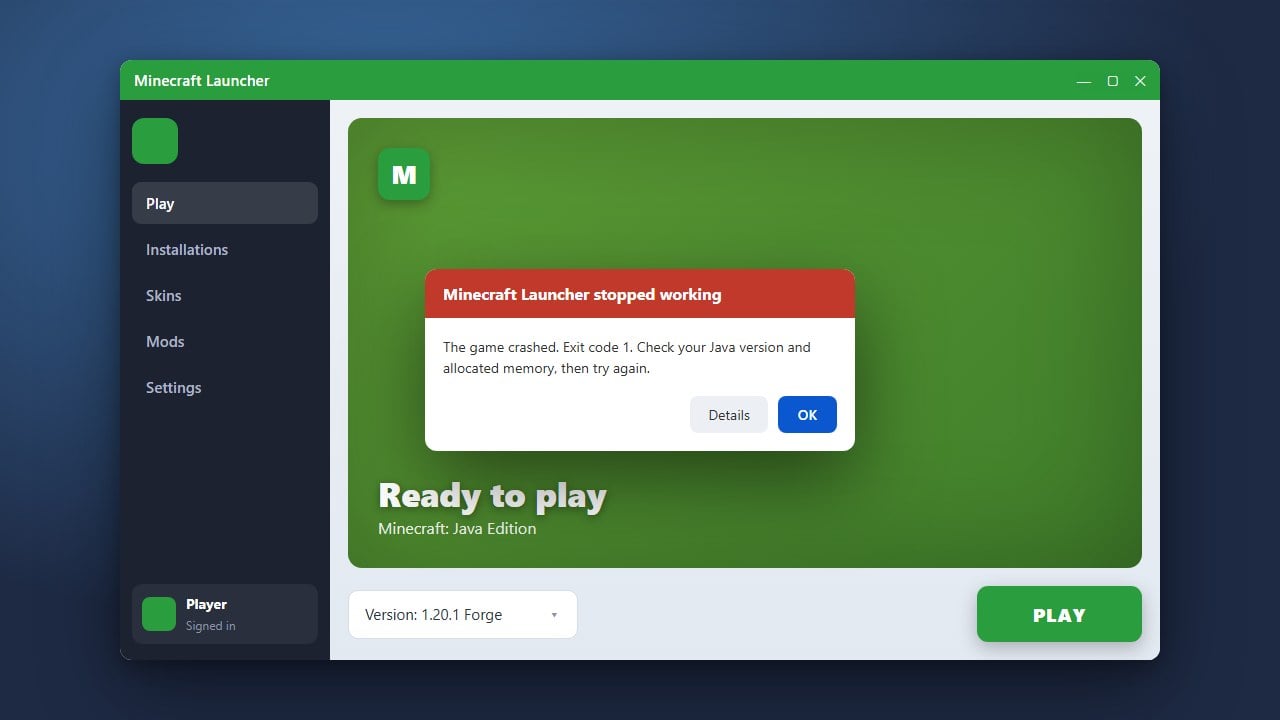
If you play Minecraft Java Edition, giving the game more memory can prevent stuttering caused by garbage collection. Follow our guide on how to allocate more RAM to Minecraft using the official launcher to ensure your game has enough resources to run smoothly.
Install Performance Optimization Mods (Java Edition)
Vanilla Java Edition is notoriously heavy on system resources. You can dramatically multiply your FPS by installing optimization mods like Sodium or OptiFine. If you plan to use mods, learning how to install Fabric is a great first step to run lightweight performance mods.
Update Your Graphics Drivers
Outdated graphics drivers can severely limit your hardware's potential in games. Visit the official manufacturer website for your GPU (NVIDIA, AMD, or Intel) to download and install the latest drivers for your graphics card, then restart your computer before launching Minecraft again.
Frequently Asked Questions
Why is my FPS low even on a good PC?
Minecraft Java Edition relies heavily on single-core CPU performance and can be bottlenecked by default settings, Vsync limits, or insufficient RAM allocation. Make sure your game is using your dedicated graphics card rather than integrated graphics.
Do I need mods to get good FPS in Minecraft?
No, you can adjust your in-game video settings to improve performance without any mods. However, using optimization mods like Sodium on Java Edition provides massive performance boosts that vanilla settings cannot match.