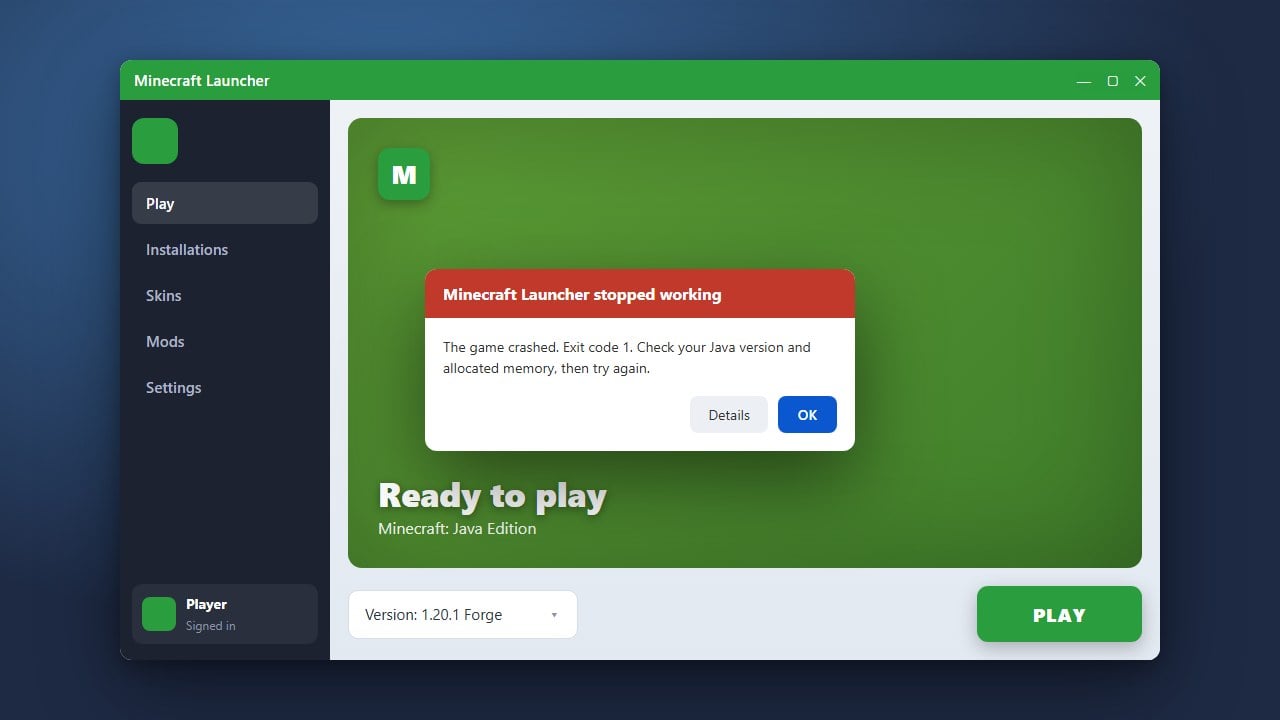
Encountering Exit Code 1 when trying to launch Minecraft Java Edition can be frustrating, but it usually indicates a straightforward configuration, driver, or mod conflict issue. This guide will walk you through the most effective methods to diagnose and resolve the error so you can get back to playing.
logs folder for specific error codes or mentions of failing mods.Update Your Graphics Drivers
Outdated or corrupted graphics card drivers are one of the most common causes of Exit Code 1 crashes in Minecraft. Visit the official website of your GPU manufacturer—NVIDIA, AMD, or Intel—to download and install the latest drivers for your hardware.
After updating your drivers, restart your computer completely before launching the Minecraft Launcher again to ensure the changes take effect.
Check and Update Java
Minecraft Java Edition relies on the Java Runtime Environment to run properly. Modern versions of the official Minecraft Launcher usually bundle the correct version of Java automatically, but custom launchers or outdated installations can cause conflicts.
Ensure your Java installation is up to date, or let the official launcher manage and download its default runtime environment by verifying your installation profile settings.
Remove Conflicting Mods and Resource Packs
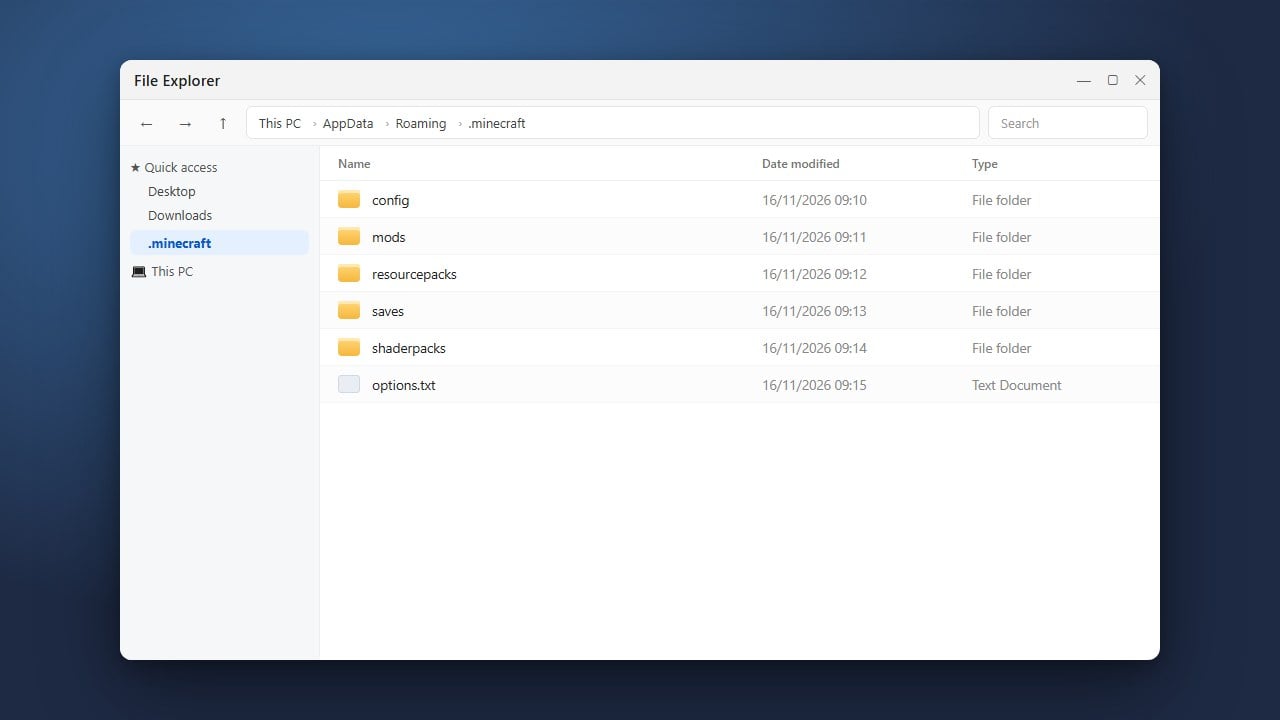
If you play with modifications, an incompatible mod, outdated API, or broken asset can easily trigger an unexpected crash on startup. Try temporarily moving your mods folder out of your main directory to see if the game launches successfully.
If the game works without mods, add them back in small batches to identify the specific file causing the issue. For more help with modifications, check out our guide on How to Fix Minecraft Crashes.
Verify Game Files and Reinstall
Corrupted game files or missing assets in your installation directory can prevent Minecraft from starting up. You can use the official launcher to repair or reinstall the game files safely.
If problems persist, you may need to completely clean your installation directory. Make sure to back up your important worlds first by following our guide on How to Back Up Your World before deleting or modifying core game folders.
Frequently Asked Questions
What does Exit Code 1 mean in Minecraft?
Exit Code 1 is a generic error message indicating that Minecraft encountered an unexpected error and had to shut down. It is usually caused by outdated drivers, corrupted files, or broken mods.
Does Exit Code 1 happen on Bedrock Edition?
No. Exit Code 1 is specific to Minecraft Java Edition because it runs on the Java runtime environment. Bedrock Edition uses different error handling and crash behaviors.