The .minecraft folder is the central hub where Minecraft Java Edition stores all your game files, including worlds, resource packs, screenshots, and configuration settings. Whether you want to install custom content or learn how to back up your world, knowing how to access this directory is an essential skill for Java players.
.minecraft folder on your desktop for quick access whenever you need to add resource packs or manage your files.Open the Run Command on Windows
If you are using Windows, press the Windows Key + R on your keyboard at the same time to open the Run dialog box.
Type %appdata% into the open field and press Enter or click OK to open your roaming application data folder.
Locate the .minecraft Folder on Windows
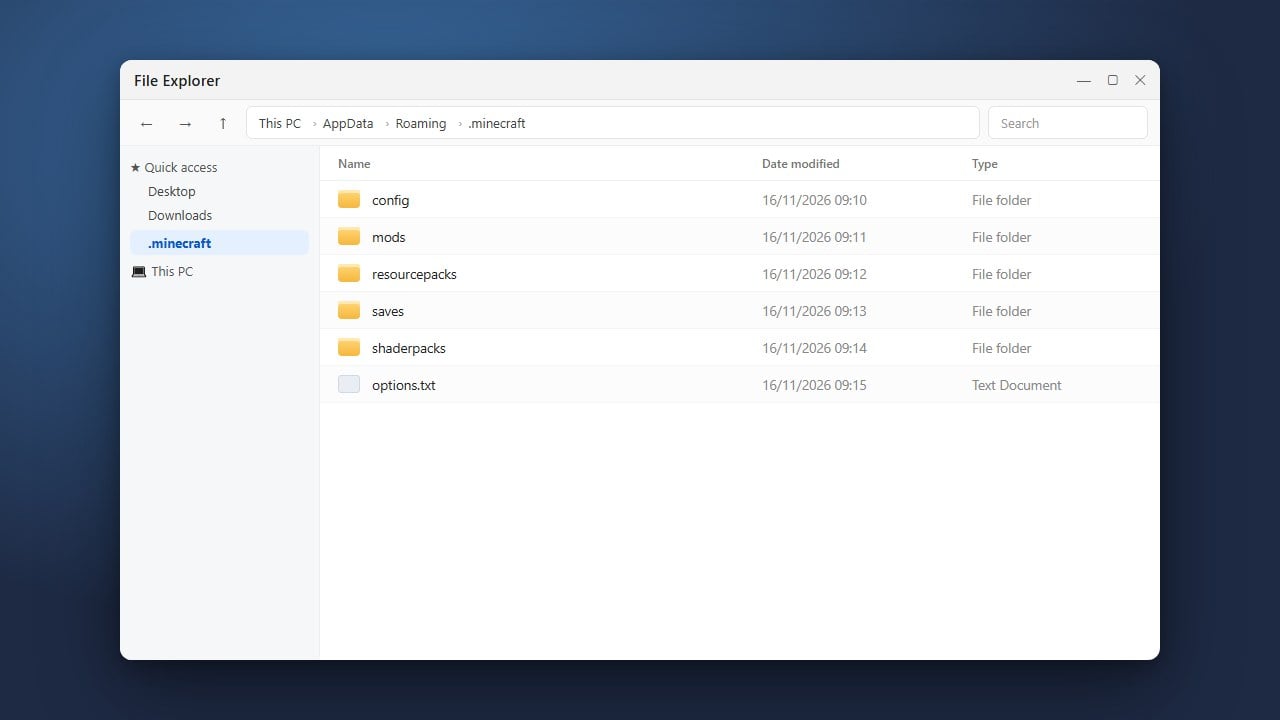
Inside the AppDataRoaming directory that just popped up, look for a folder named .minecraft.
Double-click this folder to view all of your game files, including your saves, resource packs, and logs.
Find the Folder on macOS
Mac users store their game files in a slightly different location. Open Finder, click on Go in the top menu bar, and select Go to Folder...
Type ~/Library/Application Support/minecraft into the box and press Enter to jump straight to your Java directory.
Find the Folder on Linux
If you play on a Linux distribution, open your preferred file manager and press Ctrl + H to reveal hidden files and folders.
Navigate to your home directory, then open the hidden folder named .minecraft to access your game data.
Access the Folder via the Minecraft Launcher
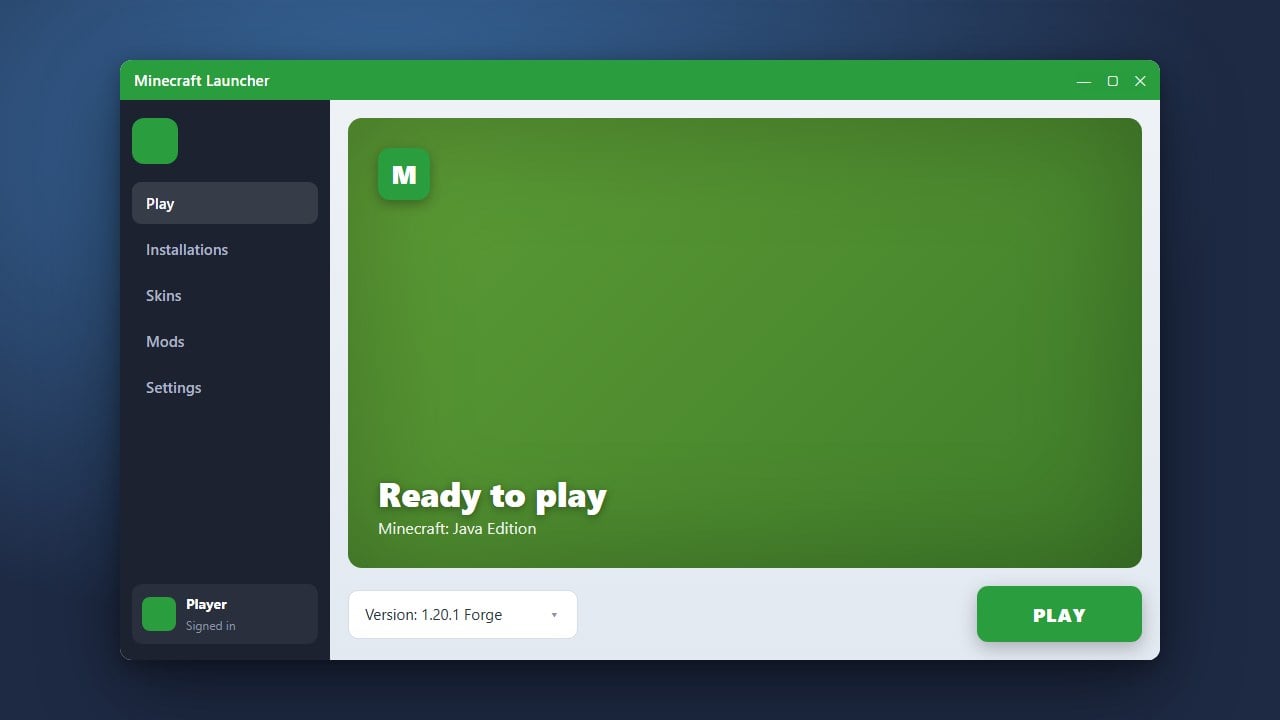
An alternative method that works across all operating systems is using the official Minecraft Launcher. Open the launcher, select the Java Edition tab, click on Installations, hover over your installation, and click the folder icon to open your directory instantly.
Frequently Asked Questions
Why can't I find the .minecraft folder on Windows?
If you are browsing manually through File Explorer, make sure you have hidden items enabled. Go to the View tab at the top of File Explorer and check the box for Hidden items, otherwise folders starting with a dot may remain hidden.
Does Minecraft Bedrock use a .minecraft folder?
No. Minecraft Bedrock Edition stores its game files and add-ons in a completely different system directory managed by Windows, rather than the Java .minecraft folder.