NeoForge is a popular community-driven mod loader for Minecraft Java Edition, allowing you to run exciting gameplay modifications. This guide will walk you through downloading, installing, and launching NeoForge safely so you can get right into modded Minecraft.
Never run untrusted .jar files from random websites. Only download NeoForge from its official domain to protect your computer against malware.
If your installer file opens as a compressed archive instead of running, you may need to install Java or run a jarfix utility so your operating system knows how to execute .jar files.
Download Java
Before installing NeoForge, ensure you have the correct version of Java installed on your computer. Minecraft Java Edition 1.21 and newer typically require Java 21 to run properly.
Download the NeoForge Installer
Visit the official NeoForge website and download the installer file for your specific Minecraft version. Always make sure to download the installer (usually a .jar file) from trusted sources to keep your computer safe.
Run the Installer
Close your Minecraft game and launcher completely. Double-click the downloaded NeoForge installer file. Select Install client in the window that pops up and click OK to let the installer set up the required files.
Select the NeoForge Profile in the Launcher
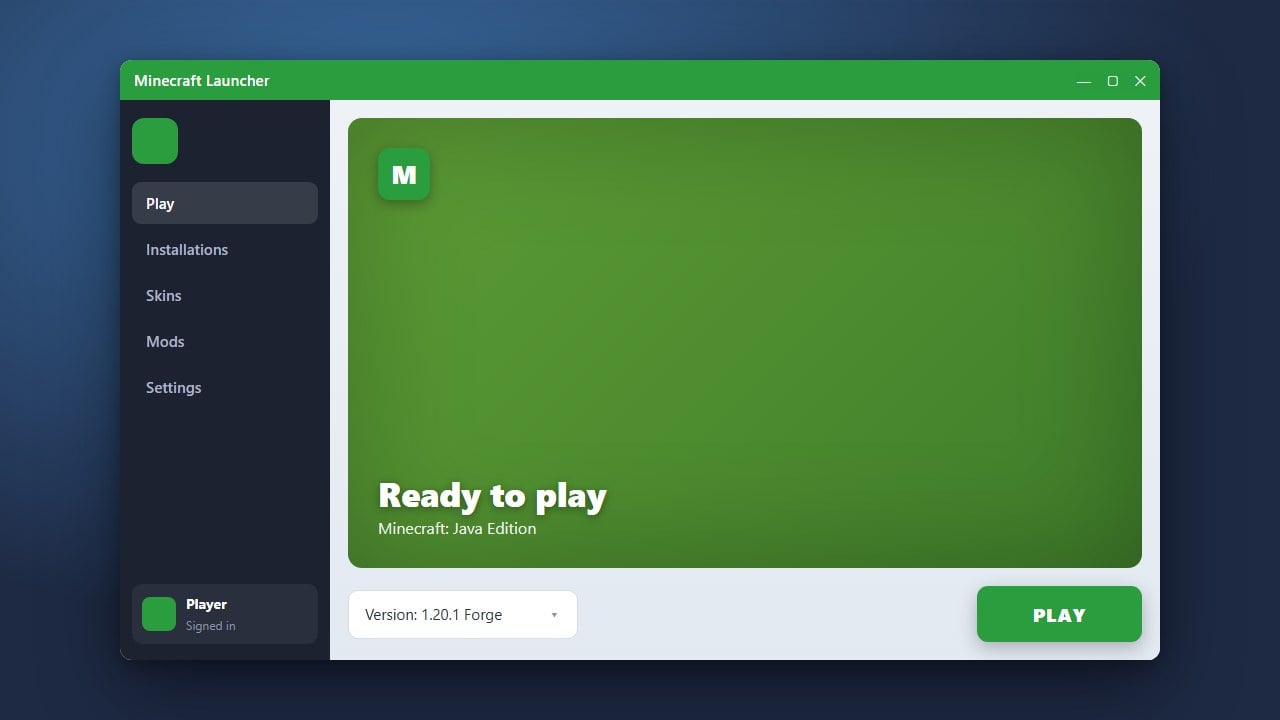
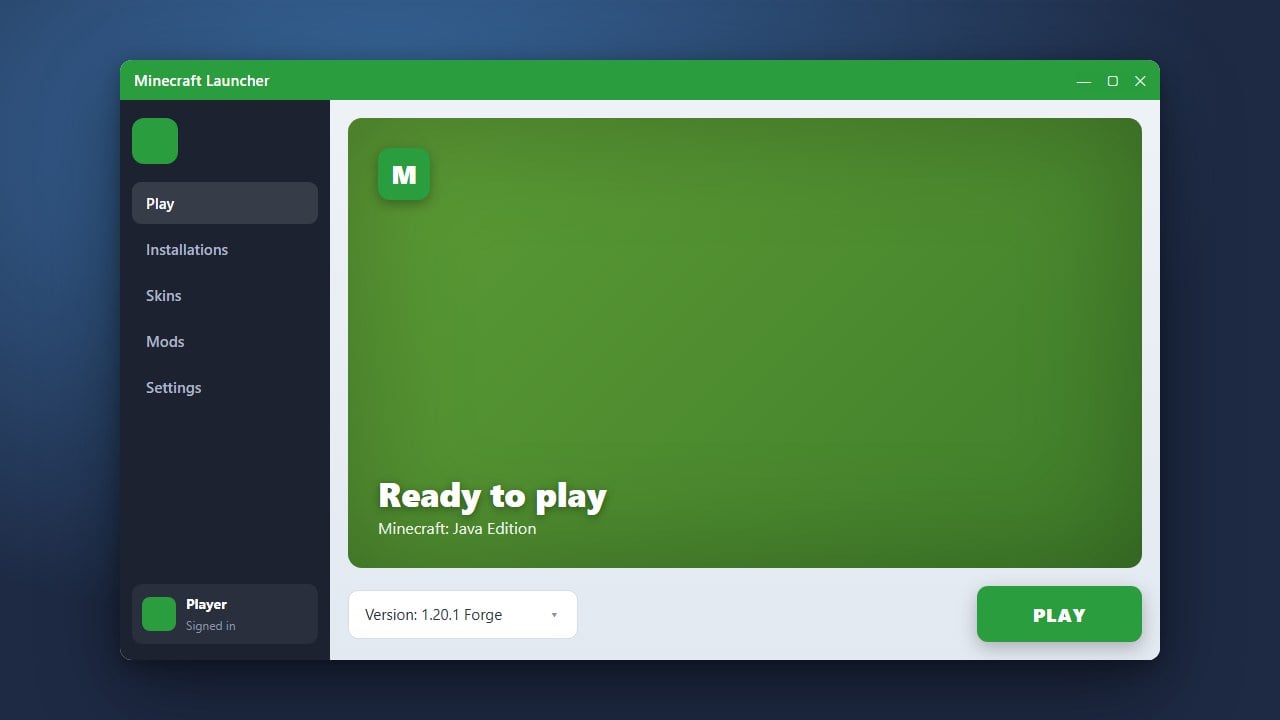
Open your official Minecraft Launcher. You should automatically see a new profile named neoforge in the dropdown version menu located to the left of the green Play button. If you do not see it, create a new installation manually and select the NeoForge version.
Launch and Add Mods
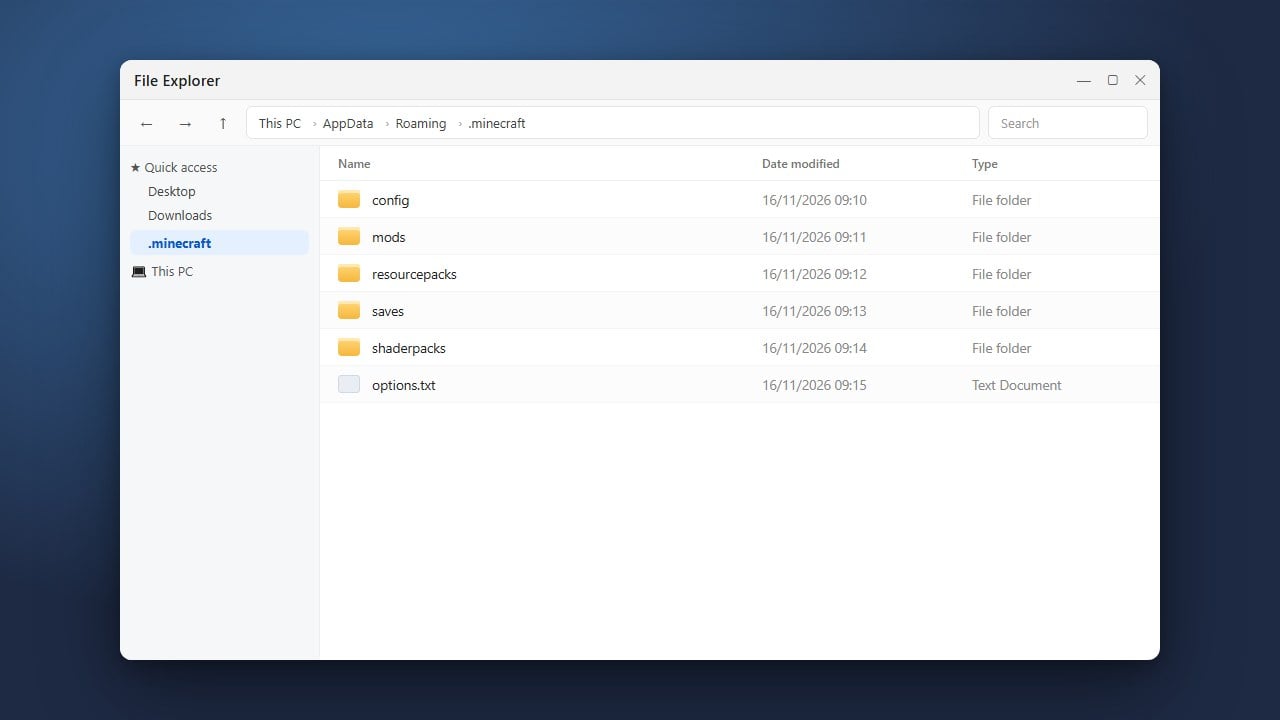
Click Play to run the NeoForge profile at least once so it can generate your mods folder automatically. Once the game loads successfully, you can easily add your favorite modifications by following our guide on How to Install Mods in Minecraft (Java).
Frequently Asked Questions
What is the difference between Forge and NeoForge?
NeoForge is a fork of Minecraft Forge created by several key developers from the original Forge team. It offers updated tooling, faster performance improvements, and dedicated support for modern Minecraft versions.
Can I use Forge mods with NeoForge?
Many older Forge mods built for earlier versions will not work directly on newer NeoForge versions without updates. Always check the mod author's download page to ensure they provide a specific NeoForge version for your game.