Iris Shaders is a modern, high-performance mod for Minecraft Java Edition that lets you use stunning graphics packs to completely transform your world. In this guide, you will learn how to download, install, and configure Iris Shaders so you can enjoy beautiful lighting and shadows without sacrificing your frame rate.
Install Fabric Loader
Iris Shaders requires a mod loader to run properly in Minecraft Java Edition. The most popular and compatible loader is Fabric, which you can easily set up by following our guide on How to Install Fabric.
Make sure you download the installer for your exact Minecraft version, such as version 1.21, and run the official installer executable on your computer.
Download Iris Shaders
Go to the official Iris Shaders website and download the installer jar file for your specific Minecraft version. Iris also bundles Sodium for incredible performance improvements, making it one of the best ways to play with graphics enhancements.
Save the downloaded installer file somewhere easily accessible, such as your desktop or your downloads folder.
Run the Iris Installer
Double-click the downloaded Iris installer jar file to open it. Select your Minecraft version, choose the Fabric installation profile, and click the install button.
If your computer does not automatically open the jar file, ensure you have the latest version of Java installed on your system.
Locate Your Mods Folder
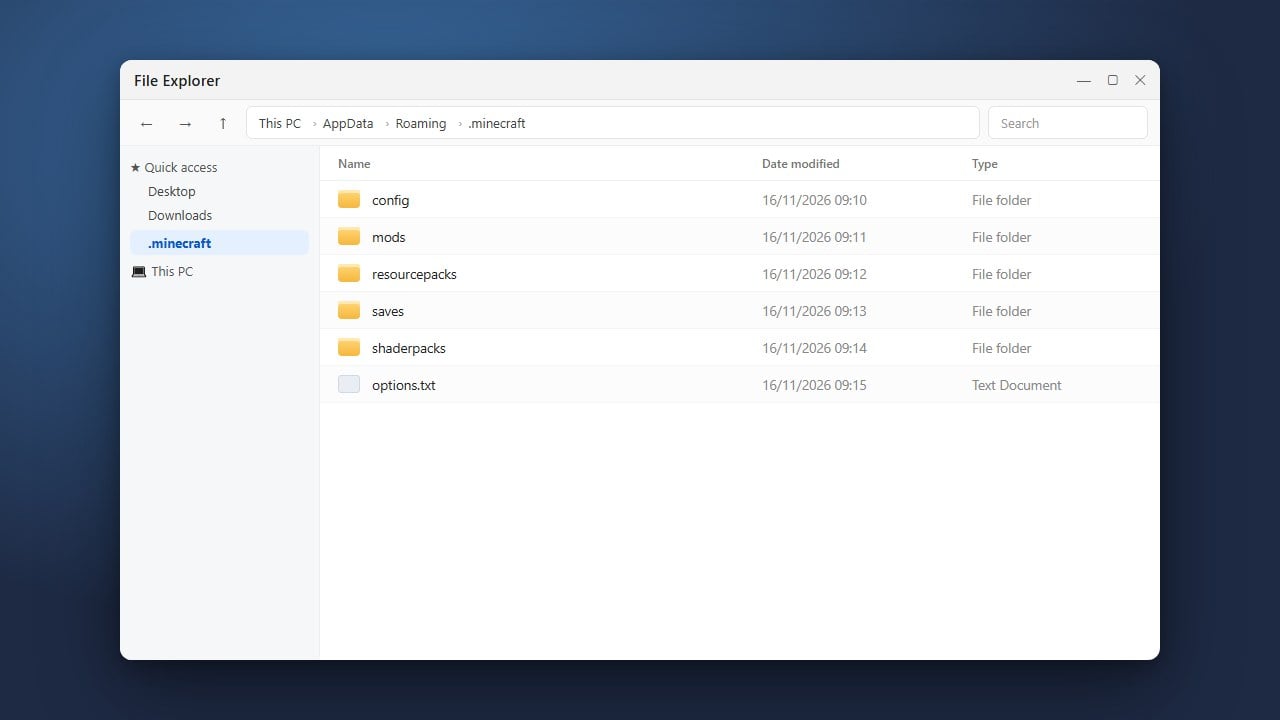
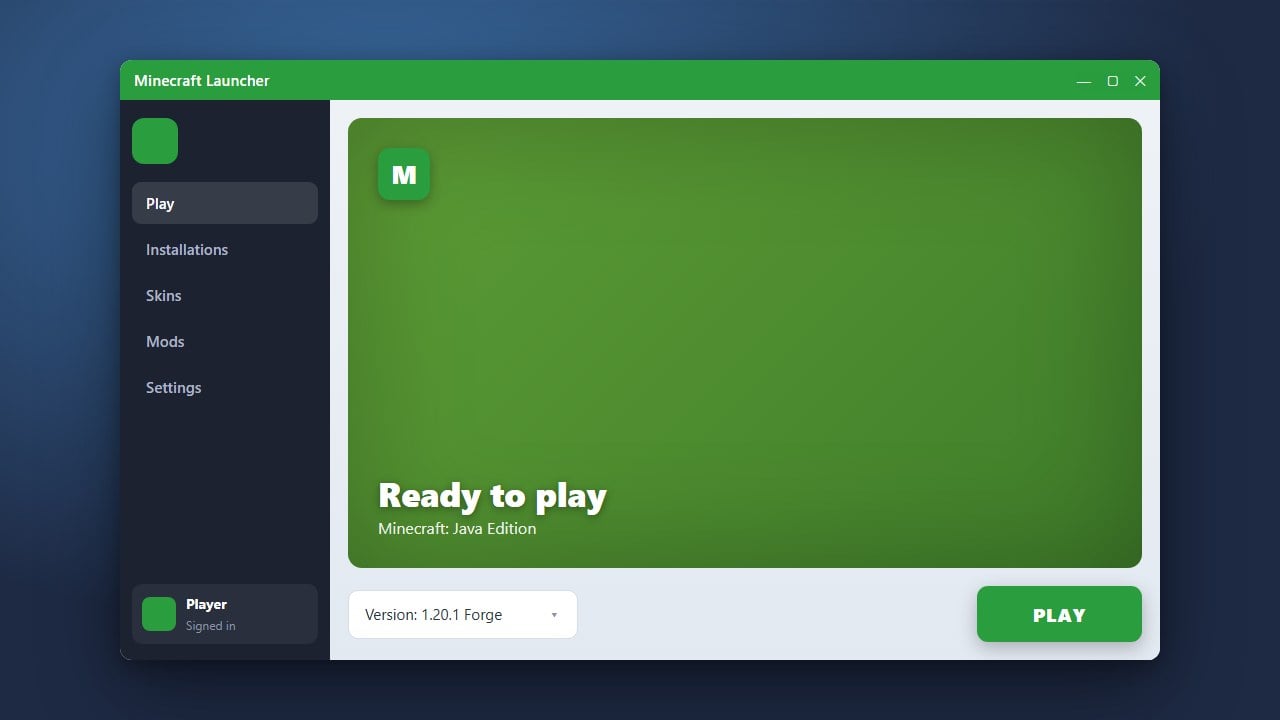
Open the Minecraft Launcher and verify that your new Iris and Fabric profile appears in the version dropdown list. Next, open your game directory by referencing How to Find Your .minecraft Folder.
Inside your main Minecraft directory, look for a folder named mods. If the folder does not exist, you can easily create a new one.
Add Shader Packs and Play
To enjoy stunning visuals, you will need to download compatible shader packs online and place them directly into your shaderpacks folder, which Iris automatically generates inside your game directory. If you are new to this process, check out our guide on How to Install Shaders for pack recommendations.
Launch Minecraft using your Iris profile, navigate to your video settings, open the Shader Packs menu, select your preferred pack, and enjoy your newly upgraded game world!
Frequently Asked Questions
Do I need OptiFine to use Iris Shaders?
No, Iris is an independent modern mod built for Fabric and does not require OptiFine. In fact, Iris is incompatible with OptiFine because it uses its own optimization engine.
Can I use Forge instead of Fabric for Iris?
Iris is primarily designed for the Fabric mod loader. However, alternative ports and similar rendering mods exist for Forge and NeoForge if you prefer those loaders.
Why are my shaders lagging my game?
Shader packs are very demanding on your graphics card (GPU). Try lowering your render distance, turning off ultra settings, or choosing a more performance-friendly shader pack.