Quilt is a modern, lightweight mod loader for Minecraft Java Edition that is designed to be fast and compatible with many Fabric mods. If you want to start playing with community-created modifications, installing Quilt is the first step. This guide will walk you through downloading the installer, setting up your profile, and launching your game.
Download Java
Before installing any mod loader, make sure your computer has the correct version of Java installed for your current Minecraft version. Minecraft Java Edition 1.21 requires Java 21 to run properly.
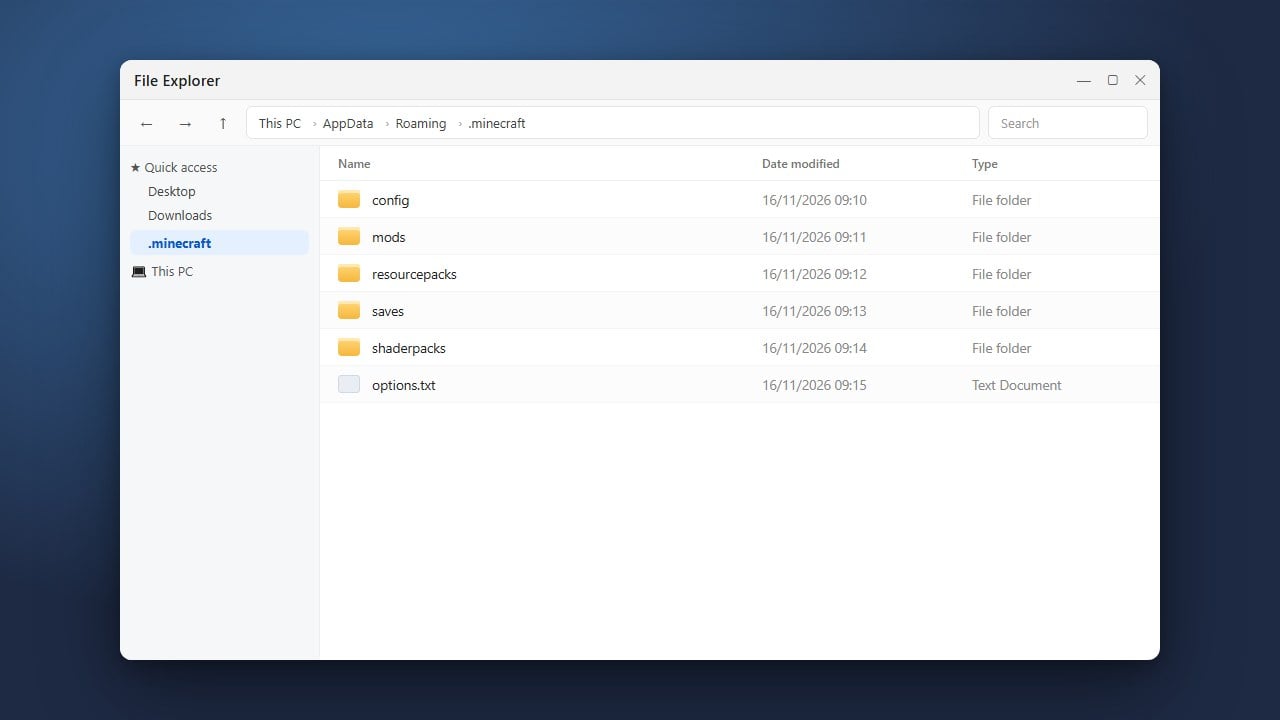
If you need help setting up your game files or checking directories, you can reference our guide on how to find your .minecraft folder.
Download the Quilt Installer
Go to the official Quilt website and navigate to their download page. Choose the installer option for your operating system, typically available as an executable .jar file or a standalone installer.
Save the file to an easily accessible location on your computer, such as your desktop or downloads folder.
Run the Quilt Installer
Double-click the downloaded Quilt installer file to open it. In the installer window, select the Minecraft version you wish to play on (such as 1.21) and make sure the 'Client' installation option is selected.
Click the Install button. The installer will automatically configure the necessary files and add a new Quilt profile to your official Minecraft Launcher.
Launch Minecraft with Quilt
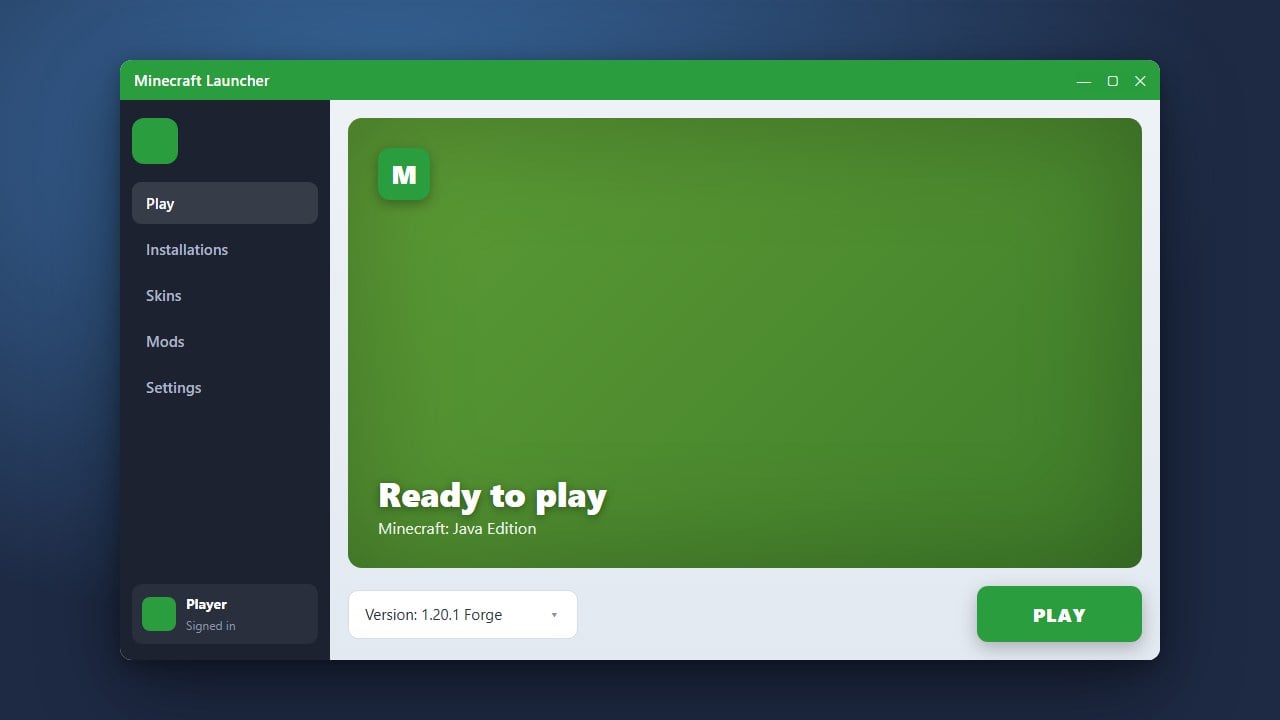
Open your official Minecraft Launcher. In the dropdown menu next to the green Play button, you should now see a new profile named quilt-loader followed by your chosen game version.
Select this profile and click Play to test it out. This generates the required folders for your modifications, similar to when you install mods in Minecraft (Java).
Add Mods to Your Folder
Once you have successfully launched the Quilt profile at least once, close the game. Drop your downloaded Quilt or Fabric-compatible mods directly into your mods folder.
If you encounter any issues getting your modifications to recognize properly, check out our troubleshooting tips for how to fix mods not loading.
Frequently Asked Questions
Do I need the Fabric API for Quilt?
Yes! Because Quilt maintains high compatibility with Fabric, many mods designed for Quilt or Fabric still require you to download and place the Fabric API mod into your mods folder.
Can I use Forge mods with Quilt?
No, Forge mods and Quilt/Fabric mods are built differently and are not natively compatible with each other. You must choose mods made specifically for Quilt or Fabric.