Most Minecraft Java mods will not run on their own: they need a mod loader, and the most common one is Minecraft Forge. Once Forge is installed, you get a new Forge profile in the launcher and a mods folder you can drop mods into. Follow the steps below and you will be running mods on the same version you already play.
Check your Minecraft version
Open the Minecraft Launcher and start the version you want to mod at least once, so the files exist. Forge must match this version exactly - a 1.20.1 mod needs 1.20.1 Forge. Note the version number before you continue.
Download Forge
Go to the official files.minecraftforge.net site and pick your version from the list on the left. Click Installer (not Mdk). Skip the ad and wait for the countdown, then save the .jar file.
Run the installer
Double-click the downloaded .jar. If nothing happens, you need Java installed - the launcher ships with its own, but the installer uses your system Java. Choose Install client and click OK. When it finishes you will see “successfully installed”.
Select the Forge profile
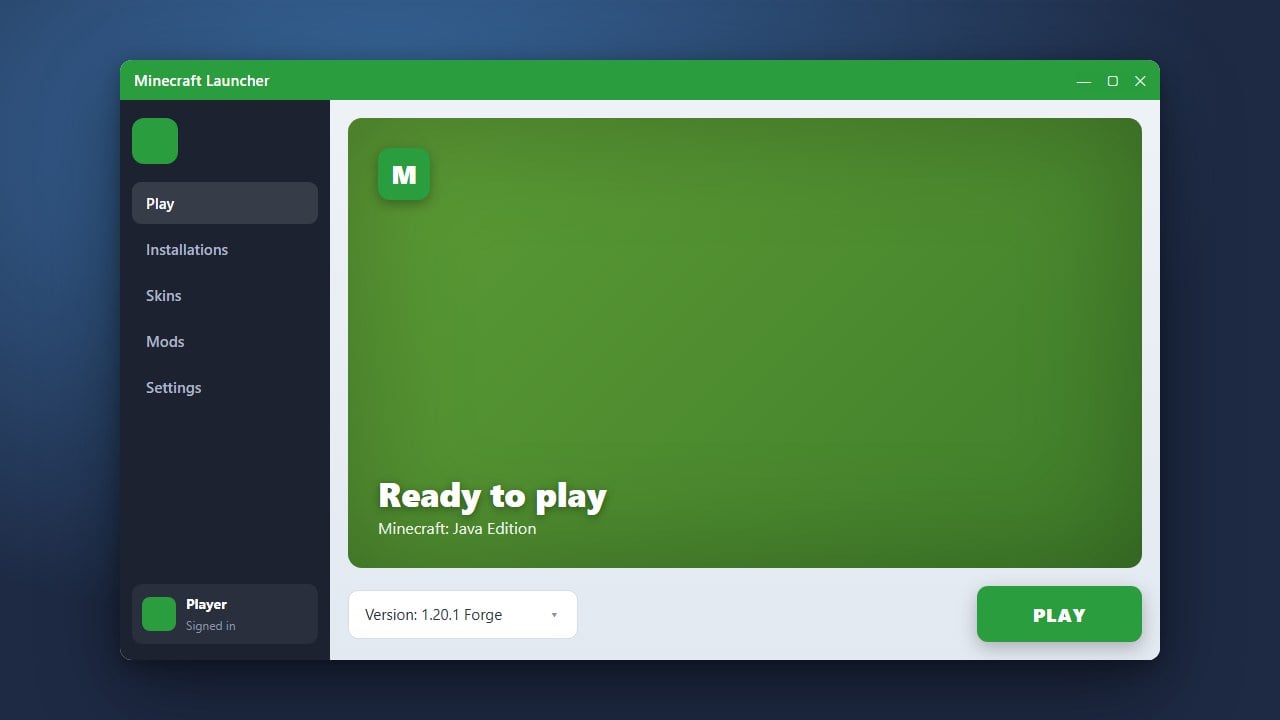
Reopen the Minecraft Launcher. Click the version dropdown next to Play and choose the profile that starts with forge. Press Play once to generate the mods folder, then quit the game.
Add your mods
Open the .minecraft folder and go into mods. Drop your downloaded mod .jar files here. Make sure every mod is for the same Minecraft and Forge version, then launch the Forge profile again.
Frequently Asked Questions
Is Minecraft Forge free?
Yes. Forge is free and open source. Never pay for it, and only download it from files.minecraftforge.net.
Do I need Forge for Bedrock Edition?
No. Forge is Java only. On Bedrock you use add-ons instead.
Where is the mods folder?
Inside your .minecraft folder. See how to find your .minecraft folder.