Installing modpacks on Minecraft Java Edition is the best way to experience dozens or even hundreds of custom mods bundled together into a single, cohesive adventure. Instead of installing individual files manually like you would in How to Install Mods in Minecraft (Java), modern modpack launchers handle all the downloading, dependency management, and configuration for you automatically.
Choose and Download a Modpack Launcher
The easiest way to install and manage modpacks in Minecraft Java Edition is by using a dedicated modpack launcher. Popular free choices include the CurseForge App, Prism Launcher, and ATLauncher.
Download and install your preferred launcher from its official website, then sign in with your official Minecraft account when prompted.
Browse and Select a Modpack
Open your launcher and navigate to its modpack browsing section (often labeled as "Browse", "Get More Packs", or the CurseForge tab). Use the search bar to find a modpack you want to play.
Click on the modpack to view its description, author, and available versions. Make sure the modpack version matches the Minecraft version you wish to play.
Install the Modpack
Click the Install or Download button on your chosen modpack page. The launcher will automatically fetch the correct Minecraft version, required mod loader, configuration files, and all included mods.
Depending on your internet speed and the size of the pack, this process may take a few minutes to complete.
Allocate RAM and Launch the Game
Large modpacks require more computer memory to run smoothly without stuttering or crashing. Before playing, check your profile settings in the launcher and make sure you How to Allocate More RAM to Minecraft—usually 4GB to 6GB is recommended for modern heavy modpacks.
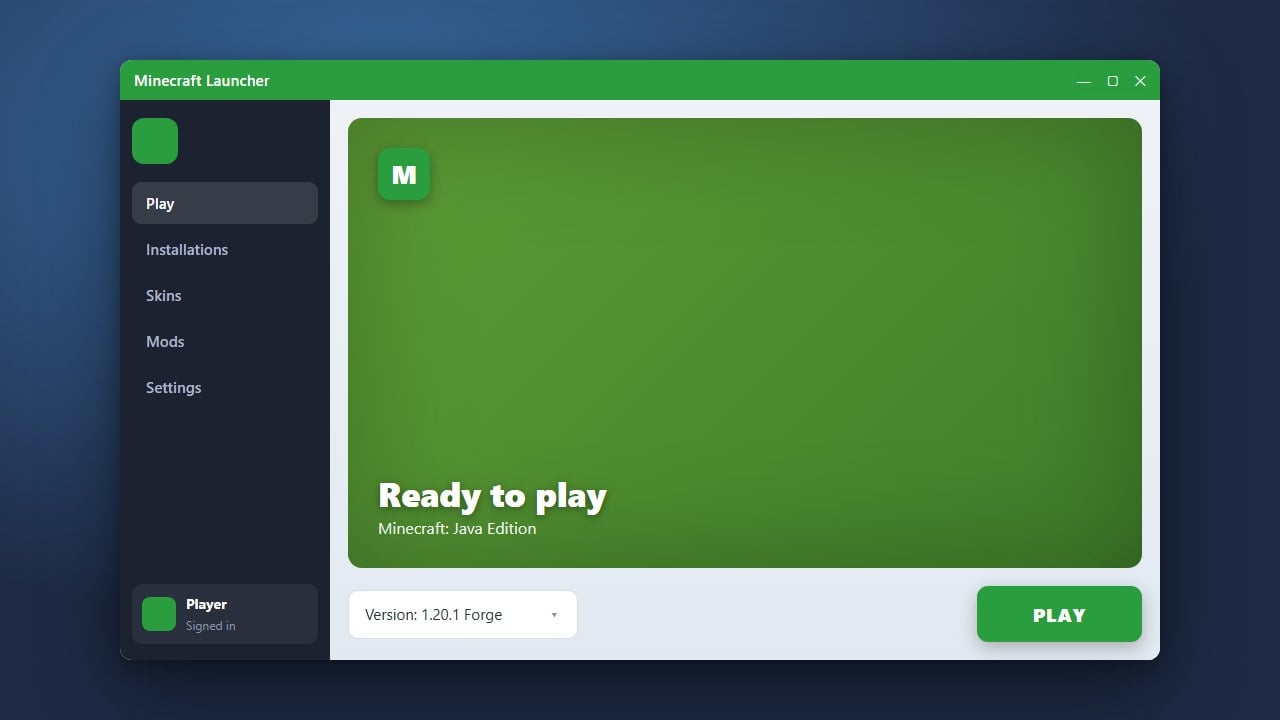
Once allocated, click Play to launch the custom profile and start your new modded adventure.
Frequently Asked Questions
Can I install modpacks on Minecraft Bedrock Edition?
No, full multi-mod modpacks are only available for Java Edition. Bedrock players can use curated add-ons and behavior packs instead by following How to Install Add-ons (Bedrock).
Do I need Forge or Fabric installed separately to play modpacks?
No. When you use a modpack launcher like CurseForge or Prism Launcher, the correct mod loader (whether Forge, NeoForge, or Fabric) is automatically downloaded and configured for that specific pack profile.