The Fabric API is a core library required by the vast majority of mods built for the Fabric mod loader. Without it, many Fabric mods will fail to launch. Follow this quick and easy guide to get the Fabric API installed and working on Minecraft Java Edition.
Always download the Fabric API from official sources like CurseForge or Modrinth. Never run executable .exe files claiming to be Minecraft mods.
The Fabric API is only for Java Edition. Bedrock Edition uses a completely different system for add-ons and behavior packs.
Install the Fabric Mod Loader First
Before you can use the Fabric API, you must have the Fabric loader installed on your computer. If you haven't done this yet, check out our guide on How to Install Fabric to set it up for your preferred game version.
Download the Fabric API
Go to the official Fabric API download page on a trusted site like Modrinth or CurseForge. Make sure you select the exact version of the Fabric API that matches your Minecraft version (such as 1.21). Click download to save the .jar file to your computer.
Open Your Minecraft Folder
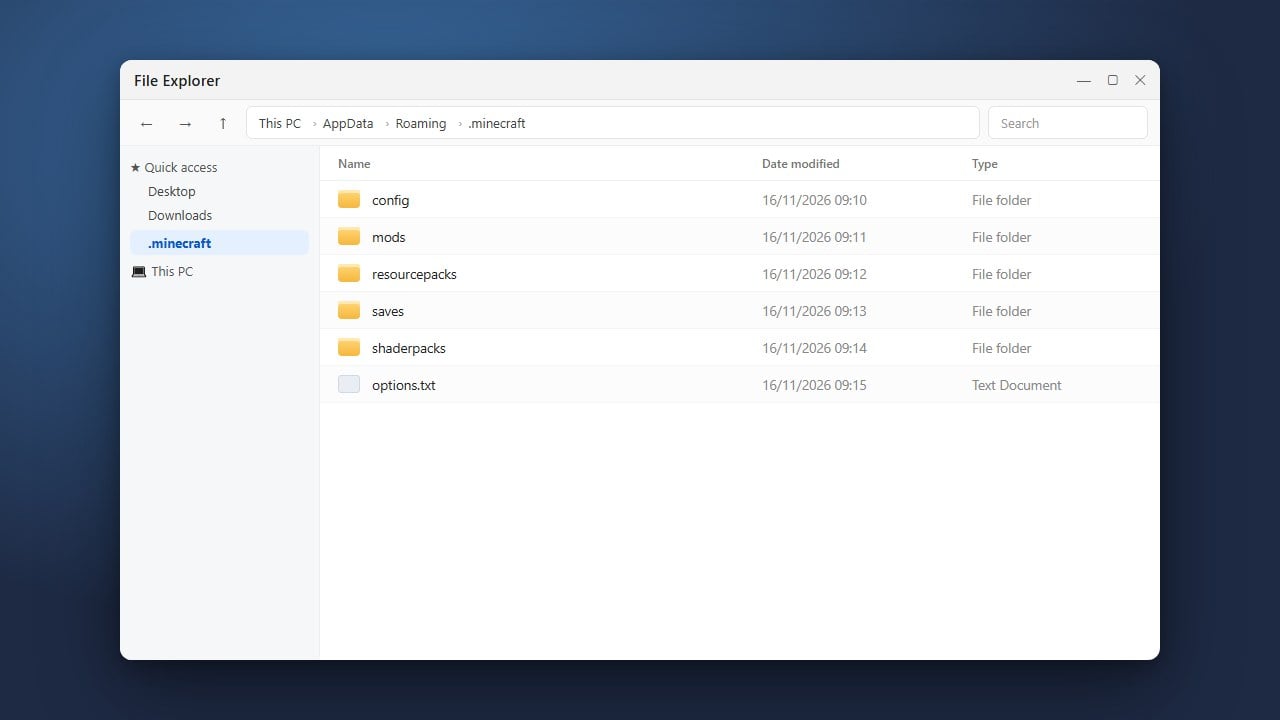
Next, you need to open your game directory. Press Win + R on Windows or open Finder on Mac, type %appdata%\.minecraft, and press Enter. If you need help finding it, read our guide on How to Find Your .minecraft Folder.
Locate or Create the Mods Folder
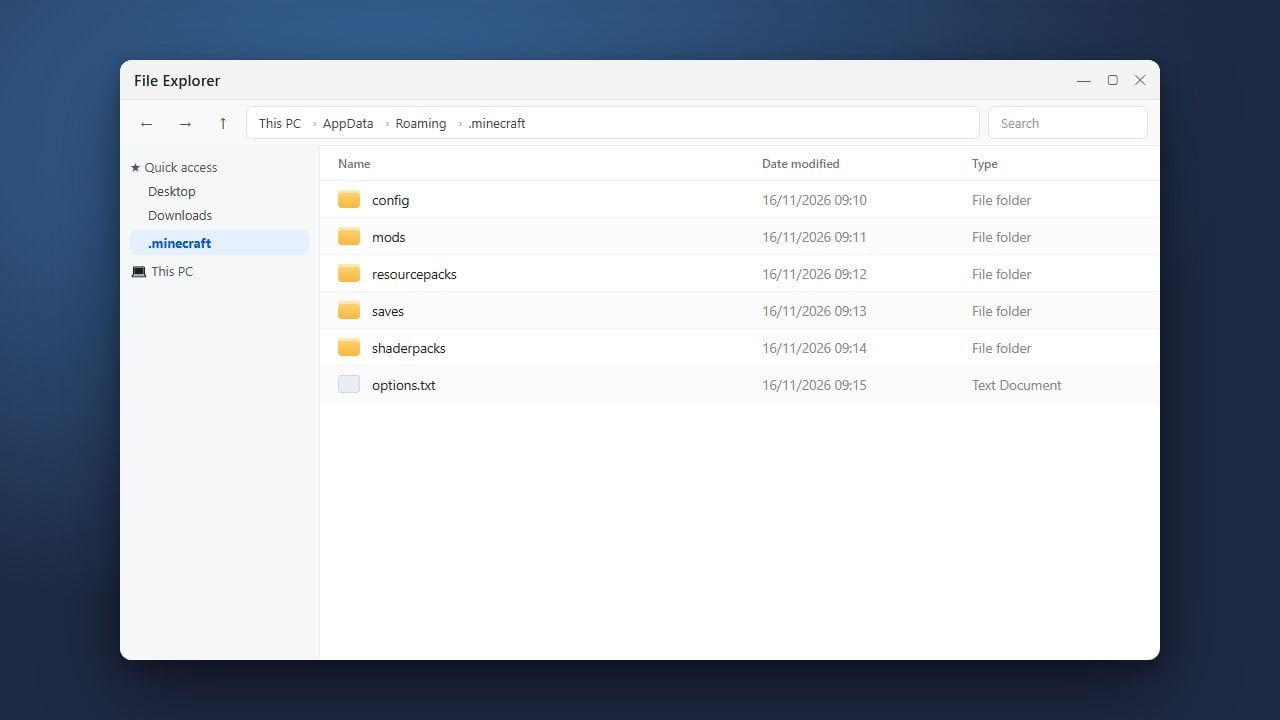
Inside your .minecraft directory, look for a folder named mods. If you do not see one, you can easily create a new folder and name it mods all in lowercase. For detailed instructions, see How to Make a Mods Folder.
Move the Fabric API File
Drag and drop the downloaded Fabric API .jar file directly into your mods folder. Do not extract or unzip the file; leave it as a .jar archive so the game can read it properly.
Launch the Game with Fabric
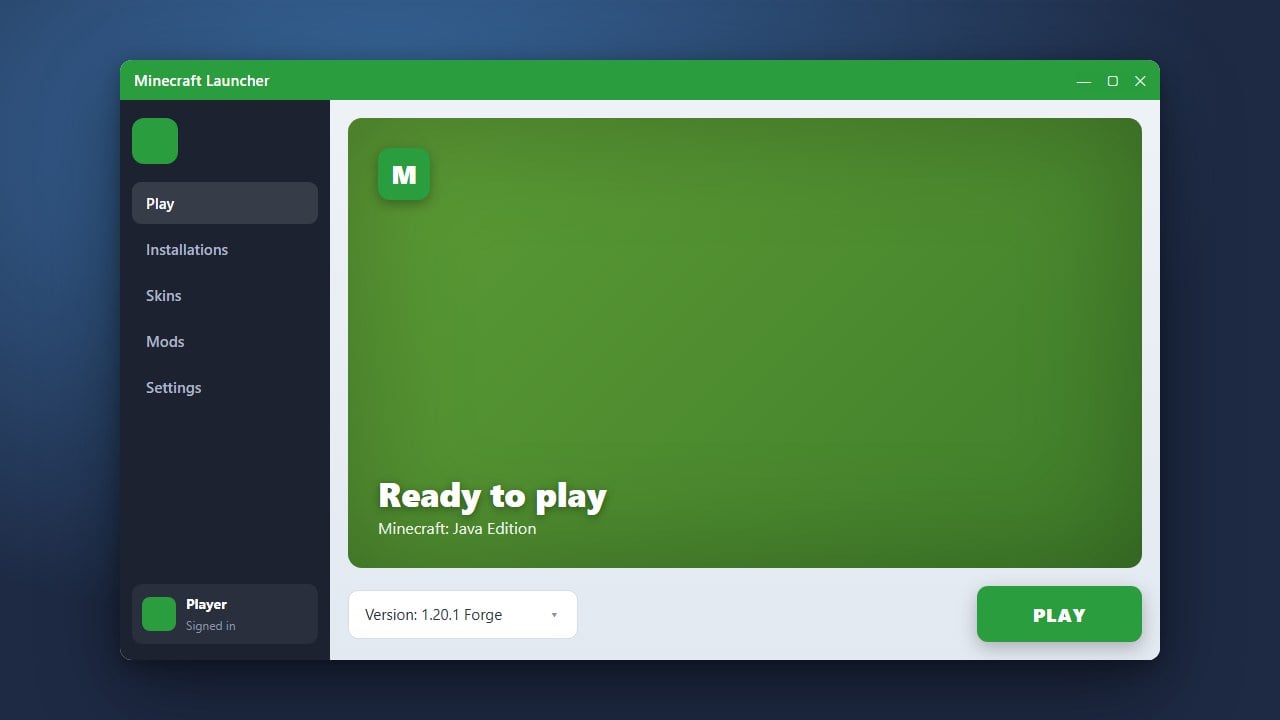
Open the official Minecraft Launcher, select the Fabric profile from your installation dropdown menu, and click Play. The Fabric API will now load automatically alongside any other compatible mods you add to your folder.
Frequently Asked Questions
Do I need to unzip the Fabric API jar file?
No! Keep the Fabric API file as a .jar file and place it directly into your mods folder. Minecraft reads these files directly without extraction.
Where can I download the Fabric API?
You can download it safely from official mod hosting platforms like CurseForge or Modrinth. Always ensure the version matches your game version.
Why is my Fabric mod crashing on startup?
Make sure you actually installed the Fabric API and that all your mods are updated to match your current game version. Check out How to Fix Mods Not Loading for troubleshooting tips.