Installing the Fabric mod loader is quick and easy for Minecraft Java Edition players. Fabric is lightweight, fast, and required for many modern performance and content mods. Before you begin, make sure you have the correct version of Java installed on your computer.
Always download the Fabric installer and mods from official sources to avoid malicious software.
Download the Fabric Installer
Head over to the official Fabric website and download the official installer file for your operating system. You can choose the executable .jar file or the Windows .exe installer.
Close Minecraft and the Launcher
Before running the installer, make sure your Minecraft game and the official Minecraft Launcher are completely closed. Running the installer while the game is open can cause installation errors or missing files.
Run the Fabric Installer
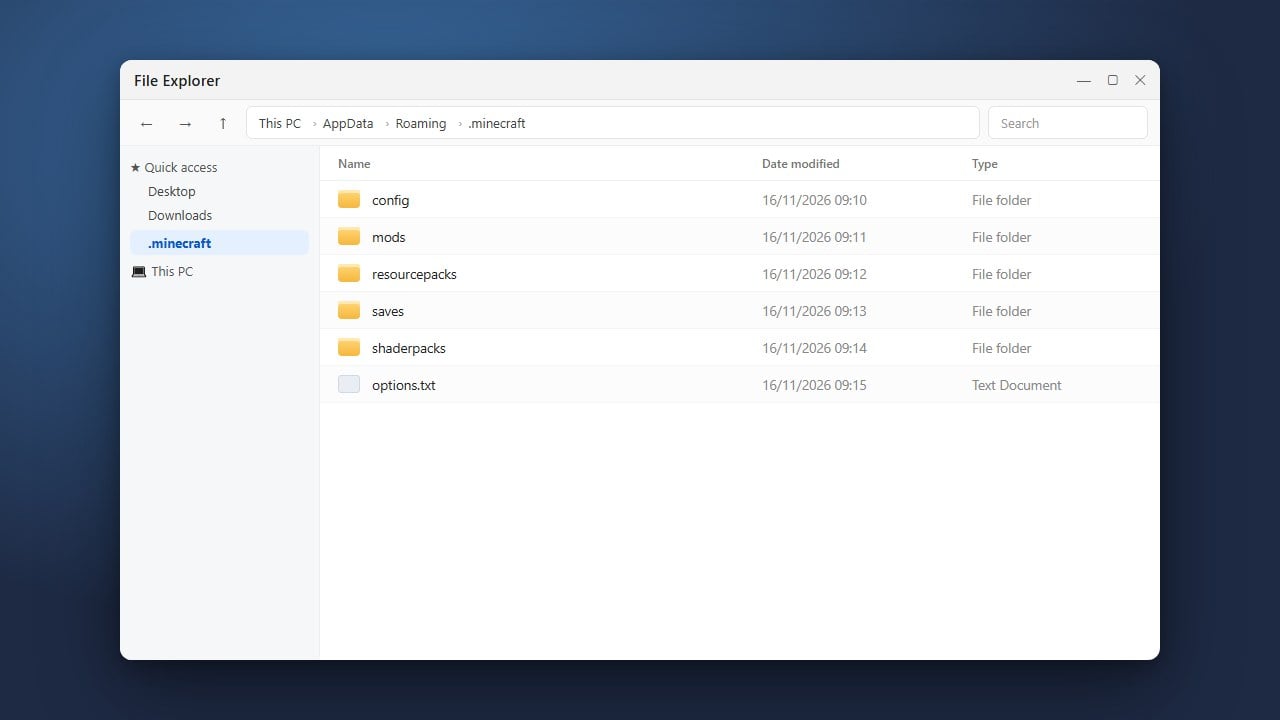
Open the downloaded installer file. Select the Minecraft version you want to play on (such as 1.21), ensure the installation path points to your correct game directory, and click the Install button.
Launch the Minecraft Launcher
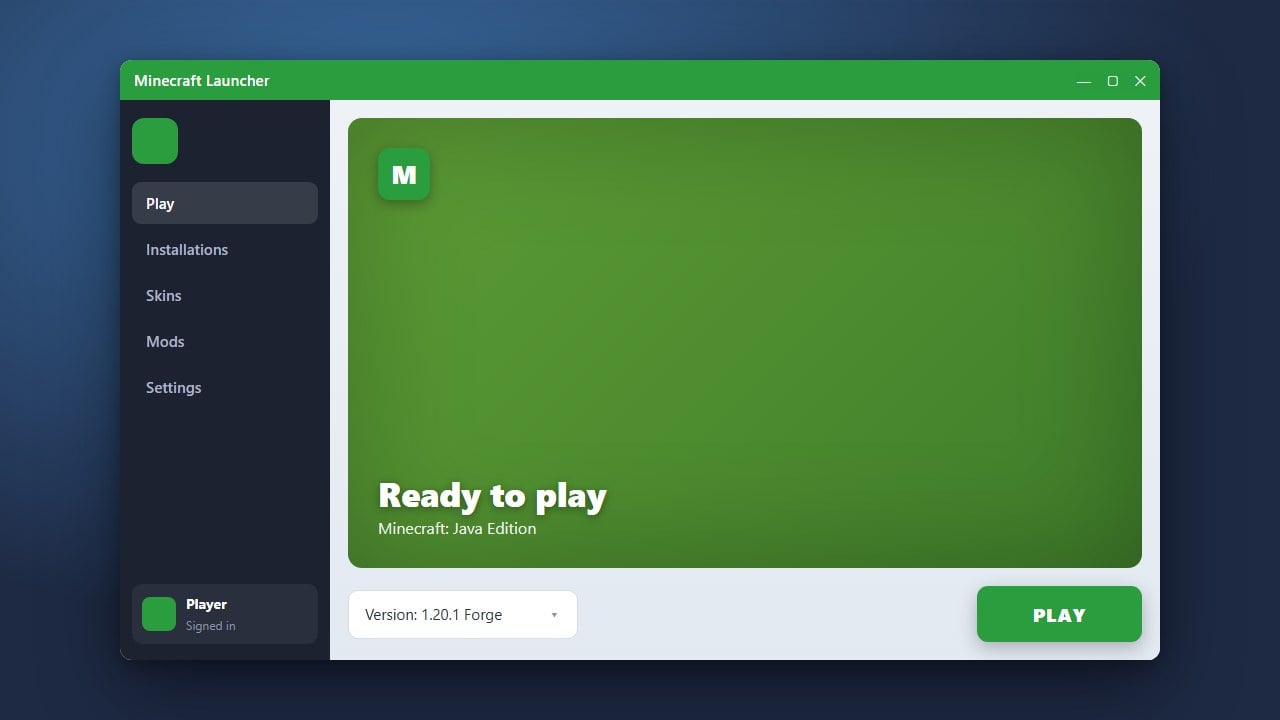
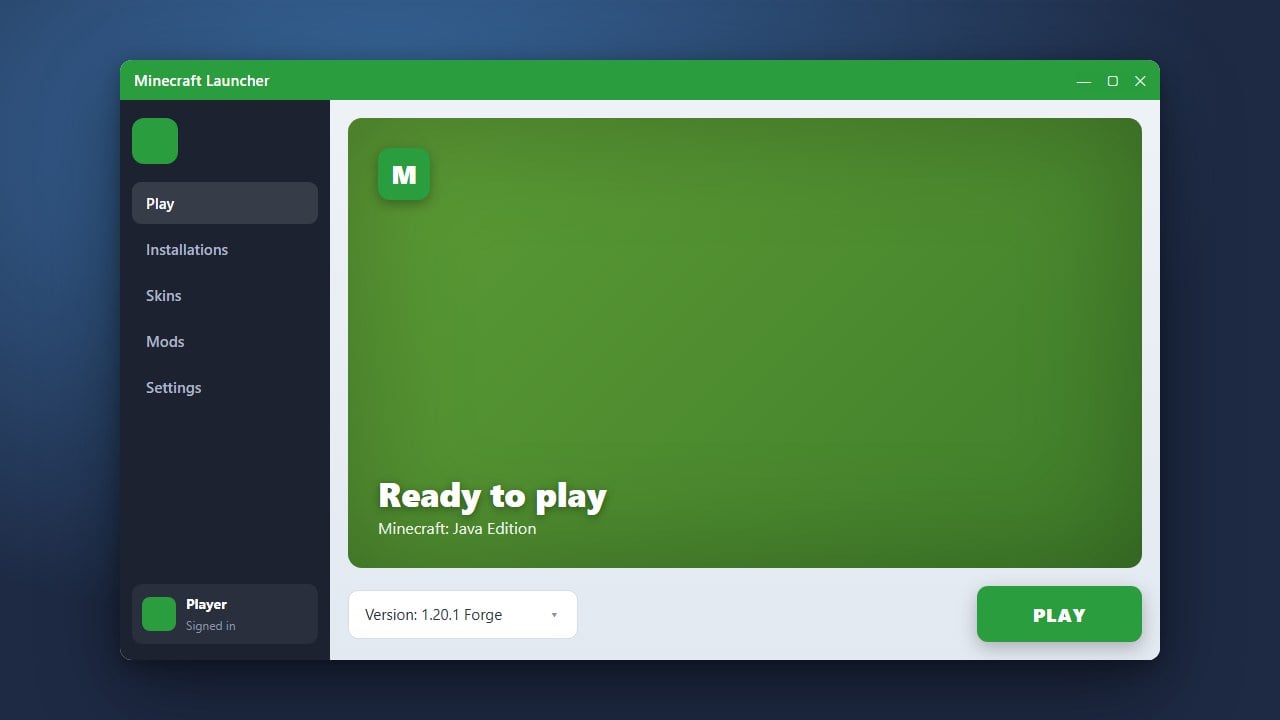
Open your Minecraft Launcher and look at the drop-down installation menu next to the Play button. You should see a new profile named fabric-loader followed by your chosen game version.
Add Fabric API and Mods
Most Fabric mods require an essential helper library to function correctly. Download How to Install Fabric API and place it alongside your other downloaded files into your directory as shown in How to Install Mods in Minecraft (Java) to start playing.
Frequently Asked Questions
Do I need Forge to run Fabric?
No, Fabric and Forge are two completely separate and incompatible mod loaders. You only need to install one depending on the mods you want to use.
Why is my Fabric installation not showing up in the launcher?
Make sure you have played vanilla Minecraft for that specific version at least once before running the Fabric installer, and ensure your launcher is fully restarted.