OptiFine is one of the most popular performance-boosting mods for Minecraft Java Edition. It optimizes the game engine to run smoother, adds support for HD resource packs, and lets you install custom shaders. Follow this simple guide to download and install OptiFine for your version of Minecraft.
Always download OptiFine exclusively from the official website. Unofficial third-party re-uploads can contain malware or adware.
If you plan on playing with many other mods, consider checking out mod loaders like Forge or NeoForge, as modern versions of OptiFine can sometimes have compatibility issues with large modpacks.
Check Your Java Version
Before downloading OptiFine, make sure you have run the exact version of vanilla Minecraft that matches the OptiFine version you want. Open the official Minecraft Launcher and play the game on that version at least once so all necessary game files are generated.
If you aren't sure which version you currently have installed, check our guide on how to check your Minecraft version before proceeding.
Download OptiFine
Go to the official OptiFine website and navigate to the Downloads section. Click on "Show all versions" if you need a specific release, then find the download link that matches your exact Minecraft version.
Click the Download button. If an ad page appears in a new tab, wait a few seconds and click the "Skip" button in the top-right corner to get the actual installer file.
Run the OptiFine Installer
Once the .jar file has finished downloading, double-click it to launch the OptiFine installer. If nothing happens when you double-click it, ensure you have Java installed on your computer, as executable Java files require it to run.
When the small installer window pops up, click the Install button. A success message will appear within a few seconds confirming that OptiFine was successfully installed for your version.
Select the OptiFine Profile in the Launcher
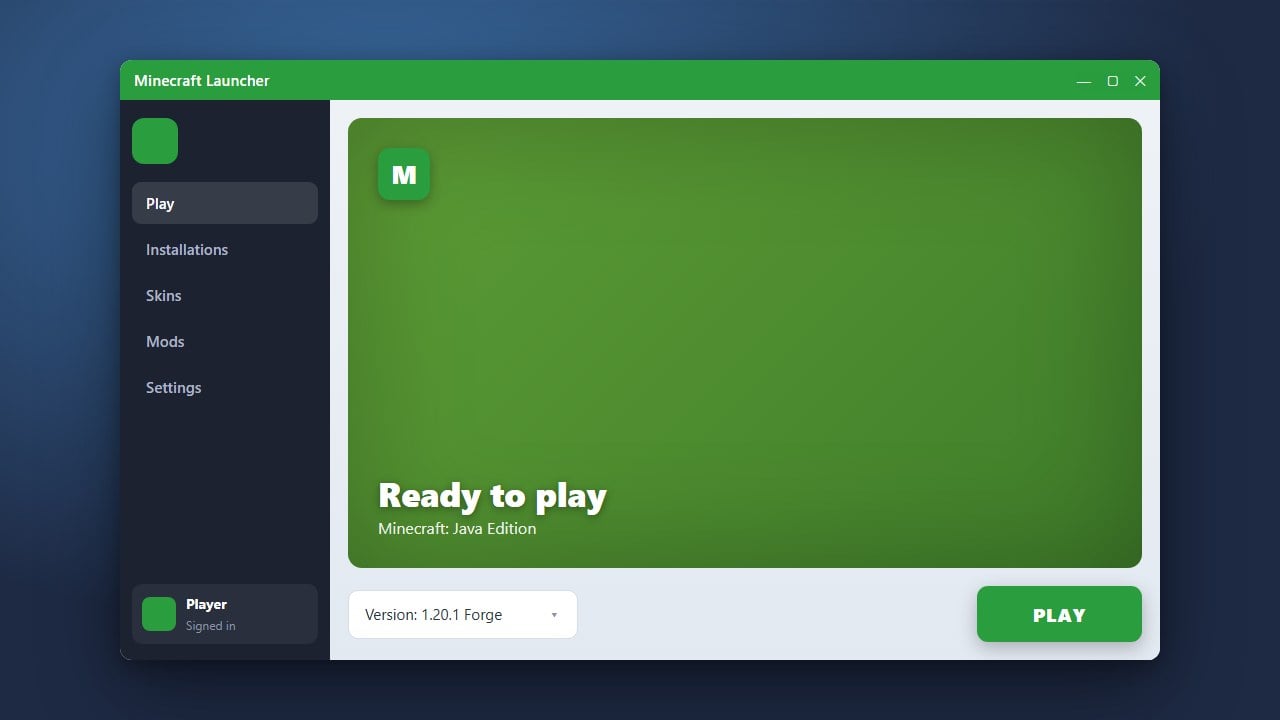
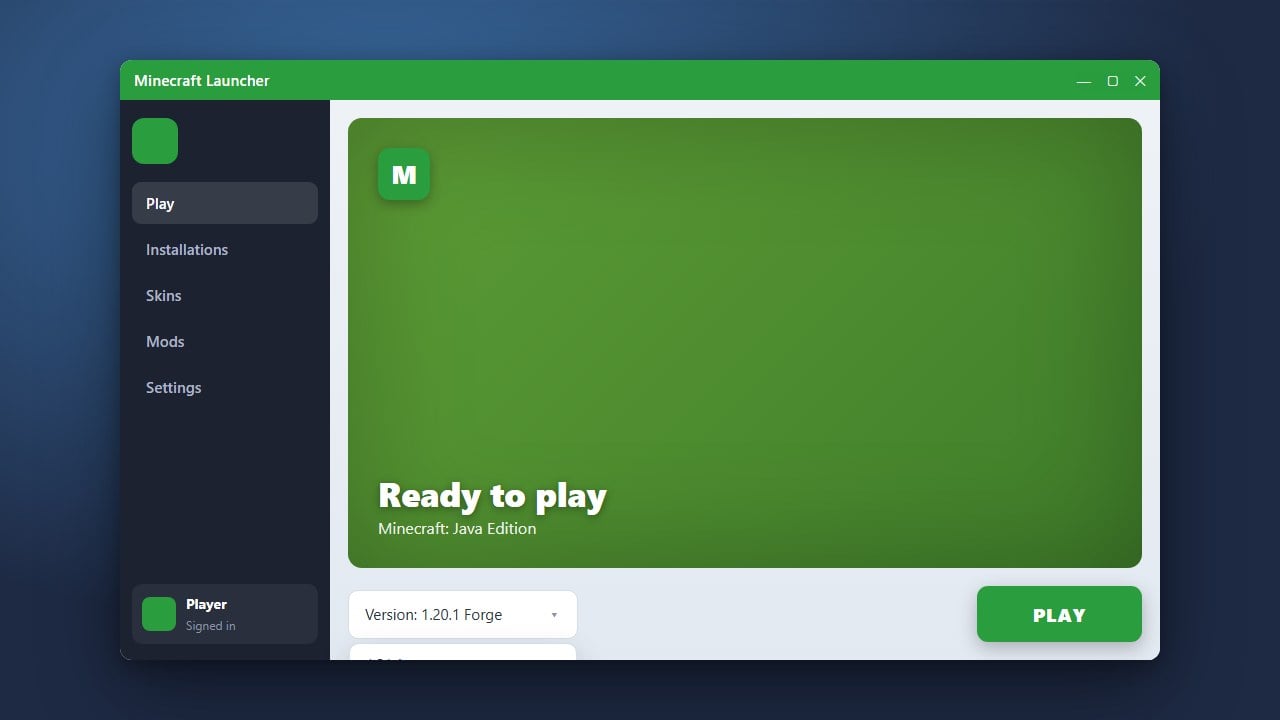
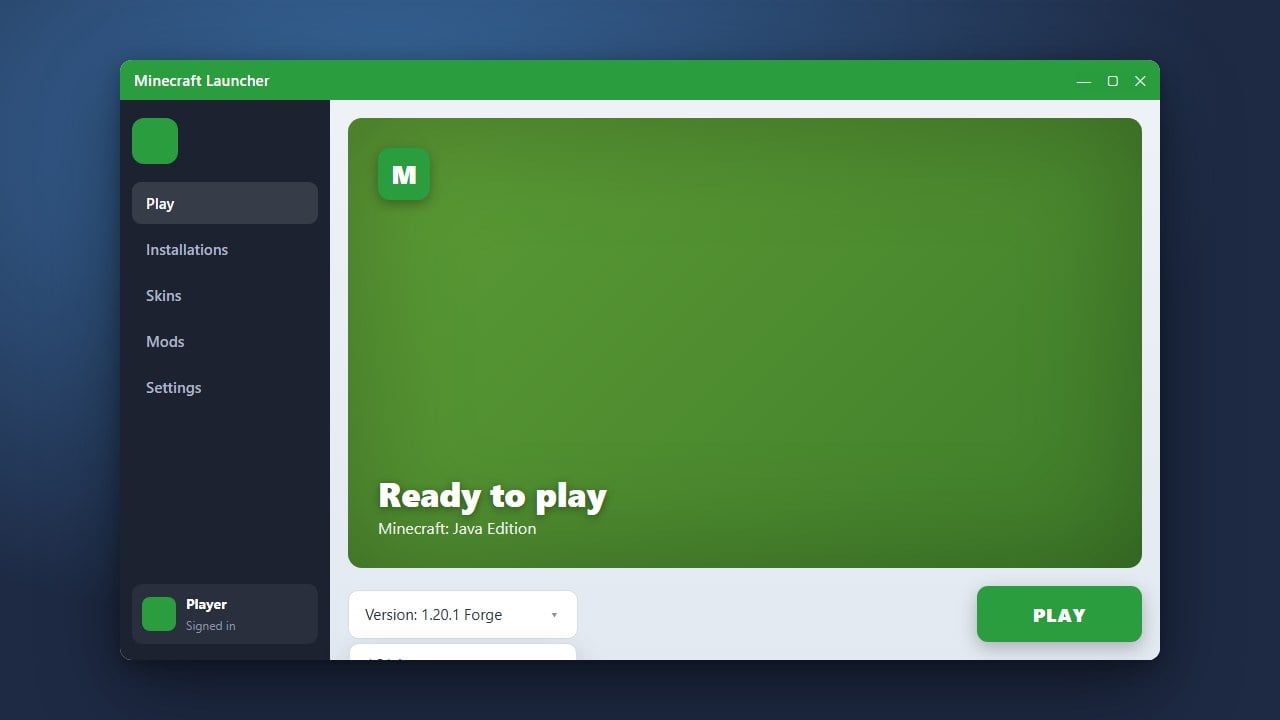
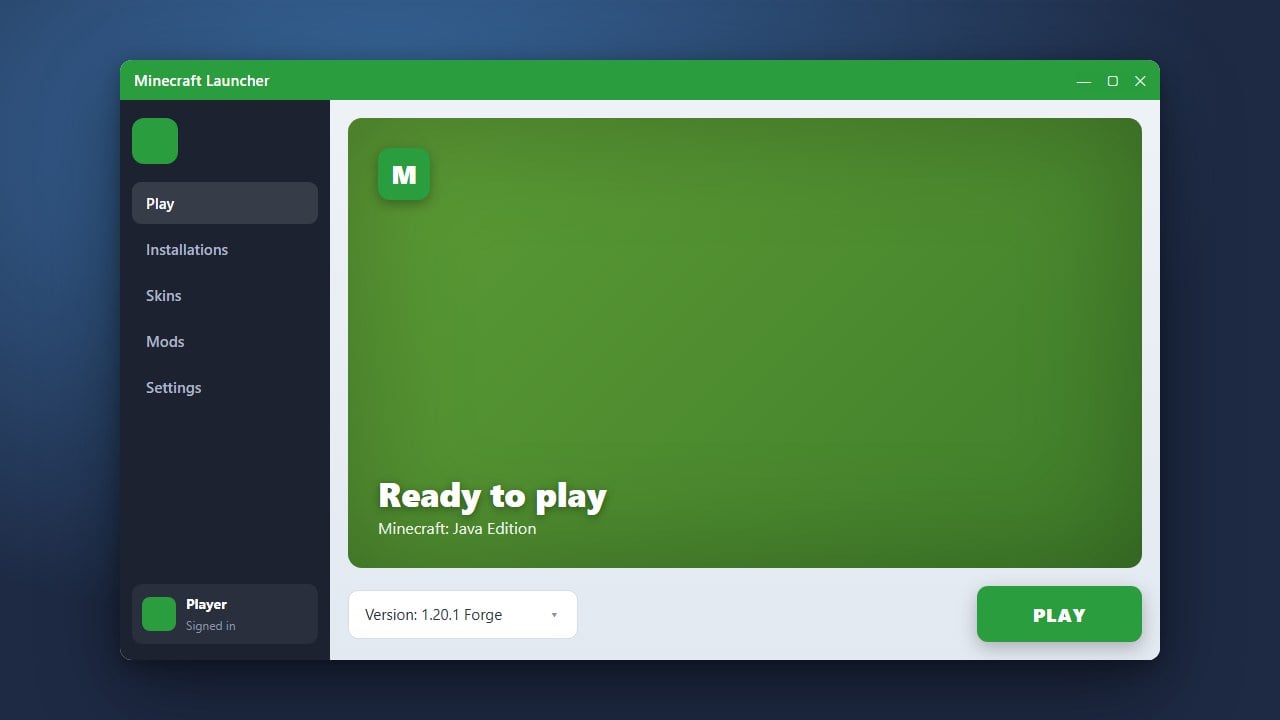
Open the Minecraft Launcher again. In the dropdown menu to the left of the green Play button, you should now see a new profile named "OptiFine".
Select this OptiFine profile. If you need to change your game version or switch back to vanilla later, you can learn more via how to change your Minecraft version.
Launch and Enjoy Higher FPS
Click Play to start Minecraft with OptiFine enabled. Once you reach the main menu, click on Options, then Video Settings. You will notice many new configuration options, including shaders, custom animations, and detailed performance sliders.
If you want to push your graphics even further, check out our guide on how to install shaders to use your newly added OptiFine visual capabilities.
Frequently Asked Questions
Is OptiFine available for Minecraft Bedrock Edition?
No, OptiFine is exclusively built for Minecraft Java Edition. Bedrock Edition handles rendering differently and uses other methods like Render Dragon for performance.
Do I need Minecraft Forge to run OptiFine?
No, the standard OptiFine installer creates a standalone profile that runs independently without needing Forge. However, you can also drop the OptiFine mod file directly into your mods folder if you are using Forge.