Adding modifications to Minecraft Java Edition is one of the best ways to customize your gameplay experience, but before you can install anything, you need a dedicated directory. If the game hasn't generated one automatically, or if you need to set one up manually, creating a mods folder is quick and easy.
If you have already installed a mod loader like Forge or Fabric and launched the game at least once, the mods folder may have been created automatically!
Make sure your folder is named strictly mods in all lowercase letters. Capital letters or typos will prevent Minecraft from recognizing it.
Open the Run Command or File Explorer
To begin, you need to navigate to your main game directory. On Windows, press the Windows Key + R on your keyboard to open the Run dialog box. If you are on macOS, open Finder, click Go in the top menu bar, and select Go to Folder...
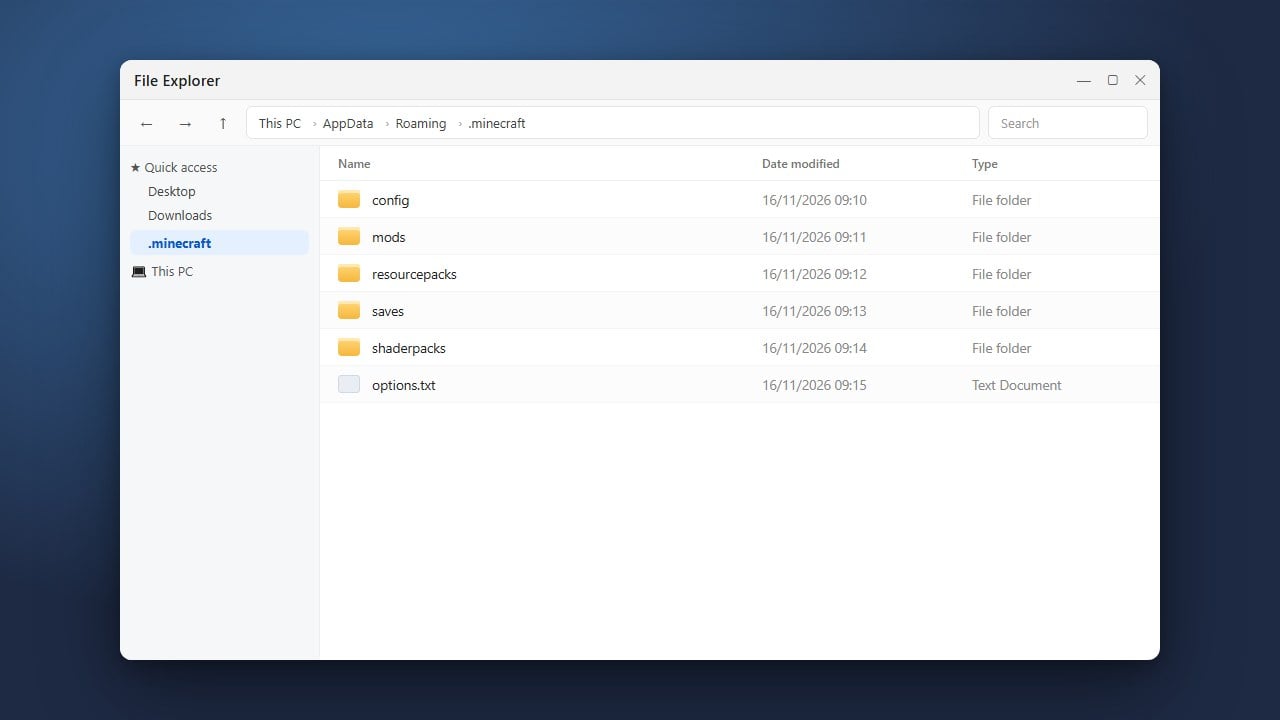
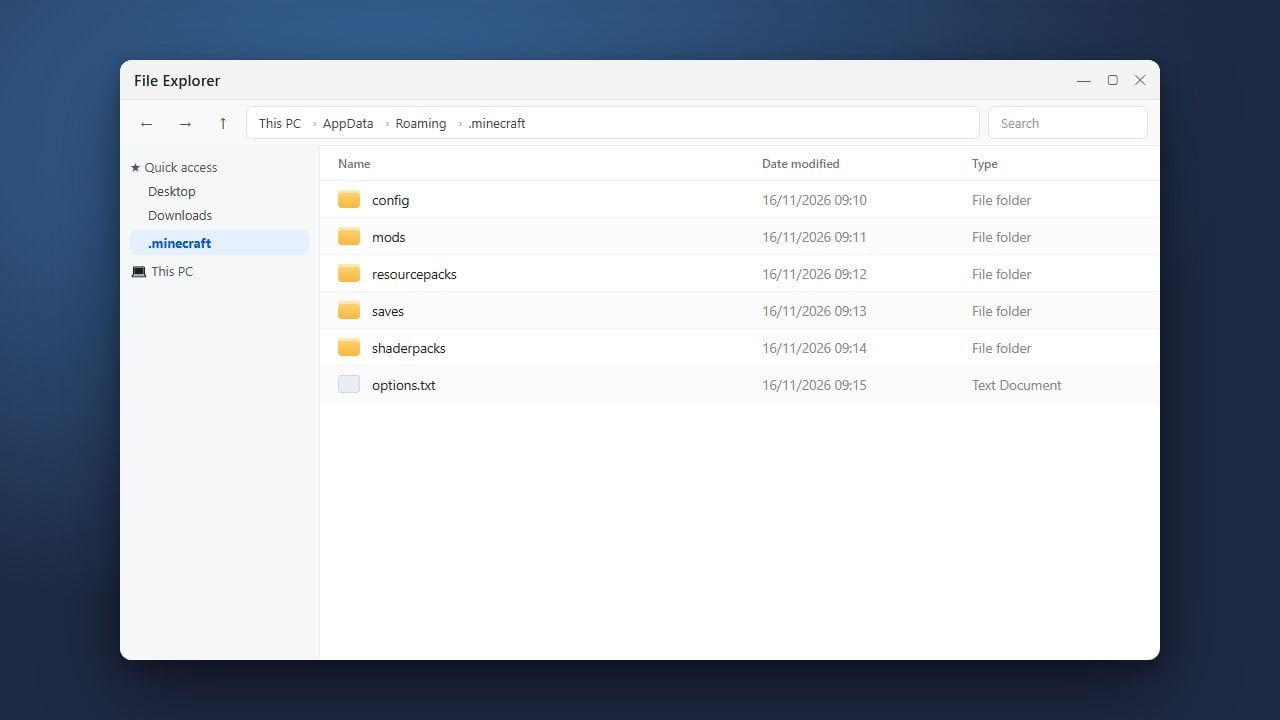
Navigate to the .minecraft Directory
In the Windows Run box, type %appdata% and press Enter, then look for the folder named .minecraft. On Mac, paste ~/Library/Application Support/minecraft into the folder path box and press Enter. For more details on locating this directory, check out our guide on how to find your .minecraft folder.
Create a New Folder
Once you are inside your .minecraft directory, right-click in any empty space and select New > Folder on Windows, or click New Folder in macOS Finder. This will create a brand-new, empty folder waiting to be renamed.
Name the Folder Mods
Type mods as the exact name of your new folder and press Enter. Make sure it is entirely in lowercase letters without any spaces or extra characters, as the game specifically looks for a folder named exactly mods.
Install a Mod Loader
Simply having a mods folder will not load modifications on its own; you also need a compatible mod loader installed. You can learn how to set one up by following our guides on how to install Fabric or how to install Minecraft Forge.
Frequently Asked Questions
Why isn't my mods folder working?
Ensure that your folder is named precisely mods with lowercase letters and is placed directly inside your .minecraft directory. You also need a mod loader like Forge, NeoForge, or Fabric installed for the game to actually load the files inside it.
Can I make a mods folder for Minecraft Bedrock Edition?
No, the mods folder is exclusive to Java Edition. Bedrock Edition uses a different system for custom content, which you can learn about in our guide on how to install add-ons (Bedrock).