Experiencing lag, stuttering, or low frame rates can quickly ruin your gaming session. Whether you are playing on Java Edition or Bedrock Edition, several performance tweaks and settings adjustments can make your game run smoothly again.
Lower Your Video Settings
Open your in-game Options menu and navigate to Video Settings. Lowering demanding graphical features is the fastest way to boost performance. Reduce your Render Distance and Simulation Distance to lower loads on your CPU and memory.
You should also turn off or lower settings like Graphics (set to Fast), Smooth Lighting, Particle Details, and VSync. If you want a deeper dive into maximizing your frame rates, check out our guide on how to increase FPS in Minecraft.
Allocate More RAM (Java Edition)
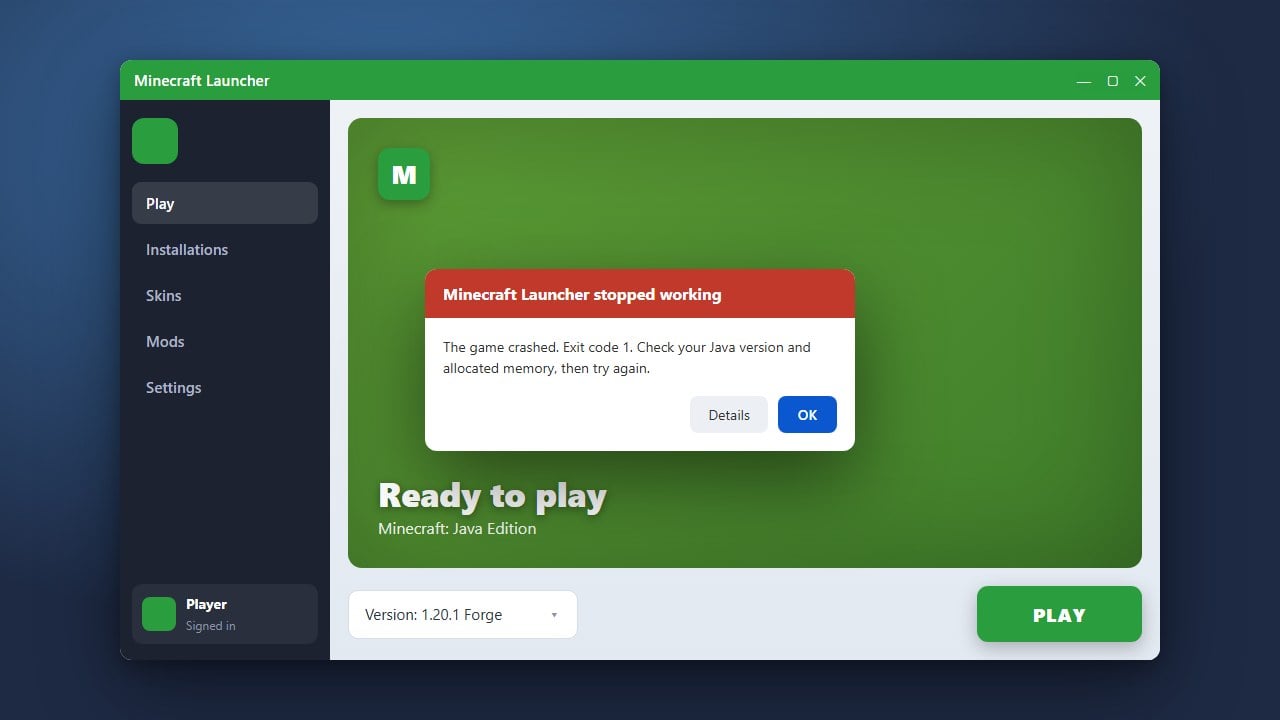
If you are playing Java Edition, Minecraft might be running out of assigned memory, causing heavy stuttering when loading chunks. You can give the game more breathing room by checking our guide on how to allocate more RAM to Minecraft.
Be careful not to allocate all of your computer's physical memory, as your operating system needs RAM to run smoothly alongside the game.
Install Performance Mods (Java Edition)
Vanilla Java Edition is notoriously unoptimized. Installing lightweight performance mods can completely transform your frame rates without altering gameplay. Popular optimization mods use modern rendering engines that perform far better than the default game.
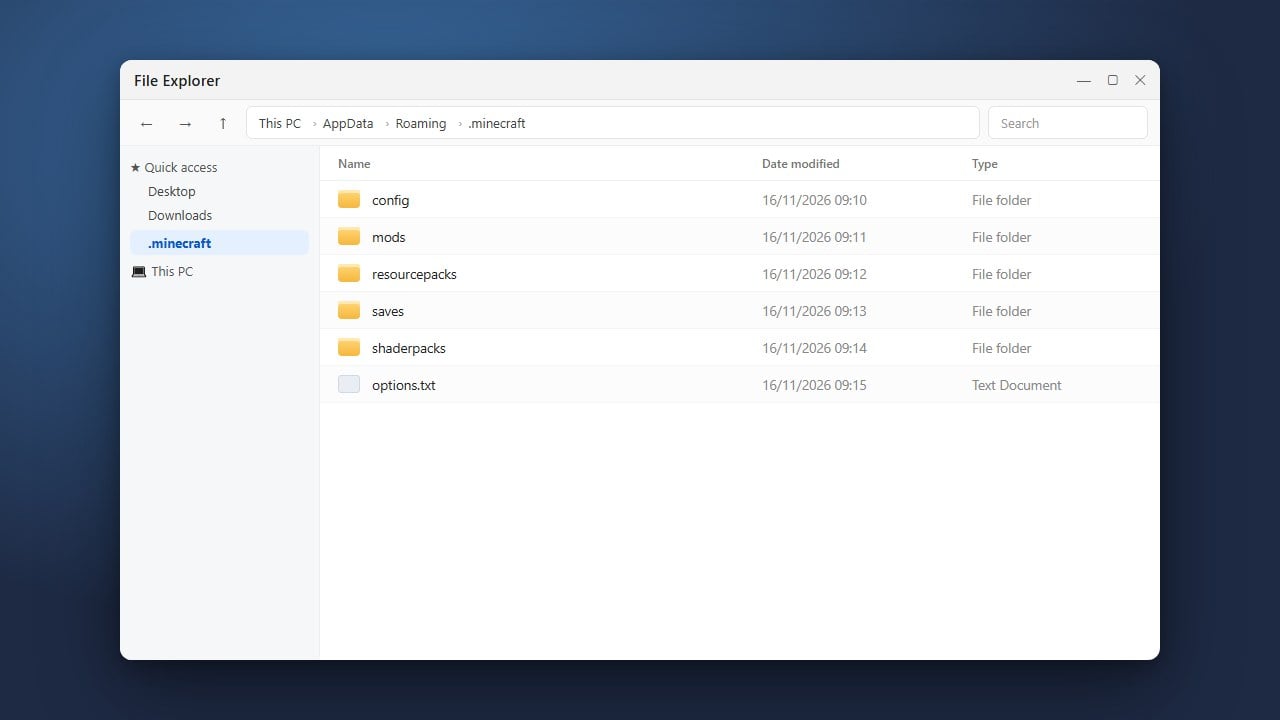
To get started, you can look into mod loaders and follow steps to install optimization tools. For players using community add-ons, make sure you know how to find your .minecraft folder to drop your performance jar files into the correct directory.
Close Background Applications
Minecraft consumes a significant amount of CPU and memory resources. Before launching the game, open your system's task manager (Task Manager on Windows, Activity Monitor on Mac) and close heavy background programs like web browsers, video streaming apps, and unnecessary launchers.
Freeing up system resources ensures that your computer dedicates its full power to running Minecraft smoothly and prevents sudden lag spikes.
Update Your Graphics Drivers
Outdated graphics card drivers are a frequent cause of stuttering, visual glitches, and poor game performance. Visit the official website of your GPU manufacturer—such as NVIDIA, AMD, or Intel—to download and install the latest drivers for your graphics card.
After updating your drivers, restart your computer and launch Minecraft again to see if your performance and stability have improved.
Frequently Asked Questions
What is the difference between FPS lag and network lag?
FPS lag (client-side) makes your screen stutter or freeze because your computer struggles to render the game. Network lag (server-side or ping) causes blocks to break with a delay or players to teleport around because of a poor connection to the server.
Does Bedrock Edition run better than Java Edition?
Generally, yes. Bedrock Edition is coded in C++ and is much better optimized for a wide variety of devices, including mobile phones, consoles, and lower-end PCs, whereas Java Edition requires more robust hardware and optimization tweaks.