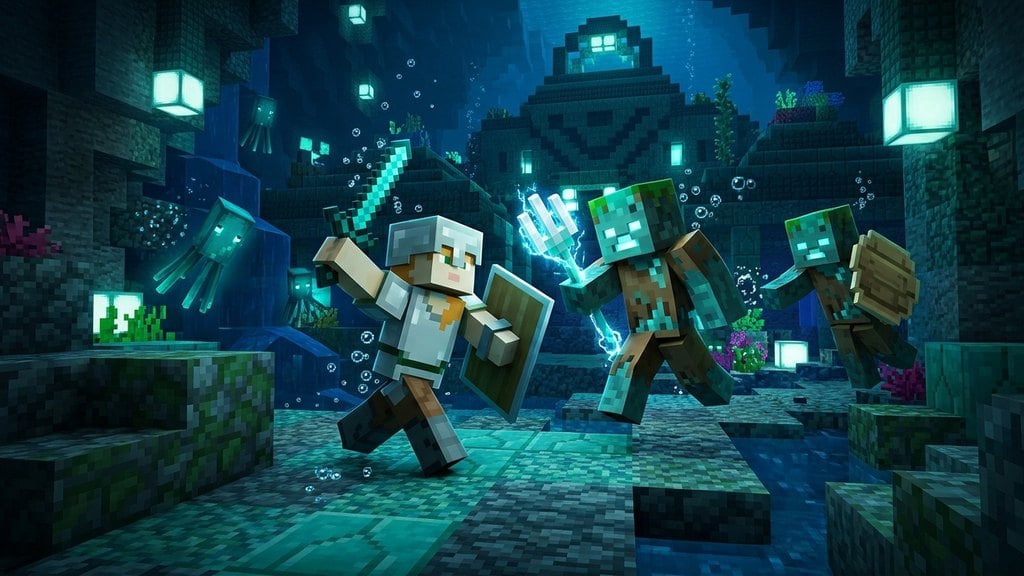
Swimming in Minecraft allows you to cross oceans quickly, explore shipwrecks, and dive deep into underwater ravines. Sprint swimming also allows your character to fit through one-block tall crawlspaces, making it an essential movement mechanic in both Java Edition and Bedrock Edition.
Enter Deep Water
Walk or jump into a body of water that is at least two blocks deep. In shallow, single-block water, your character simply wades upright at a reduced walking speed. You need deeper water to fully submerge your character's head and engage the swimming posture.
Submerge Beneath the Surface
To begin swimming, your character's head must be fully underwater. You can sink by holding your crouch and sneak key (Left Shift on keyboard, or your controller's sneak button). Alternatively, simply aim your view downward and walk forward into the depths.
Activate Sprint Swimming
Once submerged, engage your sprint control to start swimming. Press your sprint key (Left Control by default on Java Edition, or click the left analog stick / double-tap forward on Bedrock Edition).
Your character will rotate horizontally into a swimming animation and propel forward at a much higher speed than normal water movement.
Steer With Your Crosshair
While sprint swimming, your character moves in whichever direction your camera is pointing. Look upward toward the surface to ascend, look toward the ocean floor to dive, and turn your camera left or right to bank smoothly around obstacles.
If you need to customize your movement keys or controller sensitivity, you can check how to change your keybinds in your game settings.
Monitor Your Oxygen Bubbles
Keep an eye on the bubble icons that appear directly above your hunger bar whenever you are underwater. These bubbles represent your remaining air supply and gradually pop as you stay submerged.
Once all bubbles run out, your character will take continuous drowning damage until you breach the surface to refill your air meter.
Frequently Asked Questions
Why will my character not enter the swimming animation?
Sprint swimming only triggers when your character's head is completely submerged beneath water. If your head is breaking the surface, or if the water is only one block deep, tapping sprint will only trigger normal walking or wading movement.
How do I float or paddle up slowly without sprint swimming?
Hold down your jump key (Spacebar on keyboard, or A/Cross on controllers). Your character will tread water and float steadily upward toward the surface.
How can I swim even faster underwater?
You can wear boots enchanted with Depth Strider to move much faster through water, or gain the Dolphin's Grace status effect by swimming near a wild dolphin in ocean biomes.