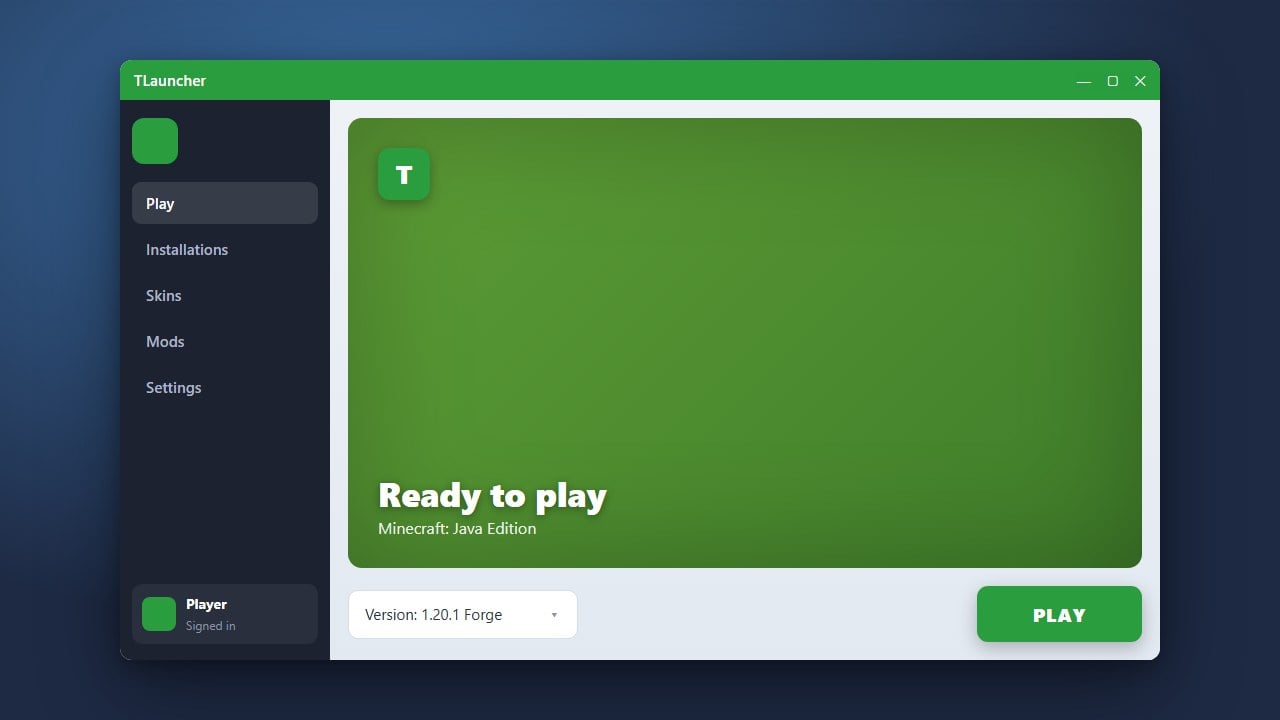
Want to completely transform your Minecraft Java Edition worlds with beautiful lighting, shadows, and water reflections? This guide will show you how to set up shaders using TLauncher. Please note that TLauncher is a third-party launcher historically associated with unauthorized game access, privacy concerns, and bundled adware; we strongly recommend purchasing and using the official game and launcher from minecraft.net to protect your account and PC.
Open TLauncher and Select a Modded Version
Launch TLauncher on your computer. To use shaders in modern versions of Minecraft Java Edition, you need a mod loader like Fabric (with the Iris mod) or Optifine. In the TLauncher version selection menu, choose a release that has Fabric or Optifine installed, or install one via the built-in TLauncher modpack system.
If your game runs out of memory while loading heavy graphics packs, you may want to check out our guide on how to allocate more RAM in TLauncher before proceeding.
Download a Shader Pack
Open your web browser and download a compatible shader pack (such as Complementary, BSL, or Sildurs) from a trusted community source like Modrinth or CurseForge. Make sure you download a .zip file that matches your version of Minecraft Java Edition.
Do not extract or unzip the downloaded file. Keep the .zip archive exactly as it is downloaded, because Minecraft reads shader packs directly in their compressed format.
Open the Shaderpacks Folder
Start your Minecraft game using the Fabric/Iris or Optifine profile in TLauncher. Once you reach the main menu, click on Options, then select Video Settings, and look for the Shaders button.
Click on the Shaders Folder button at the bottom of the shader selection screen. This will instantly open the correct shaderpacks directory in your operating system's file explorer.
Place Your Shader Zip File
Drag and drop the shader pack .zip file you downloaded earlier directly into the shaderpacks folder that just opened. Close the folder window and return to your running Minecraft game.
Your newly added shader pack should now instantly appear in the in-game shader selection list without needing to restart Minecraft.
Enable and Configure Your Shaders
Click on the name of your shader pack in the game menu to activate it. Minecraft may stutter for a few seconds as it compiles the new visual effects.
You can click on Shader Options at the bottom of the screen to adjust performance settings, shadow quality, lighting colors, and water transparency to match your computer's hardware capabilities.
Frequently Asked Questions
Can I use shaders on Minecraft Bedrock Edition with TLauncher?
No. TLauncher is exclusively for Minecraft Java Edition. Bedrock Edition uses a different rendering engine and handles visual packs through resource and behavior packs rather than Java shader folders.
Why is the Shaders button missing in my game menu?
If you do not see a Shaders button in your video settings, it means you launched vanilla Minecraft instead of a profile with Optifine or Iris installed. Make sure you select the correct modded version in TLauncher before clicking play.