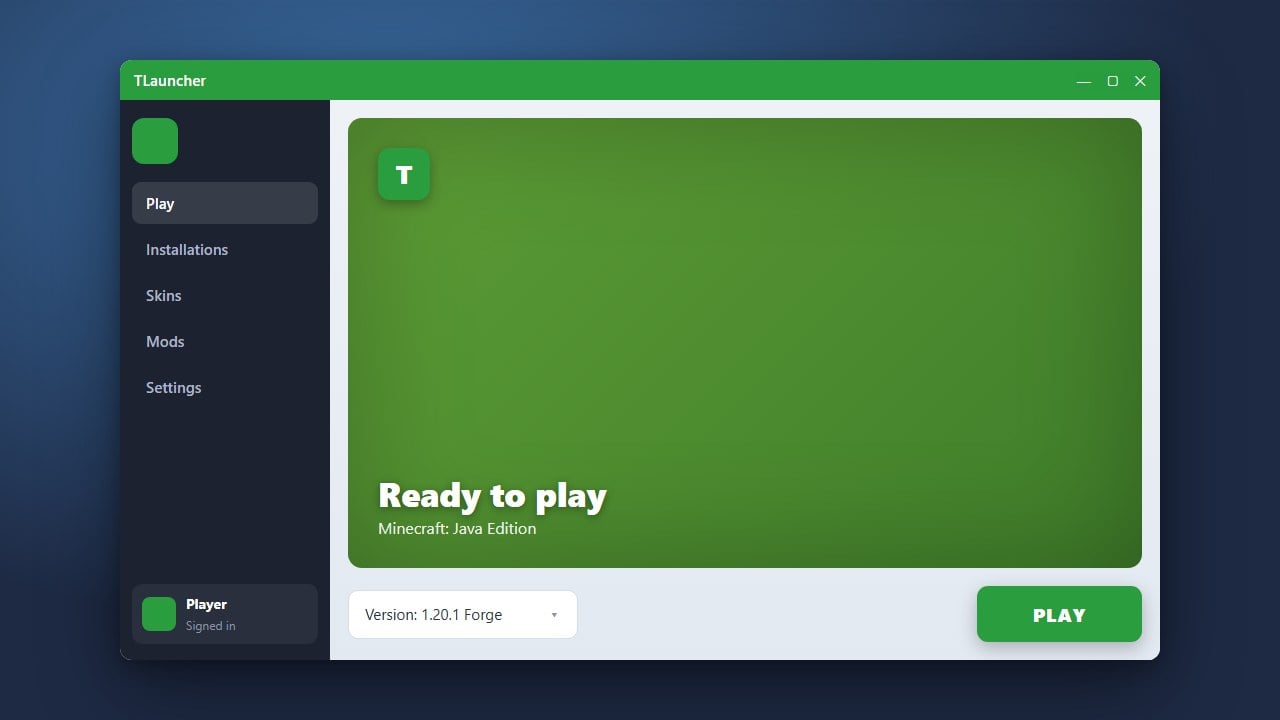
TLauncher is a popular alternative Minecraft launcher that includes built-in support for downloading and installing various mod loaders like Forge and Fabric directly. Please note that while third-party launchers offer convenient mod management, we always recommend purchasing the official game from minecraft.net to support the developers and ensure account safety. Additionally, be aware of past privacy concerns regarding adware and data collection associated with certain unofficial launchers.
Open TLauncher and Select Your Profile
Launch TLauncher on your computer and make sure you are logged into your account. If you want to check your resource setup or customize memory allocation first, you can review guides like How to Allocate More RAM in TLauncher.
At the bottom of the launcher window, locate the version selection menu where you can choose your desired Minecraft version and mod loader type.
Open the TLauncher Mod Version Manager
Click on the version dropdown menu or open the TLauncher Modpack/TL Mods installer icon next to the version selector. This opens an integrated list of available versions, including vanilla releases, OptiFine builds, Forge, and Fabric.
Browsing this interface allows you to pick specific game revisions without needing to manually download external installer jars from the web.
Install Forge for Your Preferred Version
Scroll through the list or filter by mod loaders to find Forge for your target Minecraft version (such as 1.21). Versions marked with a Forge icon indicate they are pre-configured by the launcher.
Click the Install button next to the Forge version. TLauncher will automatically download all necessary libraries and files required to run Forge mods.
Install Fabric for Your Preferred Version
If you also want to play with Fabric mods, navigate back to the version manager and look for the Fabric loader options for your target game version.
Click Install on the Fabric entry. TLauncher will set up a separate profile containing the Fabric loader and its essential API components, allowing you to switch between Forge and Fabric easily whenever you want.
Launch and Verify Your Modded Profiles
Return to the main TLauncher screen and open the version dropdown to see your newly installed Forge and Fabric profiles. Select the loader you wish to play with and click the large Enter the Game button.
Once the game opens to the title screen, check the bottom left corner to confirm that Forge or Fabric is active alongside your Minecraft version number.
Frequently Asked Questions
Can I run Forge and Fabric mods together at the same time?
No, Forge and Fabric use completely different underlying architectures and cannot load each other's mods natively. However, some community compatibility projects exist, though running separate profiles is strongly recommended.
Where do I put my mods after installing Forge or Fabric?
You need to place your downloaded mod files into the mods folder located inside your Minecraft directory. You can open this folder quickly by clicking the folder icon within TLauncher's settings or version menu.