
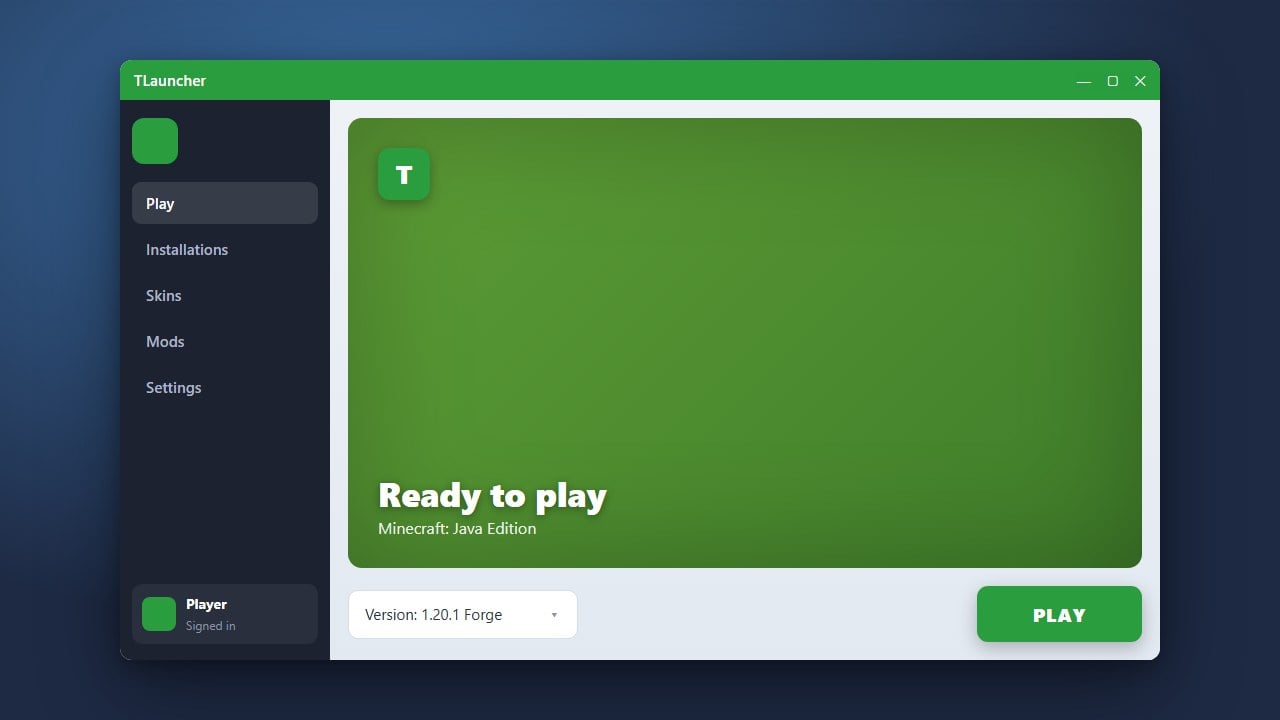
Updating TLauncher ensures you have access to the newest Minecraft versions, bug fixes, and security patches. While many third-party launchers offer convenient features, remember that playing the full official version of Minecraft requires purchasing the game from minecraft.net. Some community discussions have raised privacy and adware concerns regarding TLauncher, so always weigh your options carefully or consider safer alternatives if you want absolute account security.
saves and resourcepacks folders located in your Minecraft directory before performing major software or launcher updates to prevent accidental data loss.1. Open TLauncher
Start by launching TLauncher on your computer. Make sure you are connected to the internet so the program can check for any available software updates or new Minecraft versions.
2. Check for Launcher Updates
When a new version of the launcher itself is available, TLauncher will usually prompt you with an update notification pop-up as soon as you open it. Click the update button within that prompt to begin downloading the latest files.
3. Alternatively, Reinstall TLauncher
If the automatic update prompt does not appear or fails to install, you can manually download the newest installer package directly from the official website. Run the installer over your existing installation to refresh all application files safely.
4. Select the Latest Minecraft Version
Once the launcher interface is open and updated, look at the bottom version selection menu. Choose the newest game release to make sure your profile is running the latest updates, or check out How to Change the Minecraft Version in TLauncher for detailed version management steps.
5. Verify Performance and RAM Settings
After updating, large version changes might reset your allocated memory. You may want to review How to Allocate More RAM in TLauncher to ensure your game has enough system resources to run smoothly without lag.
Frequently Asked Questions
Will updating TLauncher delete my worlds?
No, standard updates or reinstalling the launcher should not affect your singleplayer worlds stored in the local game directory. However, creating a backup folder of your saves beforehand is always recommended.
Why does TLauncher prompt me to update every time?
This usually happens if the auto-update mechanism fails to write files due to restricted permissions, or if your antivirus software is blocking the launcher from saving its new update files.















