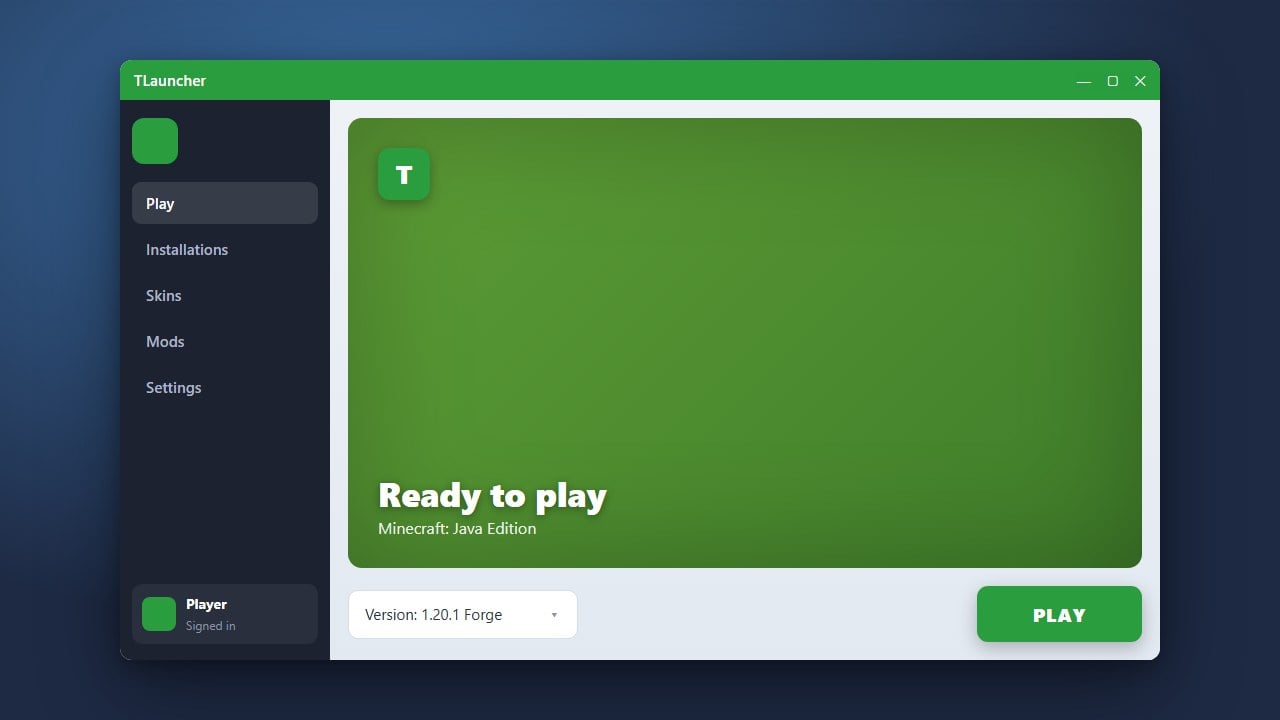
If your Minecraft game is lagging, freezing, or crashing with out-of-memory errors, you may need to increase the amount of RAM assigned to the game. This guide will walk you through allocating more memory using TLauncher for Java Edition.
Never allocate 100% of your computer's physical RAM to Minecraft. Always leave at least 2 GB free for Windows or your operating system to prevent crashes and system freezes.
If you enjoy playing with custom content, you might also want to check out guides like How to Change the Minecraft Version in TLauncher.
Open TLauncher Settings
Launch TLauncher on your computer and wait for the main dashboard to load. Look at the bottom-right corner of the window and click on the Settings icon, which looks like a small gear.
Locate the Memory Allocation Option
In the settings window, look for the section labeled Memory Allocation or the RAM slider. By default, TLauncher assigns a modest amount of RAM, which is often insufficient for modern versions or heavy modpacks.
Adjust the RAM Slider
Drag the memory slider to your desired amount of gigabytes (GB). Make sure not to allocate all of your computer's total RAM, as your operating system needs memory to run smoothly as well. For vanilla Minecraft, 2 GB to 4 GB is usually plenty, while heavy modded setups may require 4 GB to 6 GB.
Save Your Settings
Once you have selected the appropriate amount of memory, click the Save button at the bottom of the settings window to apply your new configuration.
Launch Minecraft and Play
Return to the main TLauncher screen, select your preferred game version, and click Enter the Game. Your game will now run using the newly allocated RAM.
Frequently Asked Questions
How much RAM should I allocate to Minecraft in TLauncher?
For vanilla Minecraft, 2 GB to 4 GB is ideal. If you are playing with large modpacks, you should allocate between 4 GB and 6 GB depending on your total system RAM.
Why is the memory slider greyed out or limited?
If you cannot slide the memory higher, you likely have a 32-bit version of Java installed. You need to install a 64-bit version of Java to allocate more than 2 GB of RAM.