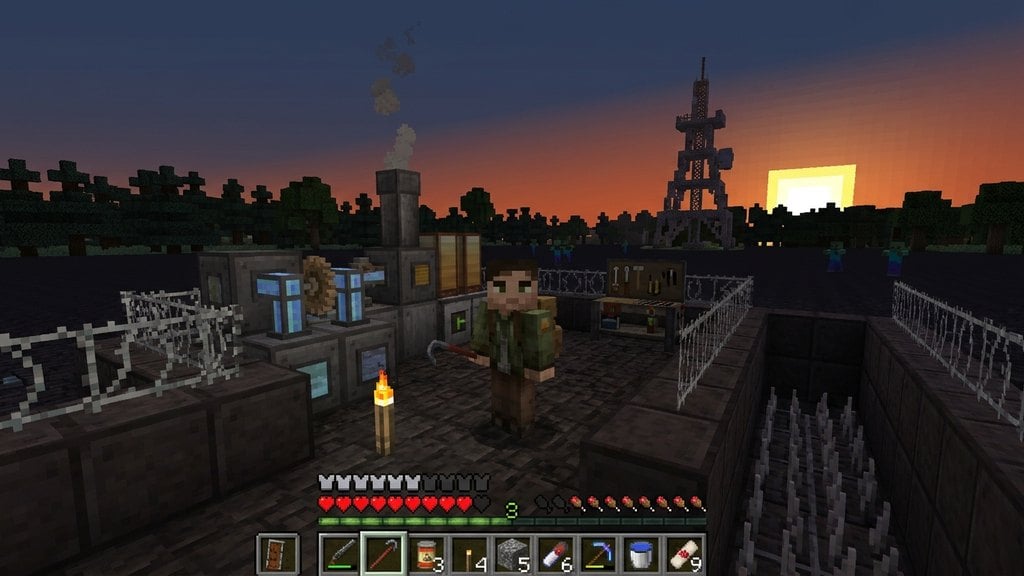
Transforming your ordinary Minecraft world into a terrifying wasteland is easier than you think. Whether you are playing Java Edition with heavy Forge/Fabric mods or Bedrock Edition with behavior packs, this guide will walk you through setting up your very own zombie apocalypse.
Zombie apocalypse modpacks can be very demanding on system hardware. If your game lags or crashes upon loading, consider checking our guide on How to Allocate More RAM to Minecraft to give the game more memory.
Always back up your important existing worlds before adding large gameplay-altering mods by following How to Back Up Your World.
Choose Your Edition and Mod Loader
First, determine whether you are playing Minecraft Java Edition or Bedrock Edition. For Java players, you will need a mod loader installed; most comprehensive zombie mods run on Forge or Fabric. If you are on Bedrock, you can use behavior packs or download a pre-made apocalypse map directly.
Make sure your game version matches the version required by the zombie apocalypse mod or map you want to download to avoid compatibility crashes.
Download the Zombie Apocalypse Mod or Map
Search for a reputable zombie apocalypse mod, modpack, or map from trusted sources like CurseForge or Modrinth. Click the download button for the version that matches your game client.
If you are downloading a Java mod, you will typically receive a .jar file. If you are downloading a Bedrock adventure map or add-on, you will usually get a .mcworld or .mcpack file.
Locate Your Minecraft Folder
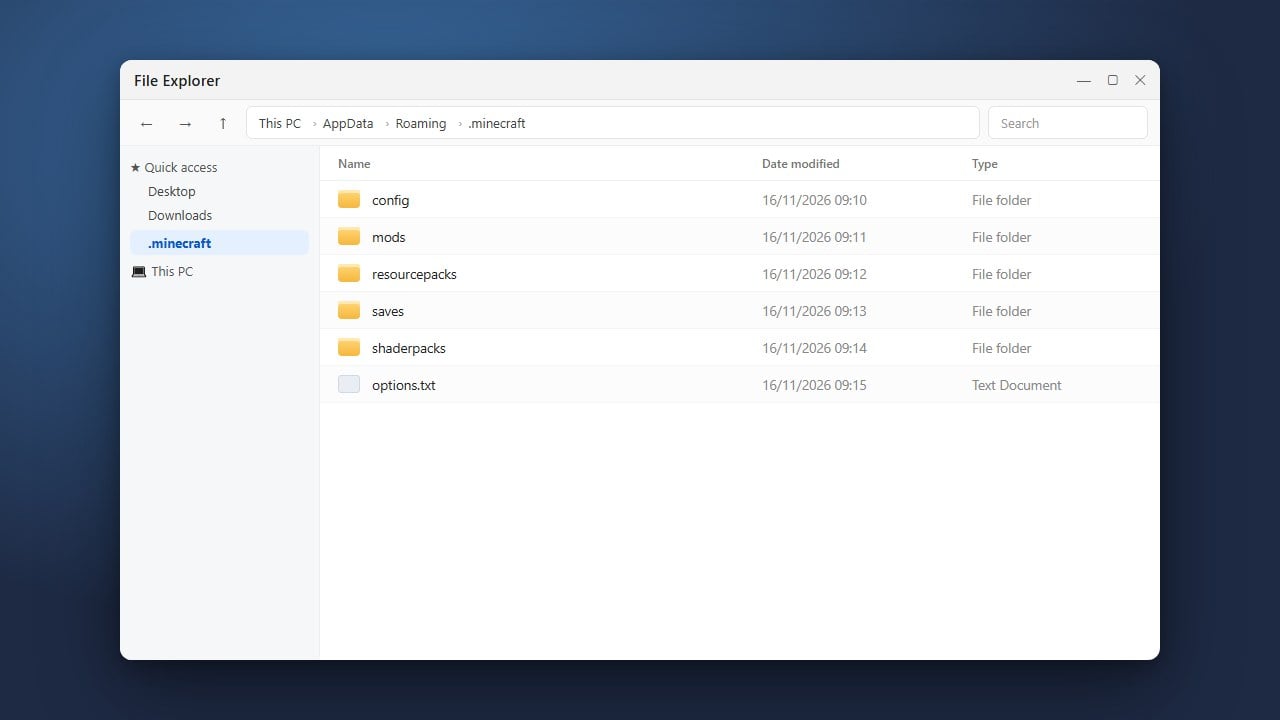
For Java Edition players, open your game directory. You can quickly access it by following the steps in How to Find Your .minecraft Folder. Inside this directory, look for the folder named mods. If it does not exist, you can create a new folder and name it exactly mods in lowercase.
For Bedrock players on Windows, double-clicking a downloaded .mcworld or .mcpack file will usually import it into the game automatically.
Install the Files into the Game
If you are playing Java, drag and drop the downloaded .jar zombie apocalypse file directly into your mods folder. If the apocalypse requires specific resource packs or world files, place them in their respective folders too.
If you are installing a Java modpack instead of a single mod, refer to How to Install Modpacks for launcher-specific installation instructions.
Launch and Configure Your Apocalypse World
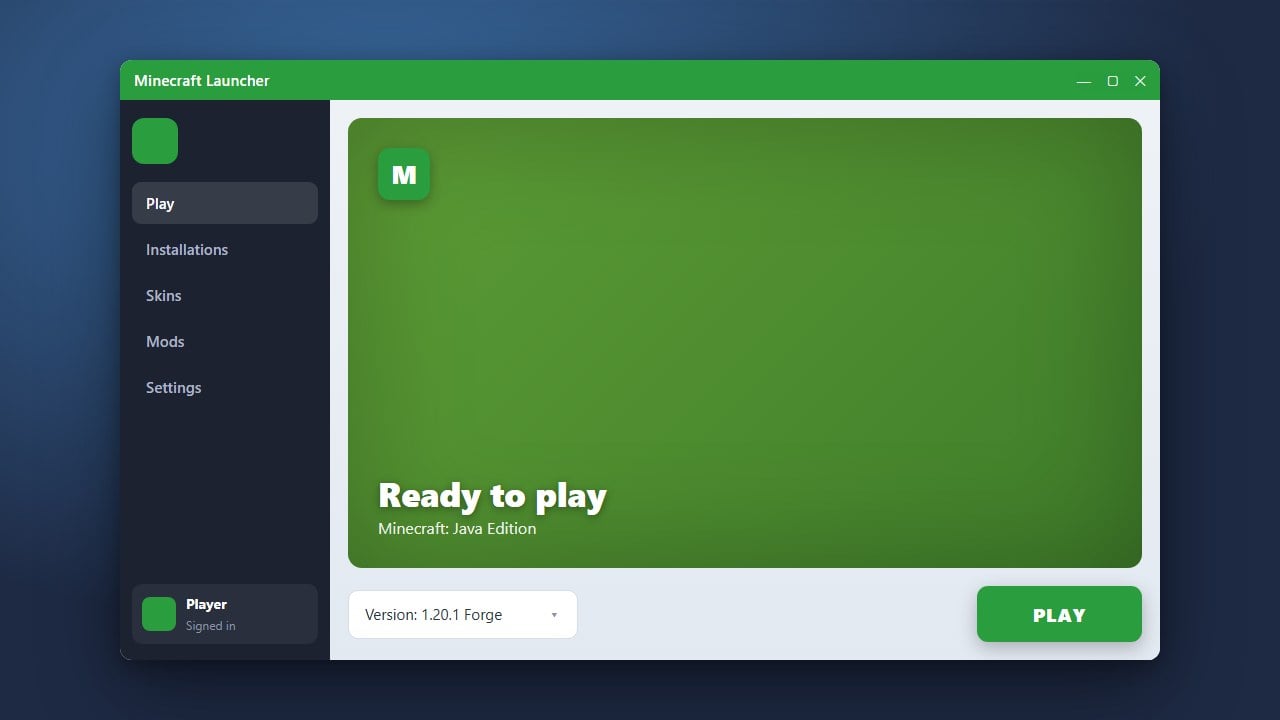
Start your Minecraft launcher and select the correct profile or mod loader version (such as Forge or Fabric) that matches your installed files. Click Play to load up the game.
Once on the main menu, create a new singleplayer world. Many zombie apocalypse mods allow you to tweak settings like zombie spawn rates, horde frequencies, and special infected types in the mod configuration menu before generating your world.
Frequently Asked Questions
Can I play zombie apocalypse mods in multiplayer?
Yes! To play with friends, everyone joining the server must have the exact same zombie apocalypse mods and mod loader versions installed. If you are hosting a server, install the mod files into your server's mods directory as well.
Why is my game crashing when I load the zombie mod?
Crashes are usually caused by missing dependencies (such as missing the required API mod), mismatched game versions, or insufficient RAM allocated to your launcher. Double-check all mod requirements on the download page.