Minecraft Forge is the classic modding API for Java Edition, allowing thousands of community-made mods to work smoothly together. Installing Forge takes only a few minutes and opens the door to everything from technical automation to brand-new dimensions.
Always download mods made specifically for your exact Forge and Minecraft versions. Fabric mods will not work on Forge unless stated otherwise by a compatibility layer.
Only download Forge from its official site (files.minecraftforge.net). Never download mod loaders or installers from suspicious third-party mirrors.
Run the Vanilla Version First
Before installing Forge, open the standard Minecraft Launcher and launch the clean version of Minecraft you want to mod (for example, 1.20.4 or 1.21). Once you reach the main menu, quit the game. This ensures all necessary base game files and assets are downloaded to your computer.
Download the Forge Installer
Visit the official Minecraft Forge website (files.minecraftforge.net). Select the Minecraft version you plan to play from the left sidebar, then click Installer under either the Recommended or Latest build. Wait through the ad page countdown and click SKIP in the top-right corner to save the .jar file to your computer.
Run the Installer File
Double-click the downloaded Forge .jar installer. If it does not open, make sure you know how to install Java on your system. In the installer window, leave Install client selected, confirm your default directory path, and click OK. Wait for the download and patching process to finish.
Select the Forge Profile in Your Launcher
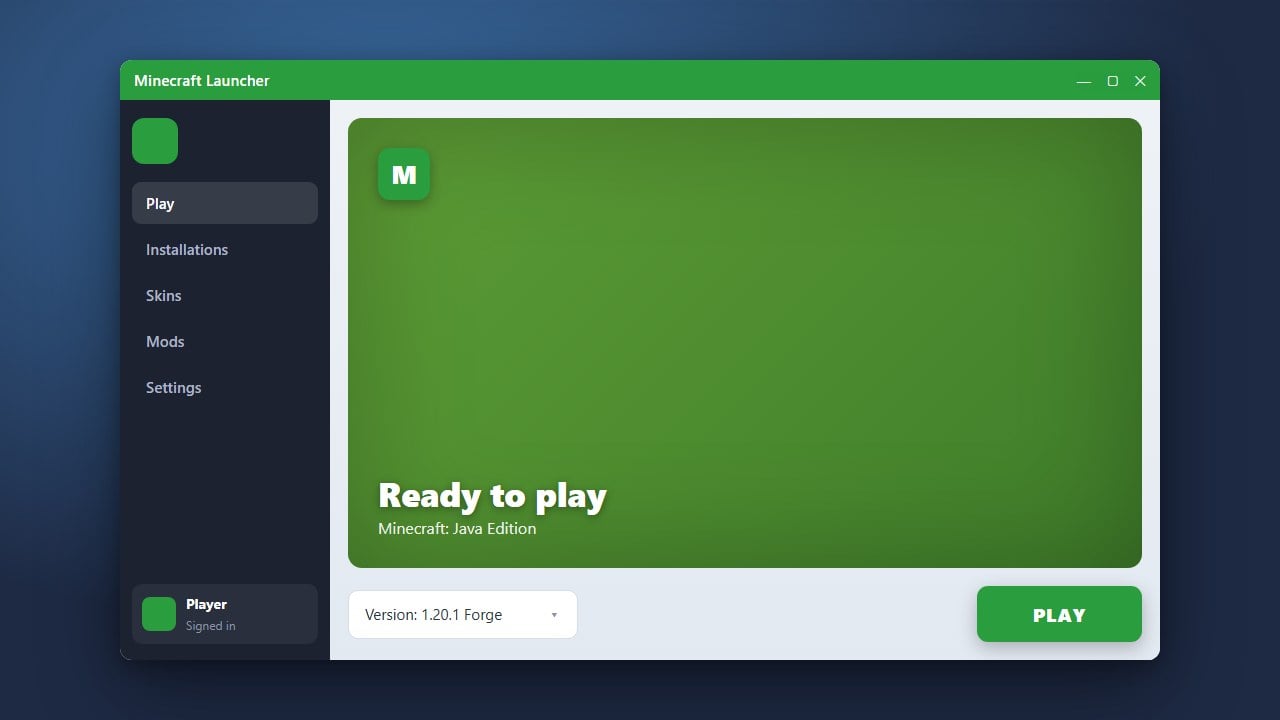
Open the Minecraft Launcher. Next to the large green Play button, open the version drop-down menu and select the newly created forge installation. If you cannot see it, navigate to the Installations tab at the top and ensure the Modded checkbox is checked under the Versions filter.
Launch the Game and Add Mods
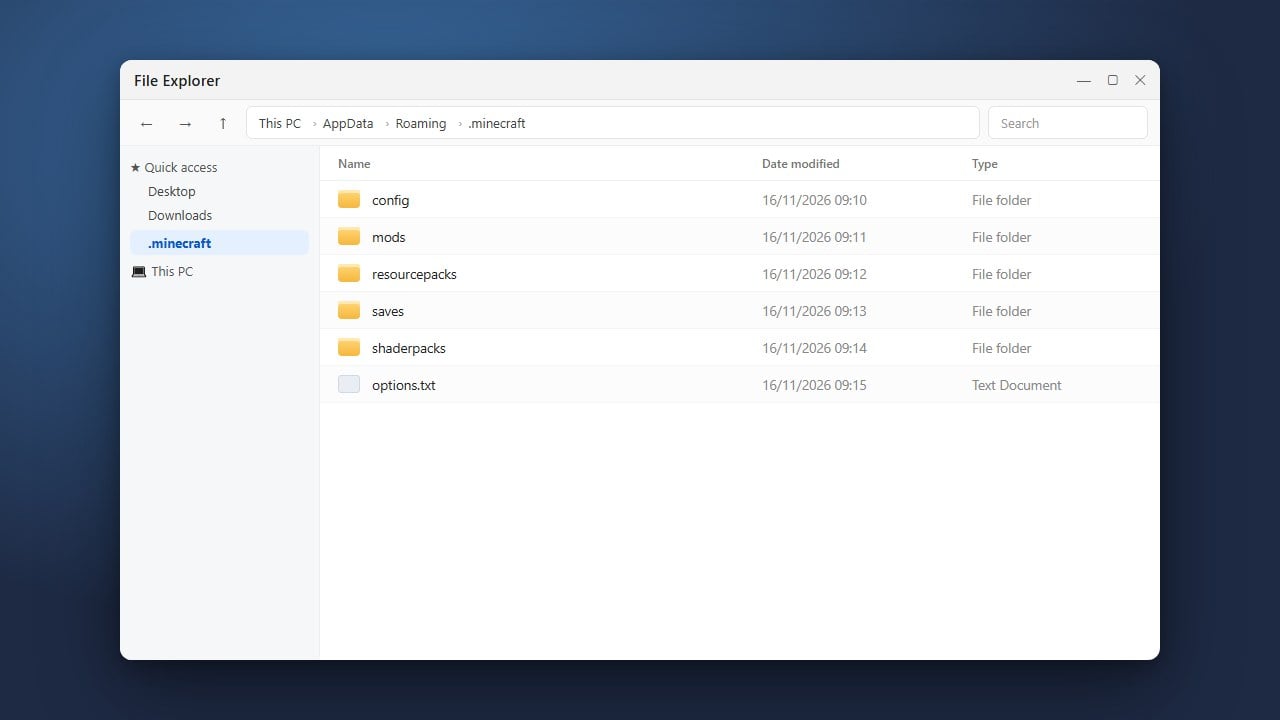
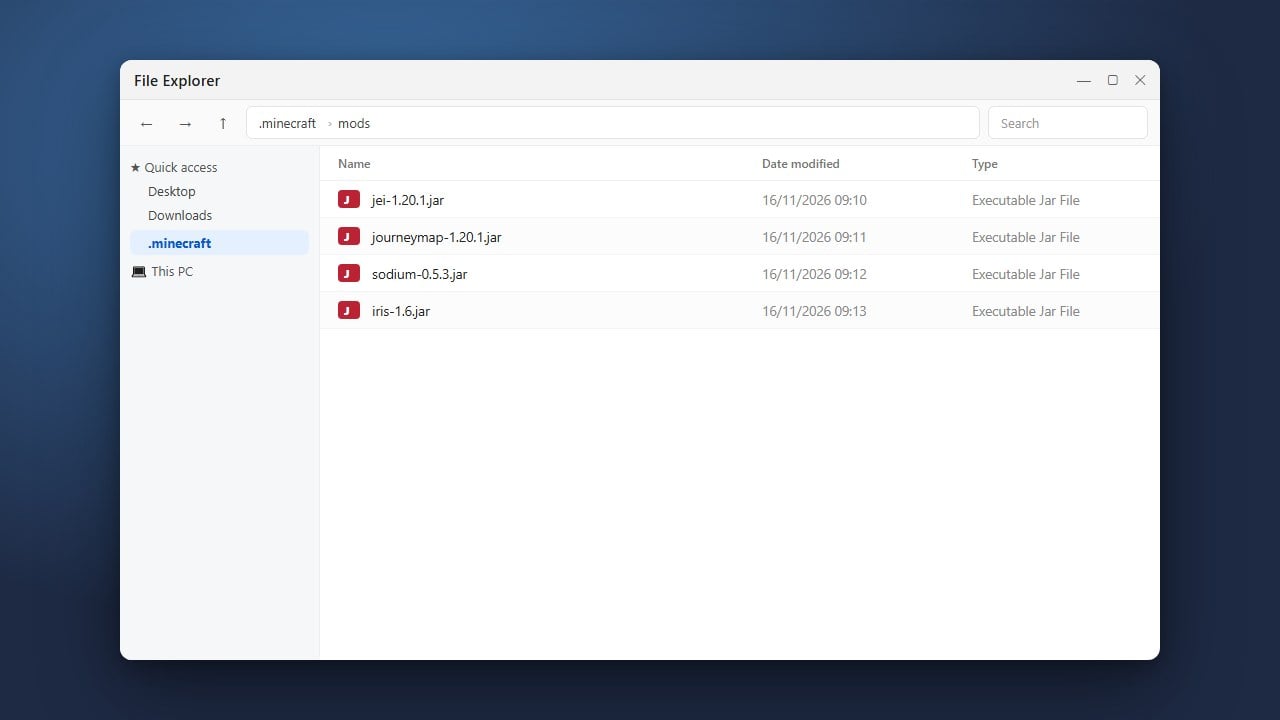
Click Play to load Forge. When the title screen appears, you will notice a new Mods button. Click it, then click Open mods folder to locate your directory. Now you are ready to learn how to install mods in Minecraft (Java) by dropping compatible mod files directly into that folder.
Frequently Asked Questions
Why does double-clicking the Forge installer open an archive or nothing at all?
This happens when Windows associates .jar files with an archiving program like WinRAR or 7-Zip instead of the Java Runtime. Right-click the installer, choose Open with, and select Java(TM) Platform SE binary, or run a utility called Jarfix to restore file associations.
Can I install Forge on Bedrock Edition?
No. Forge is built strictly for Minecraft Java Edition on Windows, macOS, and Linux. Bedrock Edition uses add-ons and resource packs instead of Java mod loaders.