The Essential Mod transforms Minecraft Java Edition by introducing seamless peer-to-peer world hosting, an integrated friends list, and custom cosmetics—features similar to what Bedrock Edition players have built-in. This guide covers how to set up Essential on your system so you can start inviting friends to your single-player worlds in minutes.
Both the host and joining players must run Essential Mod on the exact same Minecraft version to connect through the in-game invite system.
If you host a world with other gameplay mods installed, your friends must also have those exact same mods installed in their own client to join without errors.
Check Your Minecraft Edition
Essential Mod is exclusively built for Minecraft Java Edition. If you play on Bedrock Edition (consoles, mobile, or Windows Bedrock), you already have native friend invites and character customization via your Microsoft account, so you do not need this mod.
Choose Your Installation Method
Visit the official Essential website (essential.gg) and decide how you want to install it. If you want a quick setup without managing mod loaders, choose the standalone Installer. If you already use mods, download the raw .jar file matching your existing mod loader, such as Fabric, Forge, or NeoForge.
Run the Installer or Add the Mod File
If you downloaded the standalone installer, run the file, select your preferred Minecraft version (such as 1.21+), and click Create to generate a fresh game profile automatically.
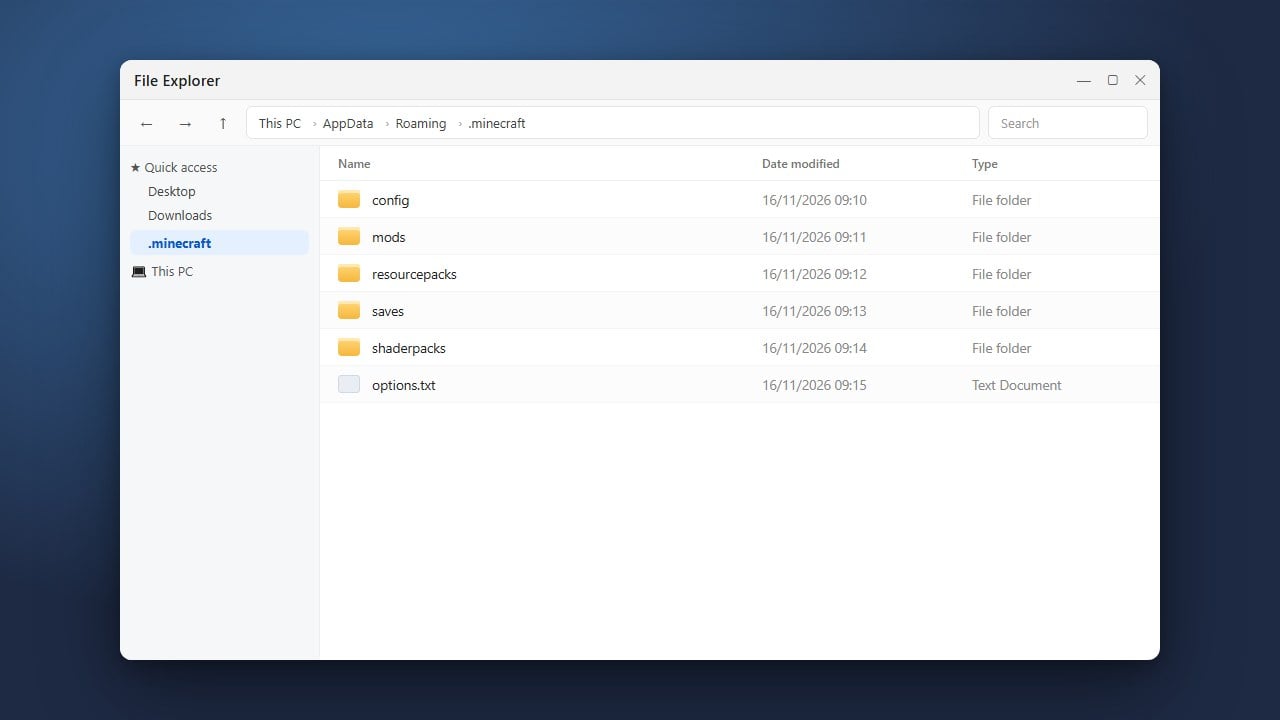
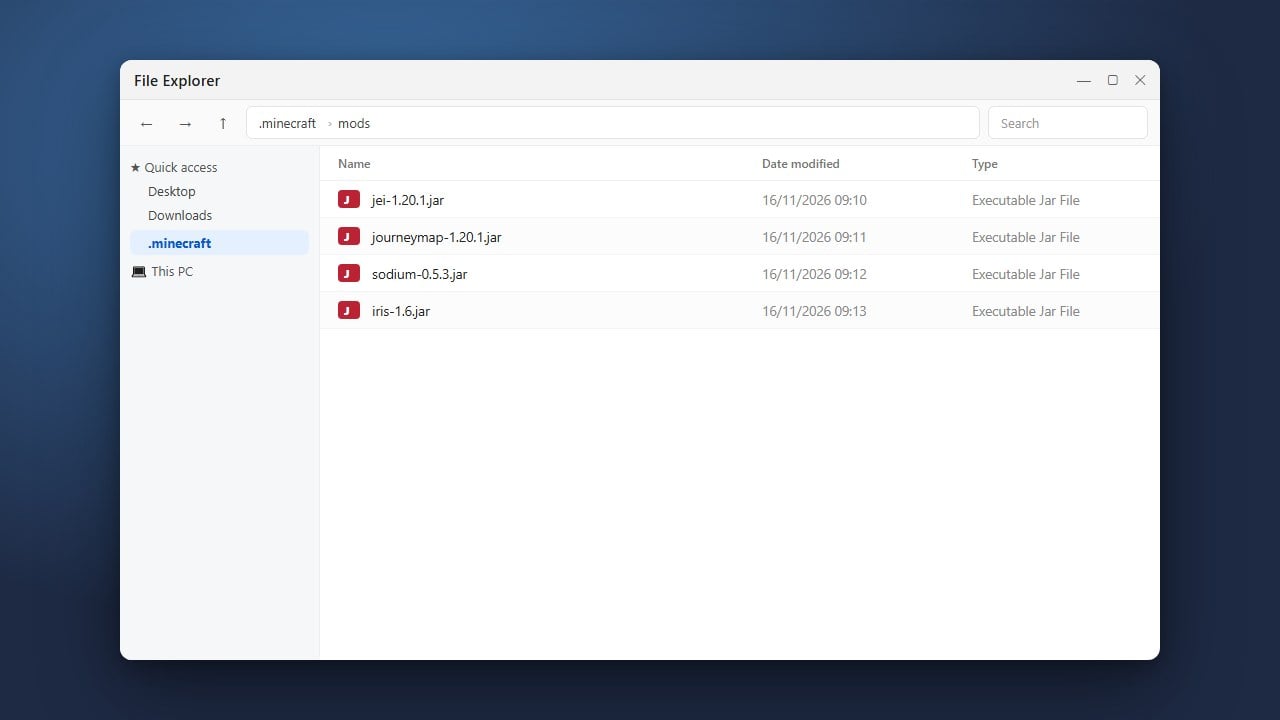
If you downloaded the .jar file for an existing setup, open your .minecraft folder, open the mods folder, and drop the Essential .jar directly inside.
Launch the Game via the Minecraft Launcher
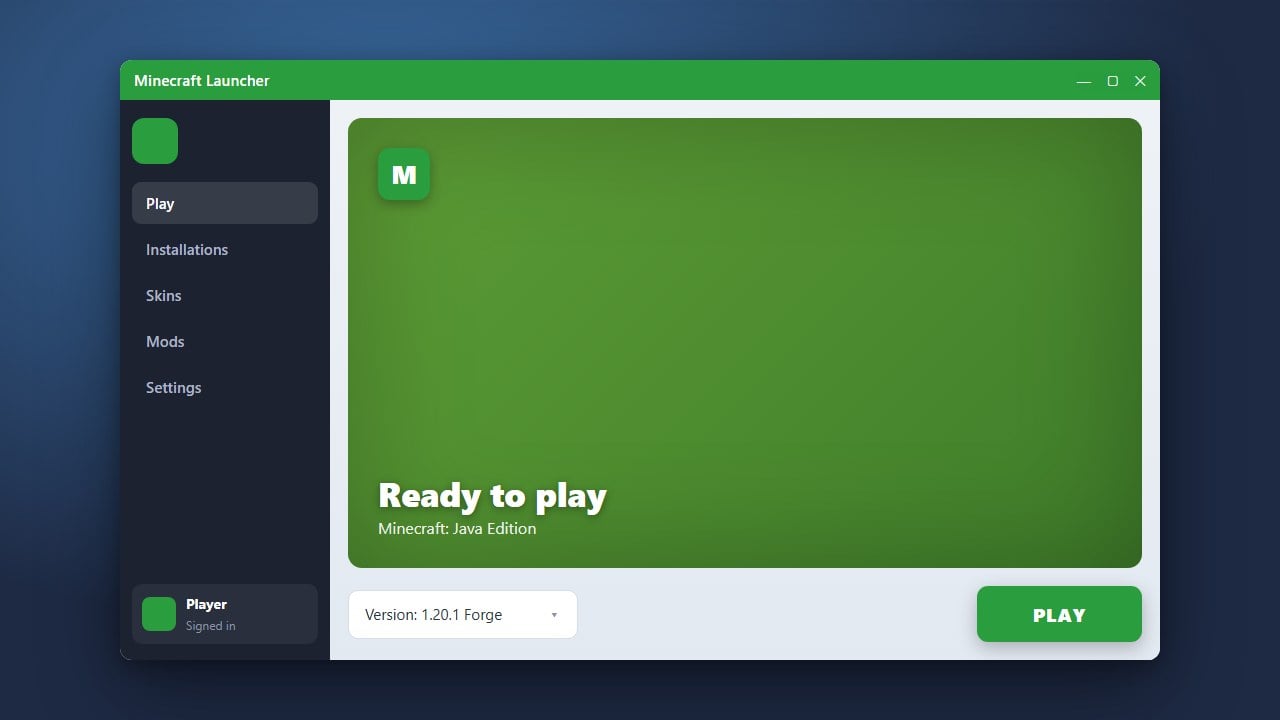
Open the official Minecraft Launcher. Click the installations drop-down menu located to the left of the green Play button. Select the new Essential installation (or your custom mod loader profile if you installed the file manually), then click Play.
Accept the Terms and Invite Friends
Once the game loads, you will see a redesigned title screen with tabs for Social, Wardrobe, and Settings. Accept the Essential terms of service to activate the online features. You can now add friends by their Minecraft username, jump into any single-player world, open the pause menu, and click Invite to host your game directly.
Frequently Asked Questions
Can I install Essential Mod on Minecraft Bedrock Edition?
No, Essential is strictly a Java Edition mod. Bedrock Edition already features built-in cross-platform friend invites, world joining, and cosmetic customization through Xbox Live network integration.
Do I need to set up port forwarding to host worlds with Essential?
No. Essential routes connections securely through a peer-to-peer network, eliminating the need for port forwarding, server hosting setups, or external tunneling programs.
Can I use shaders with Essential Mod?
Yes. Essential is compatible with popular optimization and shader mods like Iris or OptiFine. Ensure you download the correct mod loader version (such as Fabric with Iris) and place the files together in your mods folder.