Modding Minecraft Java Edition lets you add custom items, overhaul world generation, boost performance, and introduce entirely new gameplay mechanics. To get started, you will need to set up a mod loader and place your chosen mod files into your game folder.
Never mix Forge, NeoForge, and Fabric mods together in the same profile. A mod designed for Fabric will not run on Forge or NeoForge, and vice versa.
Before adding mods to an existing singleplayer save, remember to review how to back up your world to prevent data loss in case of conflicts.
Choose and Install a Mod Loader
Vanilla Minecraft cannot load mod files by itself. You must install a mod loader such as Forge, NeoForge, or Fabric. Download the installer for your target Minecraft version, run the file, select Install Client, and click OK.
Launch the Mod Profile Once
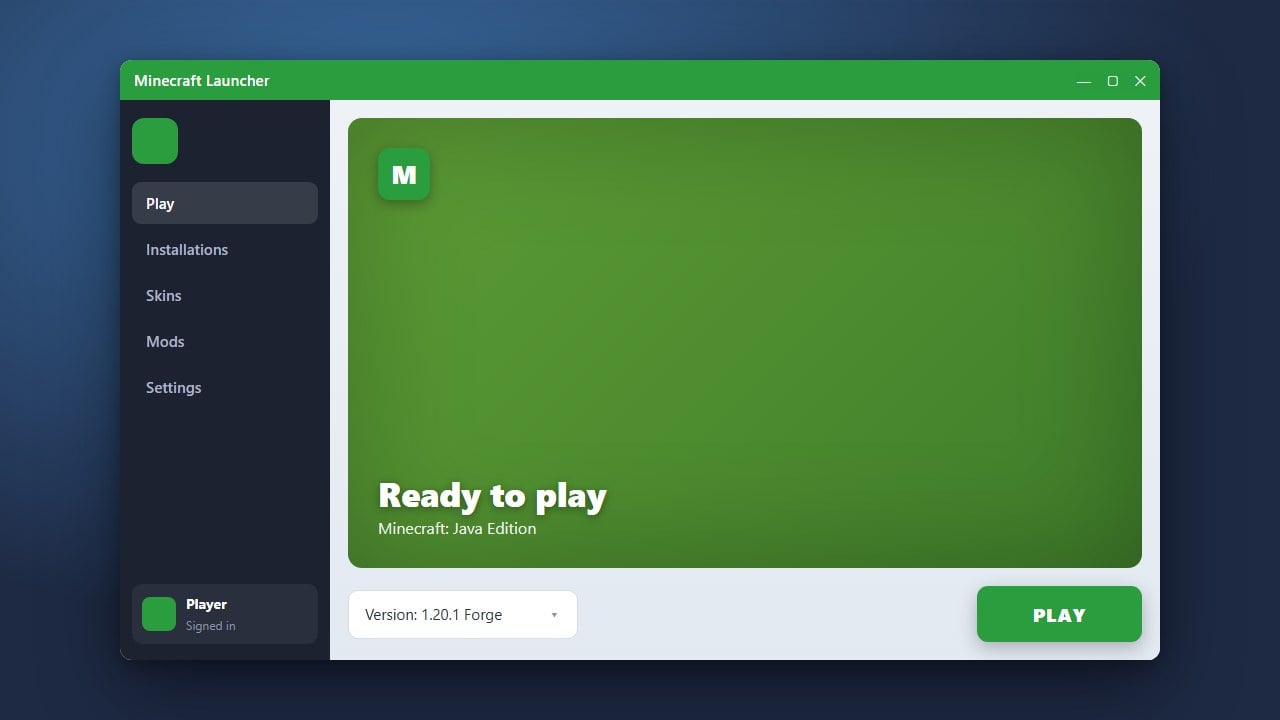
Open the Minecraft Launcher and choose your newly created mod loader profile from the drop-down menu next to the Play button. Launch the game to the title screen once, then quit out. This step automatically creates necessary configuration files and the default mods directory.
Download Compatible Mods
Download your chosen mods from trustworthy community platforms like Modrinth or CurseForge. Always ensure that the mod file precisely matches your installed Minecraft version (such as 1.21) and your specific mod loader. Mod files use the .jar extension.
Open Your Minecraft Mods Folder
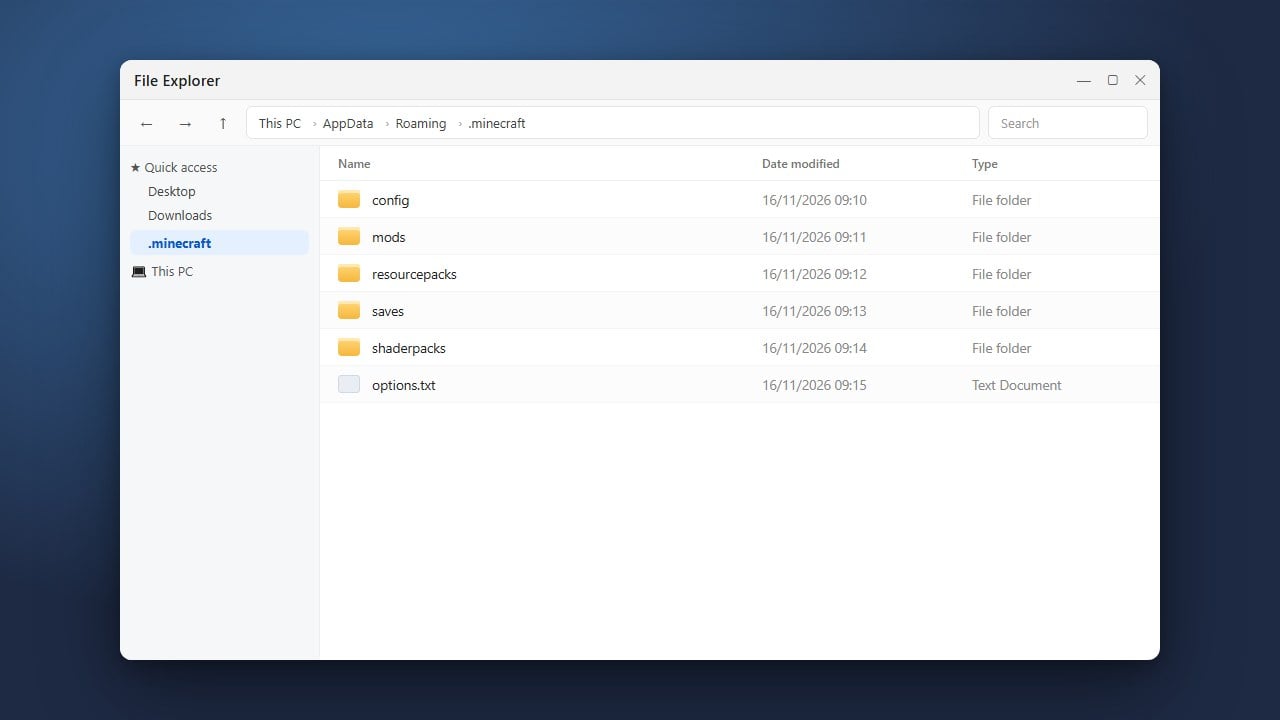
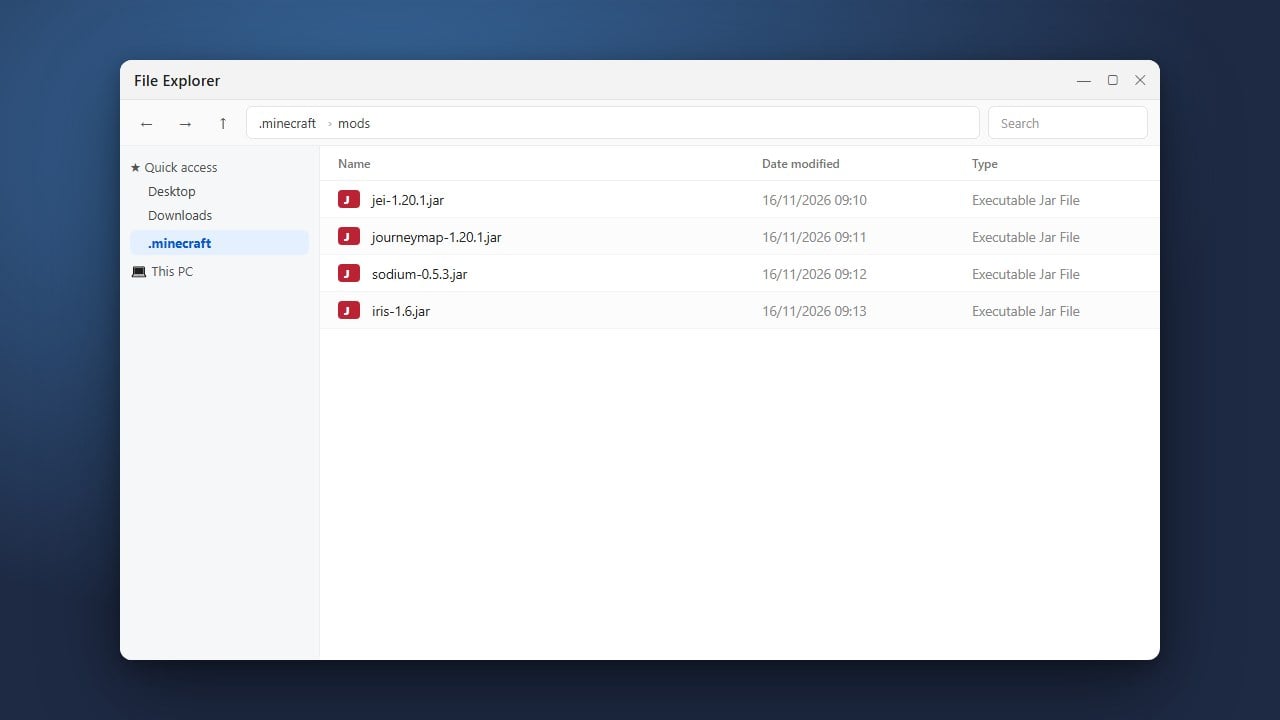
Next, navigate to your game's data directory. On Windows, press Win + R, enter %appdata%\.minecraft, and click OK (or consult our guide on how to find your .minecraft folder). Double-click the mods folder to open it.
Place Mod Files in the Folder
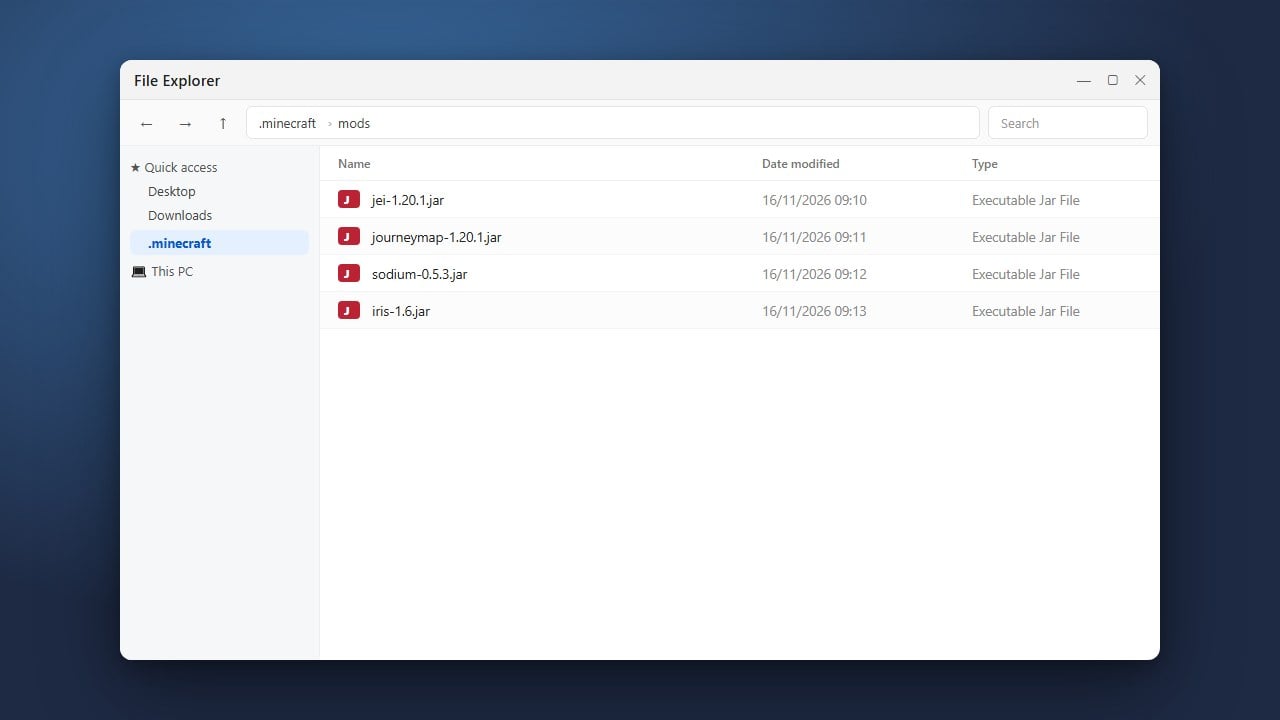
Move or copy the downloaded .jar files directly into the mods folder. Do not extract or unzip the .jar files unless the mod developer explicitly instructs you to do so in their documentation.
Launch Minecraft and Verify
Open the Minecraft Launcher, ensure your modded installation is selected, and press Play. Once you reach the main menu, look for a Mods button to verify that your installed mods are active and running properly.
Frequently Asked Questions
Can I install Java mods on Minecraft Bedrock Edition?
No, Java Edition mods rely on .jar files and specific Java loaders that are incompatible with Bedrock Edition. Bedrock Edition uses add-ons and resource packs instead.
What should I do if Minecraft crashes on startup?
Crashes are usually caused by incompatible game versions or missing dependencies, such as Fabric API for Fabric mods. You can troubleshoot loading errors with our guide on how to fix mods not loading.
What if the mods folder does not exist?
If the folder is missing, you can simply create a new folder inside your .minecraft directory and name it mods in all lowercase letters.