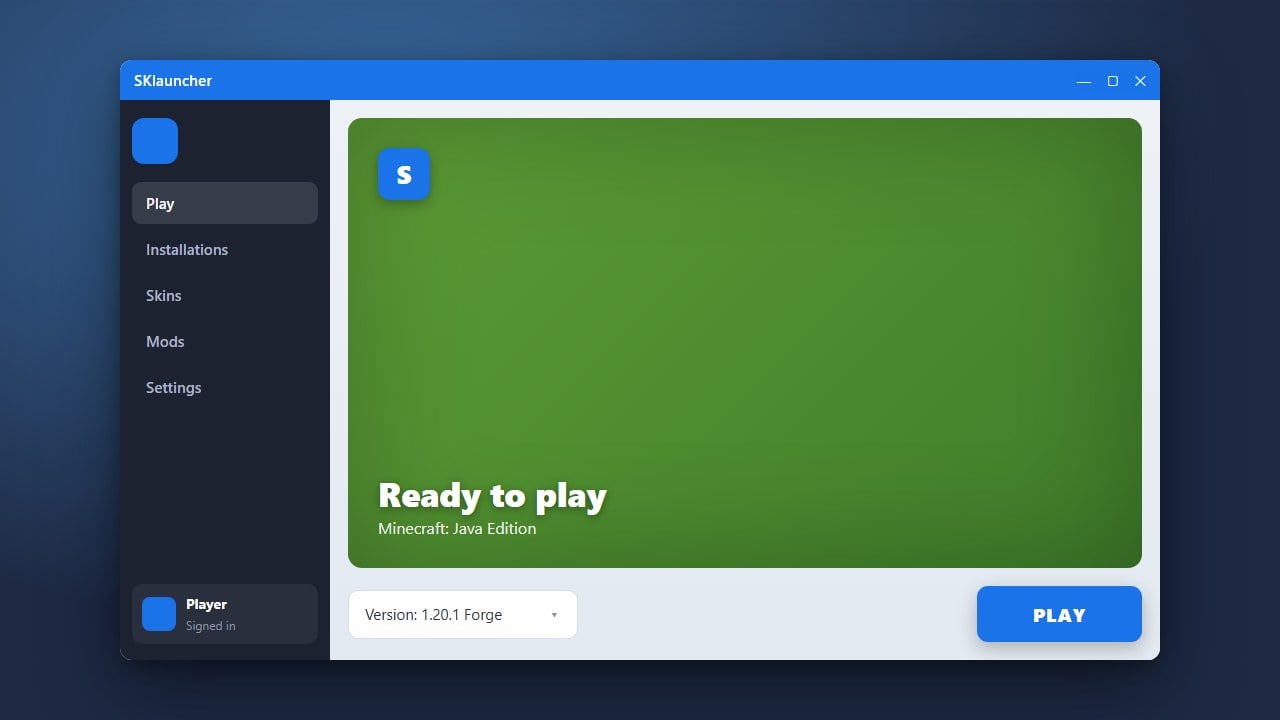
Wondering whether SKlauncher is a safe and legitimate choice for playing Minecraft Java Edition? In this guide, we will break down how the launcher works, its safety record, account security practices, and what you should keep in mind before downloading it.
Understand What SKlauncher Is
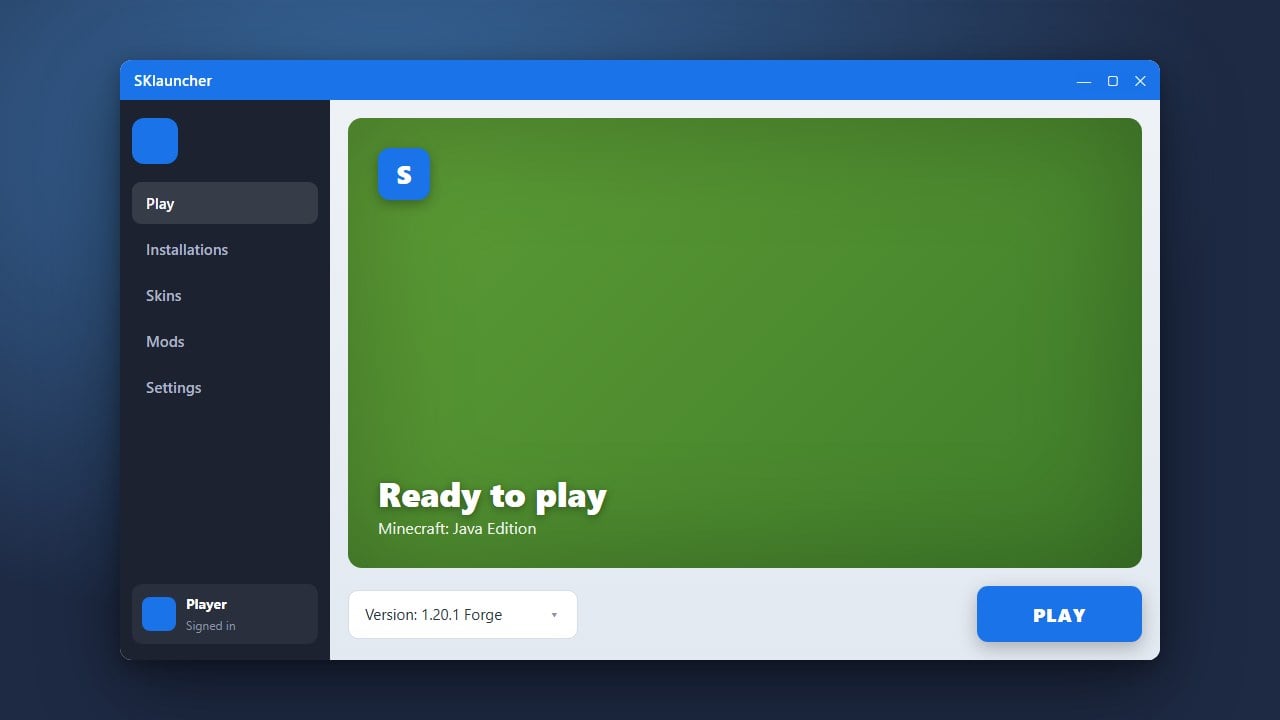
SKlauncher is a custom third-party launcher designed for Minecraft Java Edition. It allows players to manage multiple game versions, install mods, and organize different profiles much like the official launcher or alternatives such as Prism Launcher.
However, because it is a third-party tool, many players rightly question its overall security and authenticity before entering any personal details.
Check Official Purchase Status
It is crucial to remember that third-party launchers do not replace buying the game. You should always purchase official copies of Minecraft from minecraft.net to support Mojang Studios and ensure full access to official multiplayer servers and features.
Using a custom launcher with an official Microsoft account allows you to authenticate securely through Microsoft's official login portals.
Evaluate Safety and Privacy Risks
When downloaded from its official and verified website, SKlauncher is generally considered safe from malware or malicious adware by the wider community. Always avoid downloading executable files from random mirror sites or unofficial forums to prevent virus infections.
That said, third-party launchers always carry a minor intrinsic privacy risk compared to official software, so keeping your operating system and antivirus updated is essential.
Understand Offline and Offline-Skin Risks
SKlauncher features an offline mode option that lets users play without a verified premium account or using custom offline profile names. Be aware that offline profiles cannot join official online-mode servers and lack legitimate Mojang account backing.
If you choose to use the launcher, logging in with your official Microsoft account is the safest and most secure method to verify ownership.
Explore Customization and Features
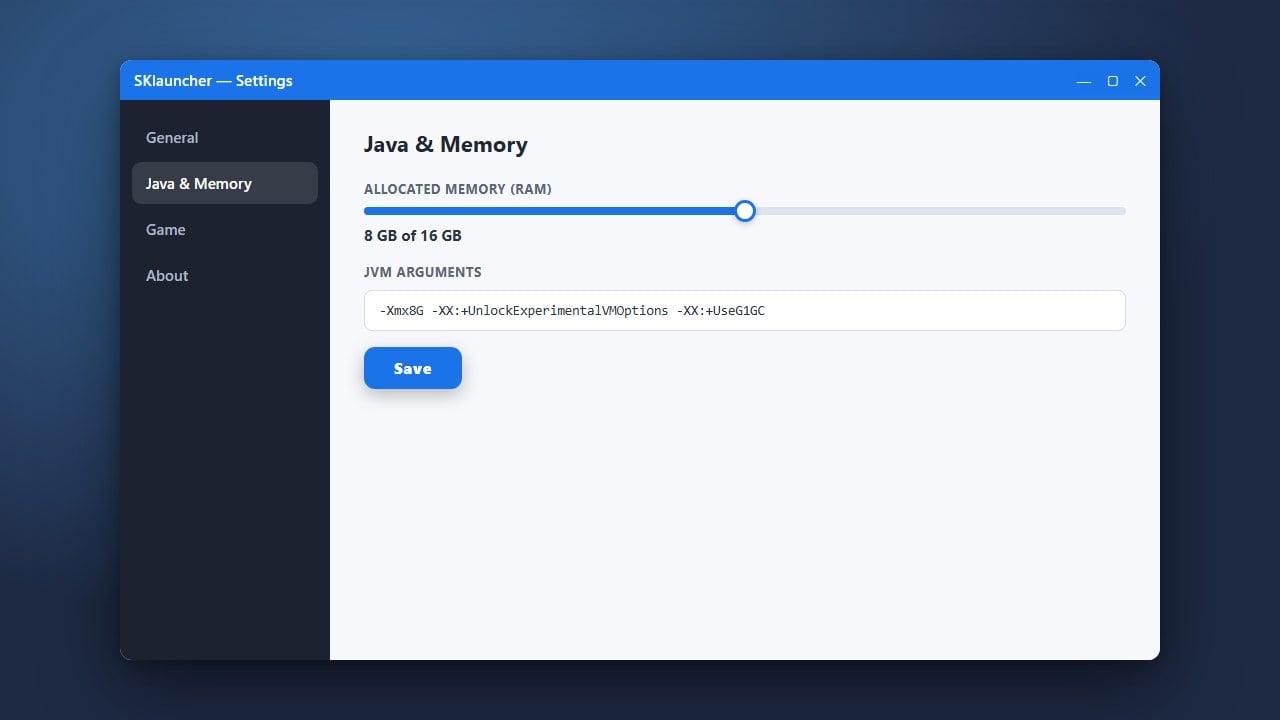
Once you verify that your setup is secure, you can explore the launcher's features. Many players use it because it makes managing custom versions, tweaking RAM allocations, and installing community additions simple and straightforward.
If you plan to heavily customize your game, you may also want to check out guides like How to Allocate More RAM in SKlauncher to ensure smooth performance.
Frequently Asked Questions
Is SKlauncher legal to use?
Using SKlauncher to run Minecraft Java Edition using a legitimately purchased Microsoft account does not violate game rules. However, using offline mode features to play without owning the game constitutes copyright infringement and piracy.
Will SKlauncher steal my Microsoft account?
When downloaded from the official source and using the official Microsoft login flow, it does not steal credentials. Always ensure you are authenticating directly through Microsoft's secure OAuth login screen.
Can I play on official multiplayer servers with SKlauncher?
Yes, as long as you log in using a legitimate, premium Microsoft account that owns Minecraft Java Edition, you can join standard online servers without issues.