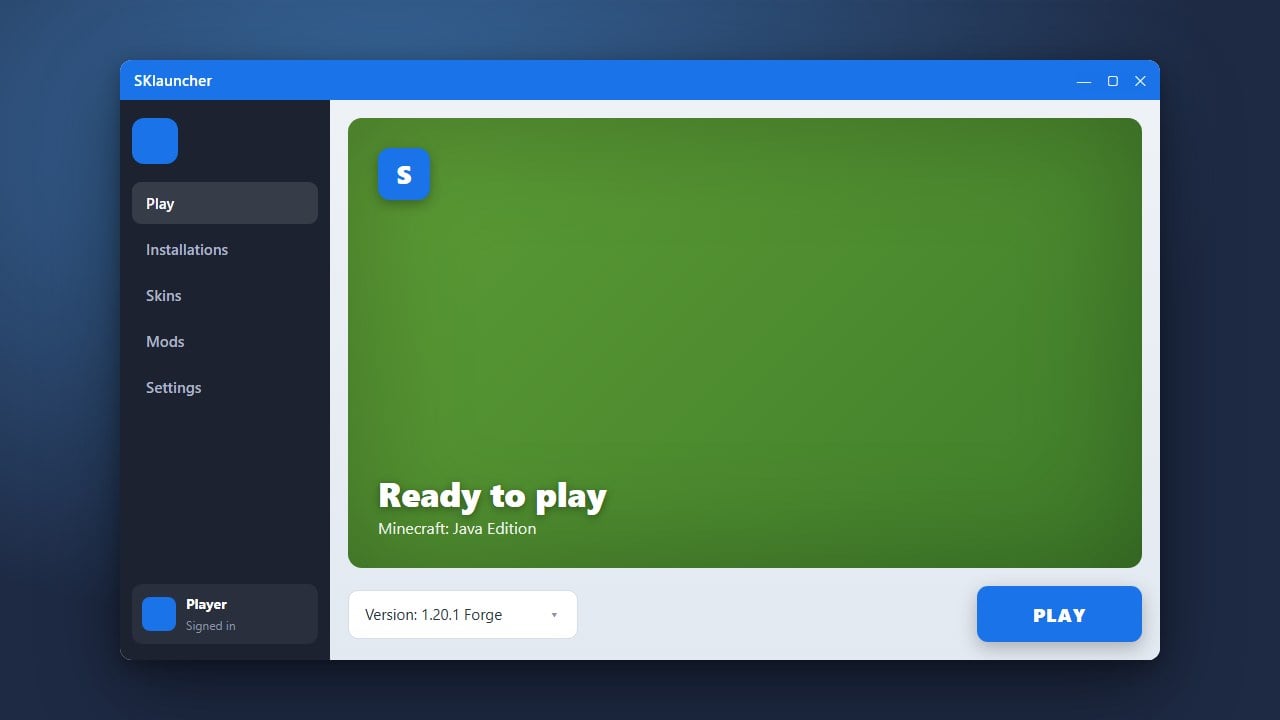
SKlauncher is a popular alternative launcher for Minecraft Java Edition that supports custom profiles, skin management, and easy modding. Before diving in, we always recommend purchasing the official game directly from minecraft.net to support the developers and ensure full online safety.
Be cautious when using third-party launchers with offline or cracked accounts, as third-party login servers can pose security risks to your personal data and privacy.
If you plan on playing with mods later, check out our guide on how to change the Minecraft version in SKlauncher to match your mod loader requirements.
Verify Java Requirements
SKlauncher requires Java to run properly on your computer. Make sure you have the correct Java Development Kit (JDK) installed for your specific operating system (Windows, macOS, or Linux) before proceeding to download the launcher files.
Download SKlauncher
Go to the official SKlauncher website and navigate to the download section. Choose the appropriate installer format for your system, typically the .jar or executable installer file.
Run the Installer
Once the download finishes, double-click the installer file. If you downloaded a .jar file, ensure Java is set as the default program to open executable jar files so the setup wizard launches smoothly.
Log In with Your Account
Open SKlauncher after installation completes. You will be prompted to add a profile; you can log in securely using your legitimate Microsoft account linked to your purchased Minecraft license.
Set Up Your Profile and Play
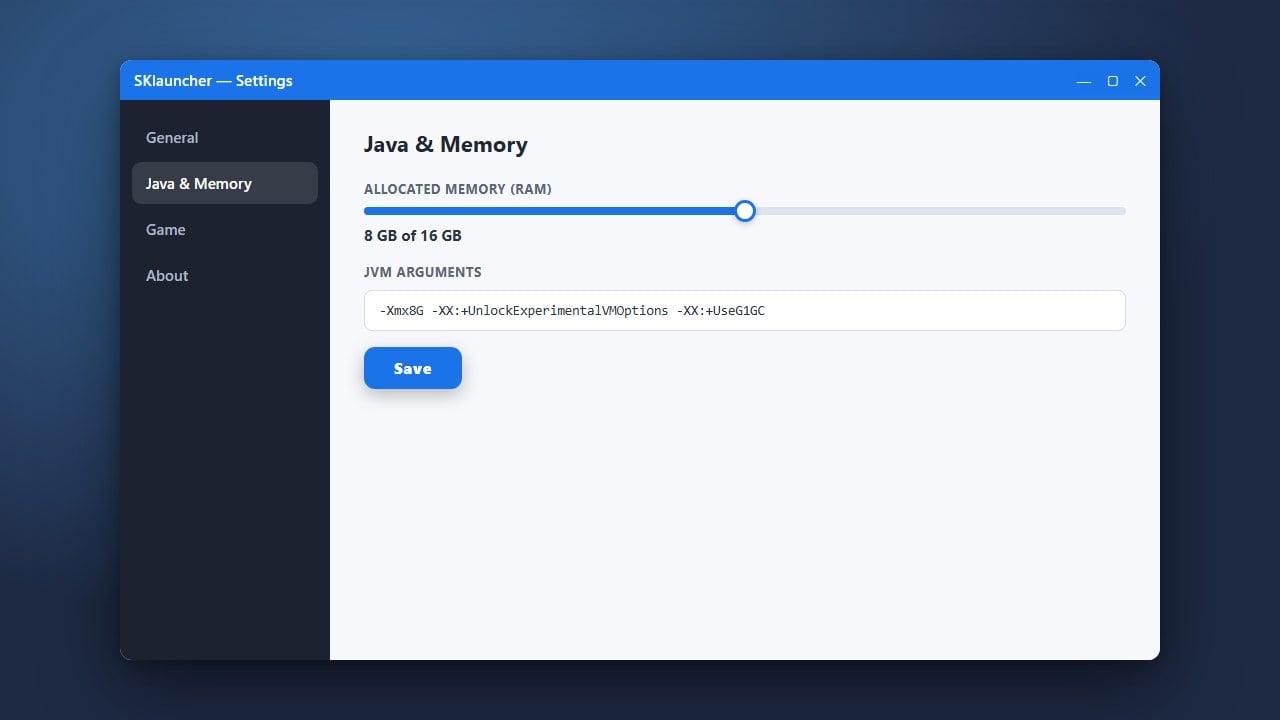
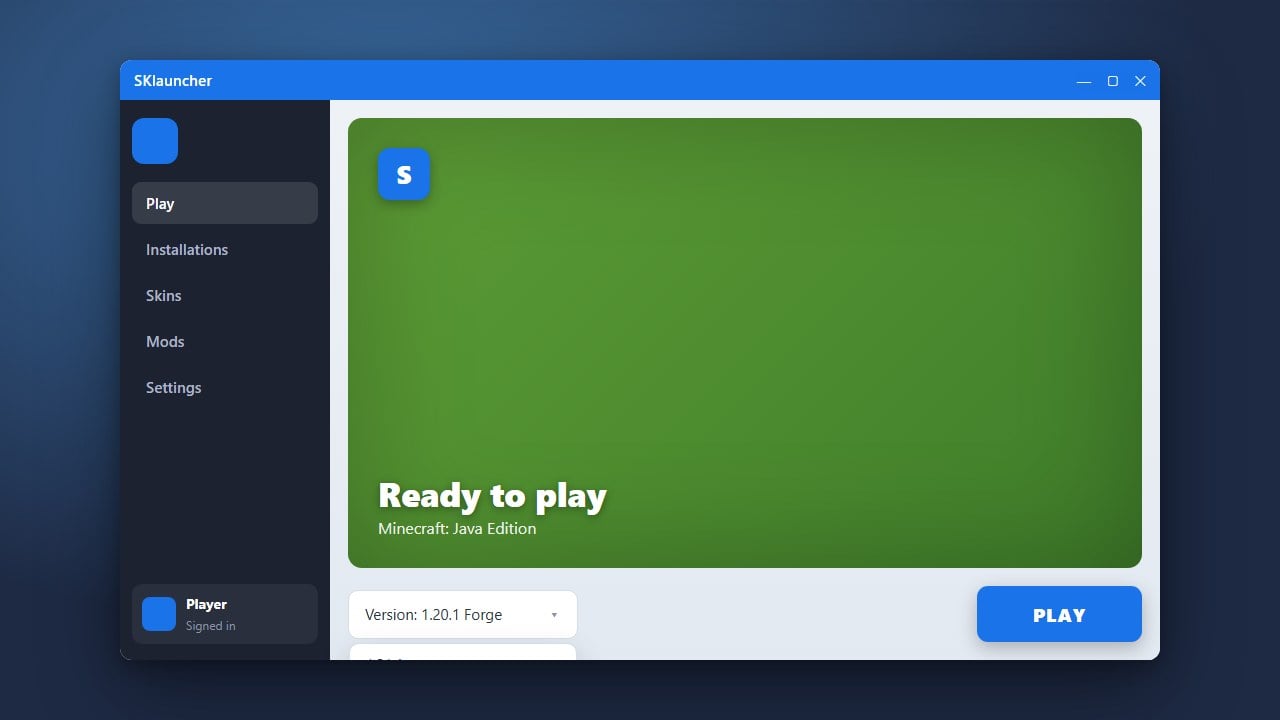
Select your desired Minecraft version, configure optional settings like how to allocate more RAM in SKlauncher, and click play to start enjoying the game.
Frequently Asked Questions
Is SKlauncher safe to use?
SKlauncher is generally considered safe if downloaded from its official source. However, using third-party launchers always carries inherent account security risks compared to using the official Minecraft launcher.
Can I play online multiplayer with SKlauncher?
Yes, if you log in with a legitimate Microsoft account that owns Minecraft, you can access official online servers just like you would on the standard launcher.