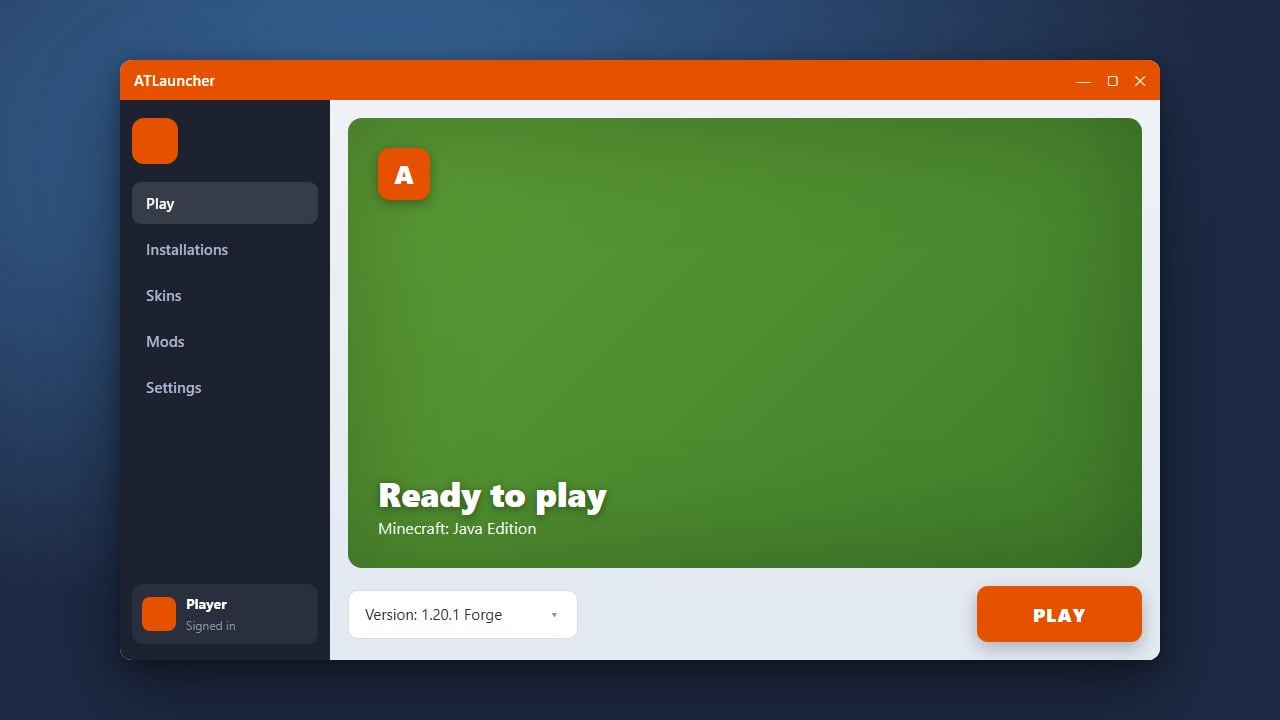
ATLauncher is a popular, feature-rich custom launcher for Minecraft Java Edition that makes installing modpacks, managing instances, and playing with mods incredibly easy. Please note that ATLauncher requires a legitimate, legally purchased Minecraft account from minecraft.net to play the full game online.
Check for Java
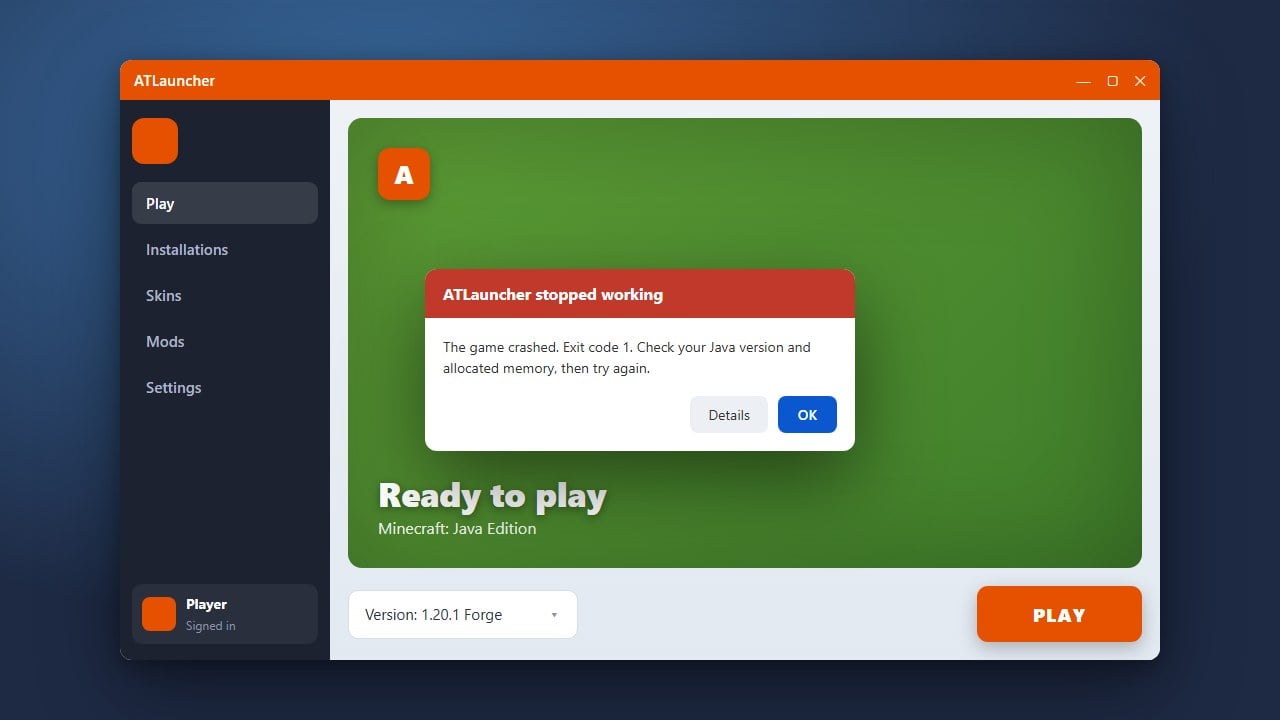
Before downloading ATLauncher, make sure you have the correct version of Java installed on your computer. Minecraft 1.21 and newer Java Edition versions require Java 21 to run properly.
If you already have a modern version of Java installed, you can skip this preliminary check and move straight to downloading the launcher files.
Download ATLauncher
Go to the official ATLauncher website and navigate to the downloads page. Choose the correct download option for your operating system—whether you are using Windows, macOS, or Linux.
Save the installer or executable file to an easily accessible folder on your computer, such as your desktop or downloads directory.
Run the Installer or Executable
Once the download is complete, open the file you just saved. If you downloaded the universal .exe or .jar file, run it to let ATLauncher set up its necessary folders and files.
It is recommended to create a dedicated folder for ATLauncher before running it for the first time, keeping all of your modpacks and configurations neatly organized in one place.
Log Into Your Minecraft Account
Open ATLauncher after it finishes initializing. Navigate to the Accounts tab on the right-hand menu and click to add a new account.
Sign in using your official Microsoft account credentials. ATLauncher connects securely via the official Microsoft authentication system to verify ownership of the game.
Create Your First Instance or Modpack
Now that your account is linked, click on the Packs tab to browse hundreds of available community modpacks, or go to the Instances tab to set up a vanilla version of the game with your preferred loader.
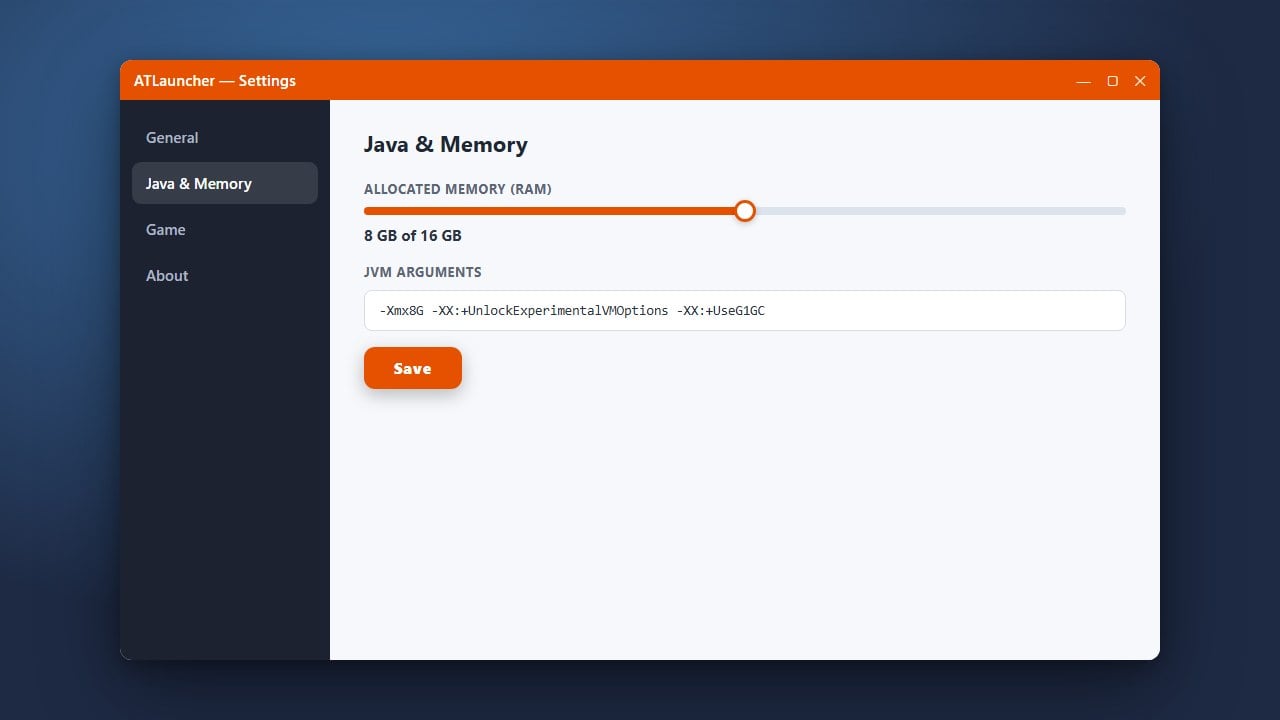
If you want to customize your setup further, you can check out guides like How to Install Forge and Fabric with ATLauncher or learn How to Allocate More RAM in ATLauncher to improve performance.
Frequently Asked Questions
Is ATLauncher free to download?
Yes, ATLauncher is completely free and open-source software. However, you must own a legal copy of Minecraft Java Edition to log in and play.
Can I use ATLauncher without a Microsoft account?
No, modern Minecraft Java Edition requires logging in with a Microsoft account to authenticate and play online multiplayer or singleplayer.