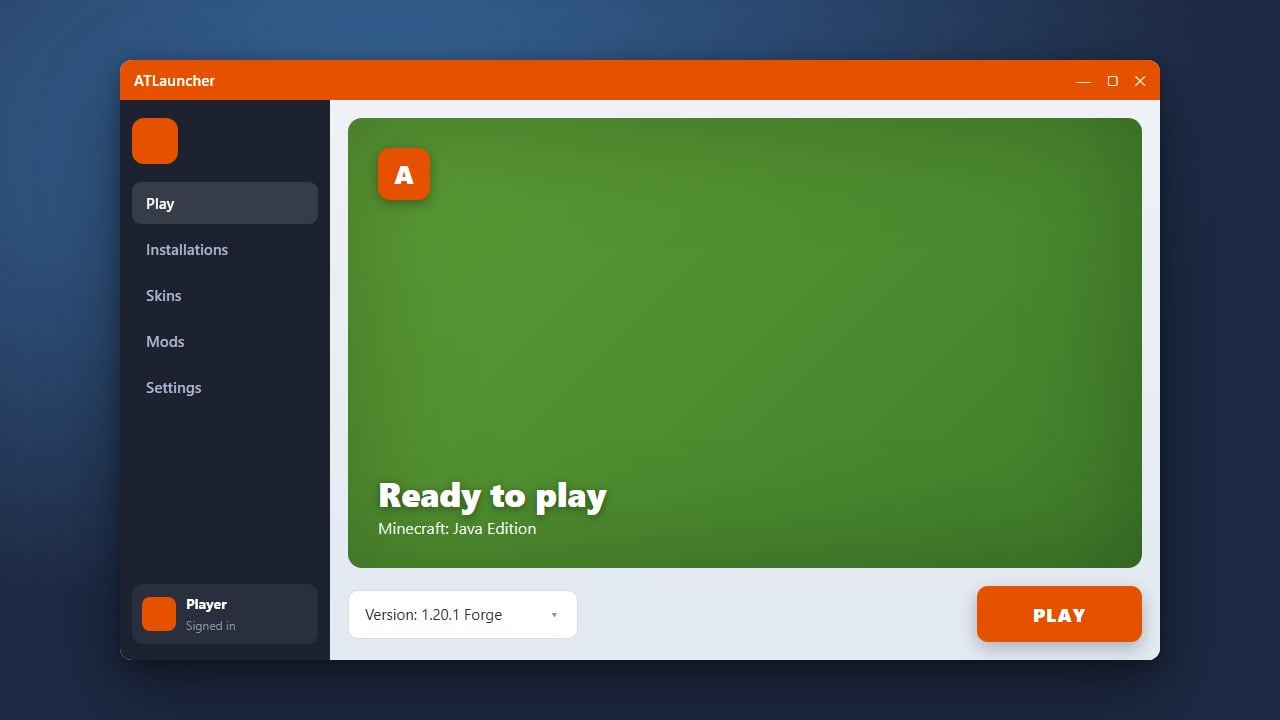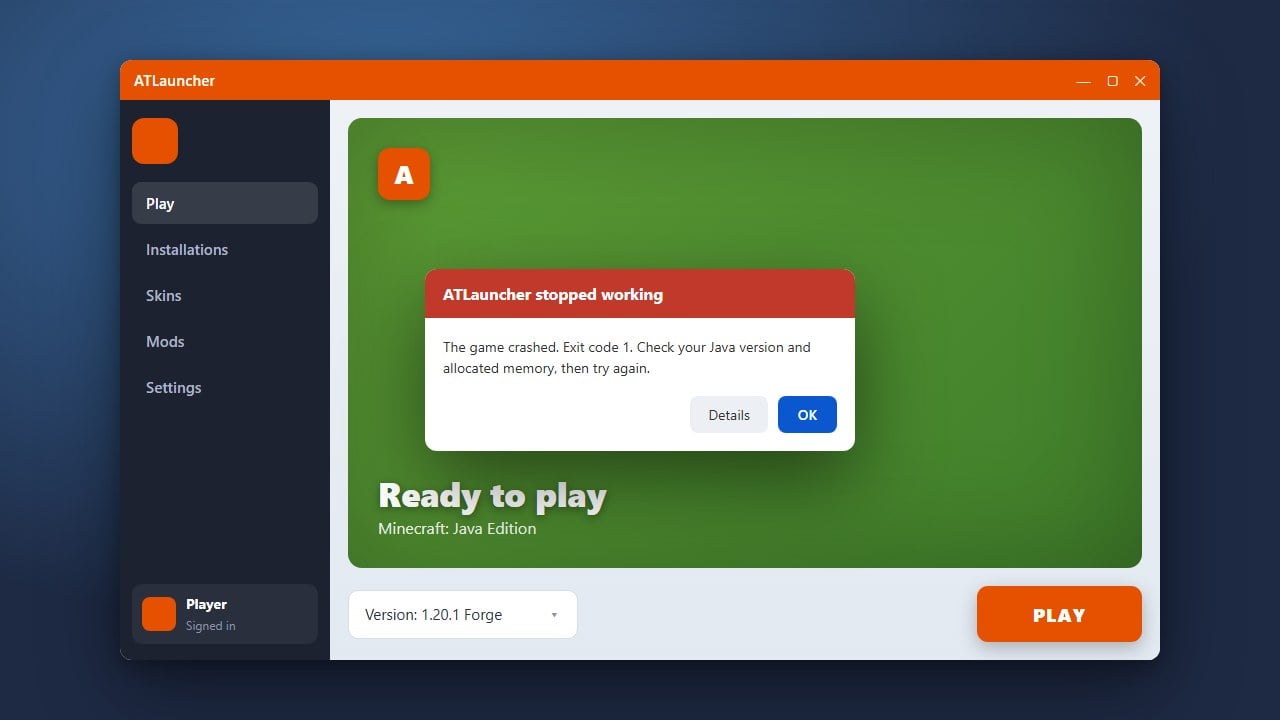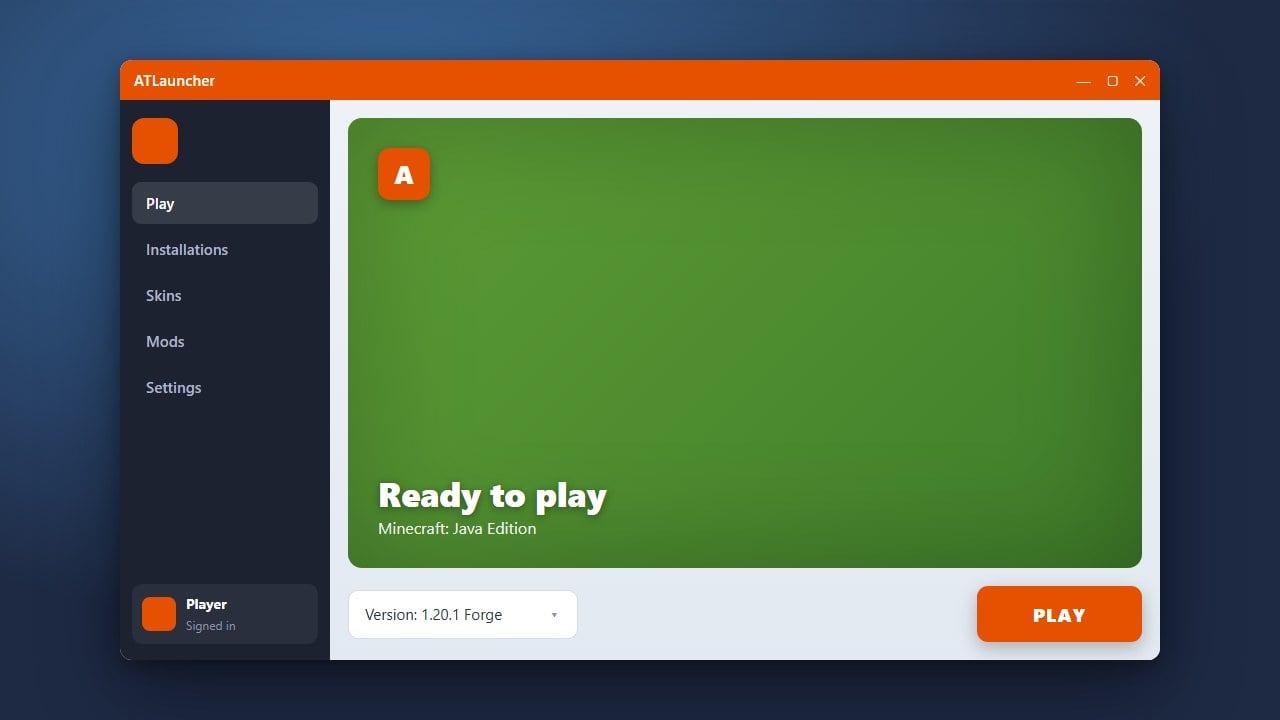
ATLauncher is a powerful, feature-rich custom launcher for Minecraft Java Edition that makes downloading and playing modpacks, managing instances, and installing mods incredibly straightforward. Please ensure you own a legitimate copy of the game by purchasing it from minecraft.net before using third-party launchers.
Download and Install ATLauncher
Head over to the official website to get the application. You can review the full installation process in our How to Download and Install ATLauncher guide.
Run the installer or executable file appropriate for your operating system (Windows, macOS, or Linux) to set up the launcher on your computer.
Add Your Minecraft Account
Open ATLauncher and navigate to the Accounts tab on the right-hand menu. Click on the Add Account button and log in securely using your official Microsoft account credentials.
ATLauncher connects directly to official authentication servers, keeping your login secure. Remember that third-party launchers require a genuine, paid Minecraft account to play online and access official game assets.
Create a New Instance or Modpack
Click on the Packs tab to browse hundreds of available community modpacks, or select Instances to create a custom vanilla profile. You can easily select your preferred game version using instructions found in our How to Change the Minecraft Version in ATLauncher guide.
If you want to build a custom modded setup, you can also check out How to Install Forge and Fabric with ATLauncher to add your favorite mod loaders seamlessly.
Launch and Play the Game
Once your instance or modpack finishes downloading all necessary files and dependencies, switch over to the Instances tab. Click the green Play button next to your configured profile.
The launcher will initialize the game with your selected mods and settings, taking you straight to the Minecraft main menu.
Frequently Asked Questions
Is ATLauncher free to use?
Yes, ATLauncher is completely free and open-source software. However, it requires a paid Minecraft Java Edition account to download game files and play online.
Can I use ATLauncher to play Bedrock Edition?
No, ATLauncher is exclusively designed for Minecraft Java Edition on Windows, macOS, and Linux.
Are my login details safe in ATLauncher?
Yes. ATLauncher uses official Microsoft OAuth authentication, meaning the launcher never actually sees or stores your password.