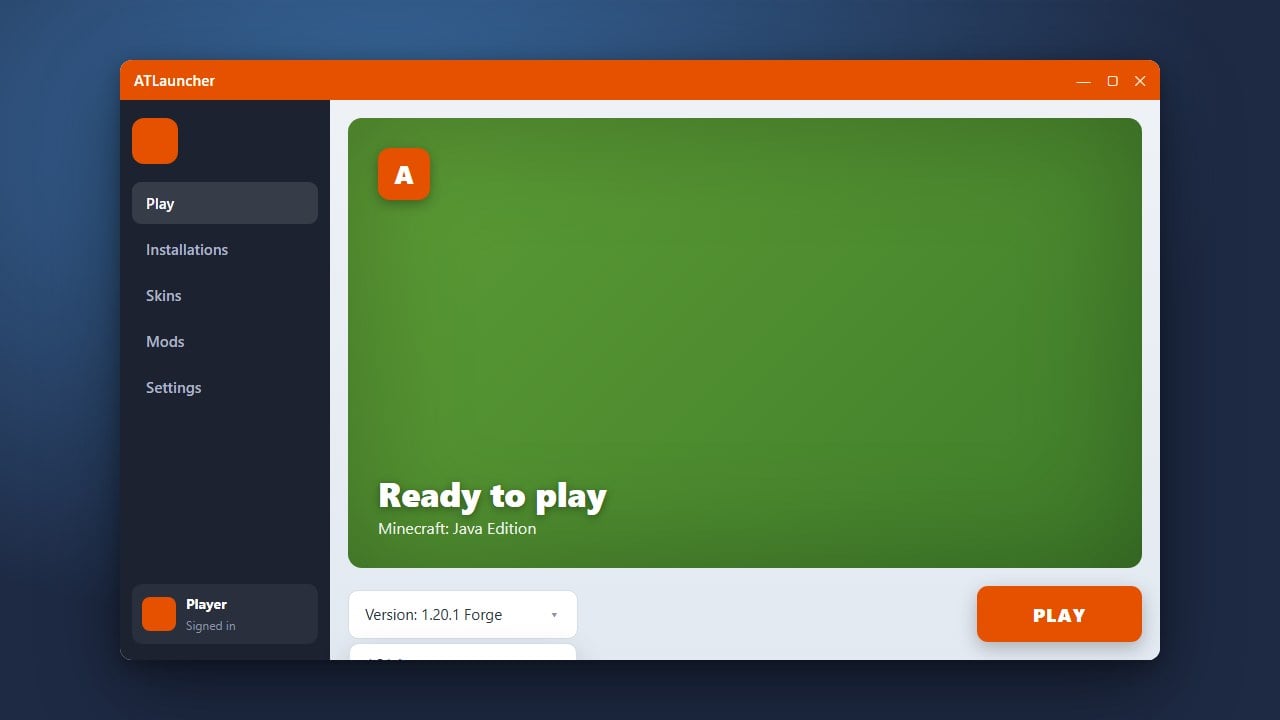
ATLauncher is a powerful Minecraft Java Edition launcher that lets you easily manage multiple instances, modpacks, and game versions. Whether you want to play the latest update or roll back to an older version, changing your game version is a straightforward process once you know where to look.
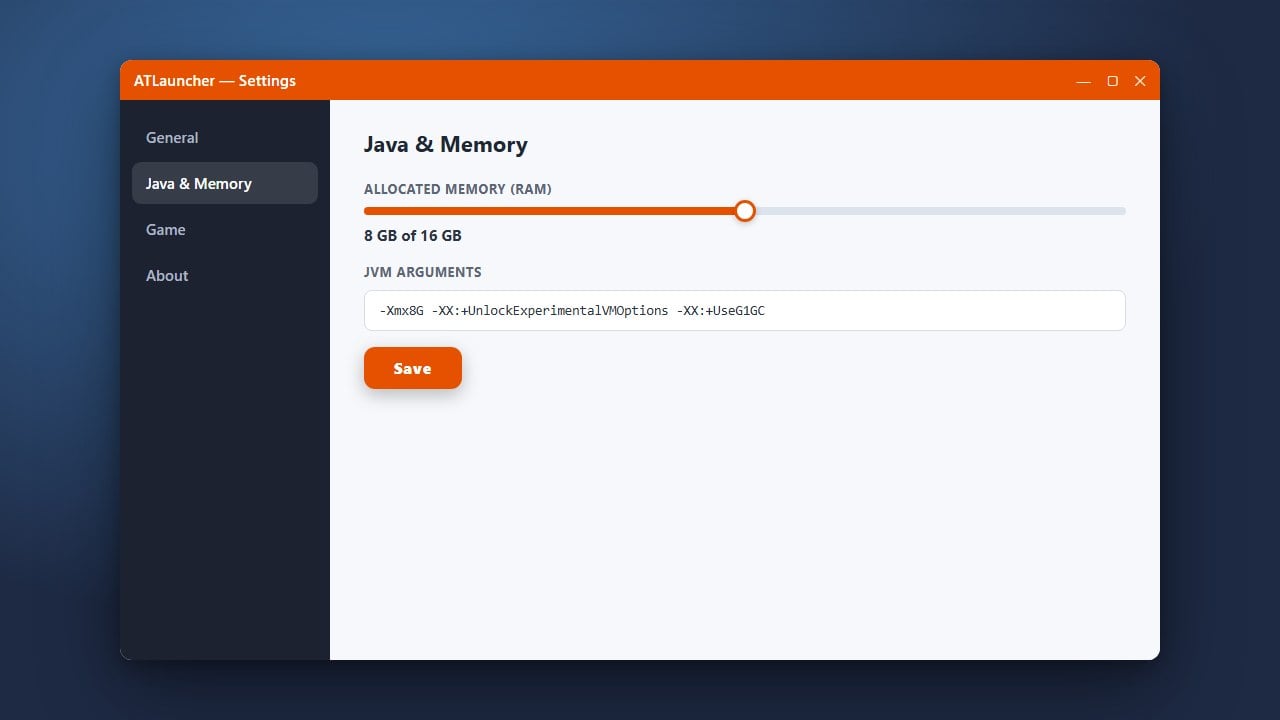
If you plan on playing heavy modpacks on newer versions, consider checking out How to Allocate More RAM in ATLauncher to ensure smooth performance.
Open ATLauncher
Start by launching ATLauncher on your computer. Make sure you are logged into your Minecraft account so you can access your instances and download game files without any interruptions.
Navigate to the Instances Tab
Once the launcher dashboard is open, click on the Instances tab at the top of the window. This will display a list of all your currently installed modpacks and vanilla Minecraft setups.
Create a New Instance or Edit an Existing One
If you want a different version, you can either create a new instance by clicking the Packs tab or edit an existing vanilla instance. To create a new instance with a specific version, browse the available packs, click New Instance, and select your desired Minecraft version from the dropdown menu.
Select Your Desired Minecraft Version
When setting up or configuring your instance, ATLauncher will present you with a list of available Minecraft versions, along with options to add loaders like Forge or Fabric. Choose the exact version you want to play from the list.
Save and Launch the Game
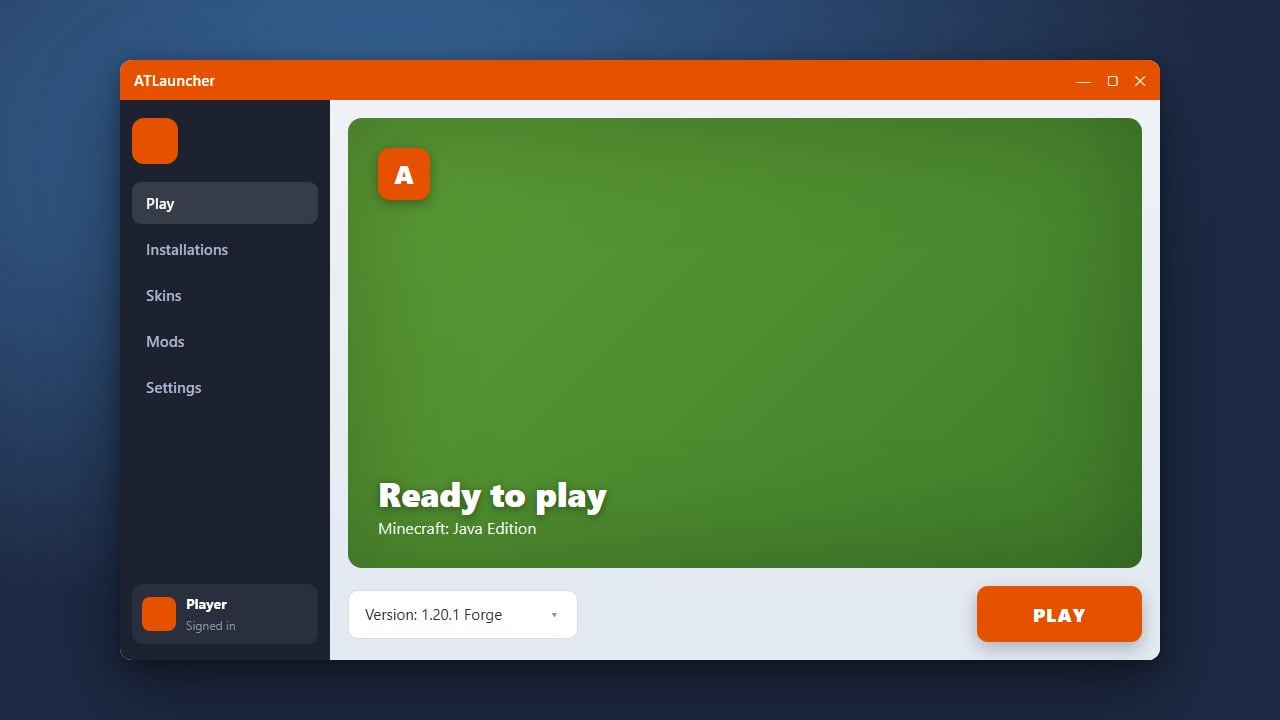
Click the Install button to download the selected version and its required assets. Once the installation finishes, head back to your Instances tab, click the green Play button, and enjoy your newly selected Minecraft version!
Frequently Asked Questions
Can I change the version of an existing modded instance?
Usually, changing the version of an existing modded instance requires creating a new instance because most mods are tied to specific game versions, such as 1.20.4 or 1.21. For vanilla instances, you can easily create a new profile for the version you want.
Is ATLauncher free to use?
Yes, ATLauncher is completely free and open-source software designed for Minecraft Java Edition players.