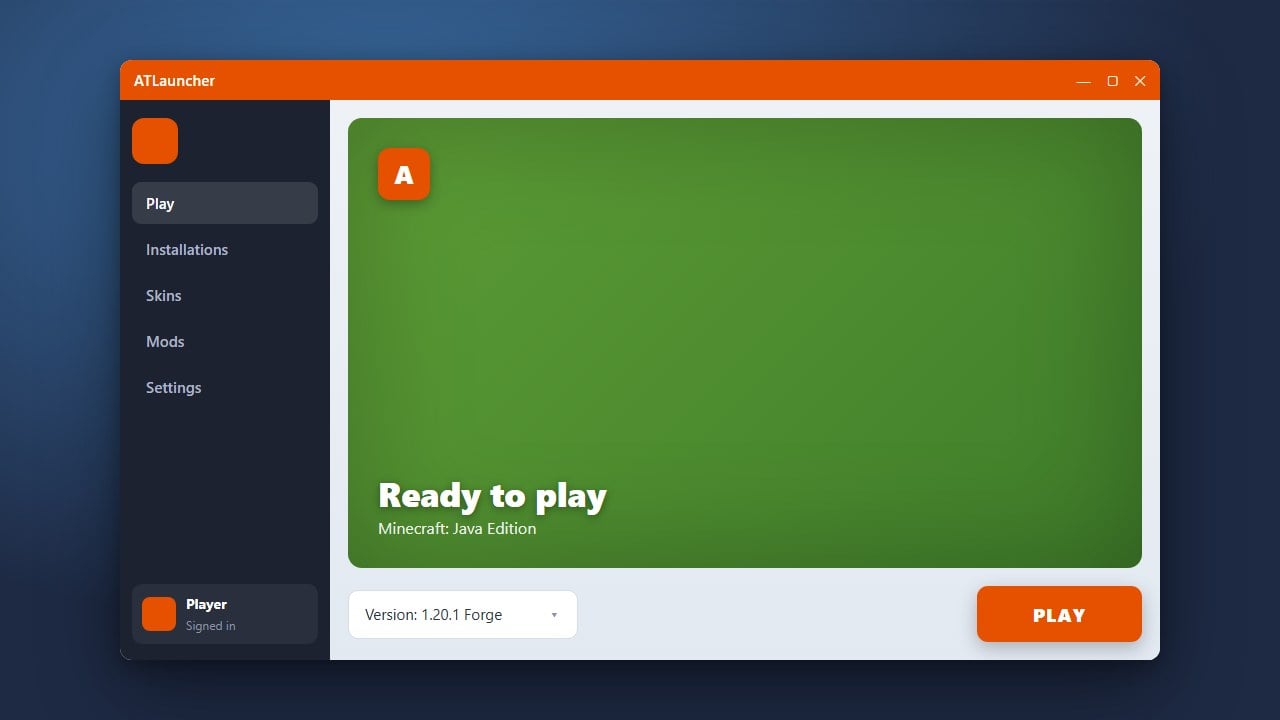
ATLauncher is a popular, legitimate community launcher for Minecraft Java Edition that requires you to log in with your official Minecraft account to verify ownership. If you do not own the game yet, please purchase a legal copy directly from minecraft.net to ensure your account security and safety. In this guide, you will learn step-by-step how to set up shaders using either Iris or OptiFine within your ATLauncher instances.
Open ATLauncher and Select Your Instance
Launch ATLauncher on your computer and navigate to the Instances tab located on the right side of the main dashboard.
Find the Minecraft instance where you want to use shaders. If you need to set up a modded environment first, you can check out How to Install Forge and Fabric with ATLauncher for detailed instructions.
Install a Shader Loader (Iris or OptiFine)
To run shaders in modern versions of Minecraft Java Edition, you need a graphics mod loader. For Fabric instances, Iris Shaders is the recommended performance mod. For Forge instances, you can use OptiFine.
Click the Edit or Add Mods button on your instance card within ATLauncher to browse and install your preferred loader directly into the profile.
Download Your Favorite Shader Packs
Open your web browser and download compatible shader packs (such as Complementary, BSL, or SEUS) from trusted sources like Modrinth or CurseForge. Make sure the shader pack version matches your Minecraft version.
Keep the downloaded .zip files handy because you will need to place them into your game folder next.
Add Shader Packs to the Folder
Return to ATLauncher, click the three dots or folder icon on your instance, and select Open Folder. This opens the root directory for that specific instance.
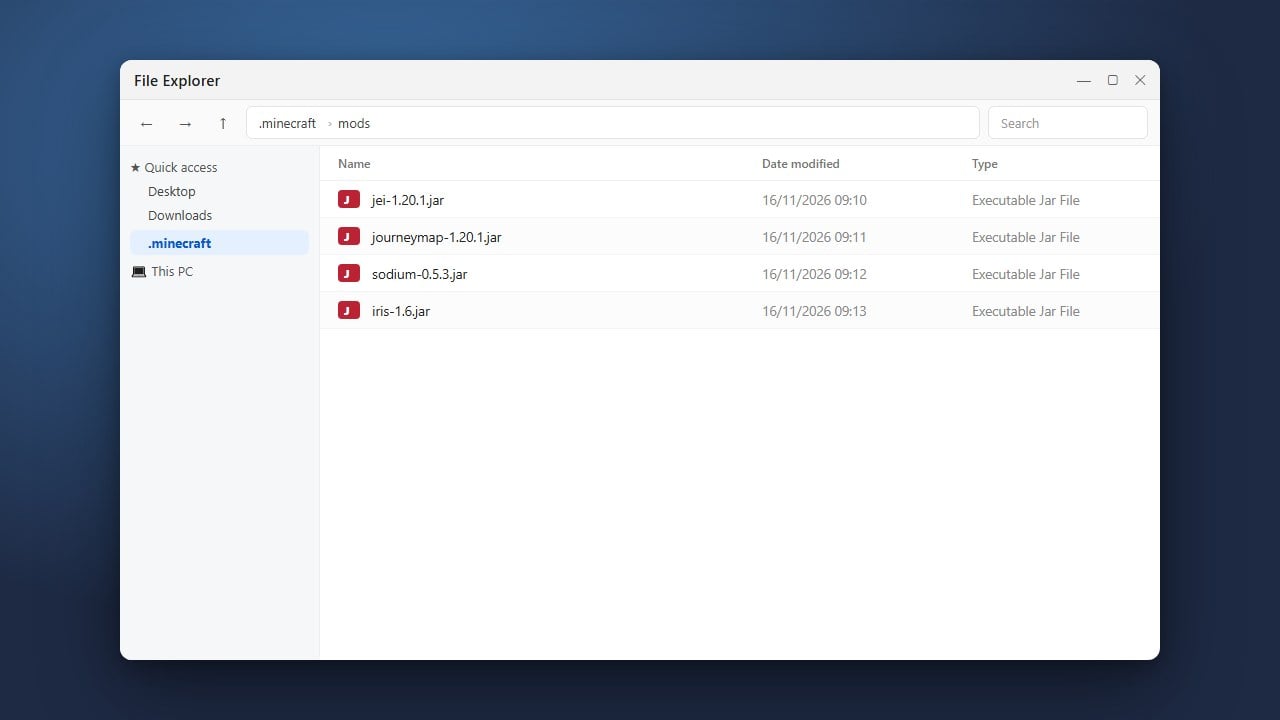
Locate or create the folder named shaderpacks, then drag and drop your downloaded shader pack .zip files directly inside it without unzipping them.
Launch Minecraft and Select Your Shader
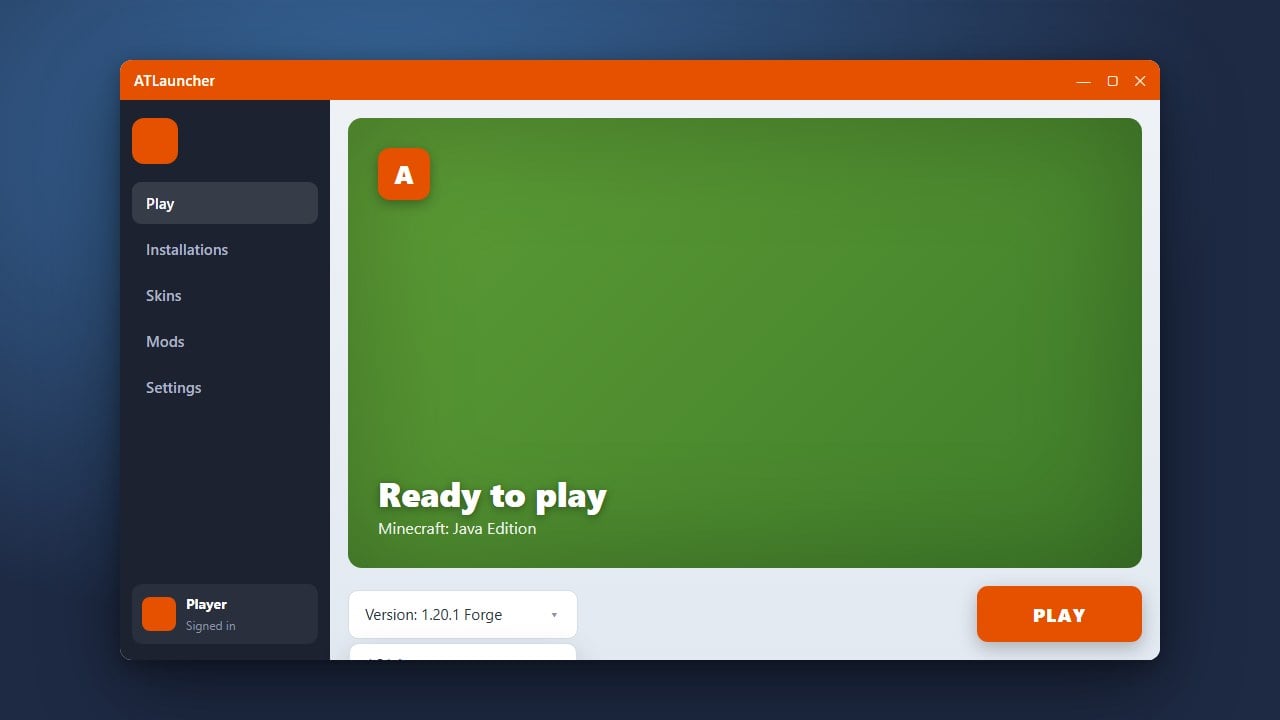
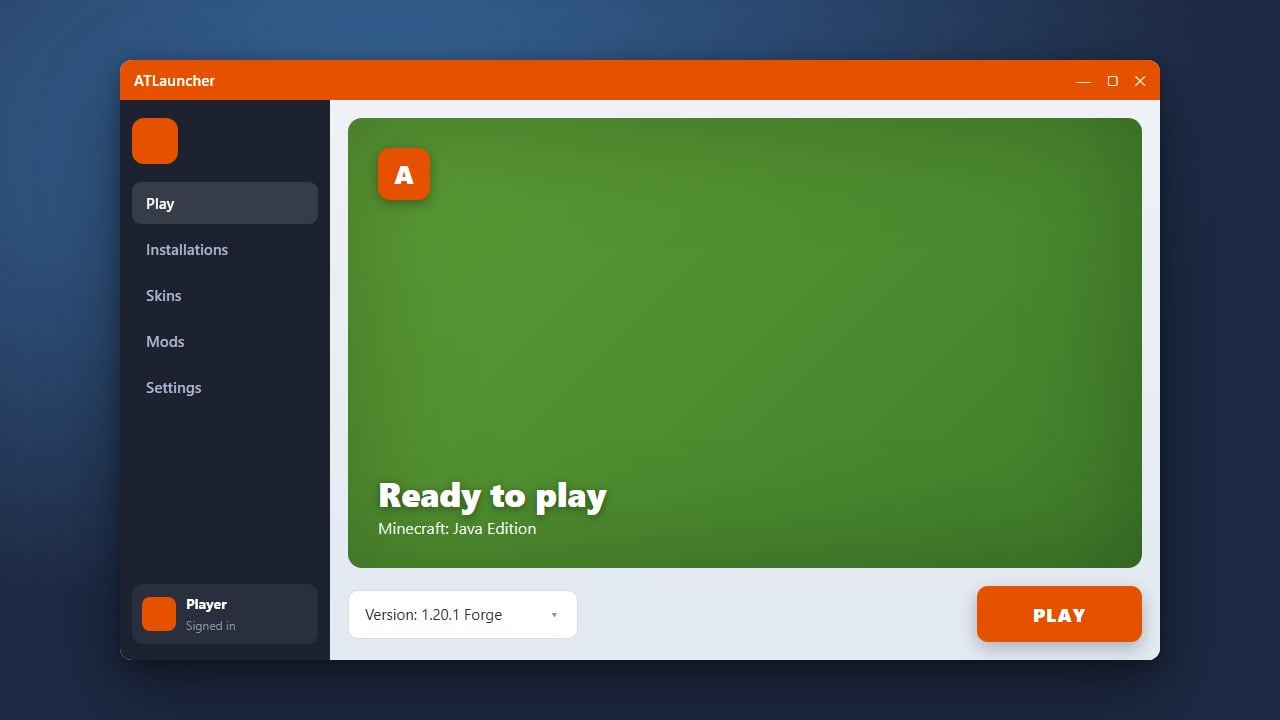
Click the green Play button in ATLauncher to start your Minecraft instance. Once the game loads to the main menu, click on Options and then Video Settings.
Look for the Shaders menu (provided by Iris or OptiFine), click on your preferred shader pack from the list, and hit apply to enjoy your upgraded graphics!
Frequently Asked Questions
Do I need Forge or Fabric to use shaders?
Yes, modern Minecraft Java Edition requires a mod loader like Fabric (with Iris Shaders) or Forge (with OptiFine) to process and render shader packs properly.
Can I use Bedrock Edition shaders with ATLauncher?
No, ATLauncher is exclusively designed for Minecraft Java Edition. Bedrock Edition uses a completely different graphics engine and shader system.