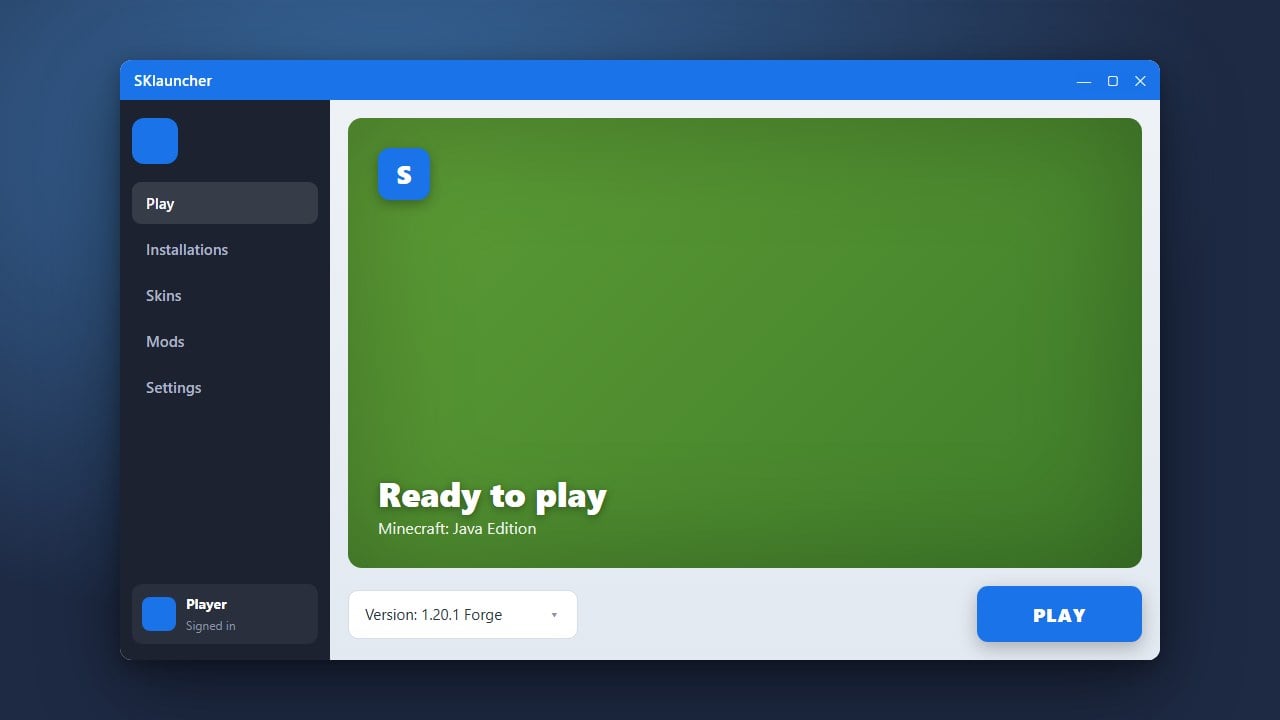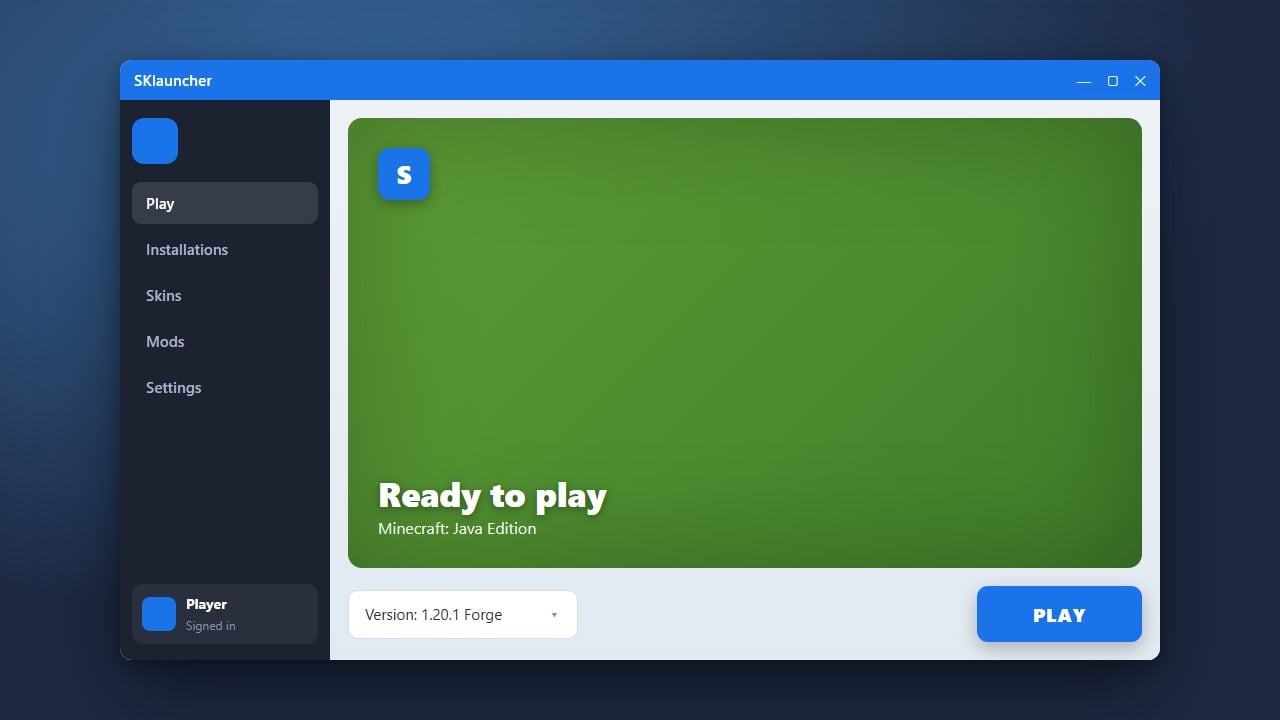
SKlauncher is a popular alternative launcher for Minecraft Java Edition that lets you manage different game versions, profiles, and custom loaders with ease. Before getting started, we always recommend purchasing the official game directly from minecraft.net to support the developers and ensure full access to official servers and features.
Download and Install SKlauncher
Go to the official SKlauncher website and download the installer file suited for your operating system (Windows, macOS, or Linux). Make sure you have Java installed on your computer, as the launcher requires it to run properly.
Open the Launcher and Add Your Account
Launch the application after installation. Click on the profile or account section on the dashboard to log in. You can sign in securely using your legitimate Microsoft account that owns Minecraft.
Create a New Profile
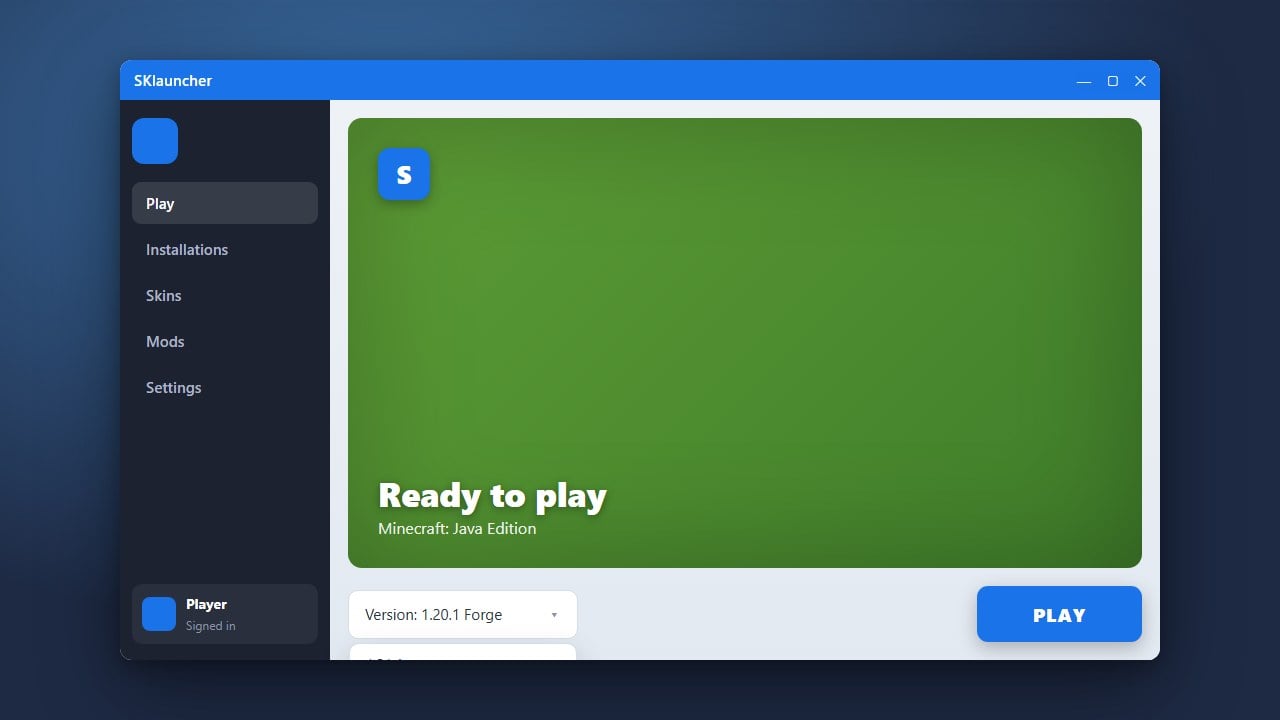
Navigate to the profiles tab to set up a custom game directory or version. You can check out How to Change the Minecraft Version in SKlauncher to learn how to select vanilla releases, snapshots, or modded loaders like Forge and Fabric.
Configure RAM Allocation
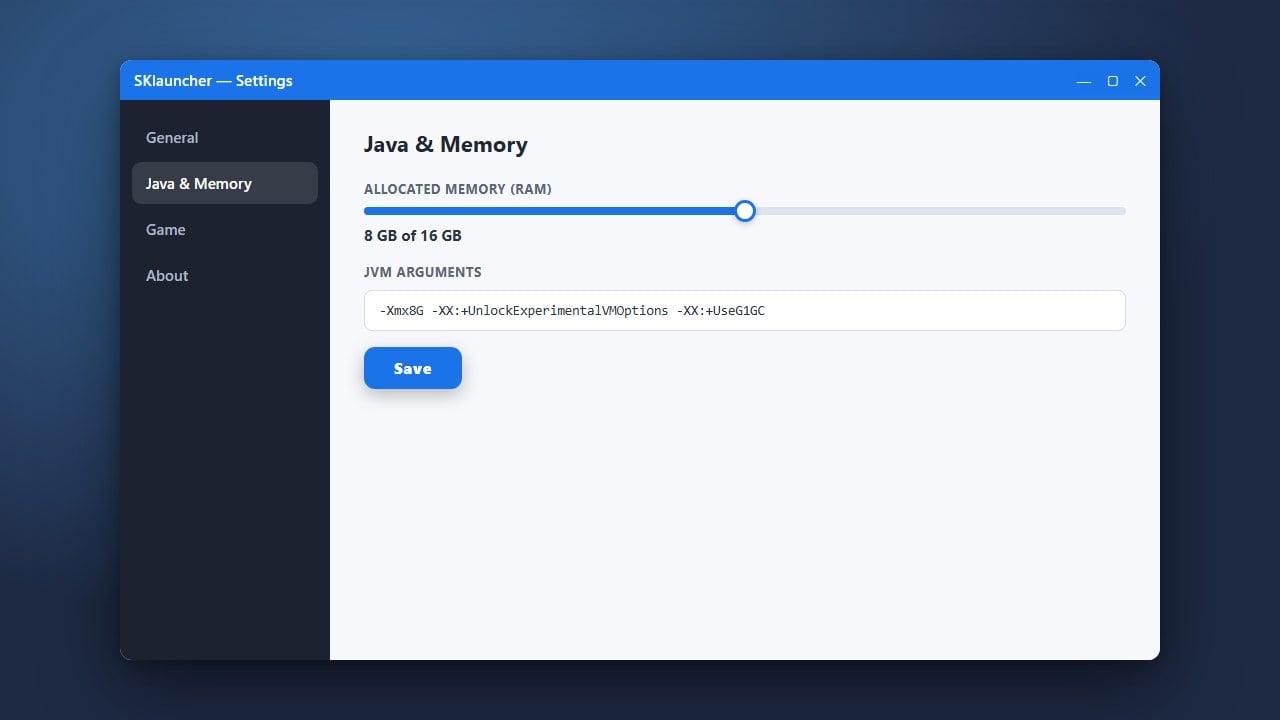
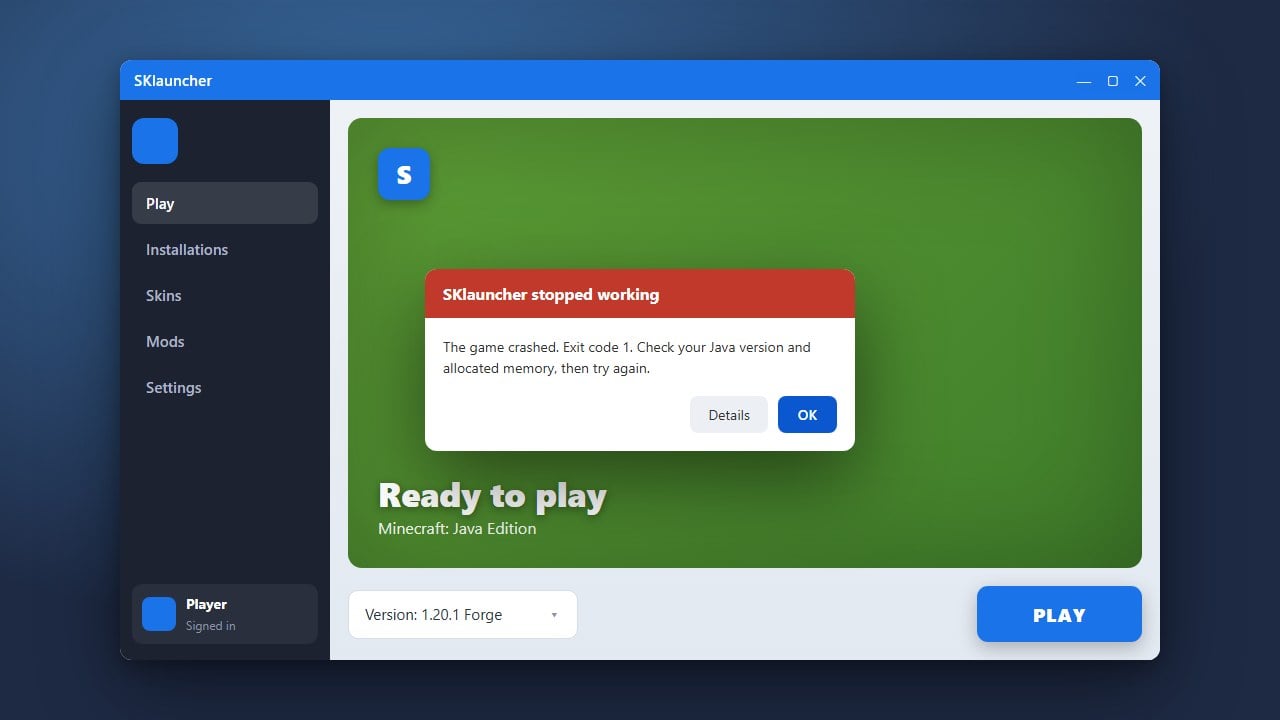
If your game lags or runs out of memory, you should adjust your memory settings. Read through How to Allocate More RAM in SKlauncher to assign adequate system memory for a smoother gameplay experience.
Launch Minecraft and Play
Once your profile, version, and memory settings are saved, return to the main screen. Select your configured profile from the dropdown menu and click the green Play button to start your adventure.
Frequently Asked Questions
Is SKlauncher safe to use?
Yes, as long as you download it from the official source. However, third-party launchers always carry minor risks compared to the official client, so logging in with a Microsoft account should be done with care.
Can I play on official multiplayer servers with SKlauncher?
Yes, if you log in using a legitimate Microsoft account that has purchased Minecraft Java Edition, you can access all official online multiplayer servers without any restrictions.