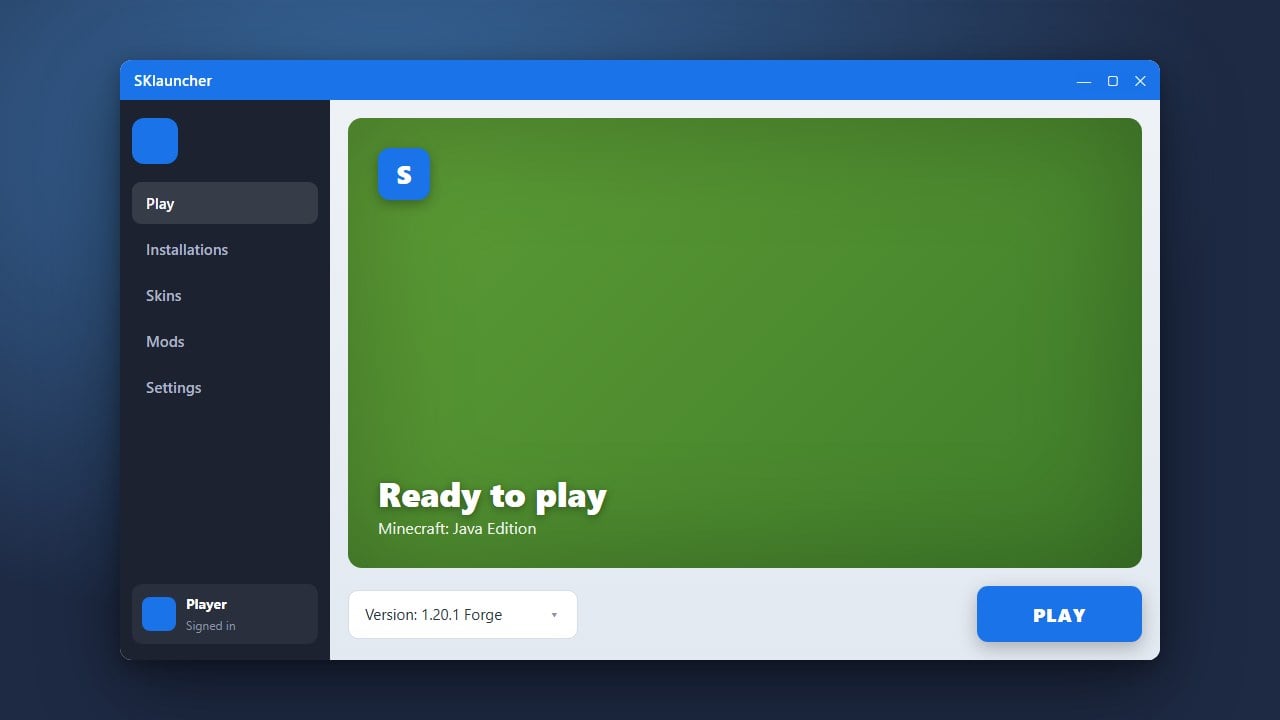
SKlauncher is a popular alternative Java Edition launcher that allows players to manage game profiles and versions. If you are setting up your custom client or exploring other options, you can also check out our guide on How to Download and Install SKlauncher to get started. While custom launchers offer flexibility, we always recommend purchasing the official game from minecraft.net to support the developers and ensure account security.
Always download mods from trusted sources like CurseForge or Modrinth to protect your computer from malicious files.
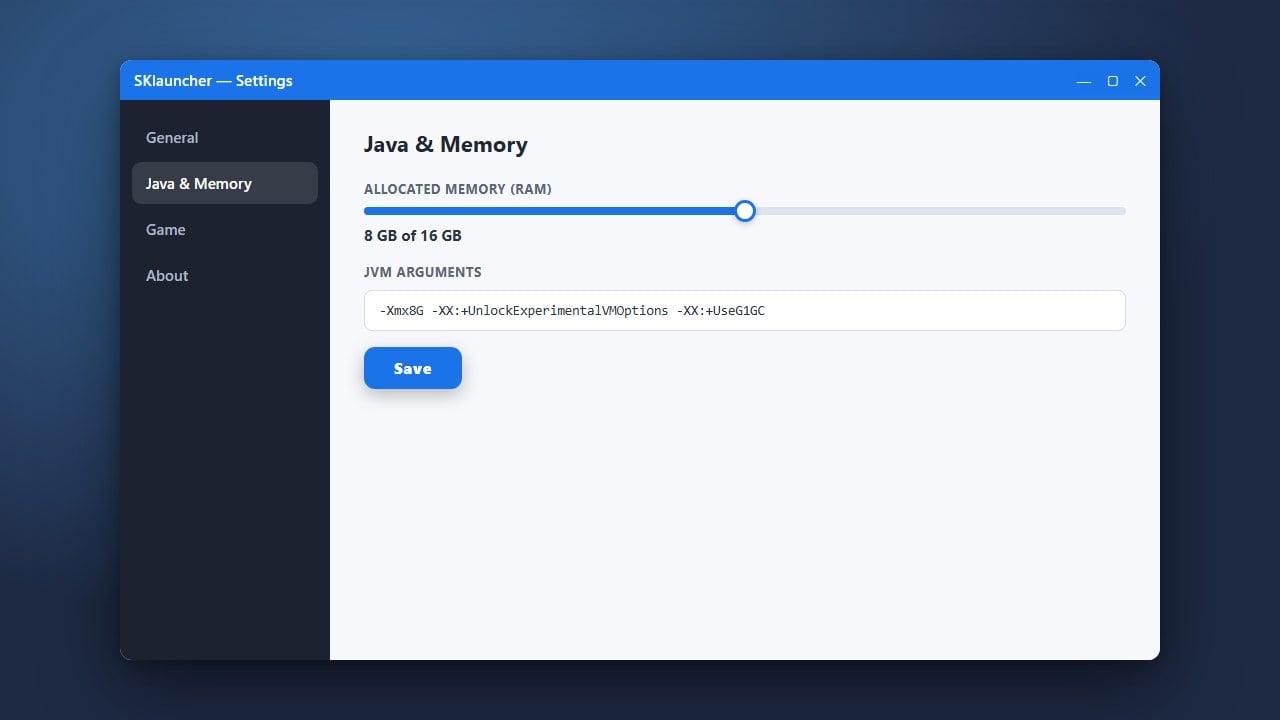
If your game runs out of memory with many mods installed, you can follow our guide on How to Allocate More RAM in SKlauncher to improve performance.
Open SKlauncher and Select Your Profile
Launch SKlauncher on your computer and log in with your account. Navigate to the profiles or manager tab where you can view your installed Minecraft versions and game instances.
Install a Mod Loader
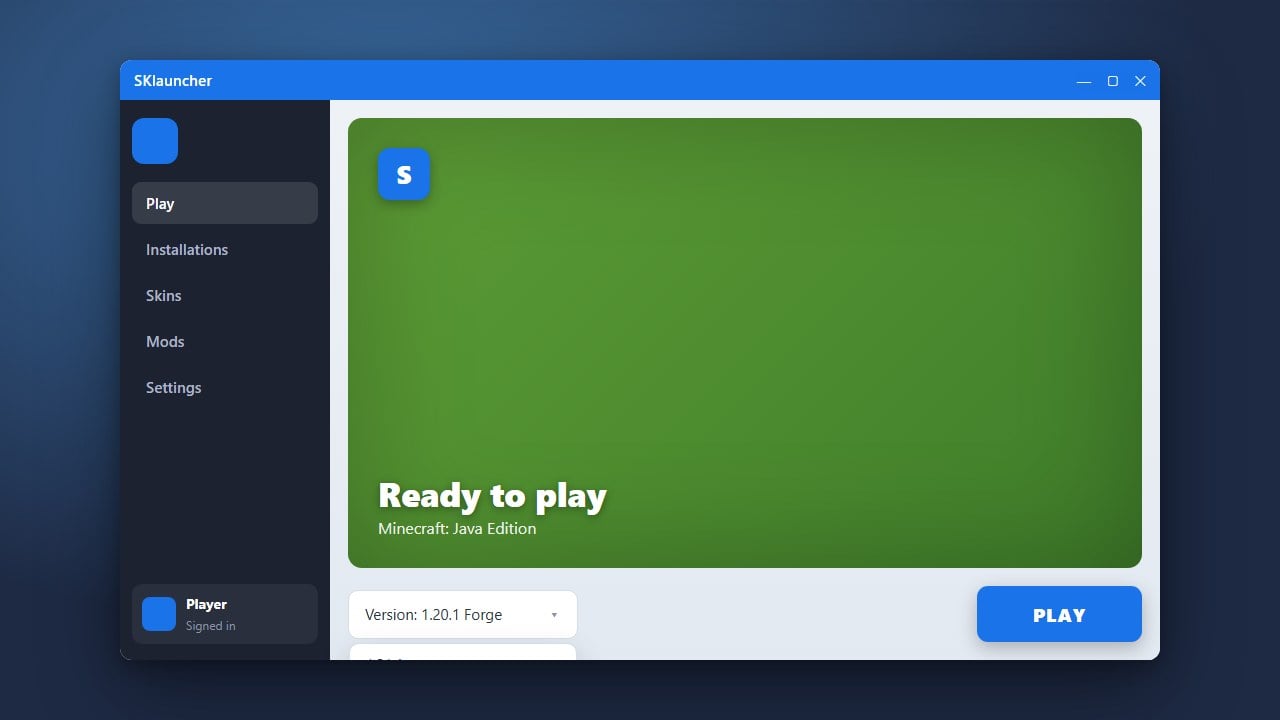
Before adding mods, you need a mod loader like Forge or Fabric installed on your profile. You can select and install your preferred mod loader directly through the profile settings or instance manager in SKlauncher.
Download Compatible Mods
Visit trusted mod repositories such as CurseForge or Modrinth to download the mods you want. Make sure the mod version matches your exact Minecraft version and mod loader (Forge or Fabric).
Open the Mods Folder
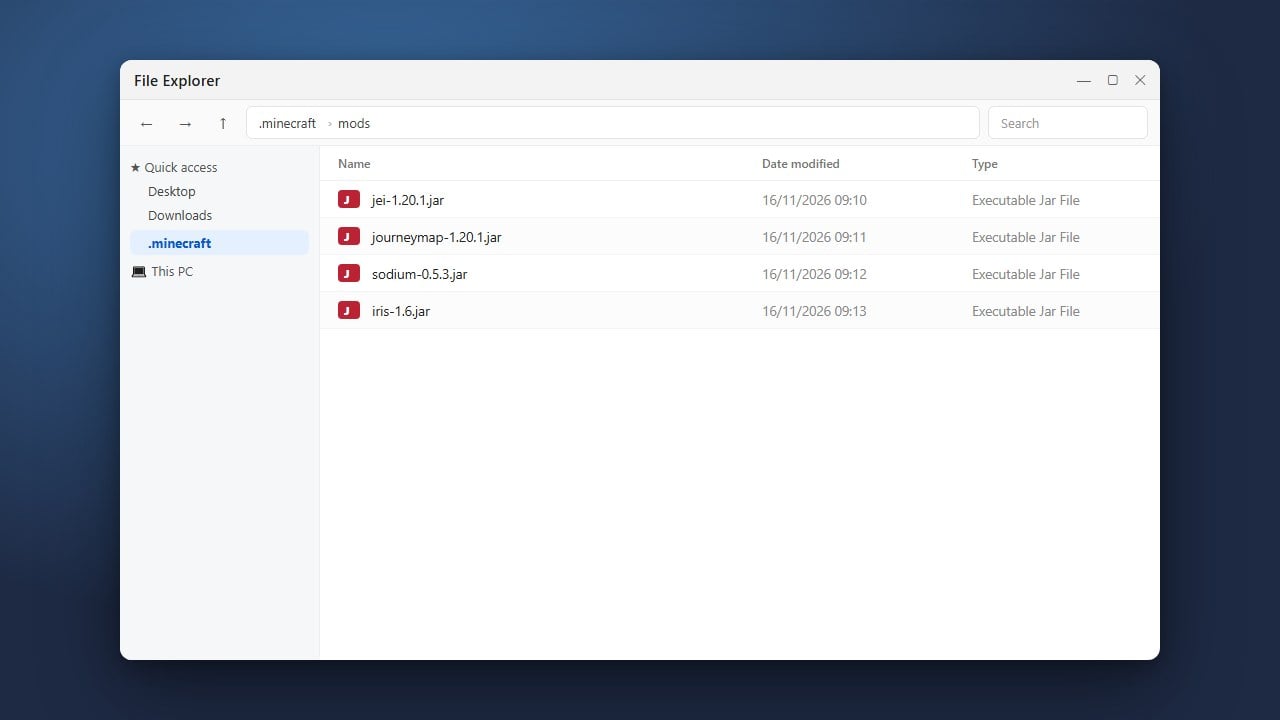
In SKlauncher, locate your profile directory or game instance folder by clicking the folder icon. Open the directory and find or create a folder named mods.
Place Your Mod Files
Drag and drop your downloaded .jar mod files directly into the mods folder. Ensure no compressed .zip files are placed inside unless the specific mod requires it.
Launch the Game
Return to SKlauncher, select your modded profile, and click play. The game will load with your newly installed mods active and ready to use.
Frequently Asked Questions
Where should I put my downloaded mod files?
You need to place them inside the mods folder located within your specific SKlauncher profile directory.
Can I use Forge and Fabric mods together?
No, Forge and Fabric are separate mod loaders and their respective mods are not natively compatible with one another.