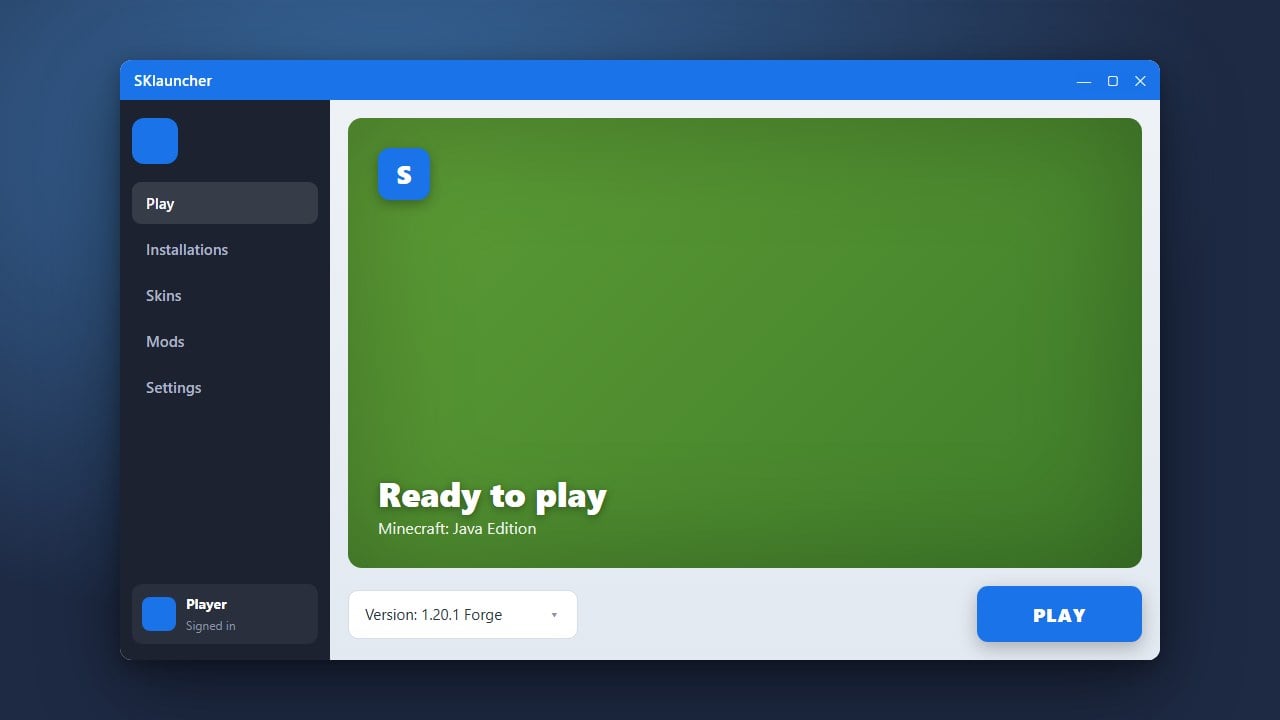
SKlauncher is a popular custom launcher for Minecraft Java Edition that allows players to manage multiple versions and mod loaders like Forge and Fabric effortlessly. Before using third-party launchers, we always recommend purchasing the official game from minecraft.net to support the developers and ensure account security. If you are already set up and want to learn the basics first, check out How to Download and Install SKlauncher.
Never input your official Microsoft password into untrusted launchers. Always download SKlauncher from its official domain to avoid security risks, adware, and account theft.
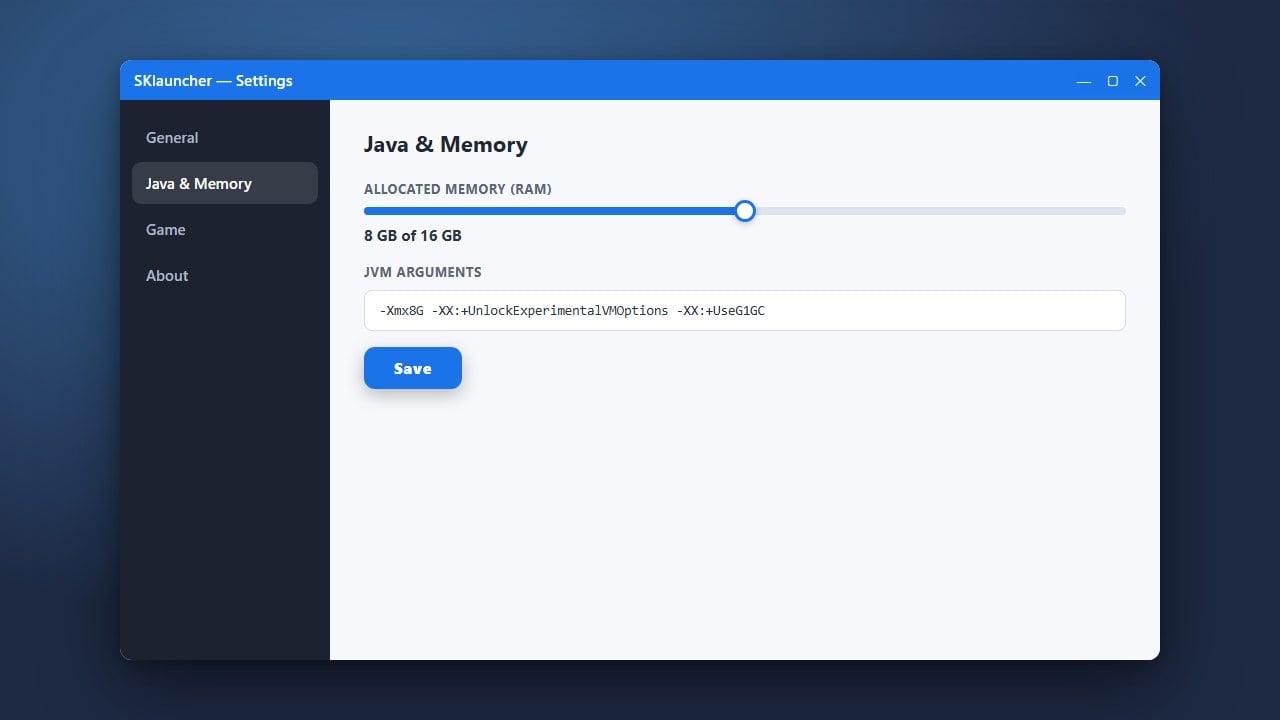
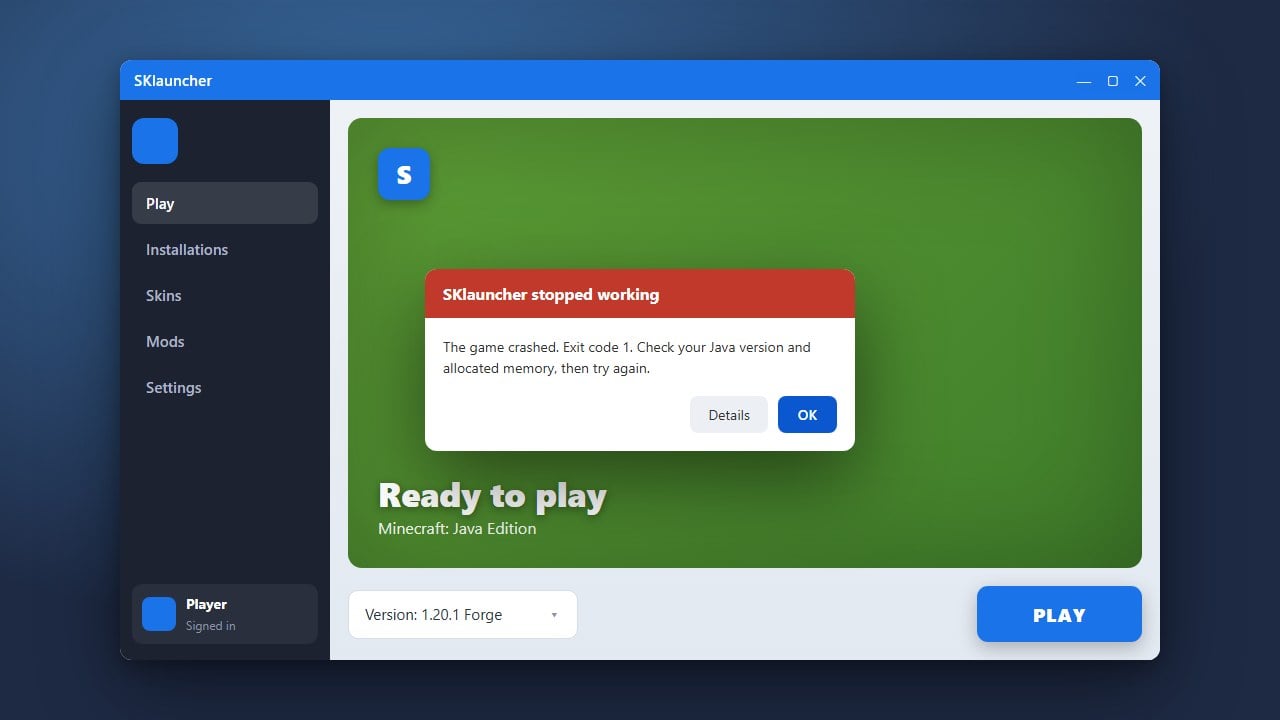
If your game crashes or runs out of memory while loading heavy mods, you can learn how to assign more memory by reading How to Allocate More RAM in SKlauncher.
Open SKlauncher and Log In
Launch SKlauncher on your computer and make sure you are logged into your Minecraft Java Edition account. Using a legitimate Microsoft account ensures full online multiplayer compatibility.
Navigate to the Profile Management Tab
In the main dashboard of SKlauncher, locate and click on the Profiles or Versions tab. This area allows you to create and configure custom game installations for different mod loaders.
Create a New Forge Profile
Click on the option to create a new profile. Choose your desired Minecraft version, select Forge as the version type from the loader dropdown menu, and click save to generate the profile.
Create a New Fabric Profile
Return to the profile creation menu to set up your Fabric loader. Select the same or a different Minecraft version, choose Fabric as the loader type, and save the new profile.
Launch and Verify Your Mod Loaders
Go back to your profiles list, select your newly created Forge or Fabric installation, and click Play. The launcher will automatically download the necessary files, and you can verify the loader is working from the main menu.
Frequently Asked Questions
Can I run Forge and Fabric mods together at the same time?
No, Forge and Fabric are separate mod loaders and cannot load each other's mods natively in the same profile. You must create separate profiles for each loader in SKlauncher.
Do I need to install Java separately for SKlauncher?
SKlauncher typically manages or detects the required Java runtimes automatically for modern Minecraft versions, but ensuring you have the correct Java version installed on your PC prevents launch errors.