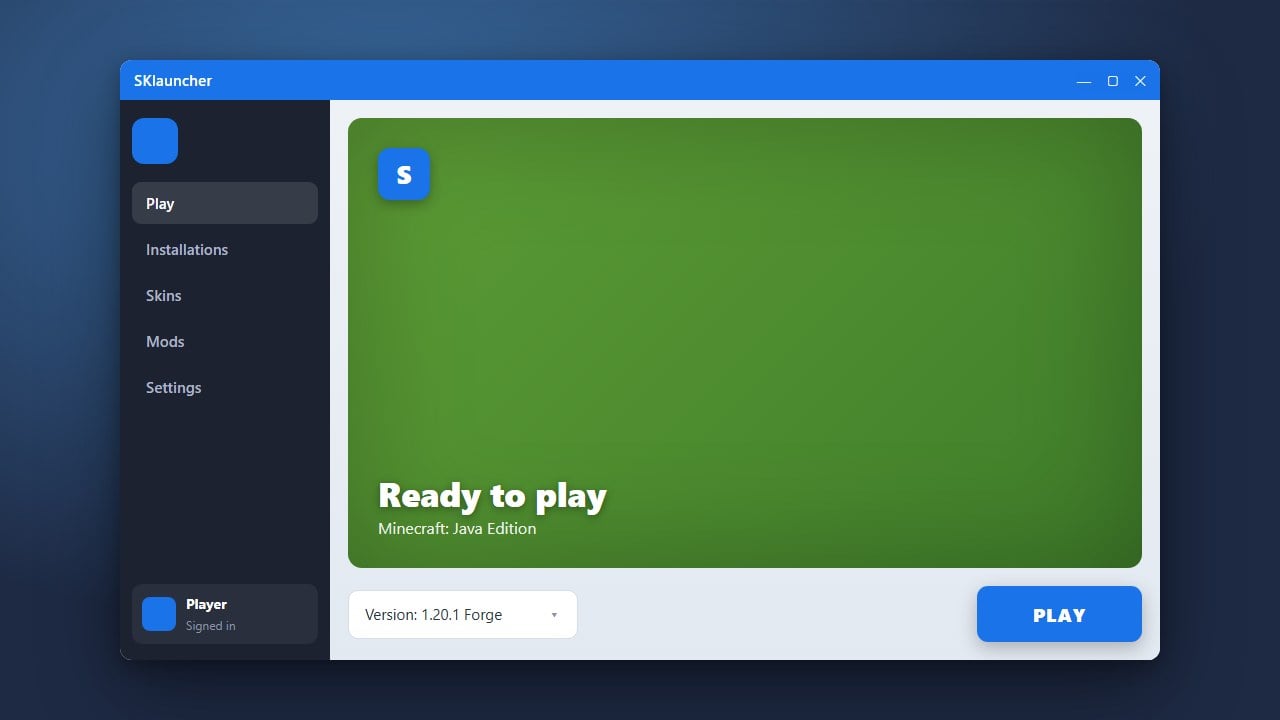
If you use SKlauncher to play Minecraft Java Edition, you can easily enhance your graphics by installing shaders. Please note that SKlauncher is a custom alternative launcher that can bypass official authentication; we strongly recommend purchasing the official game from minecraft.net to support Mojang and ensure your account remains safe and secure.
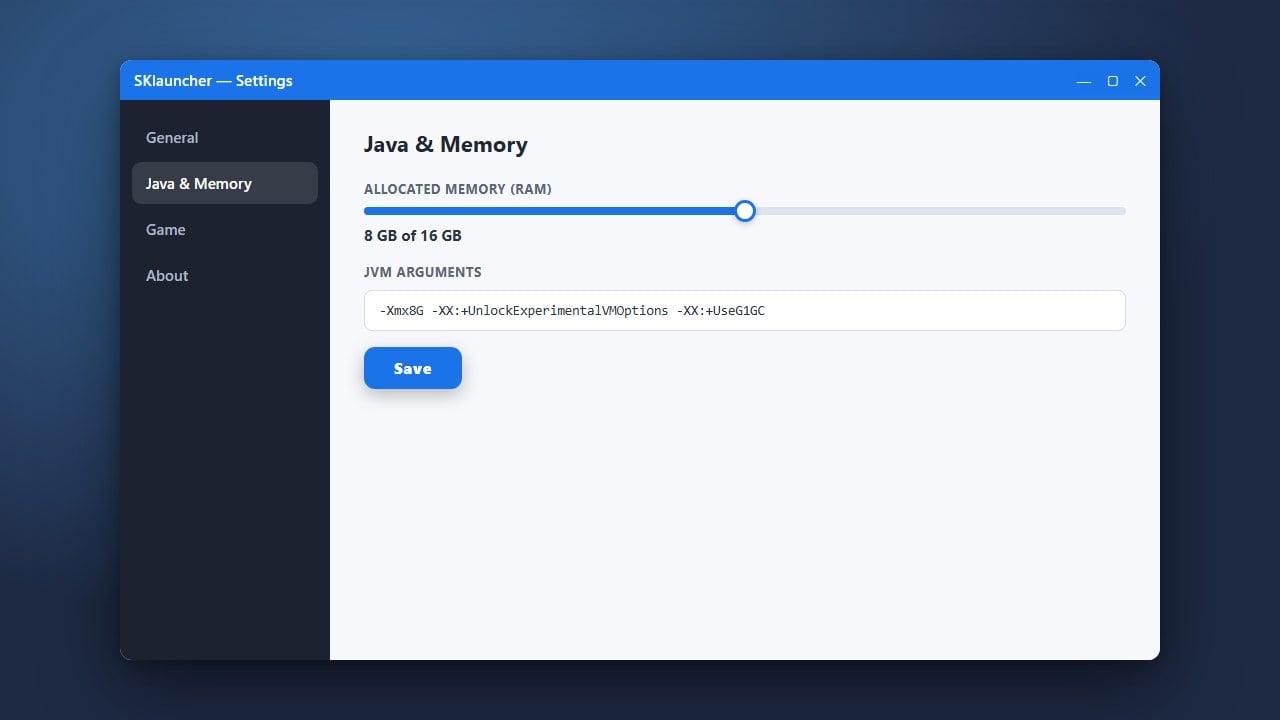
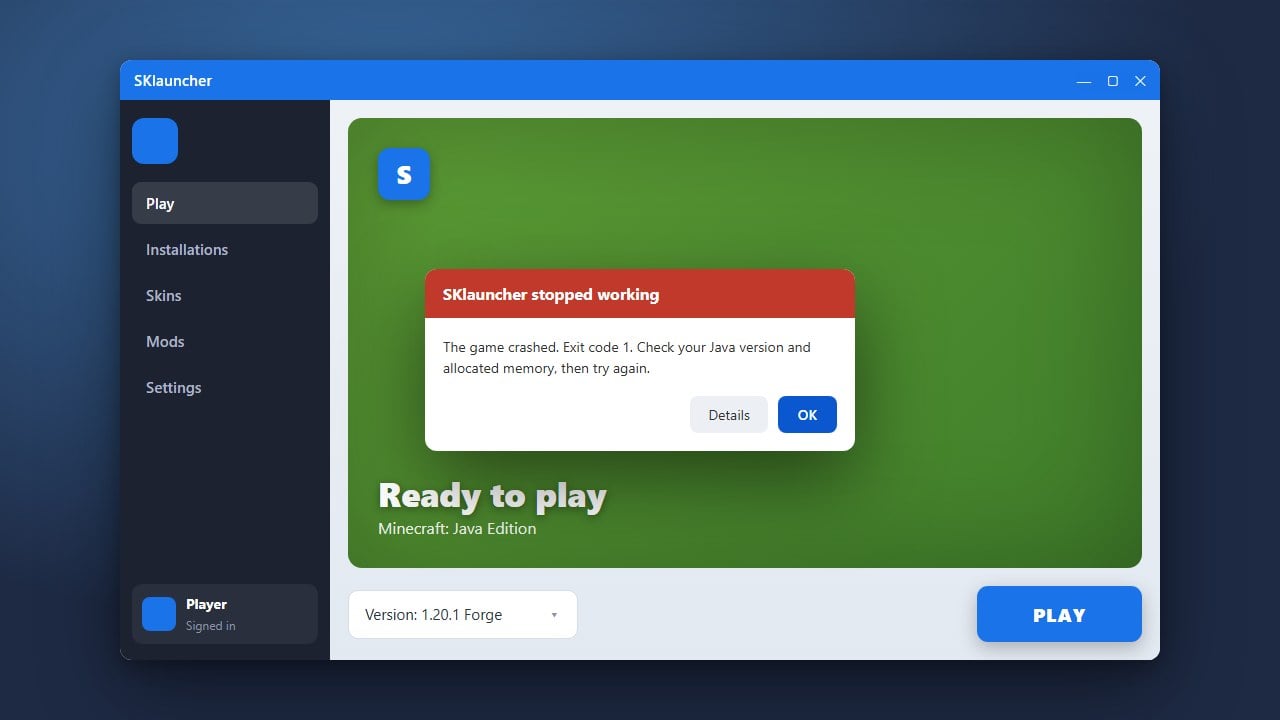
Shaders are very demanding on your hardware. If your game lags or crashes after enabling them, make sure you allocate enough system memory using our guide on how to allocate more RAM in SKlauncher.
Download a Shader Pack
First, download a shader pack of your choice (such as Complementary Shaders or BSL Shaders) from a trusted community site like Modrinth or CurseForge. Keep the downloaded .zip file handy without unzipping it.
Install a Shader Mod or Loader
Vanilla Minecraft Java Edition does not support shaders natively. To use them, you need a performance mod like Iris (for Fabric) or Oculus (for Forge). If you need help getting your game environment ready, check out our guide on how to install Forge and Fabric with SKlauncher.
Open SKlauncher and Select Your Profile
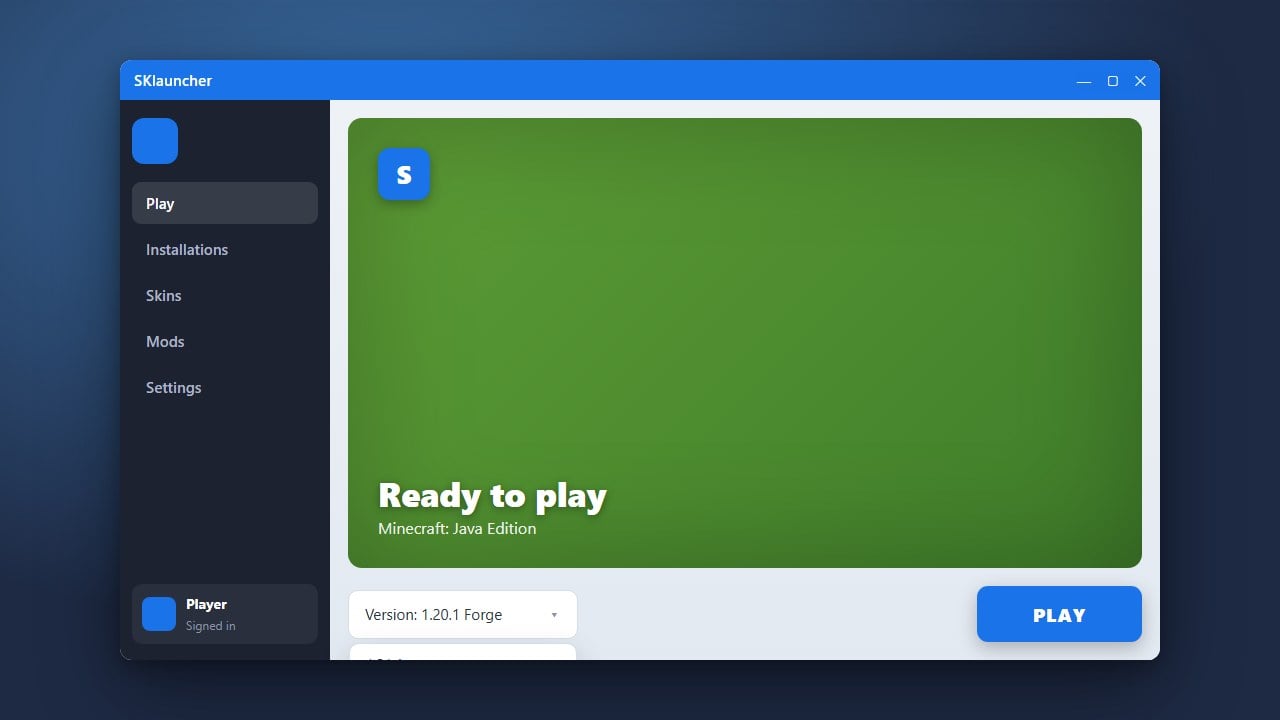
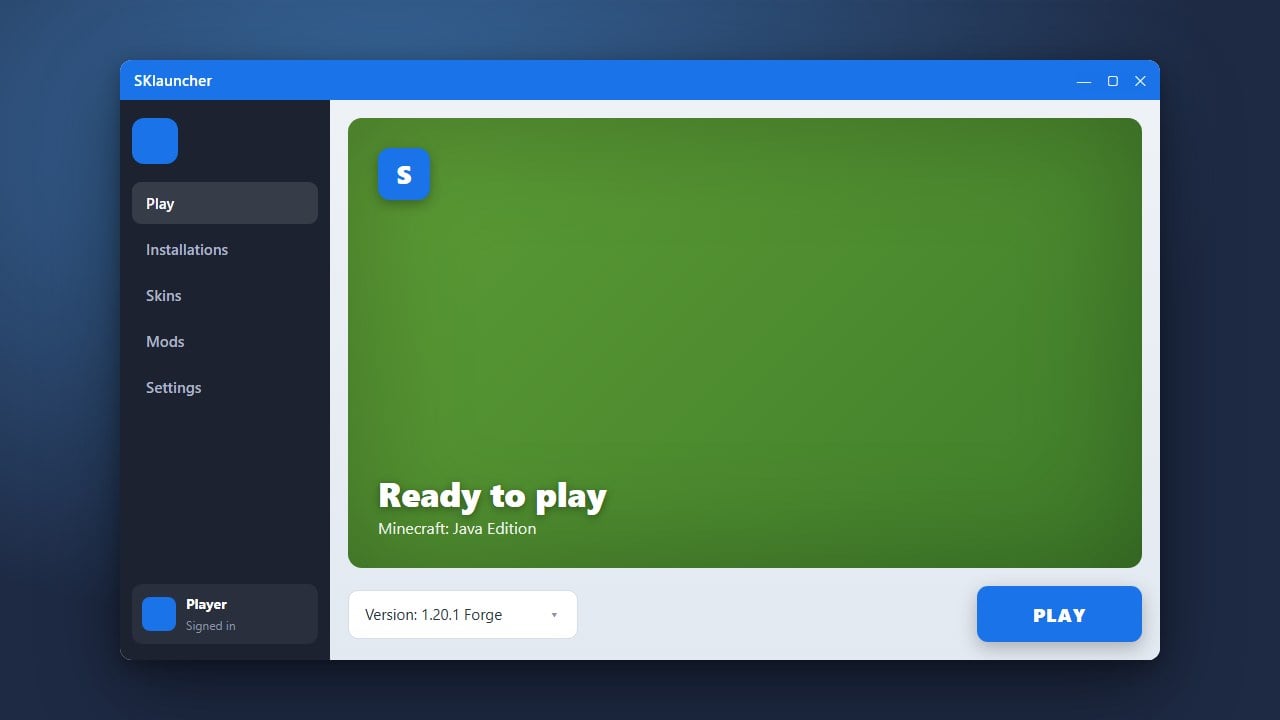
Launch SKlauncher and sign into your profile. Make sure you select the profile or version that has your shader-compatible mod loader (like Fabric with Iris or Forge with Oculus) installed.
Launch the Game and Open Video Settings
Click Play to start Minecraft with your modded profile. Once you reach the main menu, click on Options and then open Video Settings.
Open the Shader Packs Folder
Inside the video settings menu, look for the Shader Packs option. Click it to open the dedicated shader selection screen, then click the button at the bottom that says Open Shader Packs Folder.
Drop Your Shaders into the Folder
Drag and drop your downloaded .zip shader file directly into the shader packs folder that just popped up on your screen. Return to Minecraft, select your shader pack from the list inside the game, and click Done to apply it.
Frequently Asked Questions
Do I need OptiFine to run shaders in SKlauncher?
No. While OptiFine used to be the main way to run shaders, modern versions of Minecraft Java Edition perform much better using Iris (for Fabric) or Oculus (for Forge).
Why aren't my shader packs showing up in the game?
Make sure you placed the compressed .zip file directly into the shader packs folder without extracting or unzipping it. Also verify that you are launching a profile that actually has Iris, Oculus, or OptiFine installed.