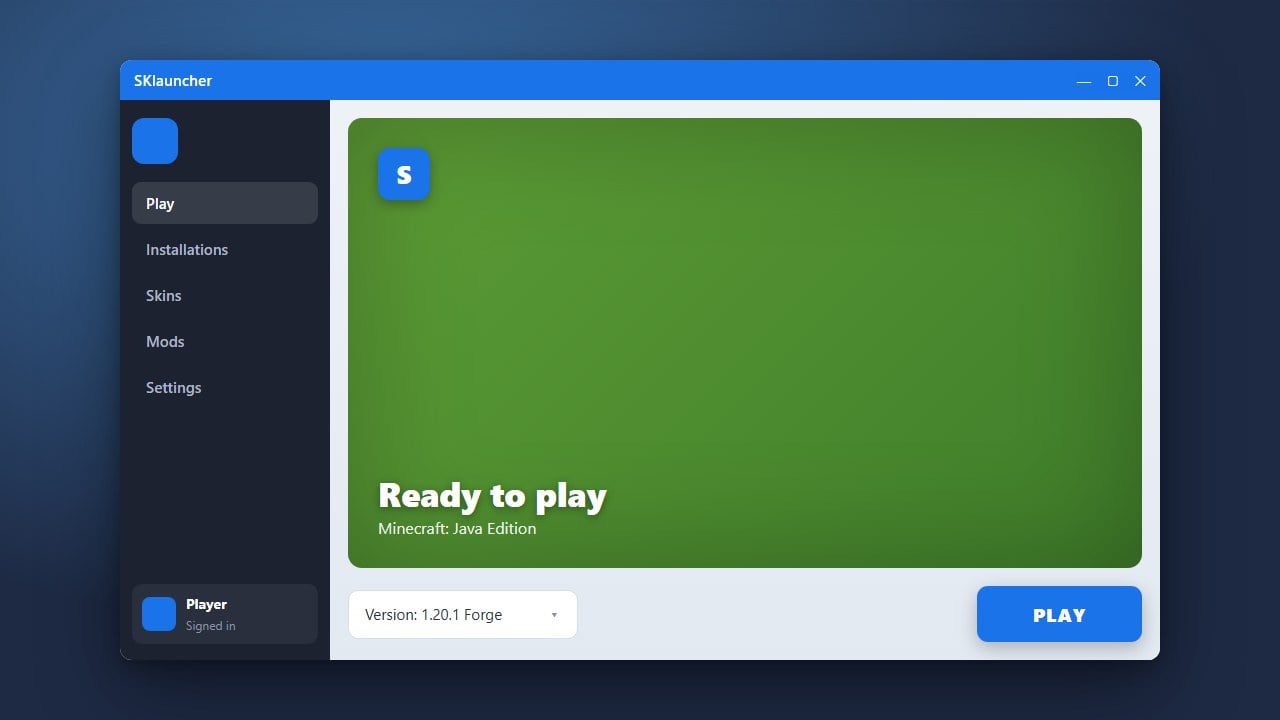
If you no longer use SKlauncher for Minecraft Java Edition, this step-by-step guide will help you safely remove the application and its associated files from your computer. Always ensure you purchase the official game from minecraft.net to enjoy secure, official updates and support. Using third-party launchers can sometimes expose users to unnecessary security risks or account credential vulnerabilities.
Deleting the SKlauncher application data folder will remove any offline profiles or saved settings you had stored inside that specific launcher.
If you want to return to the official game experience after uninstalling, check out How to Download and Install SKlauncher as a reference for switching back or setting up alternative clients safely.
Close SKlauncher and Background Processes
Before uninstalling, make sure SKlauncher is completely closed. Check your system tray (bottom-right on Windows or menu bar on macOS) to ensure the application isn't still running in the background.
Delete the SKlauncher Application File
Locate the SKlauncher executable file or application shortcut that you originally downloaded. Simply right-click the file and select Delete or move it to your Recycle Bin/Trash.
Remove the SKlauncher Data Folder
SKlauncher stores configuration files and runtime data in a separate folder. On Windows, press Win + R, type %appdata%, and press Enter. Locate the folder associated with SKlauncher and delete it.
Clean Up Remaining Game Profiles and Cache
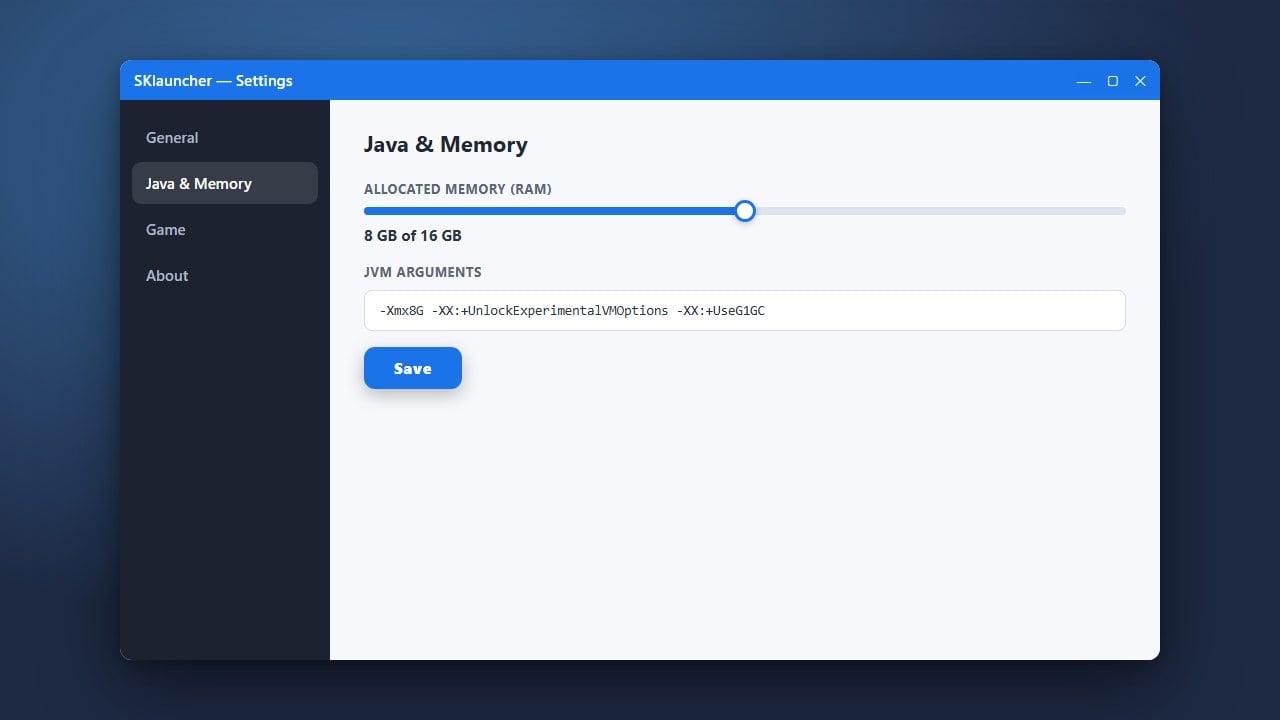
If you wish to remove all traces of the launcher, check your main .minecraft folder for any custom profiles or versions created specifically by SKlauncher. You can learn more about managing your setup in guides like How to Allocate More RAM in SKlauncher or How to Change the Minecraft Version in SKlauncher if you decide to reinstall later.
Empty Your Recycle Bin or Trash
To finish the uninstallation process completely, open your Recycle Bin on Windows or Trash on macOS and empty it to permanently erase all deleted SKlauncher files from your hard drive.
Frequently Asked Questions
Does uninstalling SKlauncher delete my official Minecraft account?
No, uninstalling the launcher only removes the application files from your computer. Your official Minecraft account credentials remain secure with Microsoft.
Can I keep my worlds if I uninstall SKlauncher?
Your singleplayer worlds are usually stored inside the standard .minecraft/saves directory. As long as you do not delete that specific folder, your worlds will remain safe for future use.