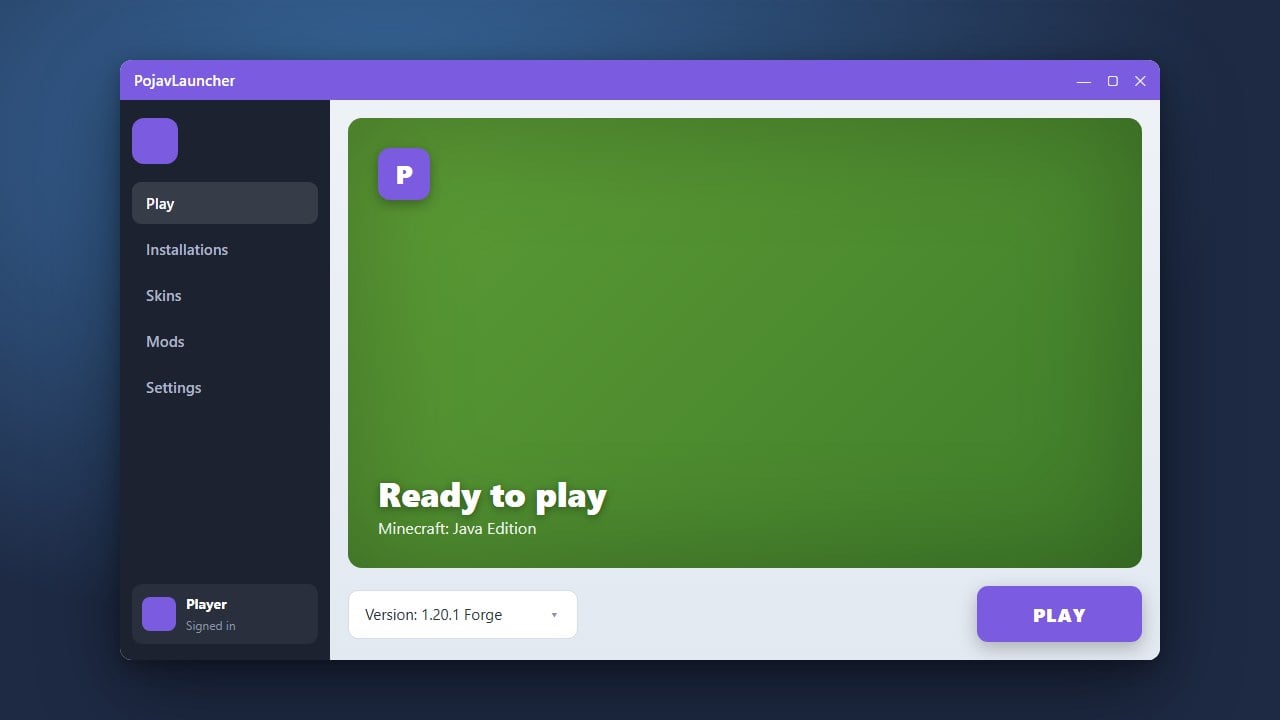
PojavLauncher is a popular third-party launcher that allows you to play Minecraft Java Edition on Android and iOS devices. While it makes mobile play possible, please remember that you must always purchase the official game from minecraft.net to legally own and play Minecraft. Third-party launchers require real Microsoft account credentials, so always download files exclusively from official open-source repositories to protect your personal data.
Never use cracked or offline login options that ask for modified authentication servers, as these put your personal Microsoft account security at severe risk.
1. Download PojavLauncher
Open your mobile device's web browser and navigate to the official PojavLauncher GitHub repository or trusted app stores like Google Play. Download the latest stable APK file for Android or follow the official installation instructions for your specific operating system.
2. Install the Application
Once the download is complete, tap the installer file to begin the installation process. If prompted by your device, grant permission to install applications from unknown sources to proceed safely.
3. Launch and Log In
Open PojavLauncher from your app drawer. You will be greeted by a login screen where you should sign in using your legitimate Microsoft account credentials that own Minecraft Java Edition.
4. Select Your Game Version
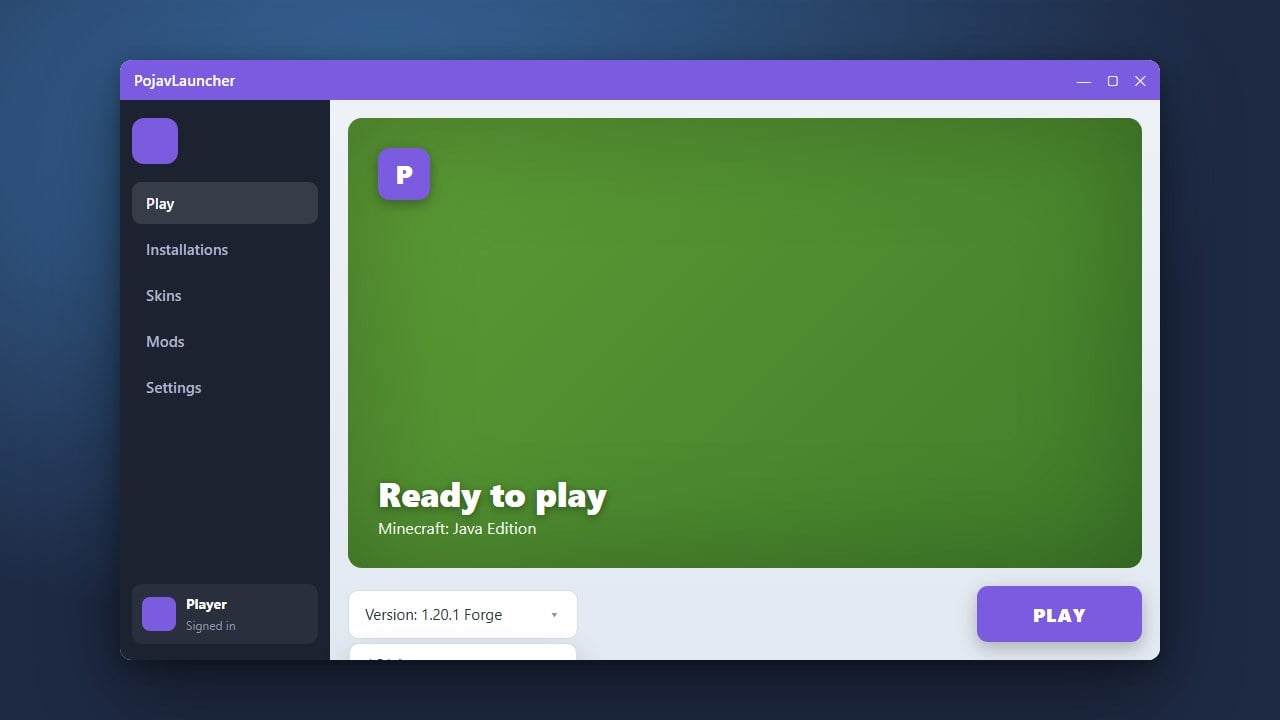
Navigate to the profile or version selection menu within the launcher interface. Choose your preferred Minecraft version, keeping in mind that you can also learn how to change the Minecraft version in PojavLauncher for older or newer releases.
5. Adjust Settings and Play
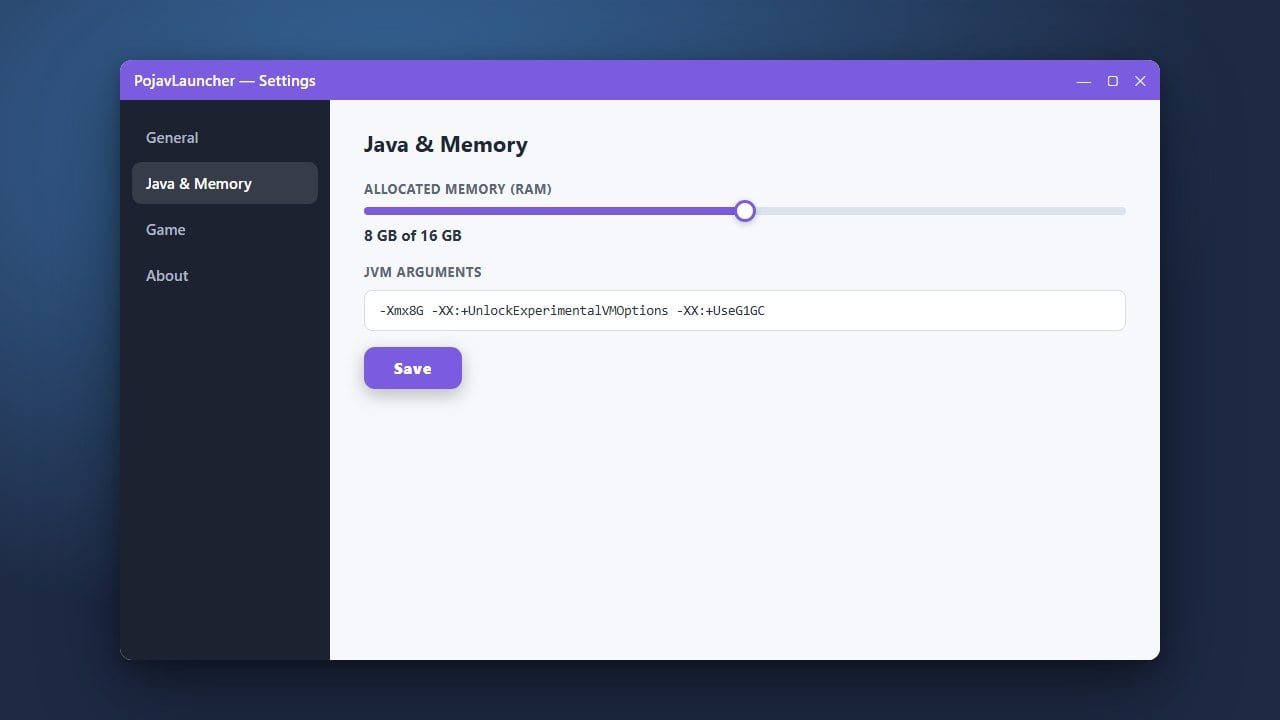
Before hitting play, configure your controls, display scaling, and memory allocation. If you need to improve performance, you may want to check out how to allocate more RAM in PojavLauncher to ensure smoother gameplay. Tap play to start your world!
Frequently Asked Questions
Is PojavLauncher safe to use?
Yes, as long as you download it from the official open-source repository and log in using your genuine Microsoft account without sharing your password with third-party tools.
Can I play Minecraft Bedrock Edition with PojavLauncher?
No, PojavLauncher is specifically designed to run Minecraft Java Edition on mobile devices. Bedrock Edition has its own native mobile application available through official app stores.