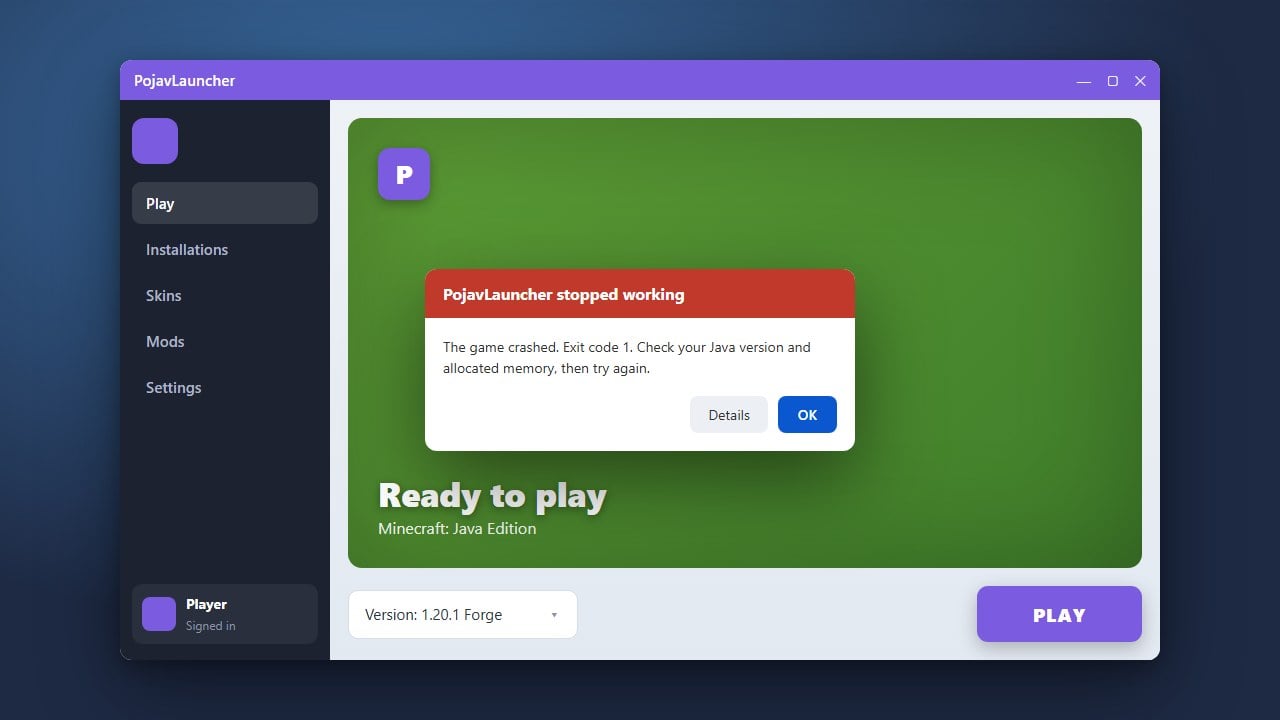
PojavLauncher is a popular third-party tool used to run Minecraft Java Edition on Android and iOS devices. If your app crashes on startup, fails to load versions, or gets stuck on a black screen, follow this troubleshooting guide to get back into your world. Note that PojavLauncher requires a legitimate Minecraft account; if you need full access, please buy the official game from minecraft.net and avoid unverified third-party launchers that pose account security or privacy risks.
Check Your Device Architecture
PojavLauncher requires a 64-bit (ARM64) processor and a compatible operating system (Android 5.0 or later, or supported iOS jailbreak/Sideload environments) to run Minecraft Java Edition properly.
If your mobile device is older or uses a 32-bit architecture, the app will fail to execute Java binaries and crash immediately upon launching.
Adjust RAM Allocation Settings
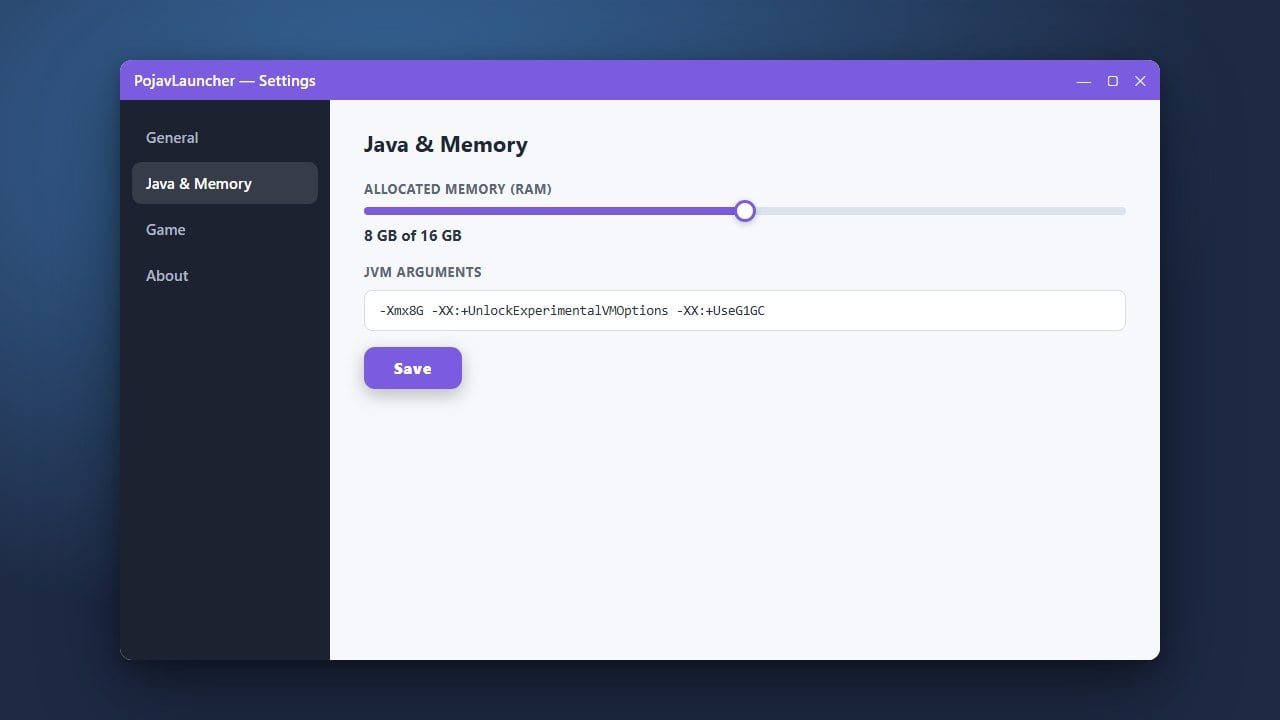
Running out of memory is one of the most common reasons mobile launchers crash. Open PojavLauncher, go to settings, and adjust your RAM allocation slider carefully.
Make sure not to allocate more than 50% of your total device RAM, as leaving too little memory for Android or iOS will force the system to terminate the launcher process.
Switch Java Renderer or Runtime
Compatibility issues between your mobile GPU and the Java renderer can prevent the game window from opening. Navigate to the video or Java settings inside PojavLauncher and try toggling alternative renderers like OpenGL, Angle, or Vulkan depending on what your chipset supports.
You can also check out our guide on How to Allocate More RAM in PojavLauncher for additional performance tuning.
Reinstall or Update PojavLauncher
Corrupted app files or outdated launcher versions often cause unexpected launch failures. Completely uninstall your current version of PojavLauncher, download the latest stable release from the official GitHub repository or trusted app store, and fresh-install the application.
If you are looking to install mods or change game versions later, you can refer to How to Install Forge and Fabric with PojavLauncher for setup help.
Frequently Asked Questions
Why does PojavLauncher crash immediately when I press play?
Immediate crashes are usually caused by insufficient RAM allocation, an incompatible Java version selected in the settings, or a corrupted Minecraft asset download. Try lowering your RAM slider and reinstalling the game version.
Is PojavLauncher safe to use with my Microsoft account?
PojavLauncher is open-source and handles logins through the official Microsoft authentication API. However, you should only download the app from its official repository to avoid malicious modifications that could steal your login tokens.