If you experience lag, stuttering, or out-of-memory crashes while playing Minecraft Java Edition on your mobile device using PojavLauncher, giving the game more memory can help. This guide will walk you through adjusting your RAM allocation settings properly so your game runs smoother.
Do not allocate more than 50% to 60% of your total device RAM to PojavLauncher, otherwise your phone may close the app or crash entirely due to a lack of system memory.
Open PojavLauncher
Start by opening the PojavLauncher app on your Android or iOS device. Ensure you are on the main dashboard screen before proceeding to the settings menu.
Navigate to Settings
Tap on the menu icon (usually three horizontal lines) in the top-left corner, or look for the Settings tab directly on the main screen to open your launcher configuration options.
Locate Java Memory Allocation
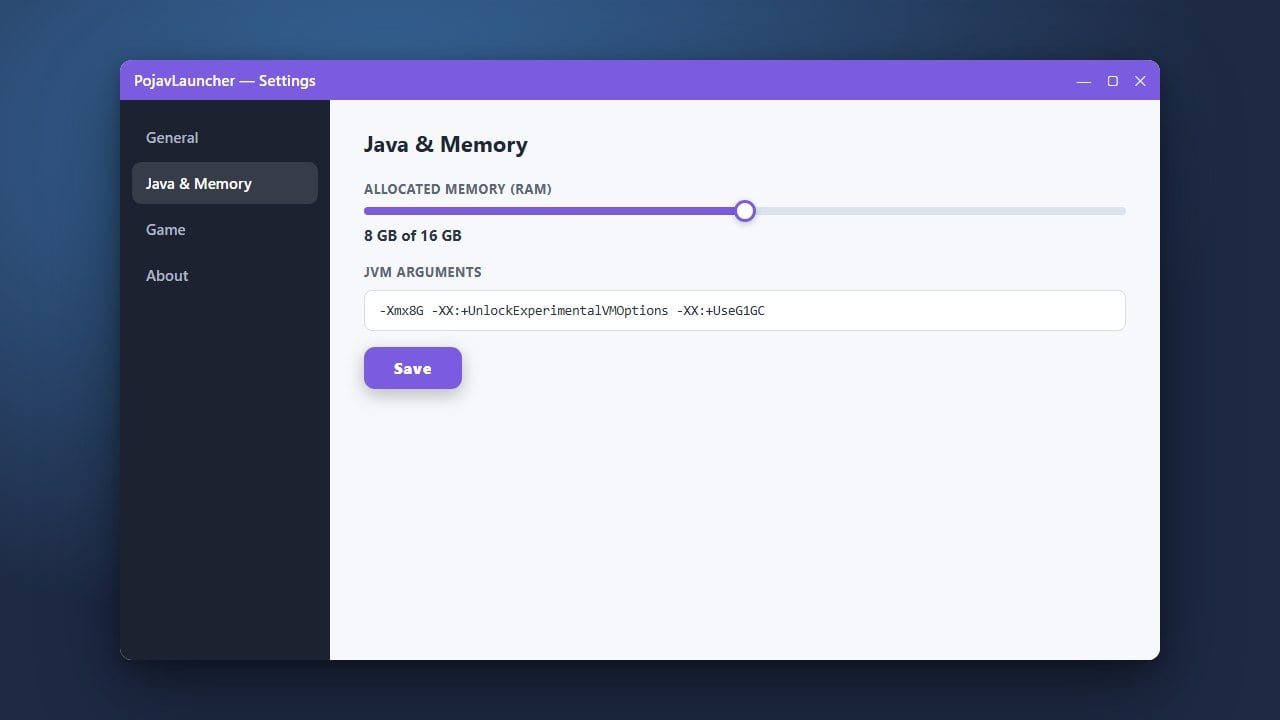
Scroll down through the settings list until you find the Java tweaks or memory allocation section. Here, you will see a slider or text box for adjusting your RAM limits.
Adjust Your RAM Slider
Move the RAM slider to your desired memory amount. Make sure not to allocate all of your phone's available RAM, as your operating system needs memory to function properly. Leaving at least half of your device's total RAM free is usually recommended.
Save and Launch Minecraft
Exit the settings menu to automatically save your changes. You can now start your game using How to Change the Minecraft Version in PojavLauncher if you need to select a specific release before playing.
Frequently Asked Questions
How much RAM should I allocate in PojavLauncher?
It depends on your phone's total RAM. For devices with 4GB of RAM, allocating 1.5GB to 2GB is usually ideal. For devices with 6GB or 8GB of RAM, you can try allocating 2.5GB to 3GB.
Why does my game crash when I allocate too much RAM?
If you assign too much memory to Minecraft, your mobile operating system will run out of available RAM to run background processes and the launcher itself, resulting in a forced closure or crash.