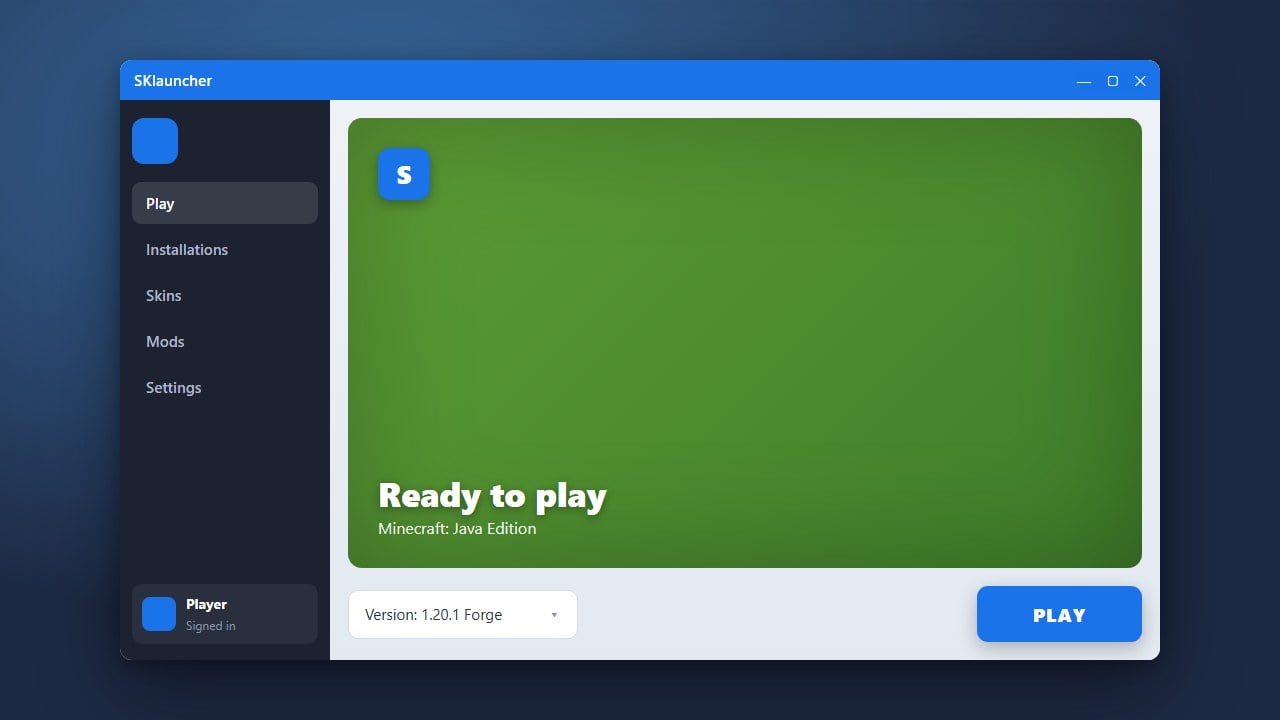
Updating SKlauncher ensures you have access to the newest Minecraft versions, bug fixes, and security patches. Before proceeding, we strongly recommend purchasing a legal copy of the game from minecraft.net to support the developers and ensure full, safe access to official online services.
Always download updates exclusively from official sources. Using unofficial mirrors or third-party links can expose your system to malware, adware, or credential-stealing software.
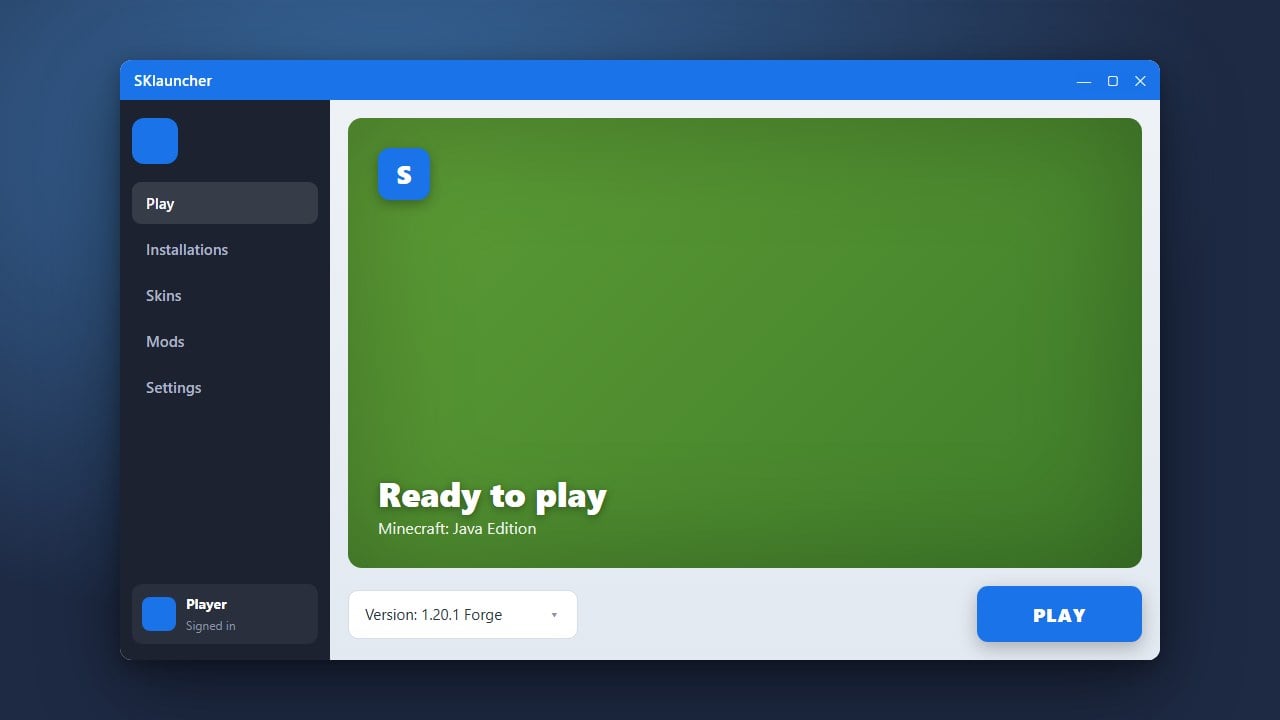
Open SKlauncher
Launch SKlauncher on your computer just like you normally do to play Java Edition. Make sure your computer has an active internet connection so the program can check for pending updates.
Check for Updates
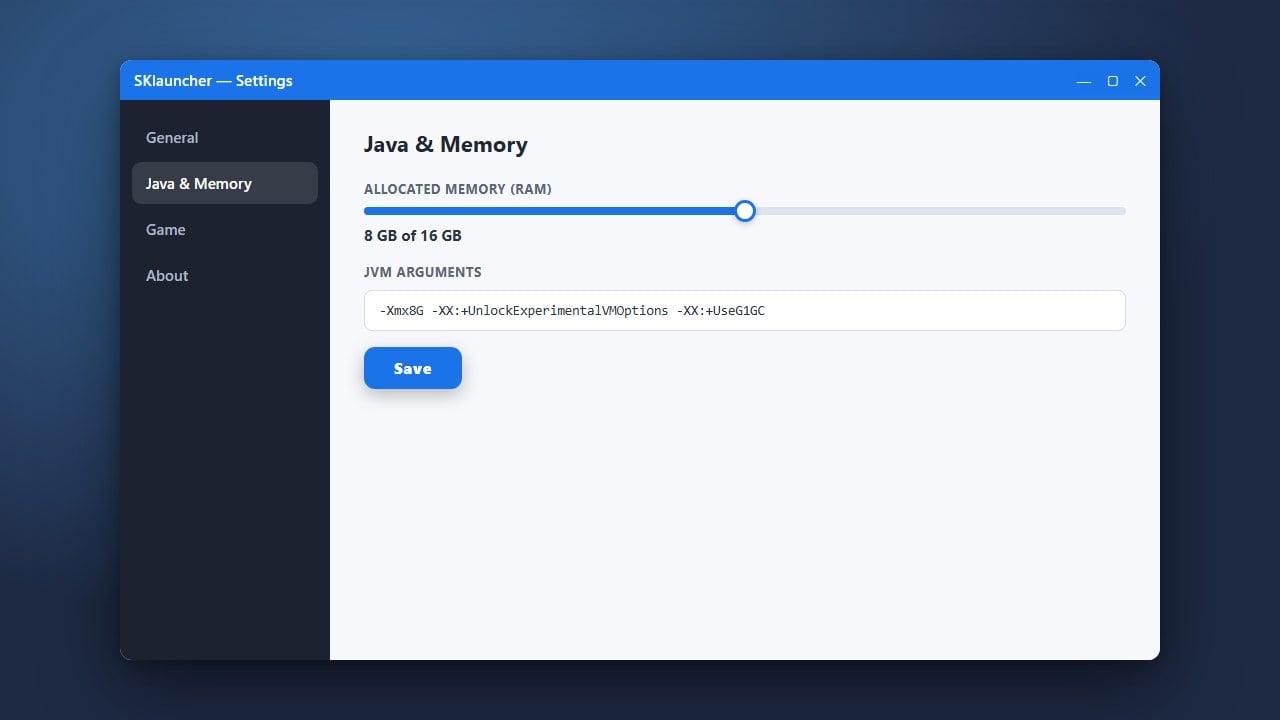
When a new version of the launcher is available, SKlauncher will usually prompt you automatically upon startup with an update notification window. If you dismissed the prompt, look toward the bottom corner of the launcher interface or open the settings menu to check for available updates manually.
Download the Newest Version
Click the confirmation button to allow the launcher to download the latest files. Alternatively, if the automatic updater fails, you can safely visit the official SKlauncher website to download the newest installer package directly.
Restart and Verify
Once the download completes, close and restart SKlauncher to apply the patch. Check the version number in the launcher settings or on the main dashboard to verify that the update was installed successfully.
Frequently Asked Questions
Do I need to reinstall SKlauncher to update it?
Usually no. SKlauncher includes an automatic update feature that fetches new patches directly inside the application. However, performing a fresh install from the official site is a helpful troubleshooting step if the auto-updater fails.
Will updating SKlauncher delete my game worlds or mods?
Updating the launcher itself generally will not affect your profile data, saves, or installed mods stored in your Minecraft directory. However, it is always a smart precaution to back up your saves folder before making major software changes.