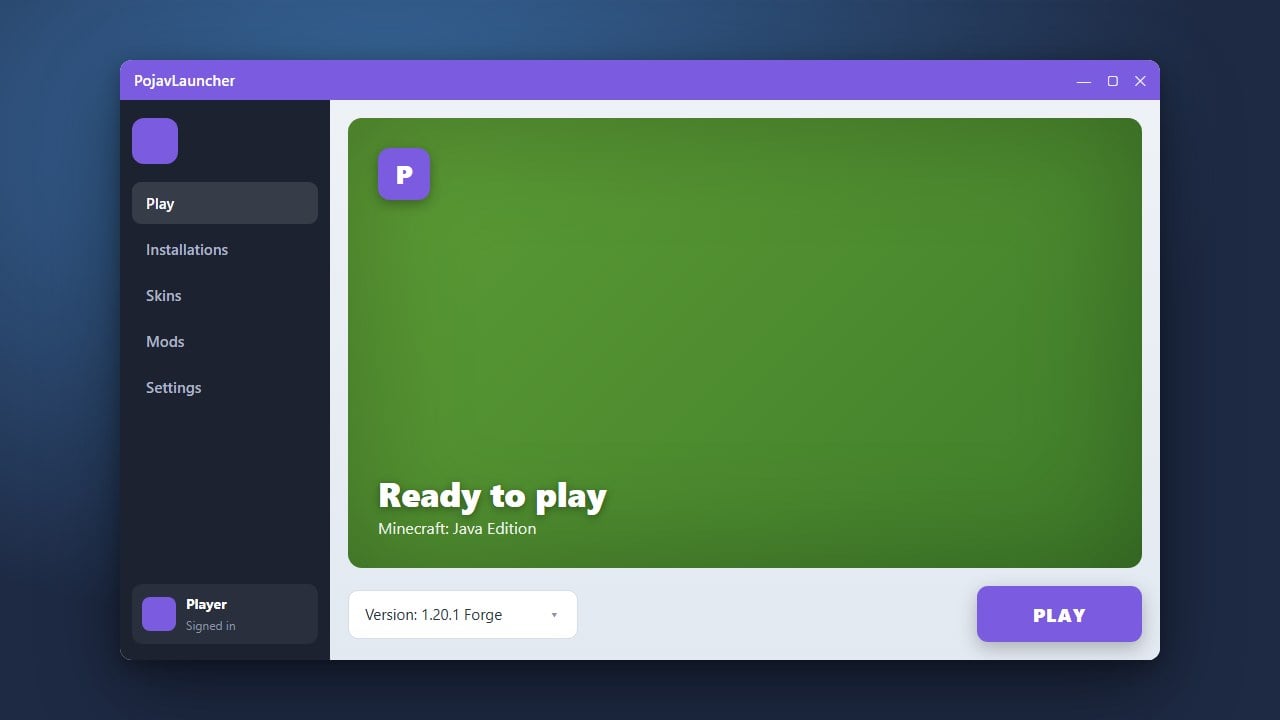
PojavLauncher is a popular third-party tool that lets players run Minecraft Java Edition on mobile devices like Android and iOS. This guide breaks down whether the launcher is safe, legitimate, and what precautions you need to take before signing in.
Understand What PojavLauncher Is
PojavLauncher is an open-source project designed to run Java Edition bytecode on Android and iOS hardware using a Java Virtual Machine wrapper. It is technically a legitimate piece of open-source software built by community developers, not a malicious virus.
Verify the Official Download Source
To ensure your device stays safe from modified or malicious re-uploads, always download PojavLauncher from its official GitHub repository or trusted app stores. Avoid random third-party APK sites that might bundle adware or spyware into the installation file.
Log In with a Legitimate Minecraft Account
PojavLauncher requires you to log in to access Minecraft Java Edition. You should always use a legitimate Microsoft account that actually owns the game, and you can purchase the official game from minecraft.net. Never use cracked or stolen accounts.
Understand the Account Security Risks
Because PojavLauncher is a third-party client, entering your official Microsoft credentials carries inherent privacy risks. While the source code is public and audited by the community, logging into any external app requires trust. Always enable two-factor authentication on your Microsoft account.
Optimize and Play Safely
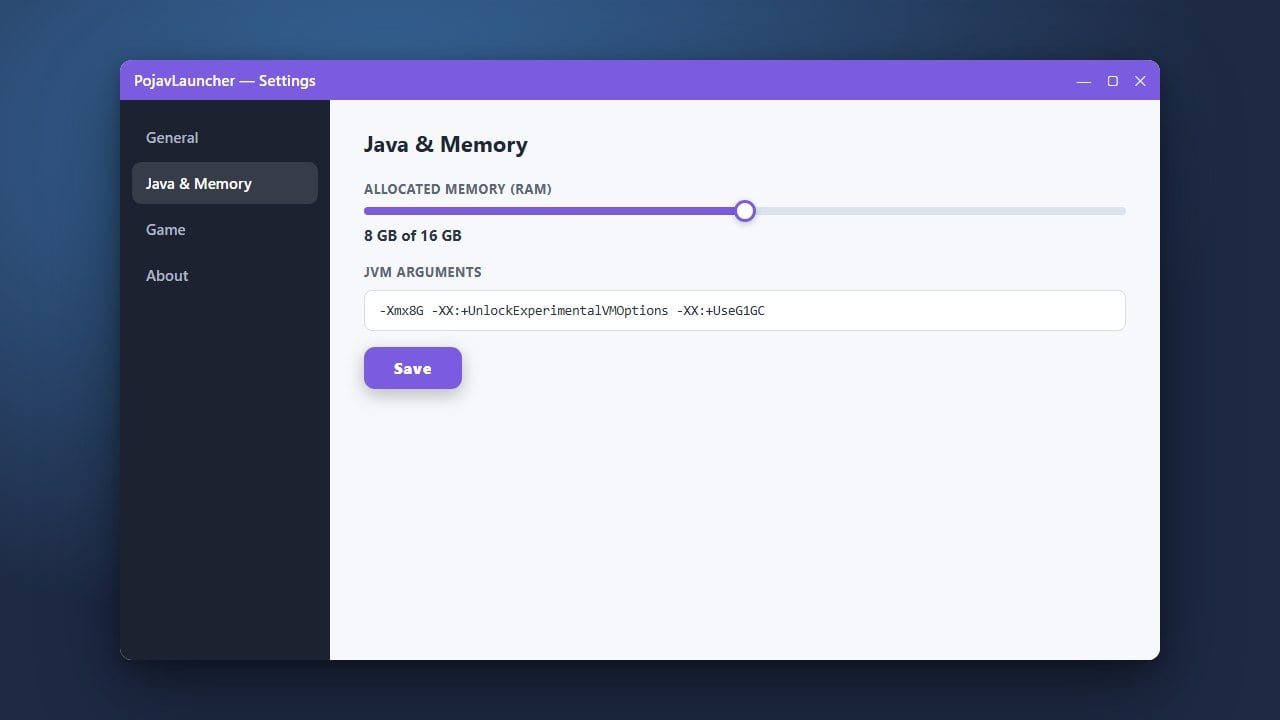
Once set up, you can adjust settings like memory allocation or explore guides such as How to Allocate More RAM in PojavLauncher for better performance. Keep your app updated to the latest stable version to benefit from security patches.
Frequently Asked Questions
Is PojavLauncher illegal to use?
No, the launcher itself is an open-source project and is legal to download. However, using it to bypass purchasing Minecraft or playing on cracked servers violates Minecraft's End User License Agreement (EULA).
Can PojavLauncher steal my Microsoft account?
The official open-source code does not intentionally steal accounts, but entering credentials into third-party software always carries a slight risk. Always download from official sources and protect your account with two-factor authentication.