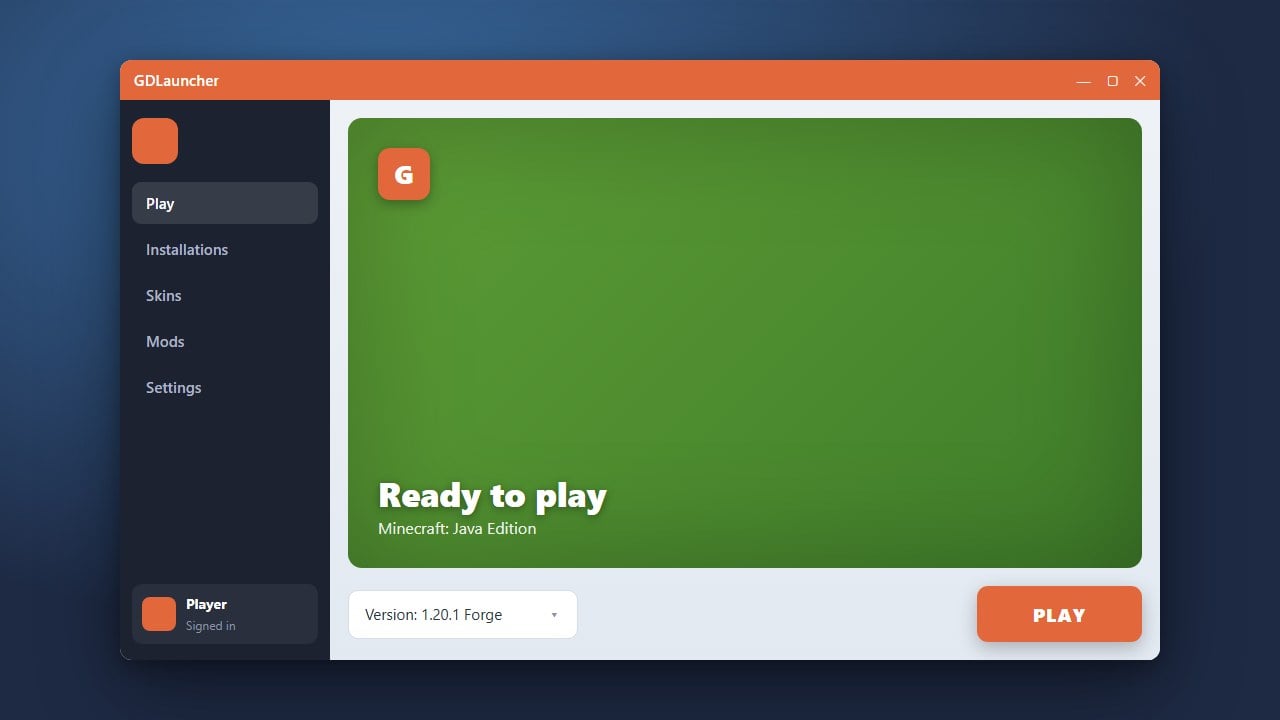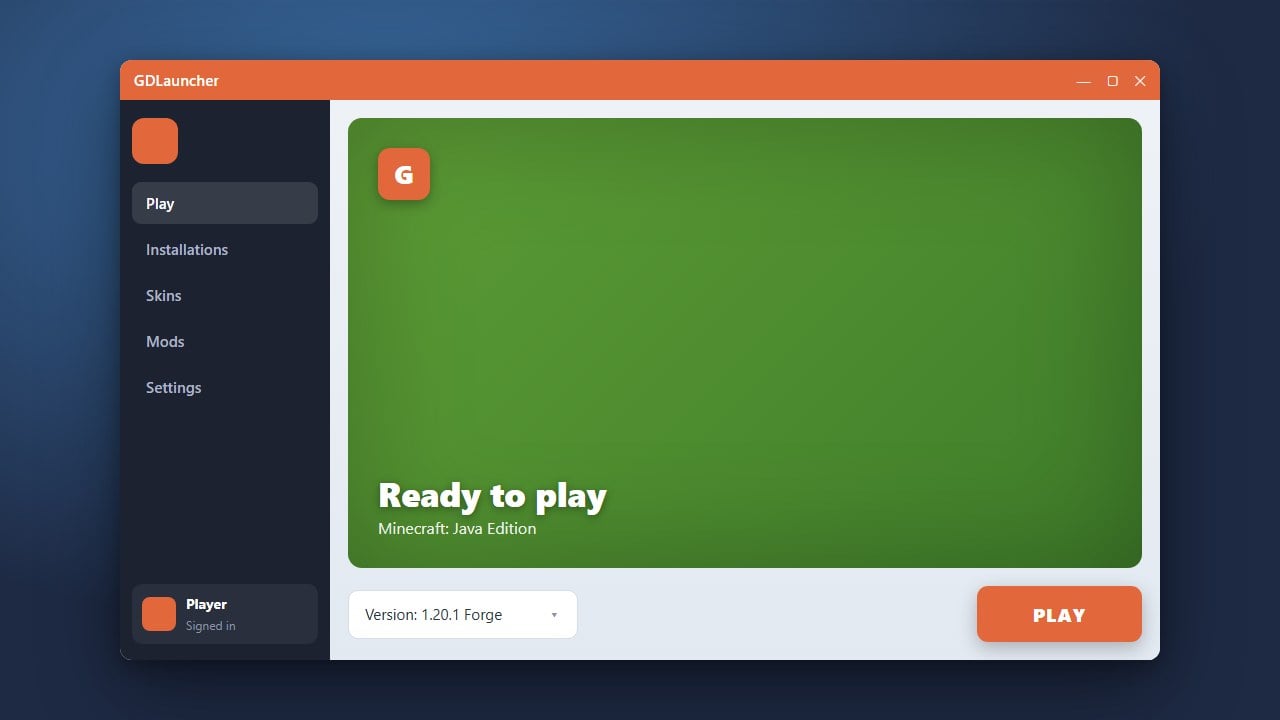
Wondering if GDLauncher is safe to use for your Minecraft Java Edition setup? In this guide, we break down everything you need to know about its legitimacy, security features, and how it handles your official game account.
Understand What GDLauncher Is
GDLauncher is a popular open-source custom Minecraft launcher designed to make managing mods, modpacks, and multiple instances much easier than the default game launcher. It integrates directly with platforms like CurseForge and Modrinth so you can browse and install content seamlessly.
Because it is a third-party tool, many players naturally wonder if it is secure to download and use on their computers.
Verify Its Safety and Legitimacy
Yes, GDLauncher is safe and legit when downloaded from its official website or GitHub repository. It does not distribute pirated copies of the game and requires you to log in with your authentic Microsoft account to prove ownership of Minecraft.
If you want to get started with it safely, check out our guide on How to Download and Install GDLauncher to ensure you grab the official installation files.
Check Game Ownership Requirements
GDLauncher is strictly designed for legitimate players who have purchased the game. You must buy the official game from minecraft.net to play online servers and access your account through the launcher. Third-party launchers are simply alternative interfaces for launching your legally owned copy of Java Edition.
Never trust any launcher that claims to give you the full game for free, as those often contain malware or account-stealing scripts.
Review Account Privacy and Security
When you log into GDLauncher, it uses the official Microsoft OAuth login system. This means the launcher never actually sees or stores your password; instead, it receives a secure authentication token directly from Microsoft, keeping your personal credentials completely safe.
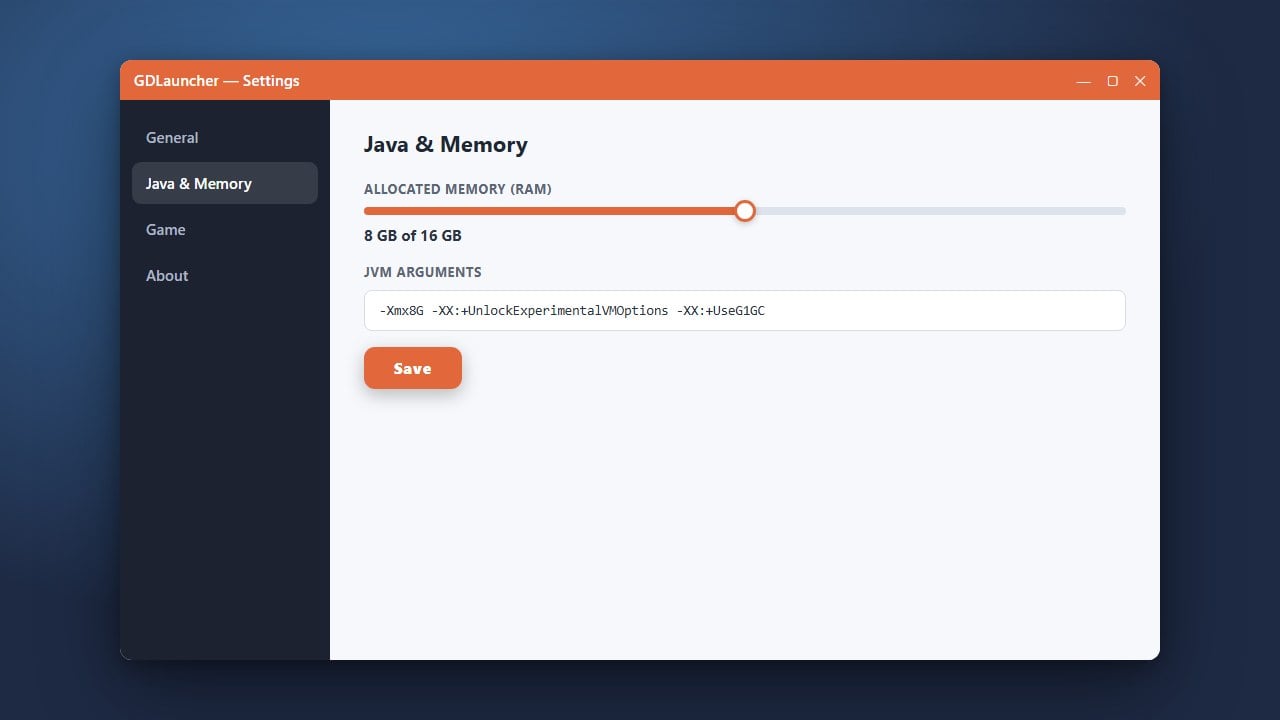
Once you are logged in, you can easily Change the Minecraft Version in GDLauncher or Allocate More RAM in GDLauncher to optimize your gameplay experience.
Frequently Asked Questions
Is GDLauncher free to use?
Yes, GDLauncher is completely free and open-source software. However, you still need to own a legitimate, paid Minecraft Java Edition account to play the game through it.
Can GDLauncher get my Microsoft account banned?
No, using GDLauncher will not get your account banned. It uses the official Microsoft login API and follows standard Mojang/Microsoft guidelines for third-party launchers.