GDLauncher is a popular custom Minecraft launcher for Java Edition that lets you easily manage modpacks, resource packs, and different mod loaders like Forge and Fabric from one clean interface. Before proceeding, make sure you own a legal copy of Minecraft by purchasing the game from minecraft.net, as custom launchers require a legitimate Microsoft or Mojang account to log in safely and securely.
Open GDLauncher and Log In
Start by opening GDLauncher on your computer. If you have not set it up yet, you can follow How to Download and Install GDLauncher to get started.
Log in using your official Microsoft account credentials to sync your game ownership and allow the launcher to download the necessary game files.
Create a New Instance
Navigate to the instances tab within GDLauncher and click the plus (+) icon to create a brand new Minecraft instance. This creates an isolated folder and environment for your chosen version and mod loader.
Select Your Minecraft Version
In the instance creation menu, type or select the Minecraft version you want to play, such as Java Edition 1.21. For more details on version switching, check out How to Change the Minecraft Version in GDLauncher.
Choose Your Mod Loader (Forge or Fabric)
Look for the mod loader selection dropdown or toggle within the instance creation window. You can choose either Forge or Fabric depending on the mods you plan to run. Note that you cannot run Forge and Fabric mods together in the exact same instance unless you use specialized compatibility layers like Sinytra Connector.
Confirm and Create Instance
Give your new instance a recognizable name so you can easily tell whether it is running Forge or Fabric. Click the confirmation or create button to let GDLauncher automatically download the game files, libraries, and the selected mod loader.
Launch the Game
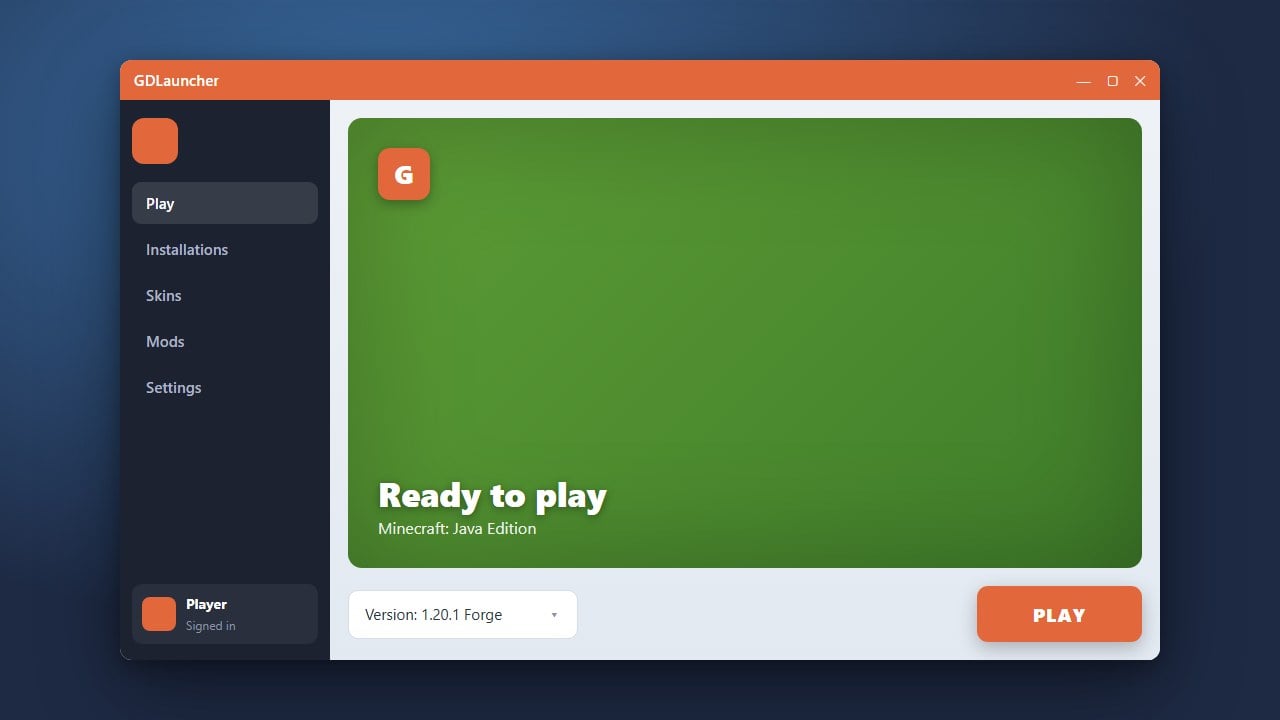
Once the download is complete, click on your newly created instance card in GDLauncher and hit the Play button. GDLauncher will boot up Java Edition with your chosen mod loader fully installed and ready for action.
Frequently Asked Questions
Can I install both Forge and Fabric mods in the same GDLauncher instance?
No, Forge and Fabric use different underlying APIs. You need to create separate instances in GDLauncher for each mod loader, though third-party mods like Sinytra Connector can sometimes help run Fabric mods on Forge.
Is GDLauncher safe to use?
Yes, GDLauncher is open-source and safe as long as you download it from its official repository. Always log in using your official Microsoft account to keep your personal data secure.