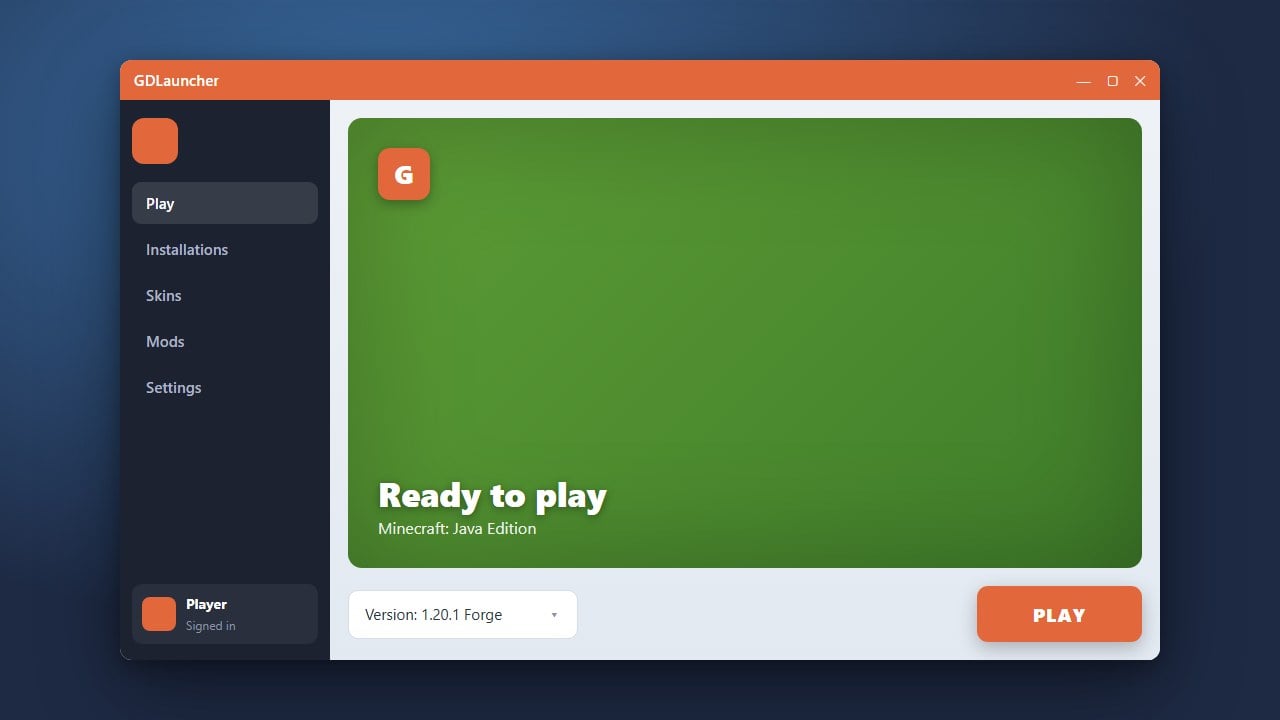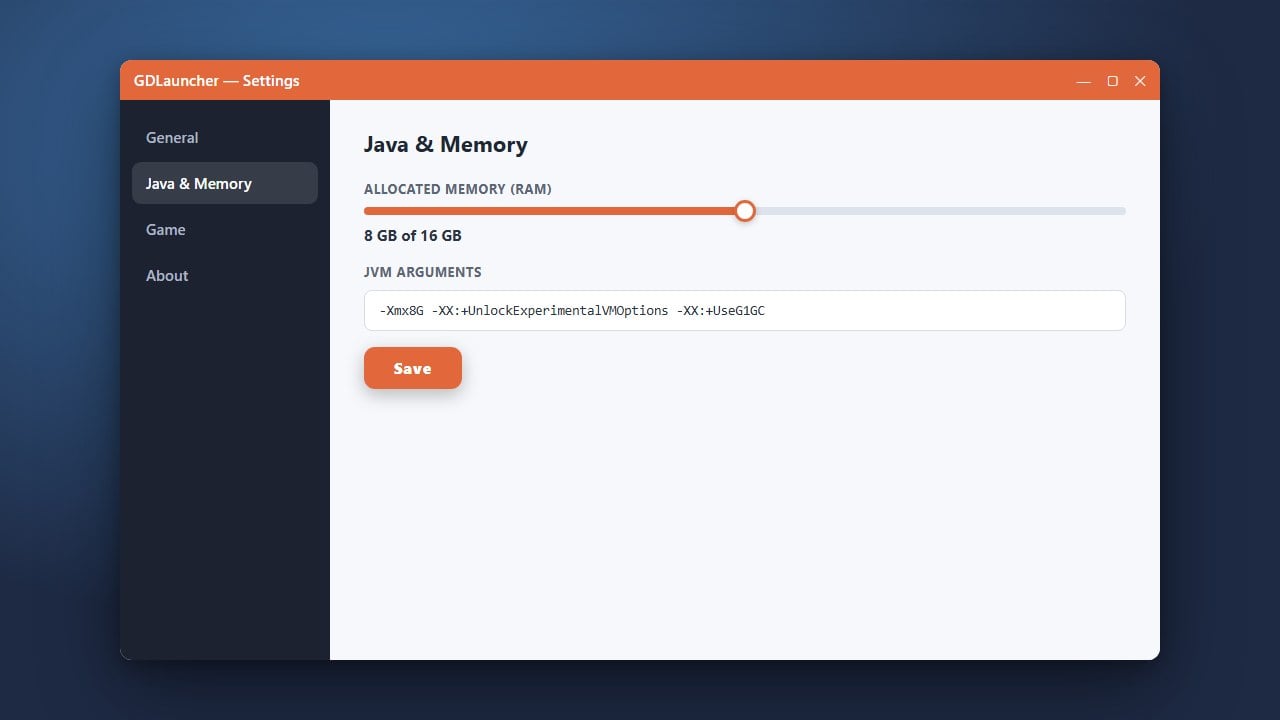
GDLauncher is a popular, modern custom launcher for Minecraft Java Edition that lets you manage instances, CurseForge mods, and Modrinth content all in one place. If you are looking to get started, you may also want to read our guide on How to Download and Install GDLauncher before diving into adding your favorite modifications.
Always make sure you purchase a legitimate copy of the game from minecraft.net to safely sign into GDLauncher and access online multiplayer servers.
Be careful when downloading mods from untrusted external links. Stick to the built-in GDLauncher search or verified platforms like CurseForge and Modrinth to keep your PC safe from malicious files.
Open GDLauncher and Select Your Instance
Launch GDLauncher and log into your legitimate Minecraft account. Once you are on the main dashboard, you will see a list of your created Minecraft instances.
Click on the specific instance where you want to add your mods. If you haven't created one yet, make a new instance by choosing your preferred Minecraft version and mod loader (such as Forge or Fabric).
Navigate to the Add Mods Menu
Inside your selected instance page, look at the sidebar or management tabs and click on the Add Mods (or Manage Mods) option. This opens up GDLauncher's integrated mod browser, which connects directly to CurseForge and Modrinth repositories.
Search for Your Desired Mods
Use the search bar in the mod browser to look up the specific Minecraft mods you want to install. You can filter results by game version and mod loader to ensure total compatibility with your instance.
When you find a mod you like, simply click the Install button next to it. GDLauncher will automatically queue it for download.
Confirm and Launch Your Modded Game
After selecting all the mods you want, review your choices and let GDLauncher handle any automated dependency downloads. Once finished, return to the instance overview and click the Play button to start your modded Minecraft adventure.
Frequently Asked Questions
Can I install mods manually into GDLauncher?
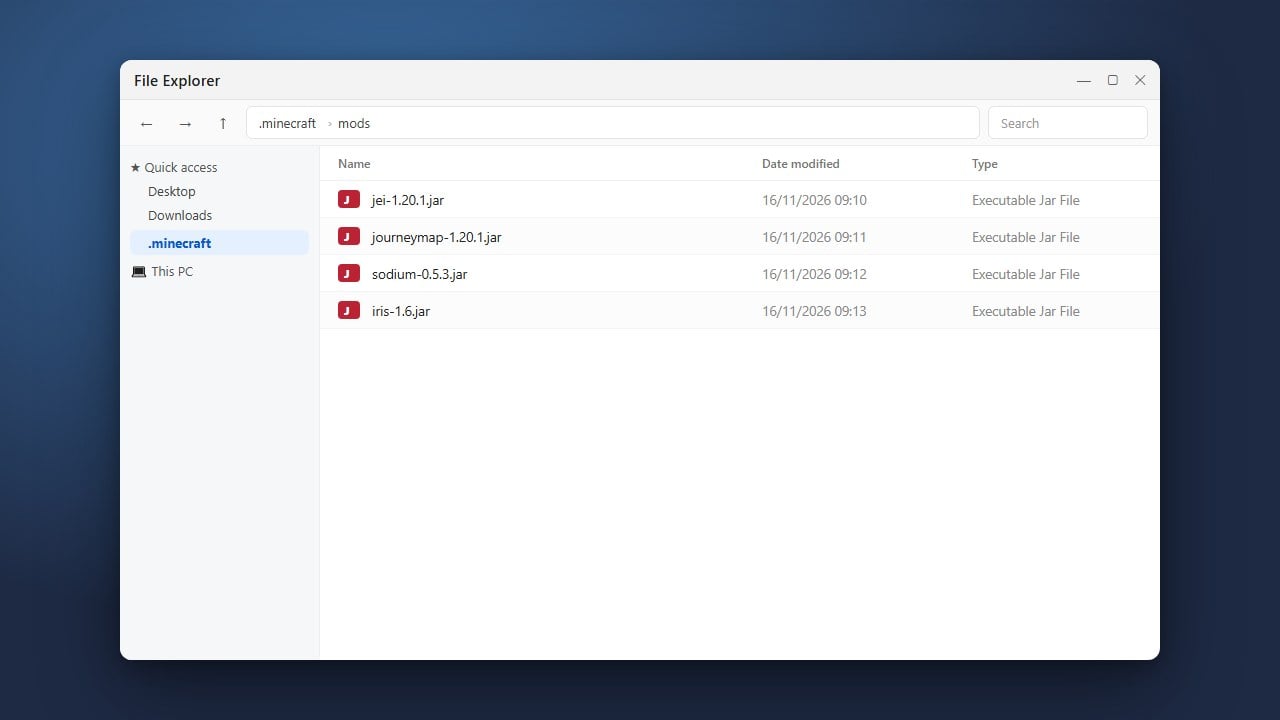
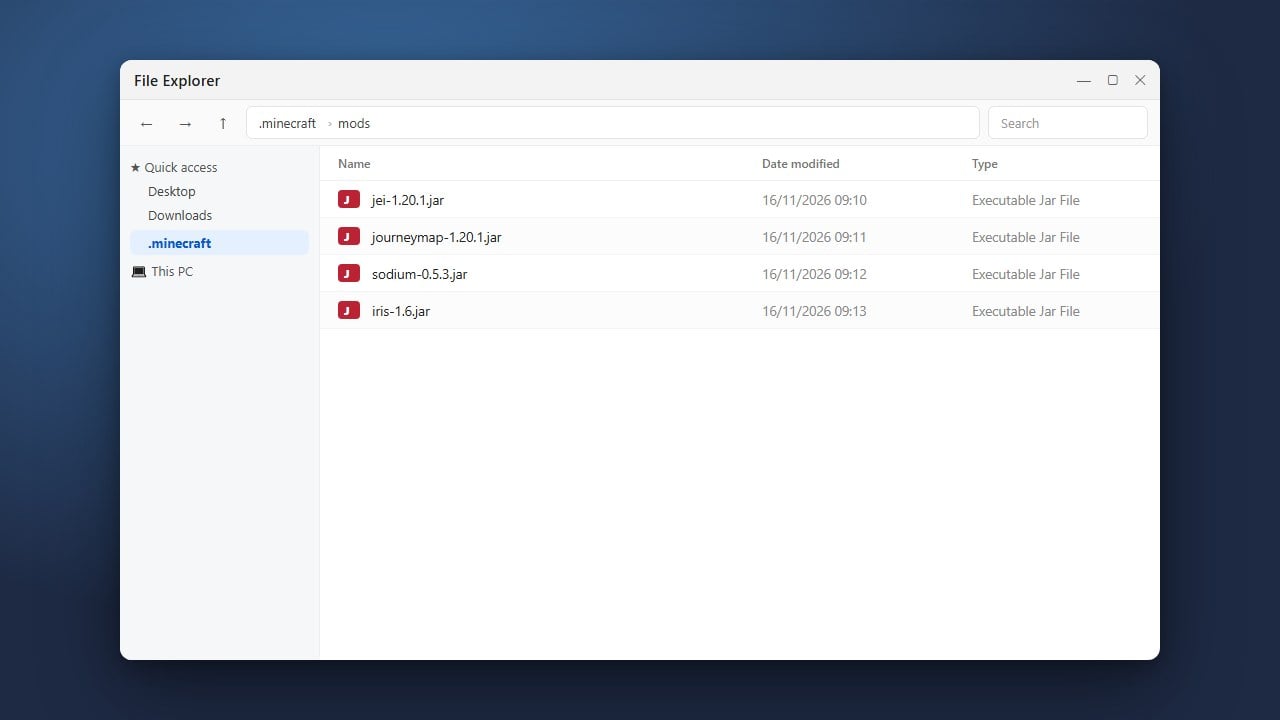
Yes! You can download a .jar file from a trusted site, open your instance folder in GDLauncher, and drop the file directly into the mods directory.
Why is my mod not showing up in the game?
Double-check that your mod matches your exact Minecraft version and mod loader. For example, a Fabric mod will not work on a Forge instance without proper compatibility layers.