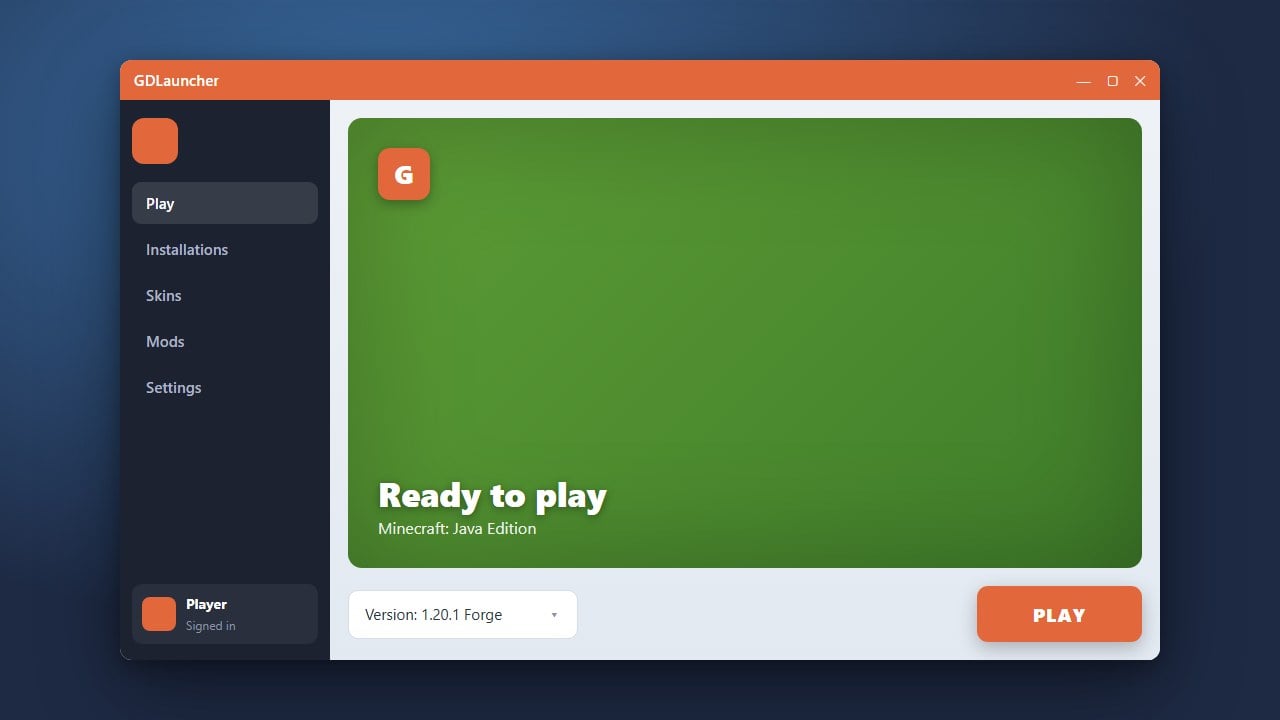
GDLauncher is a popular, modern custom launcher for Minecraft Java Edition designed to make managing modpacks, resource packs, and game instances effortless. Whether you want to install Forge or Fabric or browse CurseForge and Modrinth directly, GDLauncher provides a clean and user-friendly interface to handle it all.
GDLauncher requires a legitimate, paid Minecraft Java Edition account to play online and authenticate with official servers. Always buy the official game from minecraft.net rather than trusting unauthorized third-party launchers that promise free copies, as they often pose severe security risks to your personal data.
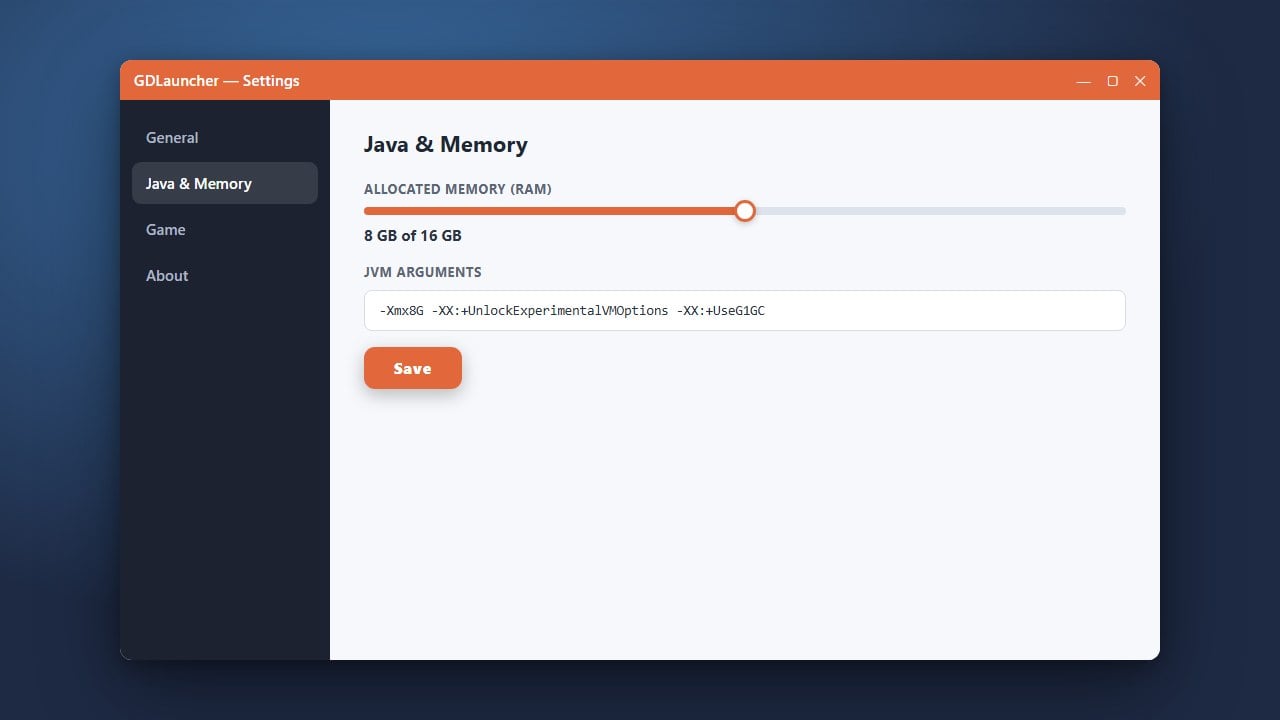
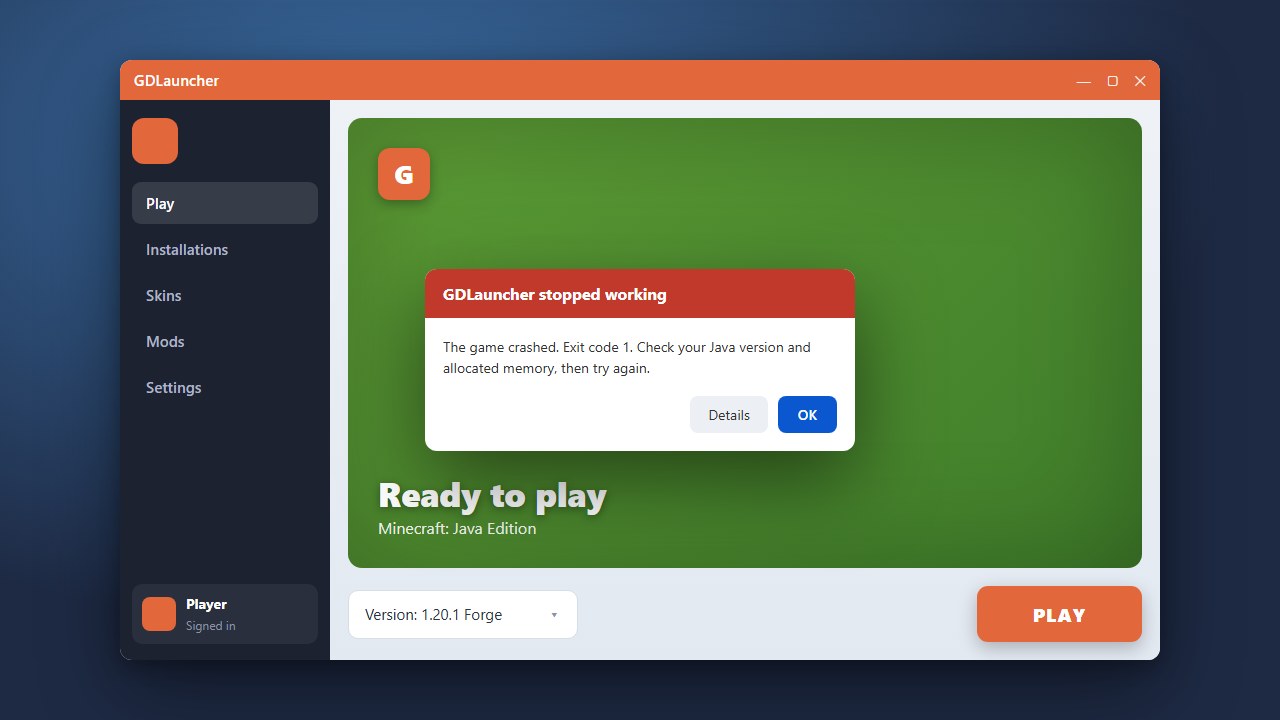
If you plan on playing heavy modpacks, you may want to review our guide on How to Allocate More RAM in GDLauncher to prevent lag and out-of-memory crashes.
Visit the Official GDLauncher Website
Open your web browser and navigate to the official GDLauncher website to download the installer. Always ensure you are downloading from the verified source to keep your computer and Microsoft account safe.
Download the Installer for Your Operating System
On the download page, select the correct installer file for your operating system (Windows, macOS, or Linux). Save the installer file to an easily accessible folder on your computer, such as your Downloads folder.
Install and Launch GDLauncher
Locate the downloaded installation file and double-click it to run the installer. Follow any on-screen prompts to complete the setup process, then open the GDLauncher application once it finishes installing.
Log In with Your Minecraft Account
When GDLauncher opens for the first time, you will need to log in. Click the account management section and sign in securely using your official Microsoft account credentials linked to your purchased copy of Minecraft.
Create Your First Instance
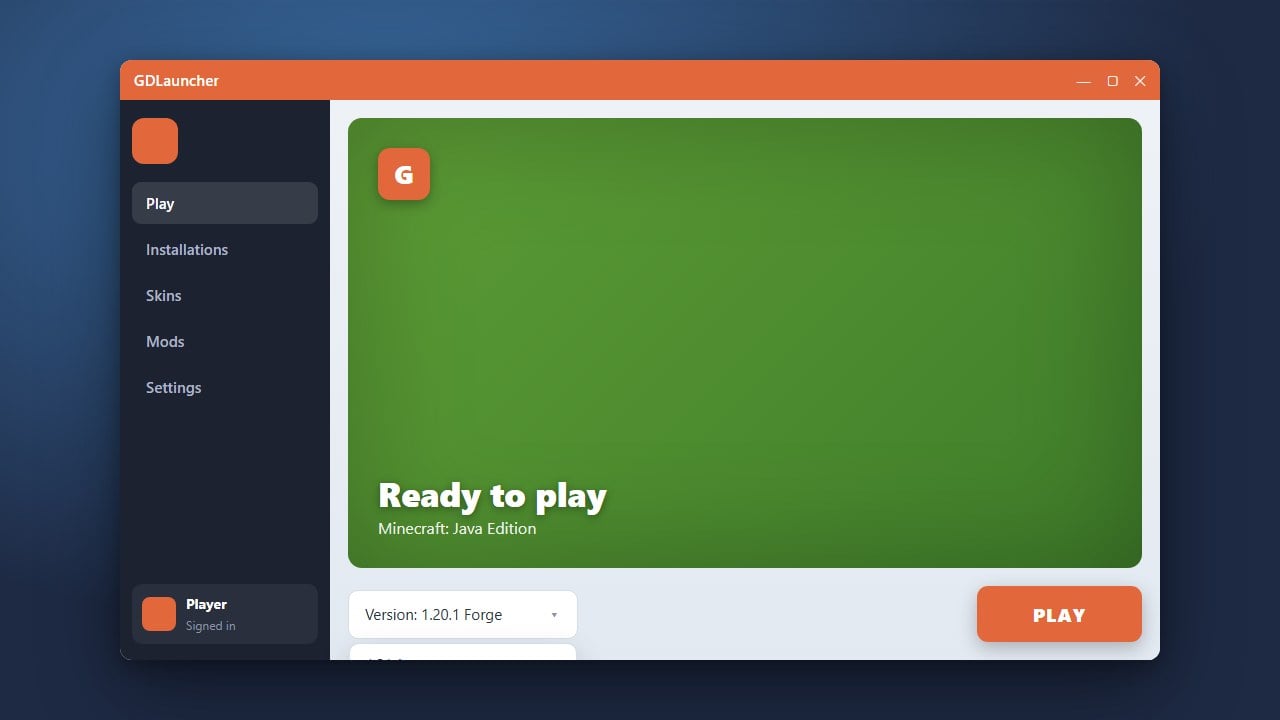
Click the add instance button within the launcher to set up your first profile. You can choose your preferred Minecraft version, select loaders like Forge or Fabric, and even browse and install modpacks directly from platforms like CurseForge.
Frequently Asked Questions
Is GDLauncher safe to use?
Yes, GDLauncher is an open-source project and is generally considered safe for managing your legitimate Minecraft Java Edition game files and mods. Just ensure you always download it from its official domain.
Can I play Bedrock Edition using GDLauncher?
No, GDLauncher is exclusively built for Minecraft Java Edition. Bedrock Edition players cannot use this launcher.