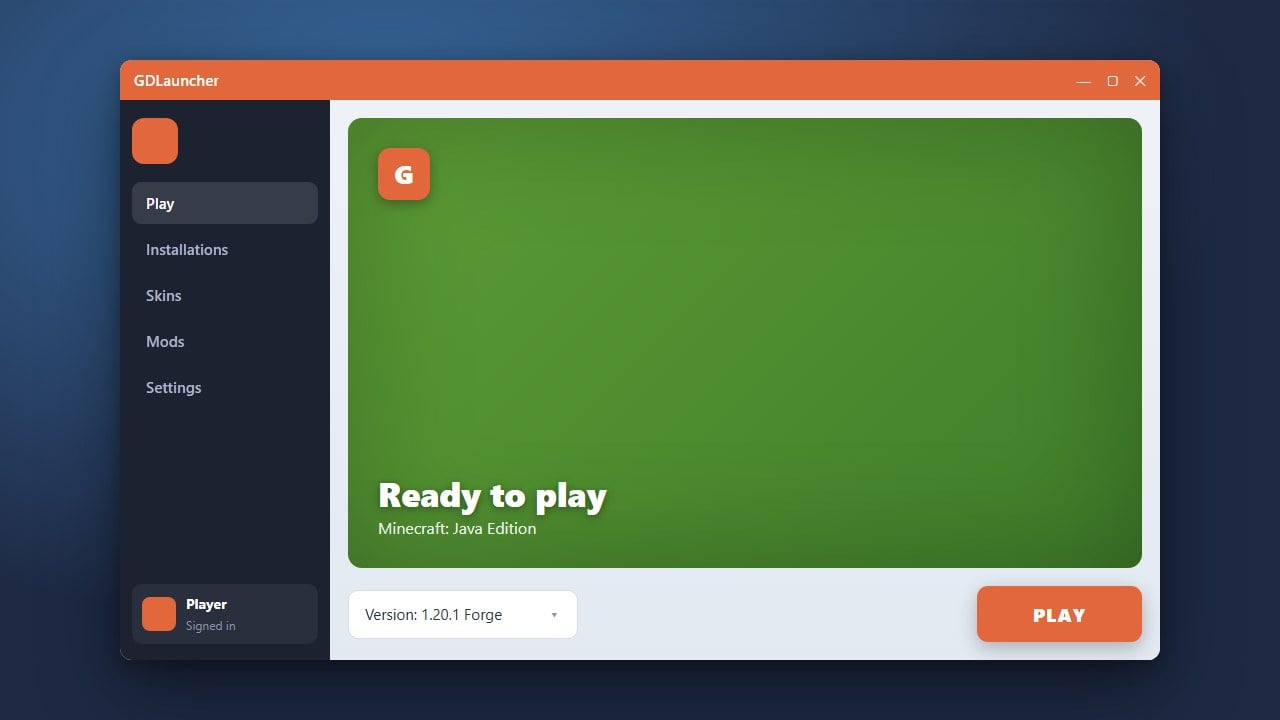
Want to completely transform your Minecraft world with gorgeous lighting, shadows, and water effects? This guide walks you through setting up shaders in GDLauncher for Minecraft Java Edition. Before getting started, make sure you have purchased the official game from minecraft.net and logged into your genuine Microsoft account for secure play.
1. Open GDLauncher and Select Your Instance
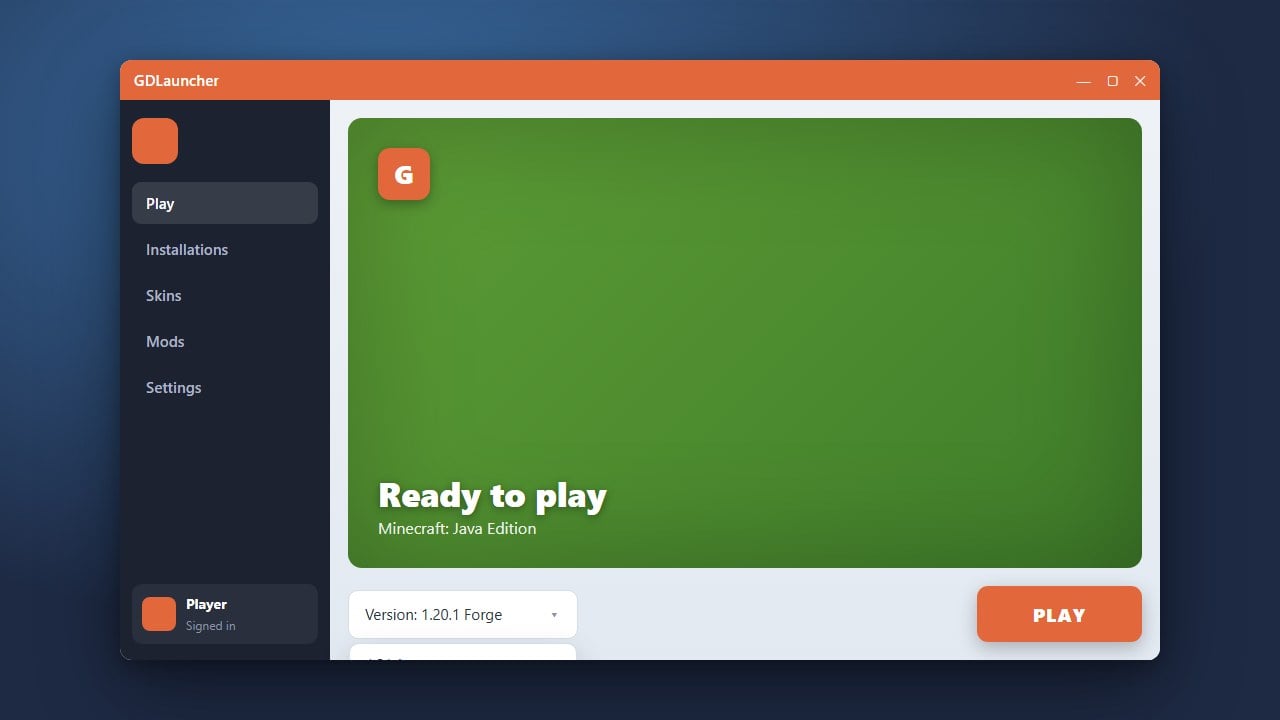
Launch GDLauncher on your computer. Find the Minecraft instance where you want to use shaders on your dashboard.
If you need help setting up your instance first, check our guide on How to Install Forge and Fabric with GDLauncher to get your loader ready.
2. Install a Shader Loader (Iris or Optifine)
Shaders require a rendering mod to function properly in modern Minecraft versions. For Fabric, the best choice is Iris Shaders, while older versions can use Optifine.
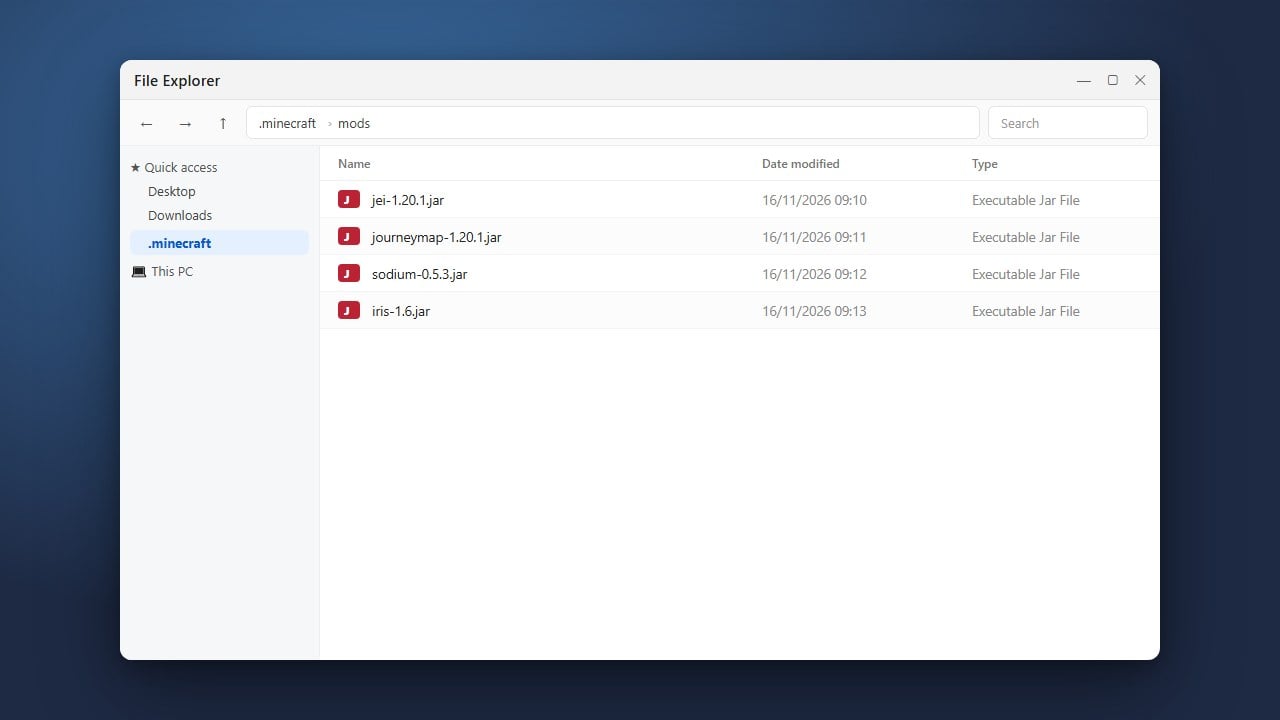
Right-click your instance in GDLauncher, click Manage, go to the Add Mods tab, search for Iris, and install it alongside Sodium for optimal performance.
3. Download Your Favorite Shader Pack
Next, visit a trusted community resource like Modrinth or CurseForge to download a compatible .zip shader pack of your choice (such as Complementary or Bliss).
Do not unzip the file; keep it downloaded as a compressed zip archive so the launcher can read it correctly.
4. Add the Shader Pack to Your Instance
Return to GDLauncher, right-click your instance again, and select Folder to open the instance directory in your file explorer.
Locate the shaderpacks folder inside. If it does not exist, simply create a new folder named exactly shaderpacks and drag your downloaded shader zip file straight into it.
5. Launch Minecraft and Enable Shaders
Click the Play button in GDLauncher to start your game. Once the title screen loads, enter any singleplayer or multiplayer world.
Press Esc to open the game menu, go to Options > Video Settings > Shader Packs, and click on your desired shader to activate it instantly.
Frequently Asked Questions
Do I need Forge or Fabric to use shaders?
Yes, modern versions of Minecraft Java Edition require a rendering mod like Iris (for Fabric) or Optifine (for Forge/Standalone) to process shader packs.
Why is the Shader Packs option missing in my game menu?
This usually happens if Iris or Optifine failed to install correctly, or if you launched a vanilla profile instead of your modded GDLauncher instance.