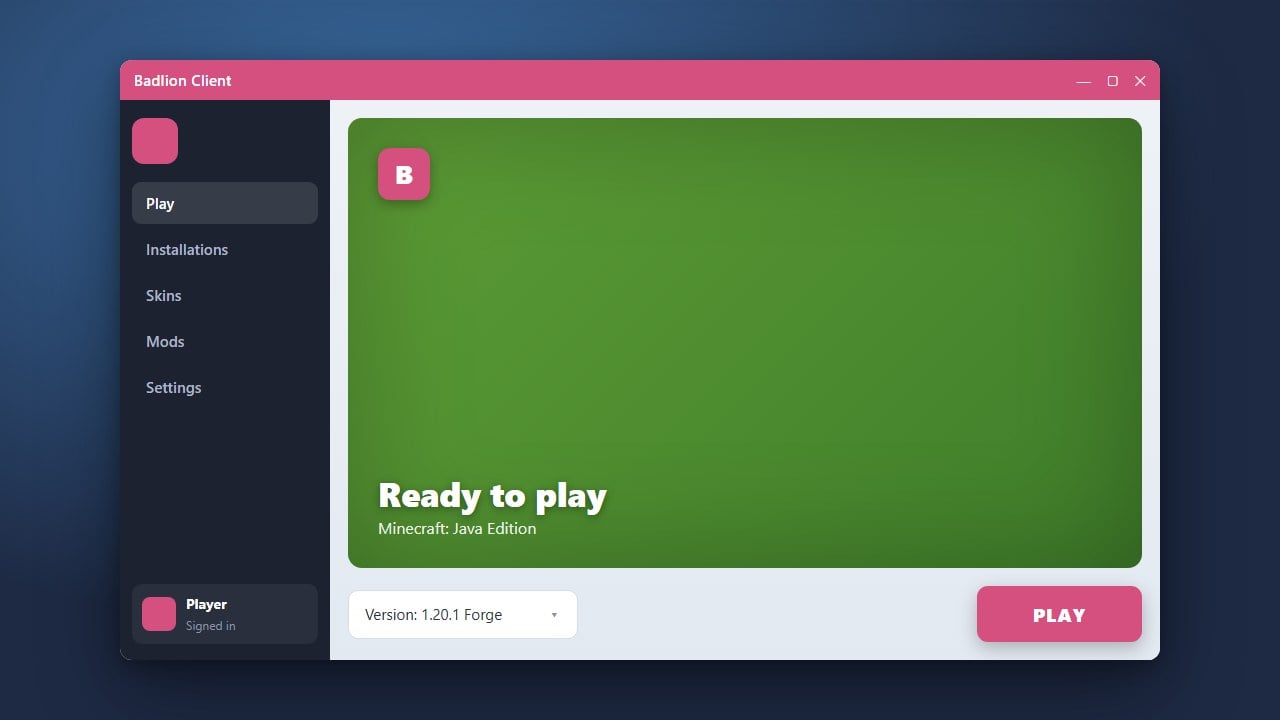
If you are looking to improve your Minecraft Java Edition gameplay with built-in mods, you might be wondering whether the popular Badlion Client is safe to use. This guide explores its security, performance benefits, and how it stacks up against standard Vanilla Minecraft.
What is Badlion Client?
Badlion Client is a free, all-in-one custom launcher and client designed specifically for Minecraft Java Edition. It comes pre-loaded with hundreds of popular performance-boosting mods, cosmetic options, and utility features like coordinates display, armor status, and crosshairs. Instead of downloading mods individually, players can simply log in and toggle what they want on or off.
You can learn more about getting started with the setup process by checking out our guide on How to Download and Install Badlion Client.
Is Badlion Client Safe and Legal?
Yes, Badlion Client is completely safe to download and use from its official website, and it does not violate Minecraft's End User License Agreement (EULA). It requires you to log in with your legitimate Microsoft account that owns Minecraft. Badlion Client is not a free way to play the game without buying it; you must own an official copy of Minecraft to use it.
Regarding privacy and security, the client does include its own kernel-level anti-cheat software called Badlion Anti-Cheat (BAC) when playing on supported servers. While some players have privacy concerns regarding kernel-level anti-cheats, millions of players use it safely without issue. Always make sure you download the client strictly from the official Badlion website to avoid malicious lookalike installers.
Badlion Client vs. Vanilla Minecraft: Performance
Vanilla Minecraft runs on the official Mojang launcher with standard game code, which can sometimes struggle with frame rates (FPS) on lower-end computers. Badlion Client, on the other hand, integrates powerful optimization mods directly into its core. If your game tends to lag, utilizing the client can significantly boost your frame rates.
To see how you can maximize your frame rates, take a look at our tips in How to Boost FPS with Badlion Client.
Modding: Badlion vs. Vanilla
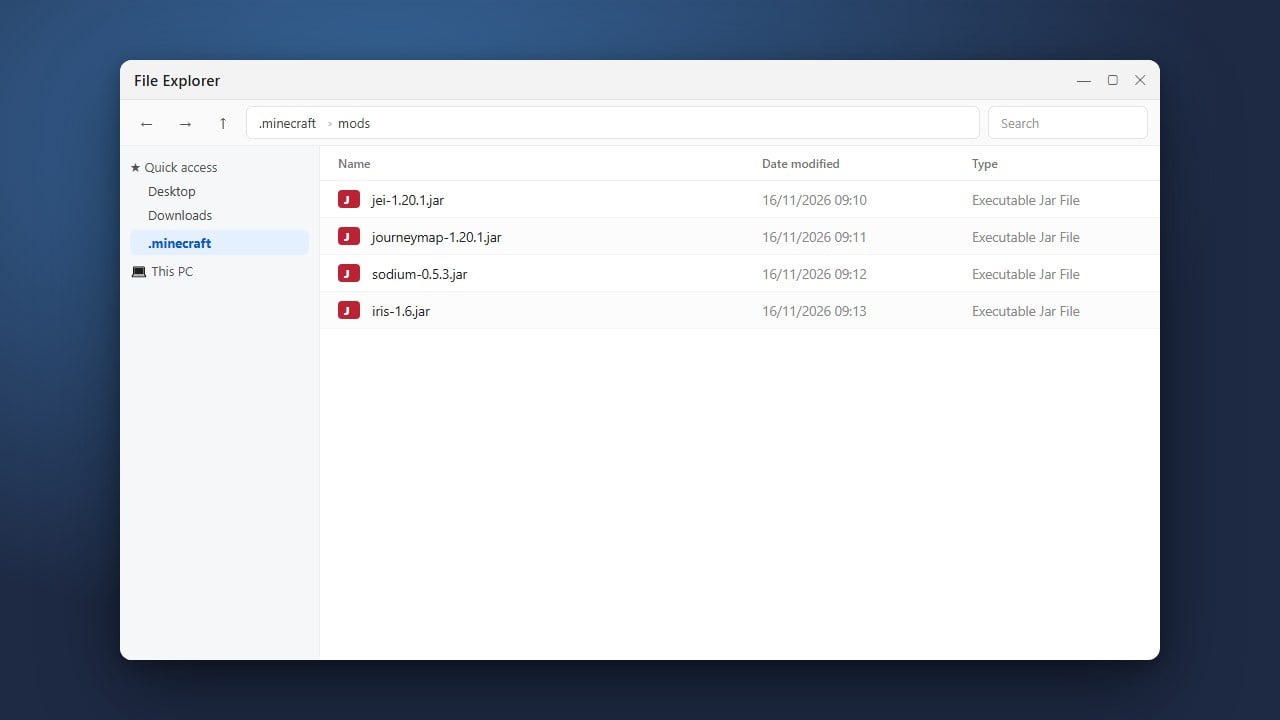
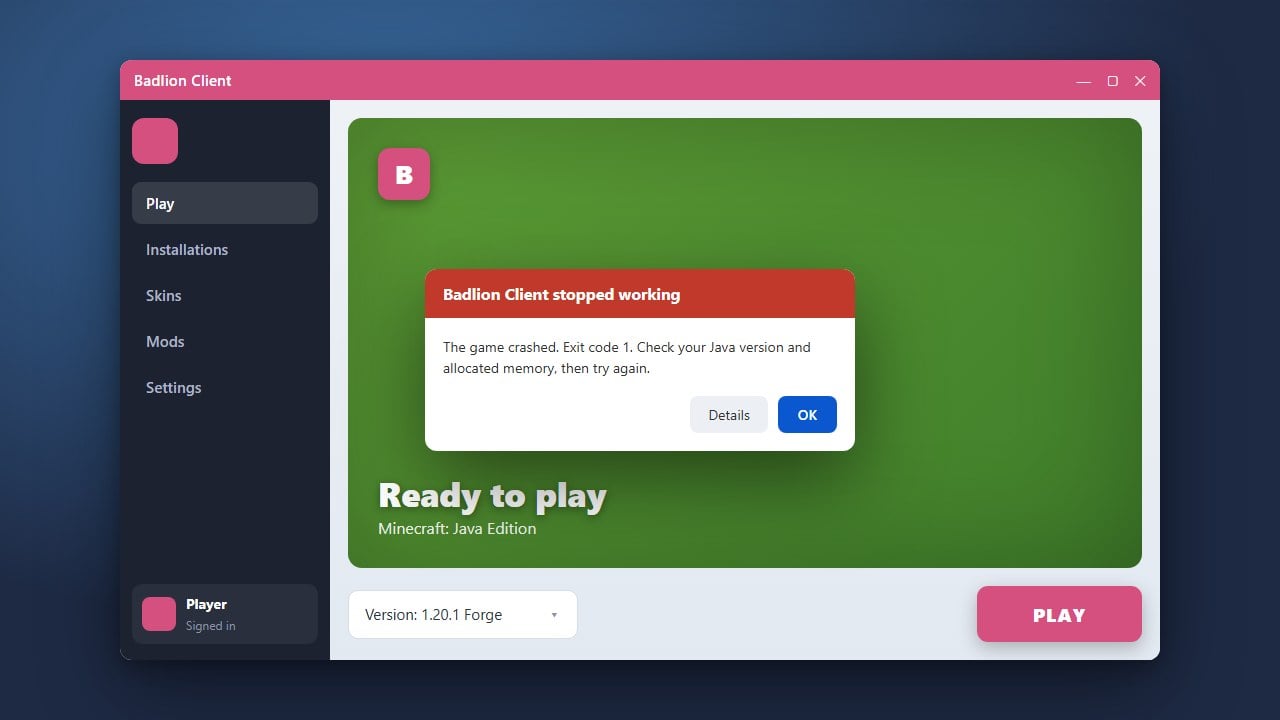
In Vanilla Minecraft, adding mods requires manual installation using mod loaders like Forge or Fabric, downloading individual files, and managing compatibility. Badlion Client bypasses this hassle by providing a curated selection of built-in mods that are guaranteed to work together seamlessly without crashing your game.
If you want to expand your setup further, you can read our tutorial on How to Add Mods to Badlion Client.
Which One Should You Choose?
Choosing between Badlion Client and Vanilla Minecraft depends entirely on what you enjoy doing in the game. If you primarily play competitive minigames, PvP servers, or want a clean interface packed with quality-of-life mods and high FPS, Badlion Client is an excellent choice. However, if you prefer a completely untouched, pure survival experience or want to build massive modpacks with hundreds of custom mods, Vanilla Minecraft or alternative modded launchers remain the best options.
Frequently Asked Questions
Can I get banned for using Badlion Client?
No, you will not get banned from official Minecraft servers for using Badlion Client. It is fully compliant with Minecraft's EULA. However, you might still be banned on specific third-party servers if you use disallowed modifications or macros.
Do I need to buy Minecraft again to use Badlion Client?
No. Badlion Client requires a legitimate Microsoft account that already owns Minecraft Java Edition in order to log in and play.